
Home Printer Buying Guide: Cost Per Page Decides Everything
The purchase price is a decoy. Cost per page, clogged print heads, and firmware lockouts are what you actually live with.
Printers are the one category where the purchase price is close to irrelevant. A machine can cost less than a takeaway meal and then extract several times its own price in consumables over three years. The business model is deliberate, and the only way to beat it is to work out your cost per page before you look at anything else.
Everything else — resolution claims, pages-per-minute figures, the app, the number of trays — is secondary to two questions: how much does a page cost, and does the machine still work after you have ignored it for six weeks?
Work out your cost per page first
Cost per page is the cartridge price divided by its rated page yield. Yields are quoted to a standard test suite, which assumes about five per cent coverage of the page — roughly a page of ordinary text. Photographs and dense graphics blow through that many times faster, so treat the number as a comparison tool between machines rather than a promise.
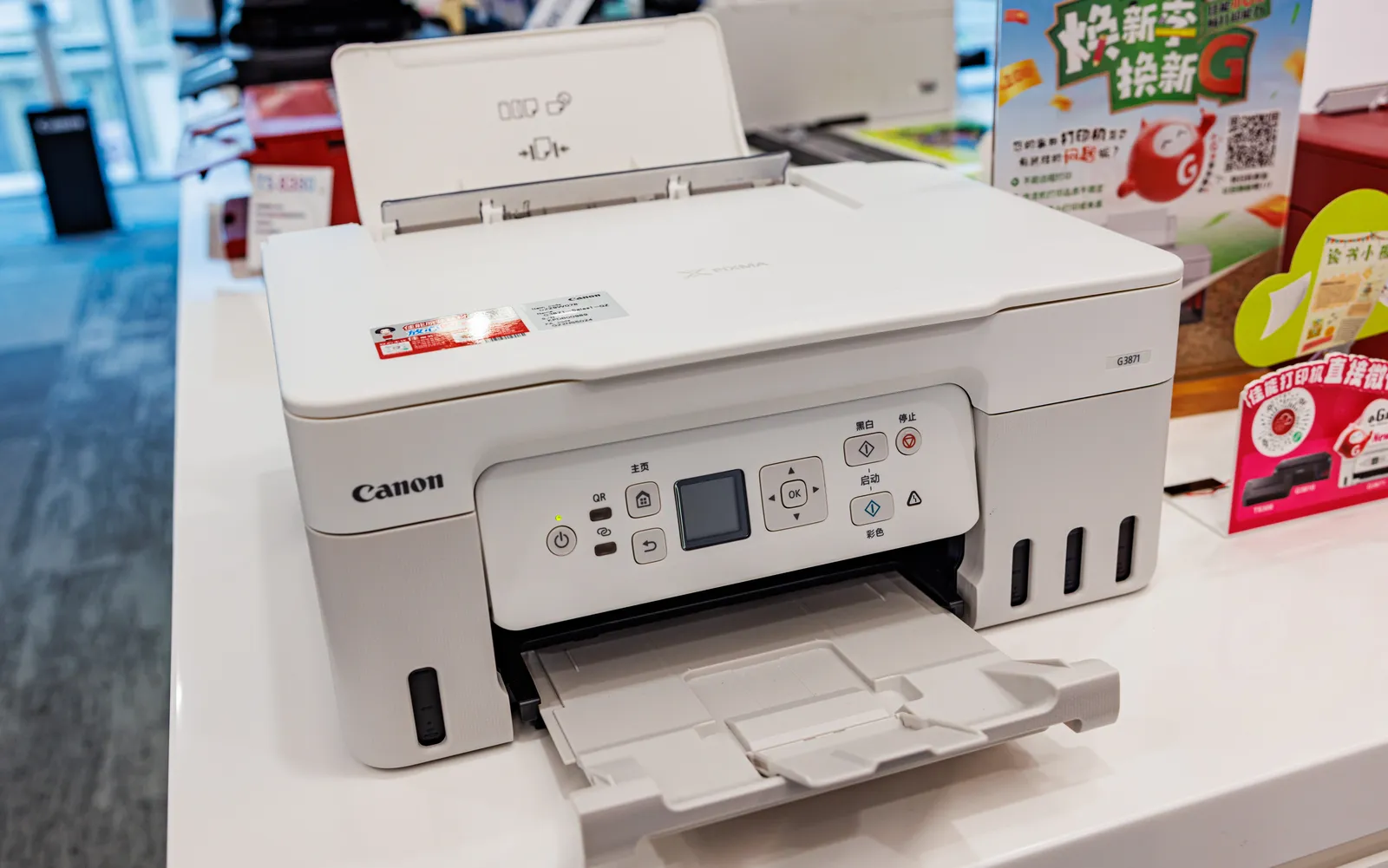
The spread is enormous. A cheap cartridge-based inkjet frequently lands between fifteen and twenty-five pence per mono page and considerably more in colour. A refillable ink-tank inkjet using bottles typically works out under a penny per mono page. A mono laser sits around two to four pence with standard toner and lower with high-yield cartridges. A colour laser is somewhere in between depending on how much colour you actually print.
Multiply by your real annual volume. If you print thirty pages a month, a cheap inkjet costs you roughly the price of a mid-range machine every two years in ink, and an ink-tank printer pays for its higher purchase price inside eighteen months. If you print three pages a month, consumables barely matter and reliability after long idle periods matters enormously — which points at a laser, for reasons covered below.
One trap worth naming: starter cartridges. Most printers ship with partially filled cartridges yielding a fraction of a full one, so the first replacement arrives far sooner than the specification suggests. Budget for a set of full cartridges as part of the purchase price.
Inkjet, ink tank, or laser
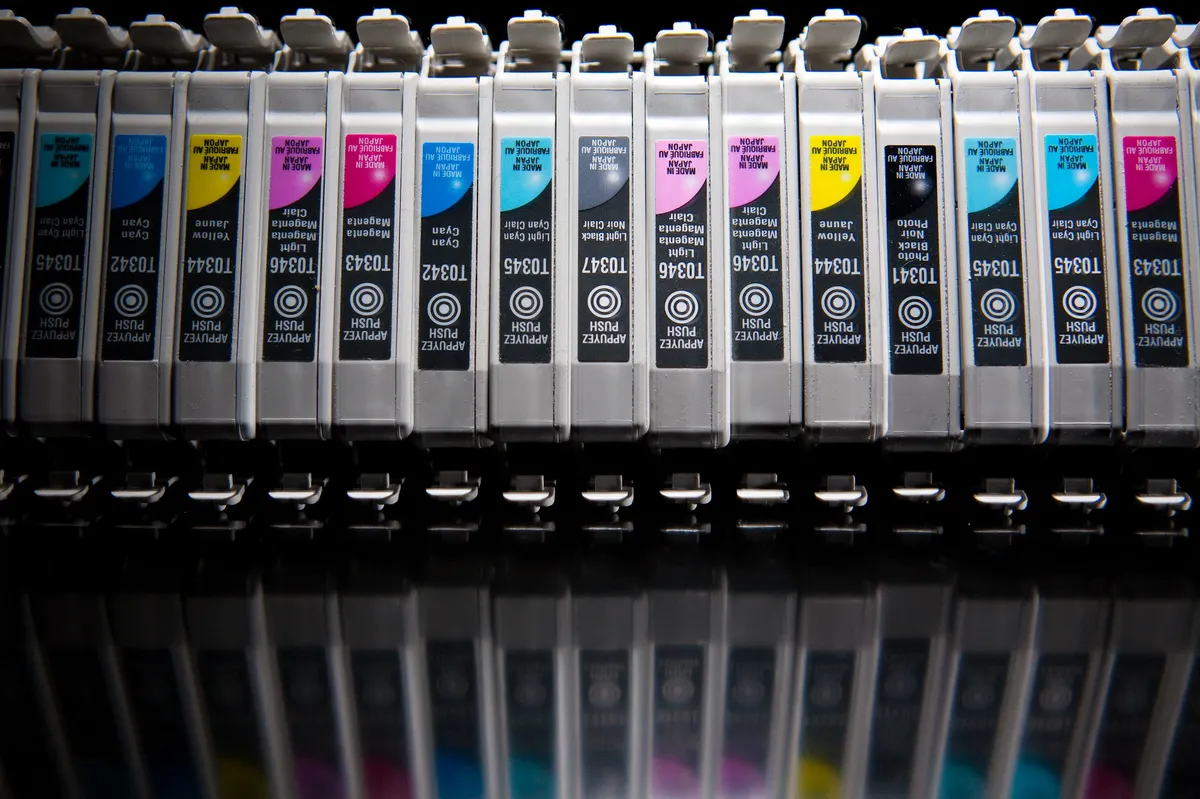
Cartridge inkjets are cheap to buy, print photographs well, handle glossy and textured paper, and are the most expensive way to print text that exists. They are the right choice only if you print photos regularly and text rarely.
Ink-tank inkjets replace cartridges with refillable reservoirs filled from bottles. Purchase price is two to four times a comparable cartridge machine; running cost collapses to a fraction. They print photos well, and a set of bottles typically covers thousands of pages. This is the correct default for a household that prints a moderate mix of documents, school work, and the occasional photo.
Mono lasers fuse dry toner with heat. Text is crisp at any size, the output is instantly dry and waterproof, cost per page is low, and — critically — toner does not dry out. A laser left unused for three months prints perfectly on the first attempt. They cannot print photographs properly and refuse most glossy and heavily textured stock.
Colour lasers give you laser text and adequate colour for charts, presentations, and diagrams. They are physically large and heavy, need four consumables plus periodic drum and fuser replacement, and are the right answer for a home office printing hundreds of business documents a month.
The single most useful heuristic: if you mostly print documents, buy a laser. If you print photos, buy an ink-tank inkjet. If you print documents but only occasionally, buy a mono laser specifically because it will still work when you need it.
The clogging problem nobody mentions in the shop
Inkjets work by firing ink through microscopic nozzles. When ink sits still in those nozzles it dries, and dried ink blocks them. Printers defend themselves by running automatic cleaning cycles, which flush ink through the head and dump it into a waste pad — consuming ink you paid for, on schedule, whether or not you printed anything.
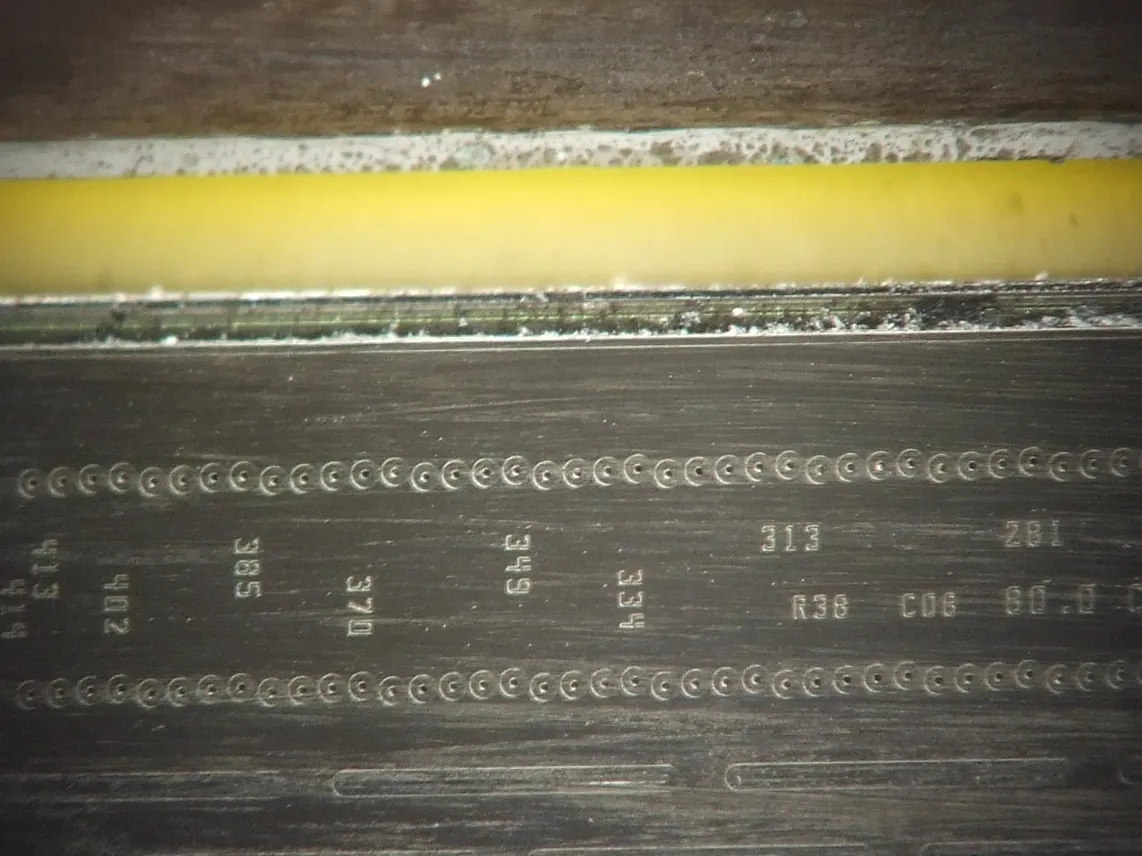
For a household that prints once a month, this is where the ink goes. It is entirely possible to empty a cartridge without producing a single page. The mitigations are: print something in colour at least every week or two, keep the printer plugged in and powered so it can park the head properly rather than yanking the plug, and prefer machines with a replaceable print head over ones where the head is permanently integrated into the chassis.
That last point matters for repairability. On some designs the print head is part of the cartridge, so a clog is solved by buying a cartridge. On others the head is a separate user-replaceable part. On the worst, the head is built into the printer, and a clog that resists cleaning ends the machine's life.
Lasers have no equivalent failure mode. Toner is a dry powder that sits indefinitely. If your printing is sporadic, that alone is worth more than any feature comparison.
Third-party consumables and chip lockouts
Compatible and remanufactured cartridges cost a fraction of the originals, and for ordinary document printing the quality difference is usually invisible. Manufacturers discourage them in two ways. The first is firmware: printers ship updates that detect non-original chips and refuse to print, sometimes months after purchase. The second is subscription schemes, where the printer is tied to a plan that meters pages and may stop working if the plan lapses.
Before buying, search the model number together with the words "third party ink firmware" and read what owners report. Also check whether the machine can have automatic firmware updates disabled, and whether the ink subscription is genuinely optional rather than the only way to buy cartridges. If the answer is unclear, choose a different model — this is not a detail you can renegotiate afterwards.
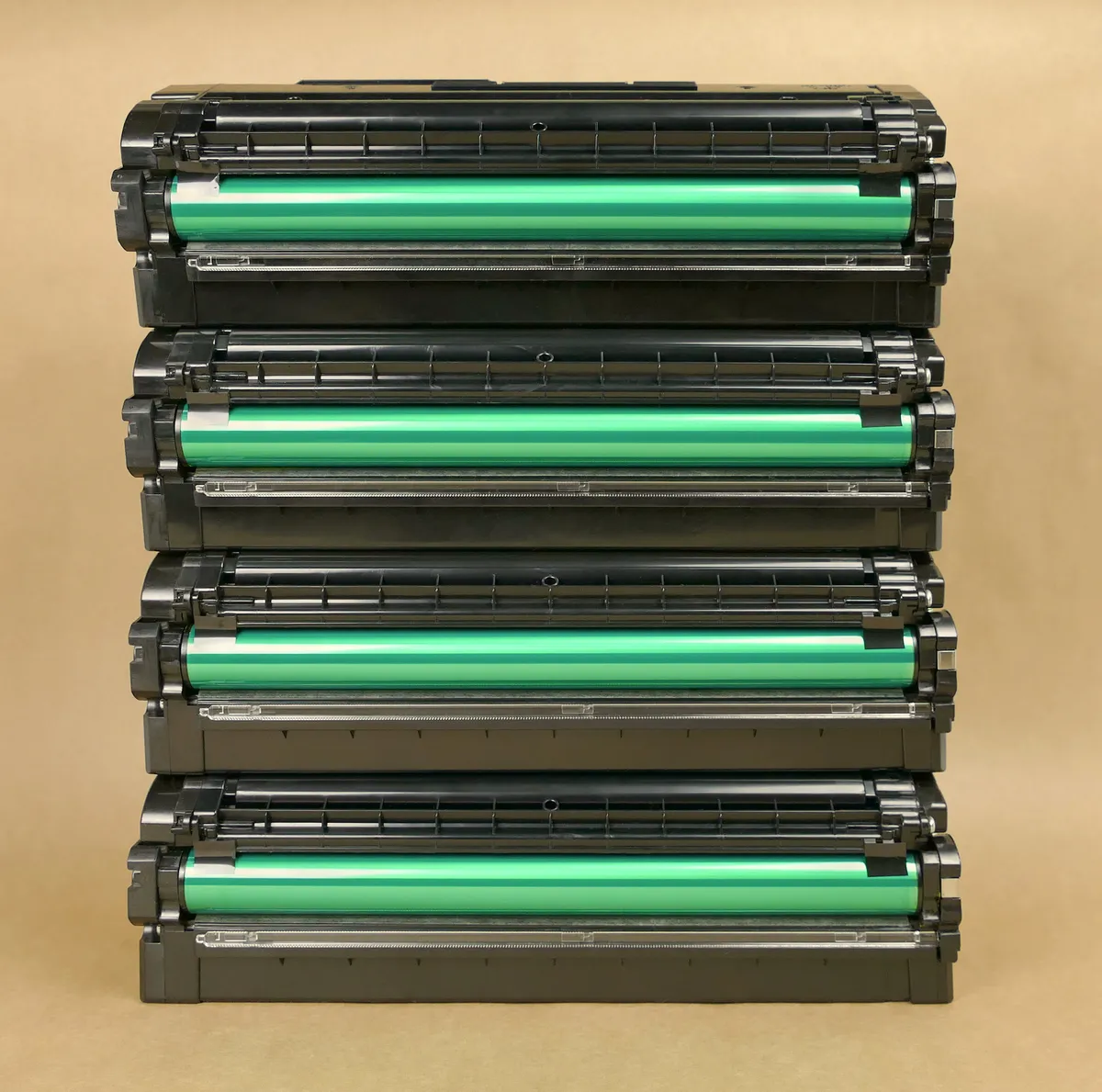
Laser toner is friendlier here. Compatible toner is widely available, generally reliable, and a high-yield cartridge from a reputable remanufacturer can cut cost per page by half or more. Check whether the model uses an all-in-one cartridge with the drum built in, or a separate drum unit rated for tens of thousands of pages. The separate-drum design costs less per page long term but adds a second consumable to remember.
Duplex, feeders, and the features that actually save time
Automatic duplex printing — printing both sides without you reloading paper — halves your paper use and is the feature most worth insisting on. Check that it is automatic rather than "manual duplex", which is a software prompt telling you to flip the stack yourself.
If you scan, the distinction between a flatbed and an automatic document feeder matters. A flatbed handles books and single pages. An ADF pulls a stack through, and a duplex ADF scans both sides in one pass, which turns a twenty-page double-sided contract from a ten-minute chore into a thirty-second one. If you deal with paperwork, a duplex ADF is the single biggest time saver available in this category.
Paper capacity is worth more than it looks. A 250-sheet cassette means loading paper a few times a year; a 100-sheet rear feed means loading it constantly. A separate rear or single-sheet feed is useful for envelopes, labels, and card stock without unloading the main tray.
Ignore the maximum resolution figures. Every current printer resolves text far beyond what the eye can see at reading distance, and photo quality depends on ink formulation, the number of ink channels, and paper, not the advertised dots per inch. Pages-per-minute figures are measured on draft-quality plain text and should be treated as an upper bound rather than a typical rate.
Connectivity and the software problem
Wireless printing is standard, and how it is implemented varies more than it should. Look for support for the platform-native standards — AirPrint on Apple devices and Mopria on Android and Windows — because those work without installing anything and keep working after the manufacturer loses interest in its app. A printer that requires a proprietary app and a cloud account to print from a phone is a printer that will stop working when the account or app is retired.
Wired Ethernet is worth having if you can run a cable: it eliminates the entire class of problems where the printer drops off the network and cannot be found. If it is Wi-Fi only, check whether it supports the 5 GHz band or is 2.4 GHz only; the latter is fine but more congested. Fixing the printer's IP address in your router removes most rediscovery problems either way — see the router and mesh buying guide for how to reserve an address.
Two security points worth acting on. Printers ship with default administrator passwords and, on some models, an open web interface; change the password and disable remote management you do not use. And multifunction machines store scanned documents in internal memory, so if you dispose of one, clear the storage first — the document storage guide covers handling sensitive paperwork more generally.
Paper, placement, and keeping it working
Paper affects output more than most settings do. Weight is quoted in grams per square metre: 80 gsm is standard office paper, 90 to 100 gsm feels substantially better for anything you hand to someone, and inkjet output on 100 gsm bleeds far less. Laser paper and inkjet paper differ in coating; using inkjet-coated paper in a laser can leave residue on the fuser.
Store paper flat and sealed. Humid paper curls, jams, and takes ink badly, and a ream left open in a damp room is the cause of a surprising number of "the printer is broken" complaints.
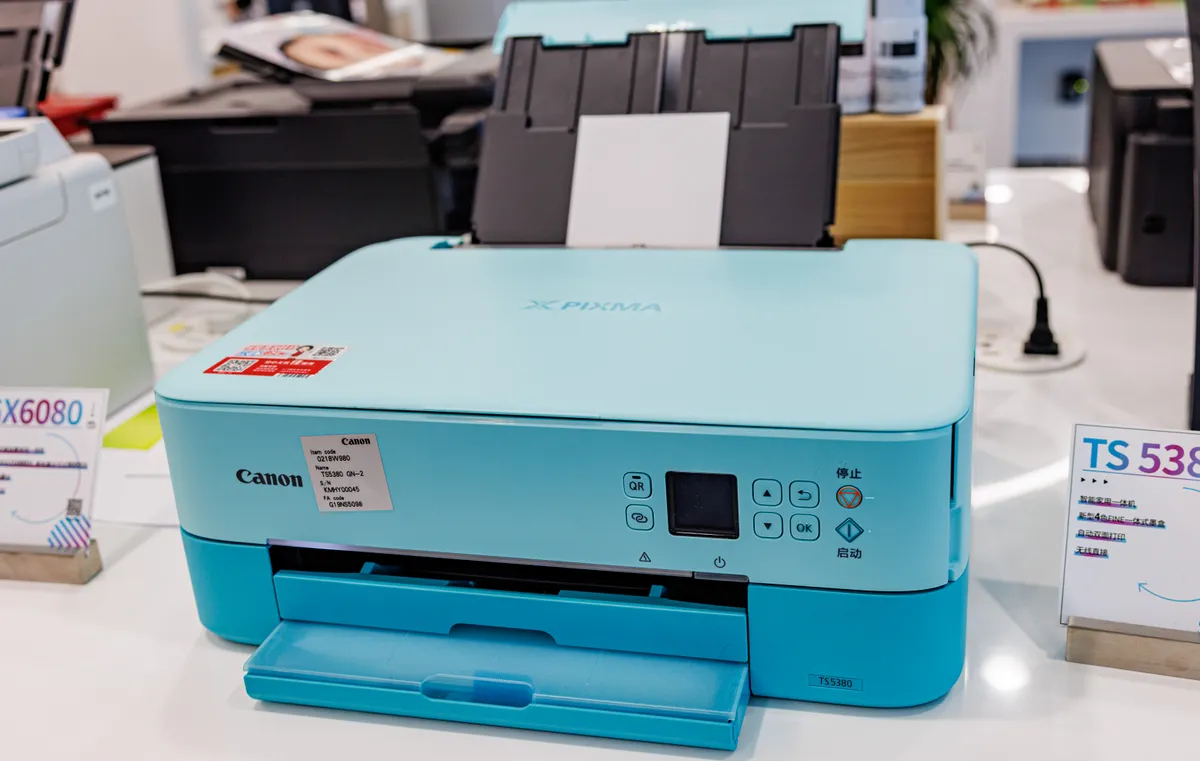
Placement: measure the depth with trays extended and the clearance above for the scanner lid, because both are considerably larger than the closed footprint on the specification sheet. Lasers get warm and need airflow, and they emit fine particles during printing, so a room you can ventilate is preferable to a sealed cupboard. Do not put a printer where the paper path is in direct sunlight or above a radiator.
Maintenance is short. For inkjets, print something regularly, run a nozzle check rather than a full clean when quality drops, and never store cartridges out of the machine. For lasers, take the cartridge out and gently rock it side to side when print starts fading, which redistributes remaining toner and buys you a few hundred pages, and clean the paper feed rollers with a damp cloth when misfeeds start.
Matching the machine to the household
Low volume, mostly documents, weeks between uses: a mono laser. It is the most reliable purchase in this guide and the least likely to annoy you.
Moderate volume, mixed documents and photos, printing most weeks: an ink-tank multifunction with automatic duplex and a flatbed scanner.
Home office with real paperwork: a colour laser multifunction with a duplex ADF and a 250-sheet cassette, plus Ethernet.
Photo printing as a hobby: a dedicated photo inkjet with six or more ink channels, and accept that it is not the machine for text. If your household prints twice a year, consider printing at a shop instead and buying nothing.
For the rest of the desk, our monitor buying guide and keyboard and mouse guide cover the parts you touch daily, the standing desk guide deals with where everything sits, and the Anker 8-in-1 USB-C hub review covers wired connections if you still print over USB.
The short version
Calculate cost per page from cartridge price divided by rated yield, multiply by your real annual volume, and let that pick the technology. Mono laser for documents and sporadic use, because toner never dries. Ink tank for mixed household printing. Cartridge inkjet only for photos. Insist on automatic duplex, add a duplex ADF if you handle paperwork, and check the model's history with third-party consumables and firmware updates before you buy. Then support AirPrint or Mopria rather than a proprietary app, and budget for a full set of cartridges on day one.
More coupon shopping advice

Home Security Camera Buying Guide: Local vs. Cloud Storage
A practical, balanced buying guide to home security cameras that weighs local storage against cloud subscriptions, wired versus battery power, camera placement, night vision, smart detection accuracy, and smart home integration.

Beginner Mirrorless Camera Buying Guide
A practical, honest walkthrough of what actually matters when buying your first mirrorless camera, from sensor size and lens mounts to autofocus, video specs, and the real total cost of a beginner-friendly system.

Air Purifier Buying Guide: CADR, ACH, and Filter Costs Explained
A practical walkthrough of the numbers that actually matter when buying an air purifier — CADR and ACH for sizing, true HEPA versus marketing terms, real three-year filter costs, realistic noise levels, and when a purifier won't help at all.