
Video Call Setup Guide: Buy the Microphone Before the Webcam
Audio and lighting decide how a video call lands. The camera is the fourth thing to fix, not the first.
Almost everyone who sets out to improve their video calls buys a camera first. It is the wrong order. On a call, poor audio makes people stop listening; poor video makes them squint slightly and carry on. If you have one hundred dollars and a bad setup, all of it should go to the microphone and the lighting, and none of it to a webcam.
This guide is ordered by how much each change actually improves a call: audio, then lighting, then camera, then framing. It is aimed at someone doing several calls a week from a home office — not at streamers or podcasters, though the same physics applies at a higher budget.

The quick answer
Under $100: a decent wired headset or a $40 USB microphone placed close to your mouth, plus moving your desk so a window is in front of you rather than behind. That combination fixes the two things people actually notice.
$100-$250: a cardioid USB microphone on a small stand, a $60 LED panel with adjustable colour temperature, and a 1080p webcam positioned at eye level. This is the point of diminishing returns for most office workers.
$400 and up: an XLR microphone with an audio interface, a dedicated key light, and either a high-end webcam or a real camera used as a capture device. Worth it if you present externally for a living, and overkill otherwise.
Why audio comes first
Speech intelligibility is what makes a call tiring or easy. When a microphone picks up more room reflection than direct voice, listeners have to do continuous unconscious work to separate the words from the echo, and after forty minutes that registers as fatigue. This is a well-documented effect and it is the real reason "Zoom fatigue" is worse on some calls than others.
Laptop microphones are bad for a specific, fixable reason: distance. Sound pressure falls off with the square of distance, so a microphone 60cm away picks up roughly a quarter of the direct voice energy of one at 30cm, while picking up the same amount of room reflection and fan noise. The ratio of voice to everything else collapses. Almost every audio improvement is really a distance improvement.
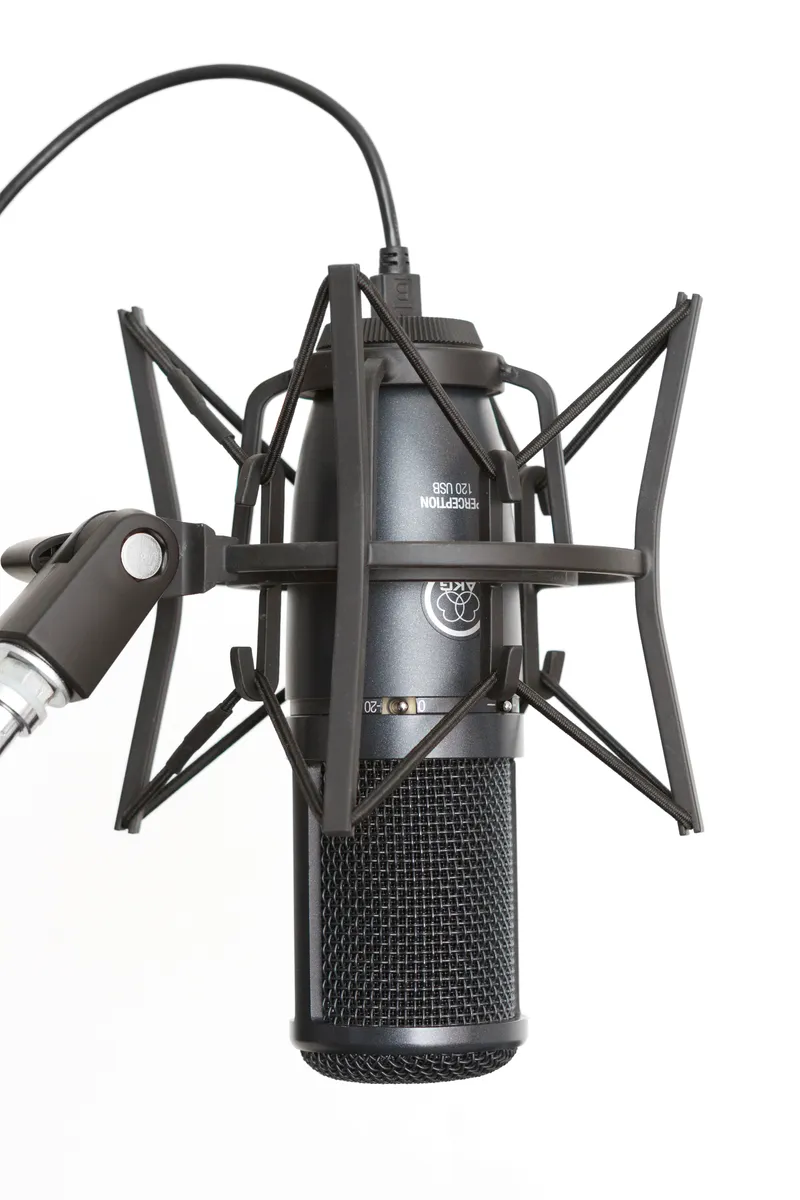
Microphone types, and which suits a home office
Headset microphones sit a few centimetres from your mouth, which makes them extremely resistant to room noise and the single most reliable option in an untreated space. They look less polished on camera and that is the whole objection. For a call-heavy job in a noisy home, a $70 headset outperforms a $200 desktop microphone.
USB desktop microphones are the popular middle. The important specification is polar pattern — the directions the microphone is sensitive to. Cardioid picks up mainly what is in front and rejects the rear, which is what you want. Omnidirectional picks up everything equally, including the fridge and the street. Many budget USB microphones are omnidirectional and this is the main reason they disappoint.
Dynamic versus condenser matters more than the price tag. Condenser microphones are more sensitive and capture more detail, including detail from across the room. Dynamic microphones are less sensitive, which in an untreated home office is an advantage: they hear your voice and much less of the space. For a spare bedroom with hard walls, a dynamic microphone is usually the better choice despite being the less-recommended one online.
XLR microphones with a separate audio interface give better preamps, real gain control, and upgrade paths. They also add a box, two cables, and a setup step. Our Shure SM7B review covers what that path actually costs once you account for the interface and the gain requirements, which catch a lot of first-time buyers out.
Speakerphones deserve mention for the multi-person case. When three people share a room, individual microphones create echo and cross-talk, and a single conference speakerphone with echo cancellation is the correct tool. Our Anker PowerConf S3 review tests one across real meetings, including the pickup radius claims.
Placement beats equipment
Position the microphone 15-25cm from your mouth, slightly off to one side rather than directly in front. Off-axis placement avoids plosives — the bursts of air on P and B sounds — without needing a pop filter, and it keeps the microphone out of the camera frame.
Get it off the desk. Typing and mouse clicks travel through the desk surface into the microphone body as low thumps, and a $12 shock mount or a small boom arm eliminates them. This is the cheapest meaningful audio upgrade after the microphone itself.
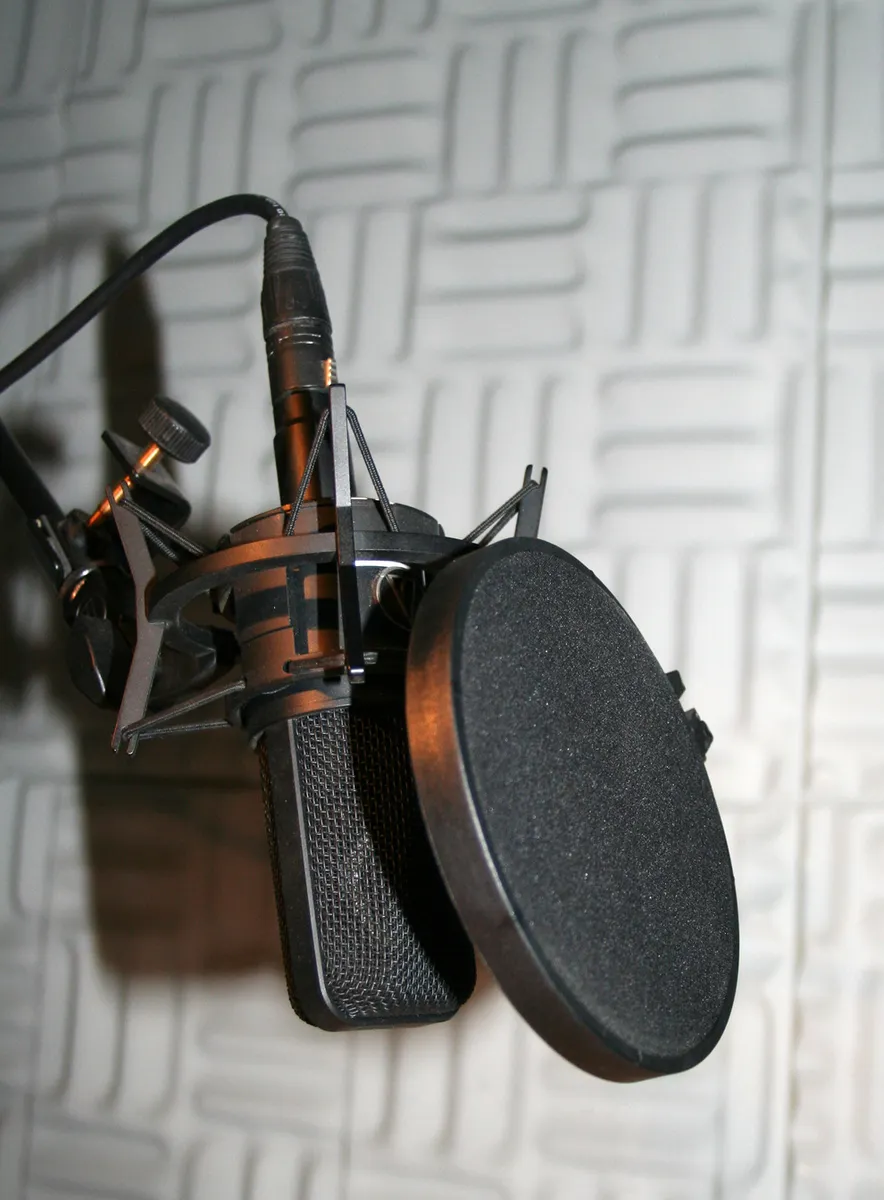
Then treat the room, cheaply. Hard parallel surfaces cause flutter echo. A rug, a curtain over the window, a bookshelf with uneven contents, and a fabric chair together reduce reflections enough to matter. You do not need foam panels; you need soft irregular objects, which most rooms already have if you stop optimising for minimalism.
Lighting: the second-largest improvement
Webcam sensors are small, which means they need light. In dim conditions the camera compensates by raising gain, and gain produces the grainy, smeary image people blame on cheap hardware. Give the same webcam good light and it produces a startlingly better picture.
The failure mode almost everyone has is backlighting: a window behind you. The camera meters for the bright background and renders you as a silhouette. The fix costs nothing — turn the desk so the window is in front of you or to one side.
If natural light is not available, one soft light source in front of you at roughly 45 degrees, slightly above eye level, is enough. Two things matter in a light: size and colour temperature. A physically larger diffused panel produces softer shadows than a small bright one. Adjustable colour temperature between about 3200K and 5600K lets you match the room so you do not appear orange against daylight or blue against lamps.
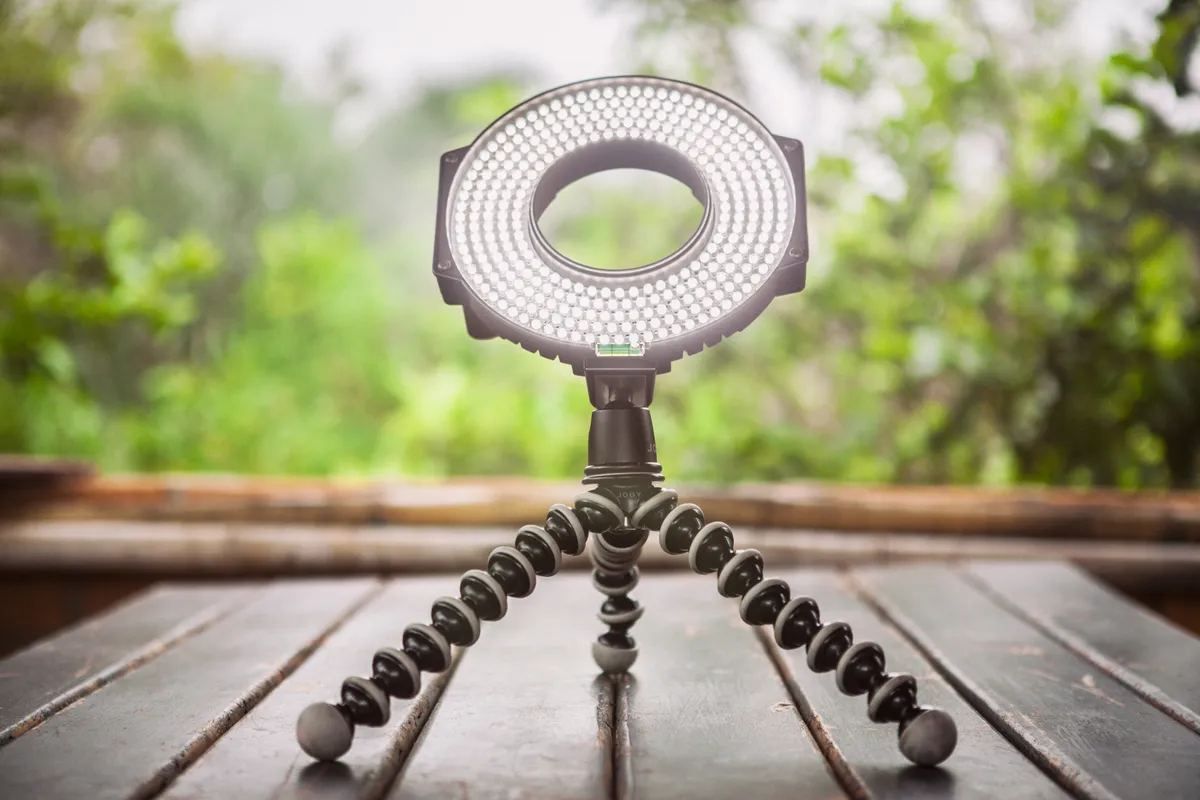
Ring lights are popular and produce a distinctive circular catchlight in the eyes that reads as "content creator" to some viewers. A rectangular soft panel offset to one side looks more natural and more like conventional professional lighting. Both are enormously better than nothing. Also check the CRI rating: below about 90, skin tones look subtly wrong in a way people notice without identifying.
Cameras, once audio and light are sorted
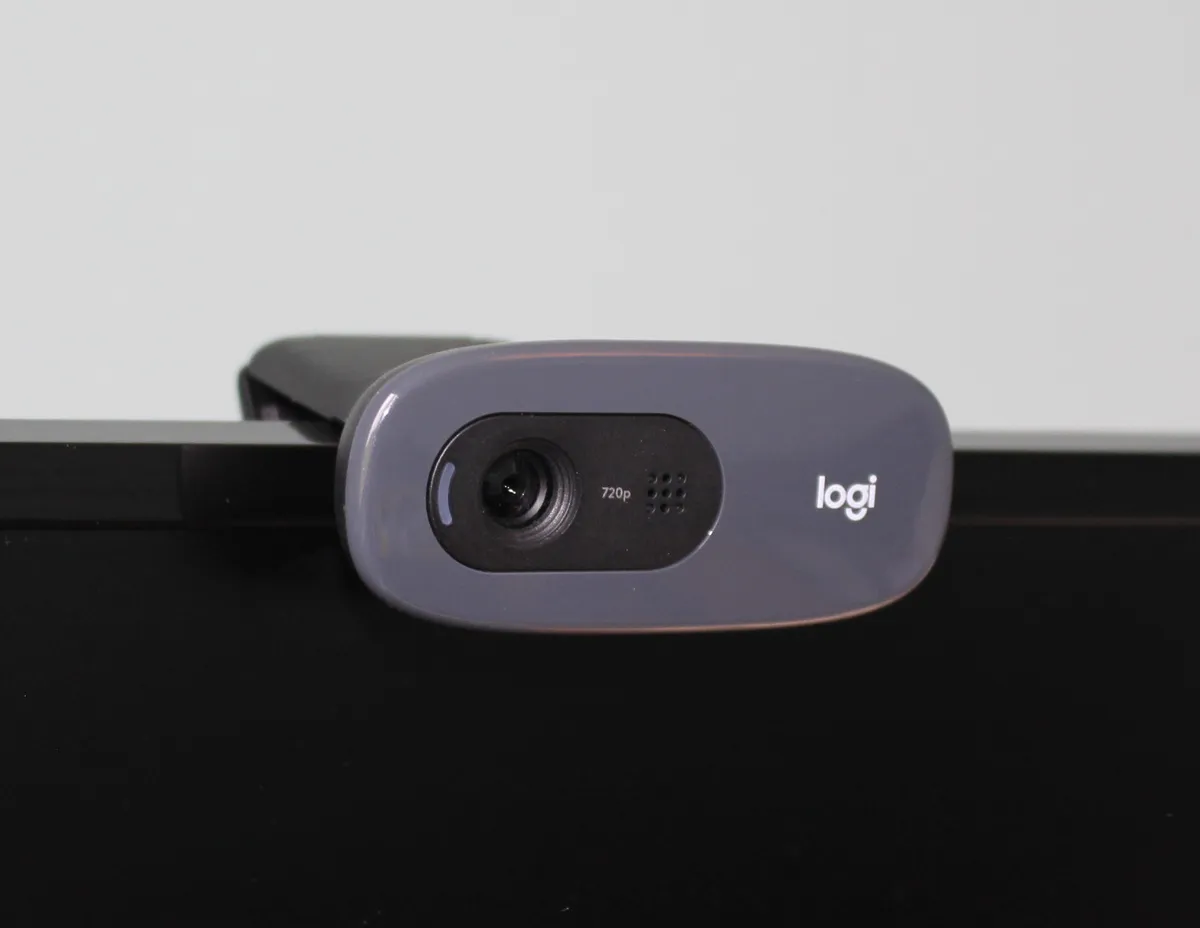
Resolution is the least important camera specification for calls, because most conferencing platforms transmit at 720p regardless of what you send. A 4K webcam on a standard call is downsampled to the same stream as a good 1080p one. What 4K buys is the ability to crop in digitally without losing detail, which is genuinely useful for framing.
Sensor size and aperture matter more. A larger sensor with a wider aperture gathers more light, which reduces the gain problem described above and produces a slightly shallower depth of field that separates you from the background naturally — the effect that software background blur imitates badly.
Frame rate matters for motion. 30fps is fine for talking heads. 60fps looks smoother if you gesture a lot, and it is the one place where paying more is visible.
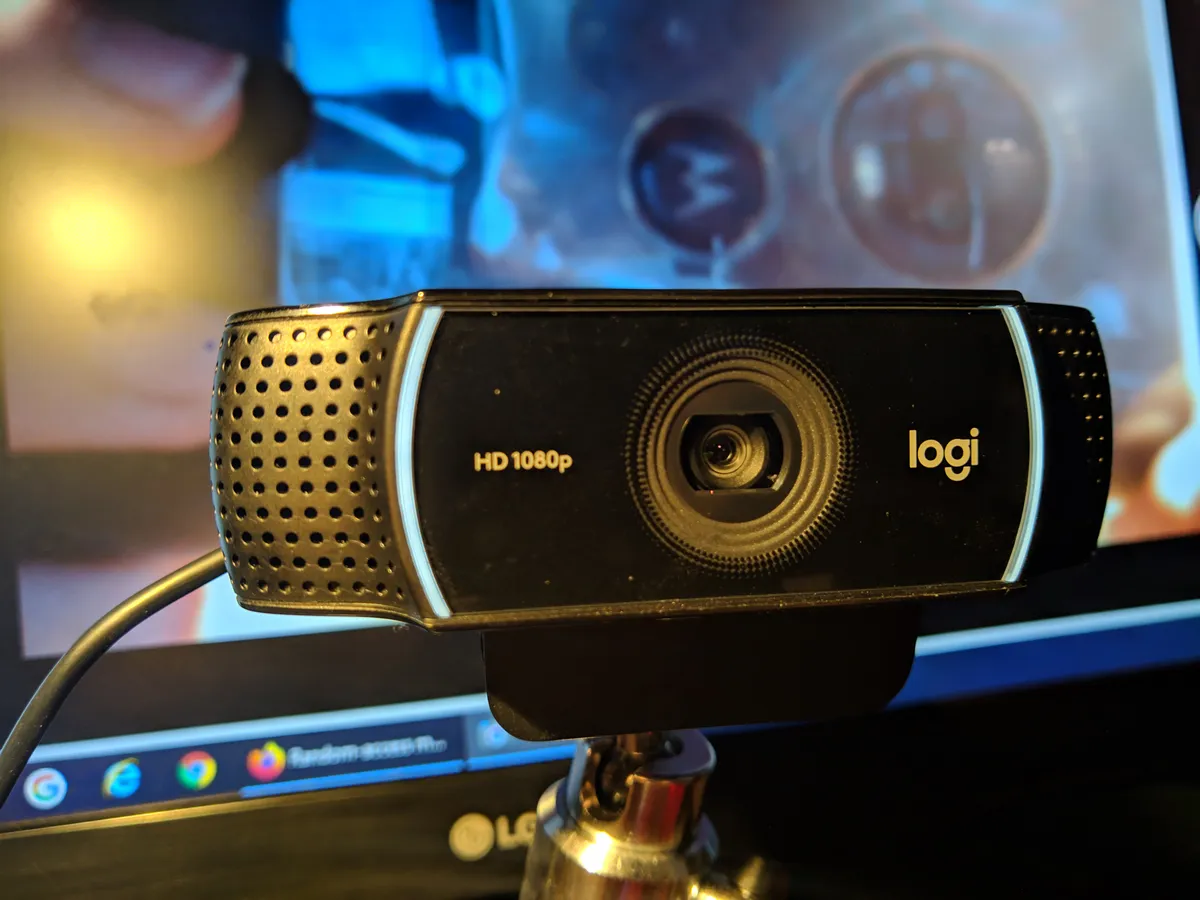
Field of view is a real decision. Wide 90-degree lenses fit more of the room in, which is useful for two people and unflattering for one, since wide lenses distort features when you sit close. A 65-78 degree field of view is the flattering range for a single person at desk distance. Some cameras let you switch, which is the safest option. Our Logitech Brio 4K review covers how the switchable field of view behaves in practice.
Framing, and the free improvements
Camera height is the single most common mistake. A laptop webcam sits well below eye level and points up at your chin and ceiling, which is unflattering and reads as disengaged because you appear to be looking down. Raise the camera to eye level — a stack of books works — and the difference is immediate.
Frame yourself with your eyes about one third from the top of the image, with a little space above your head but not a lot. Sit far enough back that your upper chest is visible, because hand gestures entering frame make you look more engaged and communicate better.
Look at the camera when making a point, not at the faces on screen. This is genuinely hard and worth practising, because eye contact is doing more work than resolution ever will.
Software settings worth changing once
Turn off automatic microphone level adjustment in your conferencing app and set gain manually. Automatic gain hunts, pumping up room noise during your pauses and ducking your voice when you get animated.
Use virtual backgrounds sparingly. They consume processor cycles, which on a thin laptop causes fan noise that your microphone then picks up, and the edge detection artefacts around hair and glasses are distracting. A real, tidy background is better and cheaper.
Check which device the app is actually using. Conferencing software reverts to defaults after updates with tiresome regularity, and a surprising number of "my new microphone sounds the same" complaints are the laptop microphone still being selected.
What to buy in what order
First, move the desk so light comes from in front. Free, and the largest single visual improvement available. Second, get a microphone closer to your mouth, whether that is a headset or a cardioid USB microphone on a stand. Third, add one adjustable soft light if the room is dim. Fourth, raise the camera to eye level. Fifth, and only then, consider replacing the camera itself.
Most people execute this list in reverse, spend $200 on a 4K webcam, and sound exactly as unclear as before. The order is the advice.
More coupon shopping advice

Home Security Camera Buying Guide: Local vs. Cloud Storage
A practical, balanced buying guide to home security cameras that weighs local storage against cloud subscriptions, wired versus battery power, camera placement, night vision, smart detection accuracy, and smart home integration.

Beginner Mirrorless Camera Buying Guide
A practical, honest walkthrough of what actually matters when buying your first mirrorless camera, from sensor size and lens mounts to autofocus, video specs, and the real total cost of a beginner-friendly system.

Air Purifier Buying Guide: CADR, ACH, and Filter Costs Explained
A practical walkthrough of the numbers that actually matter when buying an air purifier — CADR and ACH for sizing, true HEPA versus marketing terms, real three-year filter costs, realistic noise levels, and when a purifier won't help at all.