
Office Chair Buying Guide: The Four Adjustments That Actually Matter
Seat height, seat depth, lumbar height, and armrest height decide whether a chair works. Mesh versus foam and price tier decide much less.
An office chair is the piece of furniture you use most and inspect least. People will test-drive a car for twenty minutes and buy a chair they will sit in for two thousand hours a year after thirty seconds in a showroom, or none at all. And because bad seating produces slow, diffuse discomfort rather than sharp pain, the mistake usually goes undiagnosed for years.
The category is also unusually opaque. "Ergonomic" has no legal definition and appears on $70 chairs and $1,600 chairs alike. Mesh is marketed as inherently better than foam, which is not true. Lumbar support is listed as a feature on chairs where it is a fixed lump of plastic in the wrong place. This guide is about the small number of adjustments and construction details that actually determine whether a chair works for your body.
The quick answer
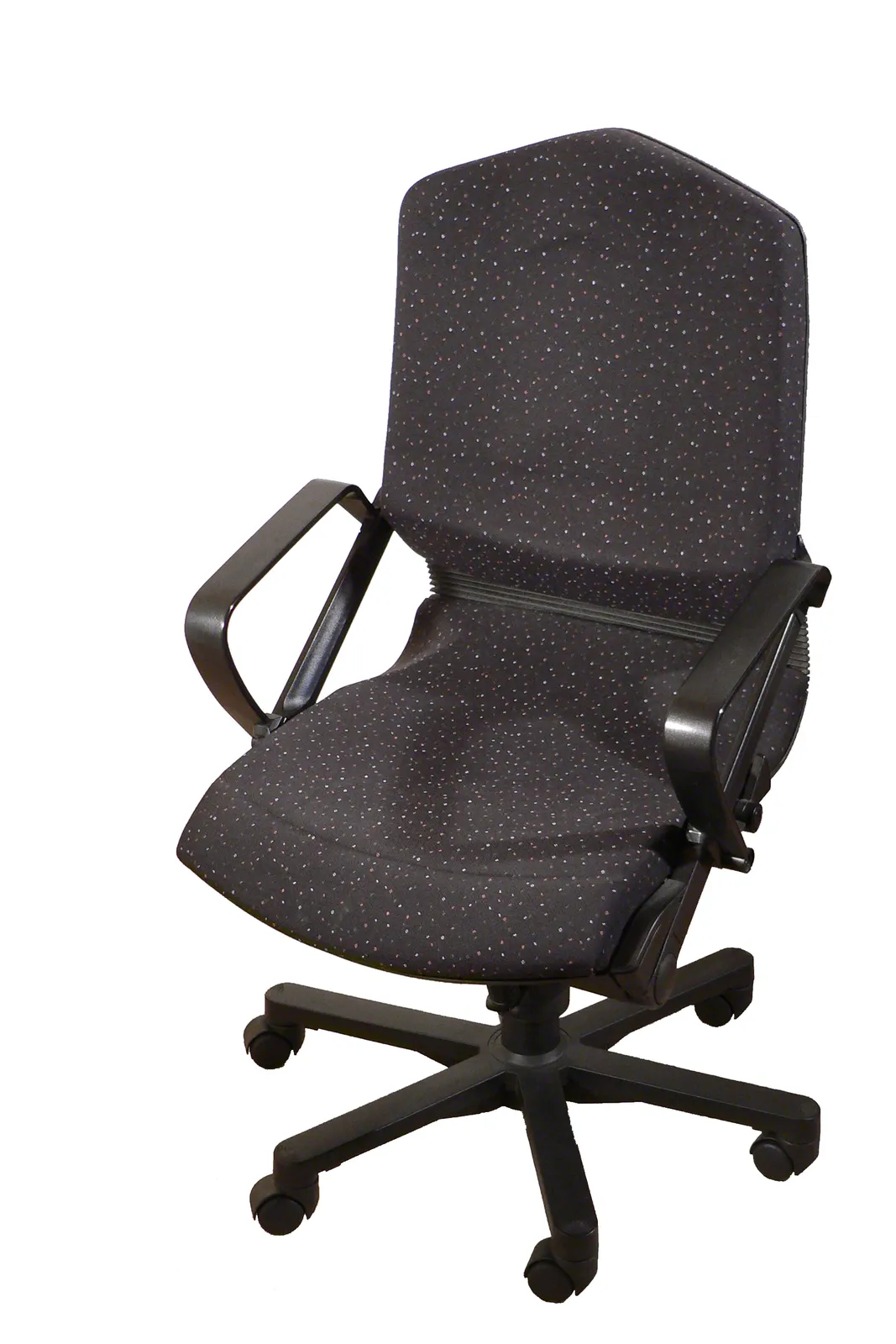
Four adjustments matter and the rest are refinement: seat height, seat depth, lumbar height, and armrest height. A cheap chair with those four beats an expensive chair missing two of them.
Budget honestly by hours. Under two hours a day, a $150-$250 task chair is fine. Four to eight hours a day, the $350-$700 band is where chairs get genuine seat-depth adjustment, real lumbar positioning, and a warranty measured in years rather than months. Above $900 you are buying materials, longevity, and a twelve-year warranty — defensible for a chair you will keep, not necessary for comfort.
If you can sit in it before buying, do. If you cannot, buy from somewhere with a free return window, because chair fit is as personal as shoe fit and no specification list predicts it fully.
The four adjustments that matter
Seat height should let your feet rest flat with thighs roughly parallel to the floor and knees at about 90 degrees. Most chairs adjust between 42 and 52cm, which suits people roughly 160-190cm tall. Outside that range you need a specifically short or tall cylinder, and shorter users are frequently better served by a footrest than by forcing the chair down.
Seat depth is the adjustment most often missing and most often needed. You want two to four fingers of clearance between the front edge of the seat and the back of your knees. Too deep and the edge presses into the popliteal area behind the knee, restricting circulation and pushing you to perch forward, away from the backrest — which then makes the lumbar support useless. Sliding seat pans solve this; on chairs without one, seat depth is fixed and you either fit or you do not.
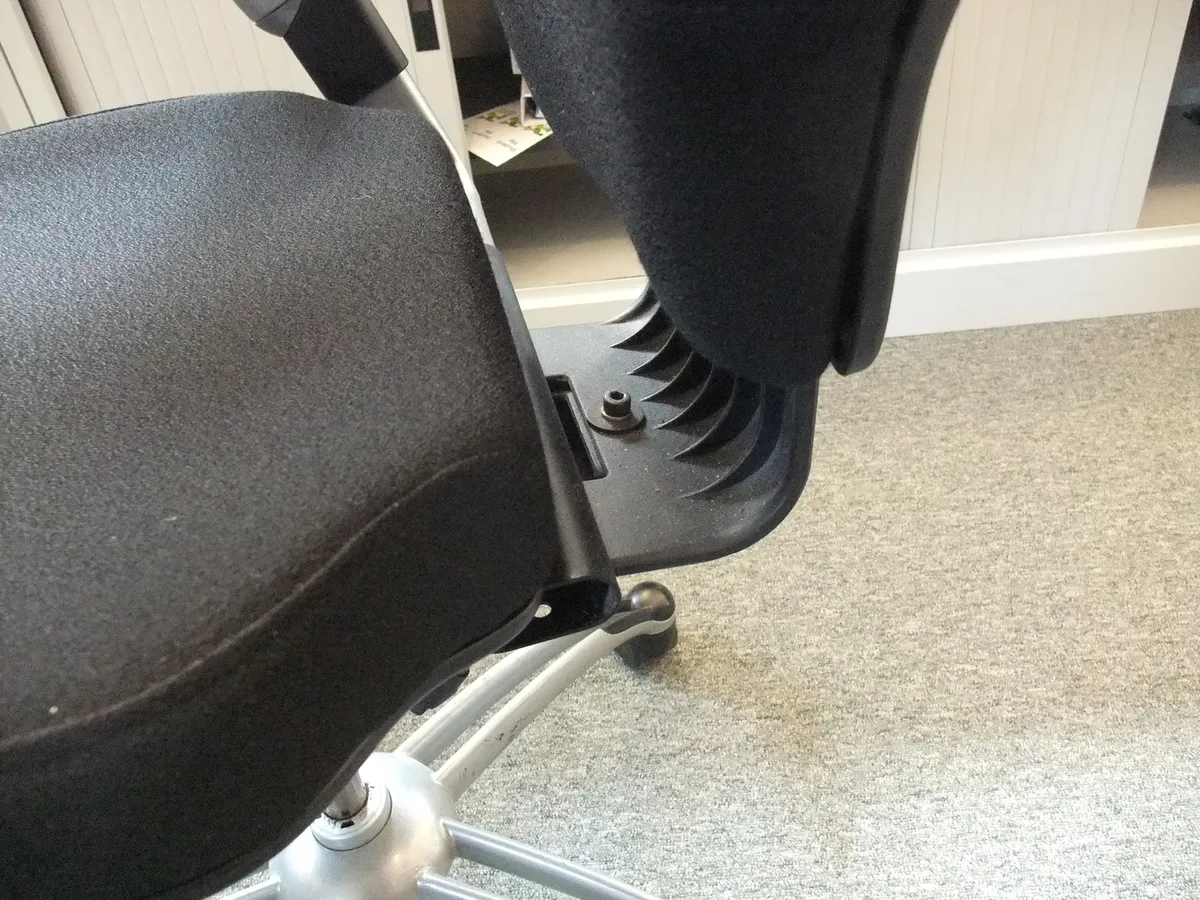
Lumbar support needs to be height-adjustable, not merely present. The lumbar curve sits at a different height on a 160cm person than on a 190cm person, and support placed above or below it does nothing useful — or actively pushes the thoracic spine forward. A fixed bulge is a marketing feature; a bulge you can slide up and down is a functional one. Depth adjustment on top of that is a genuine luxury.
Armrests should let your shoulders relax with elbows at roughly 90 degrees and forearms parallel to the floor, at about the same height as your keyboard. Height adjustment is essential. Width and pivot adjustment ("4D" armrests) is useful if you alternate between typing and using a mouse far to one side. Fixed armrests at the wrong height are worse than no armrests, because they force either shrugged shoulders or a slumped lean.
Mesh, foam, and the myth of the better material
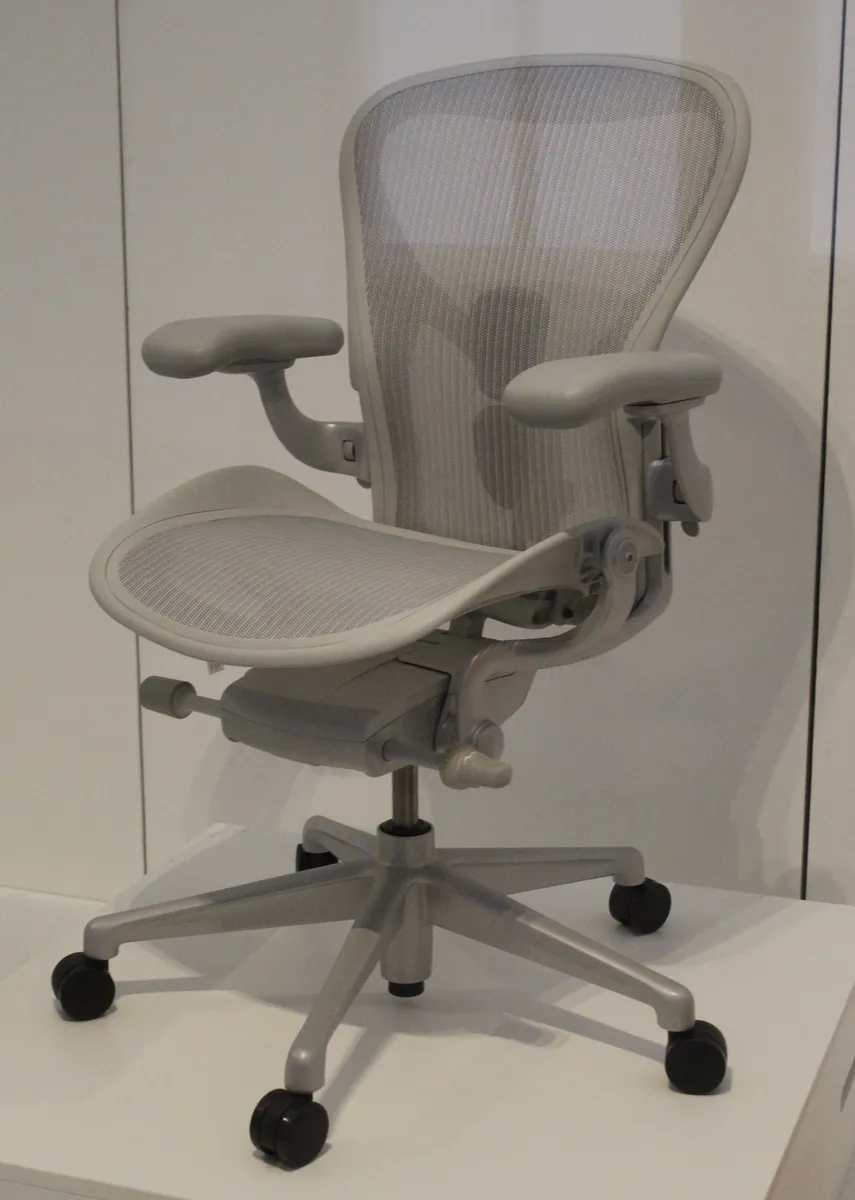
Mesh distributes weight across a tensioned membrane and breathes well, which matters in warm rooms and for people who run hot. Good mesh is expensive because the tension, weave, and frame all have to be engineered together. Cheap mesh sags within a year or two, at which point the chair develops a hammock shape that eliminates whatever support it had, and the front edge frame starts pressing into the thighs.
Moulded foam over a shaped shell can be excellent and can be terrible, and the difference is density. High-resilience foam around 50kg/m³ holds its shape for the better part of a decade. Low-density foam compresses permanently within months, and the give you feel in month six is not comfort — it is the chair no longer supporting your pelvis.
Neither material is inherently better. The reliable rule is that good examples of both are expensive and bad examples of both are cheap, and that mesh fails more visibly while foam fails more quietly.
Tilt mechanisms, decoded
The mechanism is the part you cannot see and cannot replace, and it is where most of the price difference in mid-range chairs actually goes.
Centre-tilt pivots the whole seat and back around a point under the middle of the seat. When you lean back, your feet lift off the floor. It is the cheapest mechanism and the least pleasant for long sessions.
Knee-tilt moves the pivot forward, near your knees, so leaning back keeps your feet planted and opens the hip angle. This is a meaningful comfort upgrade and is where the $300-plus band typically starts.
Synchro-tilt reclines the backrest and the seat at different rates — commonly about 2:1 — so the backrest follows your torso while the seat stays closer to level. It keeps your eyes at a workable screen height while reclined, which is why it is the standard on serious task chairs.
Whichever mechanism, look for tension adjustment matched to body weight, and lock positions rather than a single locked-upright setting. Being able to recline at a couple of intermediate angles genuinely changes how a long day feels, because the best posture is the next one — static sitting is the underlying problem, not any particular angle.
Sizing, which chair reviews rarely address
Most chairs are designed around a mid-range body and quietly fail outside it. Under about 160cm, standard seat depth is often too long and standard seat height too tall; look for petite or "small" sizes, shorter cylinders, and a footrest. Over about 190cm, check the backrest height — a back that ends below the shoulder blades gives no upper-back support when reclining — and confirm the seat is wide and deep enough.
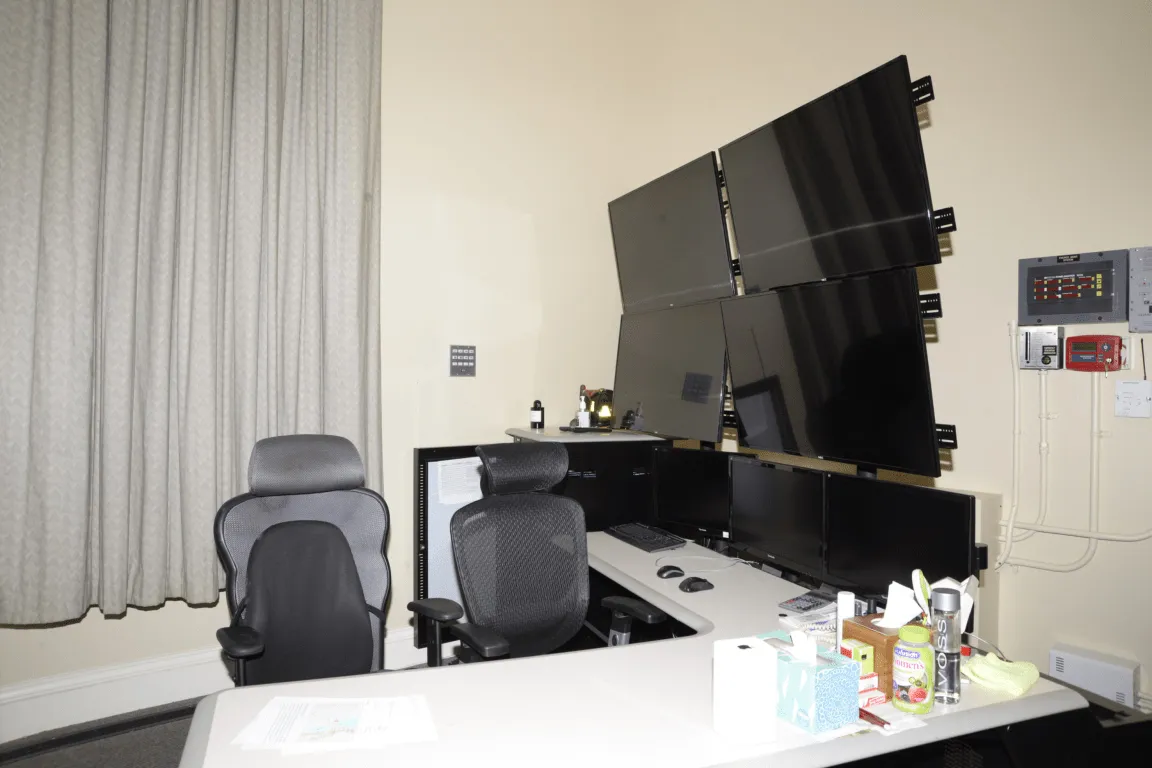
Weight rating deserves attention beyond the headline number. Many chairs are rated to 110kg, and that rating governs the gas cylinder, the base, and the mechanism. Chairs rated to 135kg or more typically use a class 4 cylinder, a steel or reinforced-nylon base, and a heavier mechanism. Using a chair near its rating limit daily shortens its life considerably; buying one rated well above your weight is a durability decision, not a vanity one.
Base material follows the same logic. Nylon bases are lighter and cheaper and are fine at moderate loads. Aluminium bases are stronger, heavier, and standard on chairs with long warranties. Also check the castors: hard plastic wheels are for carpet, and using them on hardwood or laminate scratches the floor. Soft polyurethane castors are a $25 upgrade that most chairs should have shipped with.
Gaming chairs versus task chairs
Racing-style gaming chairs are built around a bucket seat shape borrowed from motorsport, where the job is holding a body in place under lateral g-force. At a desk there is no lateral force, and the raised side bolsters instead restrict how you shift position, which is exactly the behaviour that keeps long sitting tolerable.
The other structural issue is the fixed-shape backrest with separate lumbar and neck pillows on straps. Those pillows can only be positioned approximately, they migrate during the day, and they substitute for genuine adjustability. Some gaming chairs are well built, and the better ones have adopted proper synchro-tilt mechanisms and adjustable lumbar — but at that point they are task chairs with a racing aesthetic and the aesthetic is what you are paying extra for.

Warranty, refurbished, and the depreciation opportunity
Warranty length is the most honest quality signal in this category, because it is the manufacturer betting its own money. A one-year warranty on a chair says the maker expects problems in year two. Five to twelve years, with separate coverage for the cylinder, mechanism, and upholstery, indicates a chair engineered to be repaired rather than replaced.
Read what is covered, though. Many long warranties exclude the foam and fabric — the parts most likely to wear out — and cover only the frame and mechanism. Also check whether the coverage assumes 8-hour or 24-hour use; some warranties halve for continuous multi-shift use.
The best value in the category is refurbished contract-grade seating. Chairs designed for corporate offices are built to a 12-year standard, and when a company downsizes, thousands hit the second-hand market at 30-50% of new price. A refurbished chair with new foam and mesh from a reputable remanufacturer typically outlasts a new chair at the same price by a wide margin. The trade is limited colour choice and a shorter warranty.
Set it up properly, then stop thinking about it
Order matters. Set seat height first so your feet are flat and thighs level. Then seat depth, to leave two to four fingers behind the knee. Then lumbar height, aligned with the inward curve of your lower back — usually just above the belt line. Then armrests, to elbow height with relaxed shoulders. Then desk height to match your arms, not the other way around, and monitor top roughly at eye level.
If your desk is fixed and too high, raise the chair and add a footrest rather than shrugging at the keyboard. That combination is the standard fix and it works. Our standing desk buying guide covers the desk side of the same geometry, and our keyboard and mouse buying guide covers what sits on top of it — both matter less than the chair but interact with it directly.
A last honest point: no chair prevents the harm of sitting still for nine hours. The research consistently points at movement frequency rather than posture perfection. A well-fitted chair makes it comfortable to work; standing up every 30-45 minutes is what actually protects you. For a worked example of what the mid-range of this market delivers over months of daily use, our Steelcase Series 1 review covers a chair sitting squarely in that $400-$500 band.
More coupon shopping advice

Home Security Camera Buying Guide: Local vs. Cloud Storage
A practical, balanced buying guide to home security cameras that weighs local storage against cloud subscriptions, wired versus battery power, camera placement, night vision, smart detection accuracy, and smart home integration.

Beginner Mirrorless Camera Buying Guide
A practical, honest walkthrough of what actually matters when buying your first mirrorless camera, from sensor size and lens mounts to autofocus, video specs, and the real total cost of a beginner-friendly system.

Air Purifier Buying Guide: CADR, ACH, and Filter Costs Explained
A practical walkthrough of the numbers that actually matter when buying an air purifier — CADR and ACH for sizing, true HEPA versus marketing terms, real three-year filter costs, realistic noise levels, and when a purifier won't help at all.