
Steelcase Series 1 Review: Steelcase Engineering, Home-Office Price | Keen Review
We lived with the Steelcase Series 1 for eight weeks of daily WFH work to see whether it earns its "budget Steelcase" reputation next to the pricier Leap and a generic mesh chair.
- LiveBack mesh flexes with your spine for real passive lumbar support
- Seat depth adjustment (about 2 in) fits a wide range of body heights
- Noticeably tighter build tolerances and assembly than budget mesh chairs
- Height- and width-adjustable arms cover a comfortable 90-degree elbow angle
- Assembles solo in under 20 minutes with just a hex key
- Backed by a considerably longer warranty than typical sub-$200 chairs
- No manual lumbar depth adjustment, unlike the pricier Leap
- Recline range is capped well short of the Leap and Gesture
- Arms are 2D only (height/width) — no depth or pivot adjustment
- Seat foam is firmer than plush chairs, with a short adjustment period
- No headrest included; only available as a paid add-on
- Costs roughly double a generic big-box mesh chair
Steelcase built its reputation on chairs that show up in law firms, hospitals, and Fortune 500 offices — the Leap and the Gesture in particular are the chairs interior designers spec when budget isn't the first constraint. The Series 1 is Steelcase's answer to a different question: what happens when you strip a lot of that engineering down to a price a remote worker can actually justify without asking finance for a purchase order? We bought a Series 1 with the standard back, adjustable arms, and no headrest for just under $420 and used it as a daily driver for eight weeks at a home desk, swapping out a five-year-old generic mesh chair that had started sagging in the seat pan.
The short version: it is not a Leap, and Steelcase doesn't pretend it is. But it borrows enough of the Leap's core ideas — the LiveBack technology that flexes with your spine as you move, a seat pan that doesn't dig into the back of your knees, real four-point adjustability — that it earns its price tag in a crowded field of chairs that look ergonomic in product photos and fall apart after a year of real use.
First impressions and assembly
The Series 1 ships in one box weighing about 45 lbs, and assembly took roughly 18 minutes solo with the included hex key — five bolts to attach the seat to the base, the casters press-fit into the legs, and the gas lift snaps into the base with a firm push. Compared to the flat-pack chairs we've built before, the tolerances here are noticeably tighter: nothing wobbled, no bolt hole was misaligned, and the instructions are a single laminated card rather than a 20-step booklet, because there genuinely isn't that much to assemble.
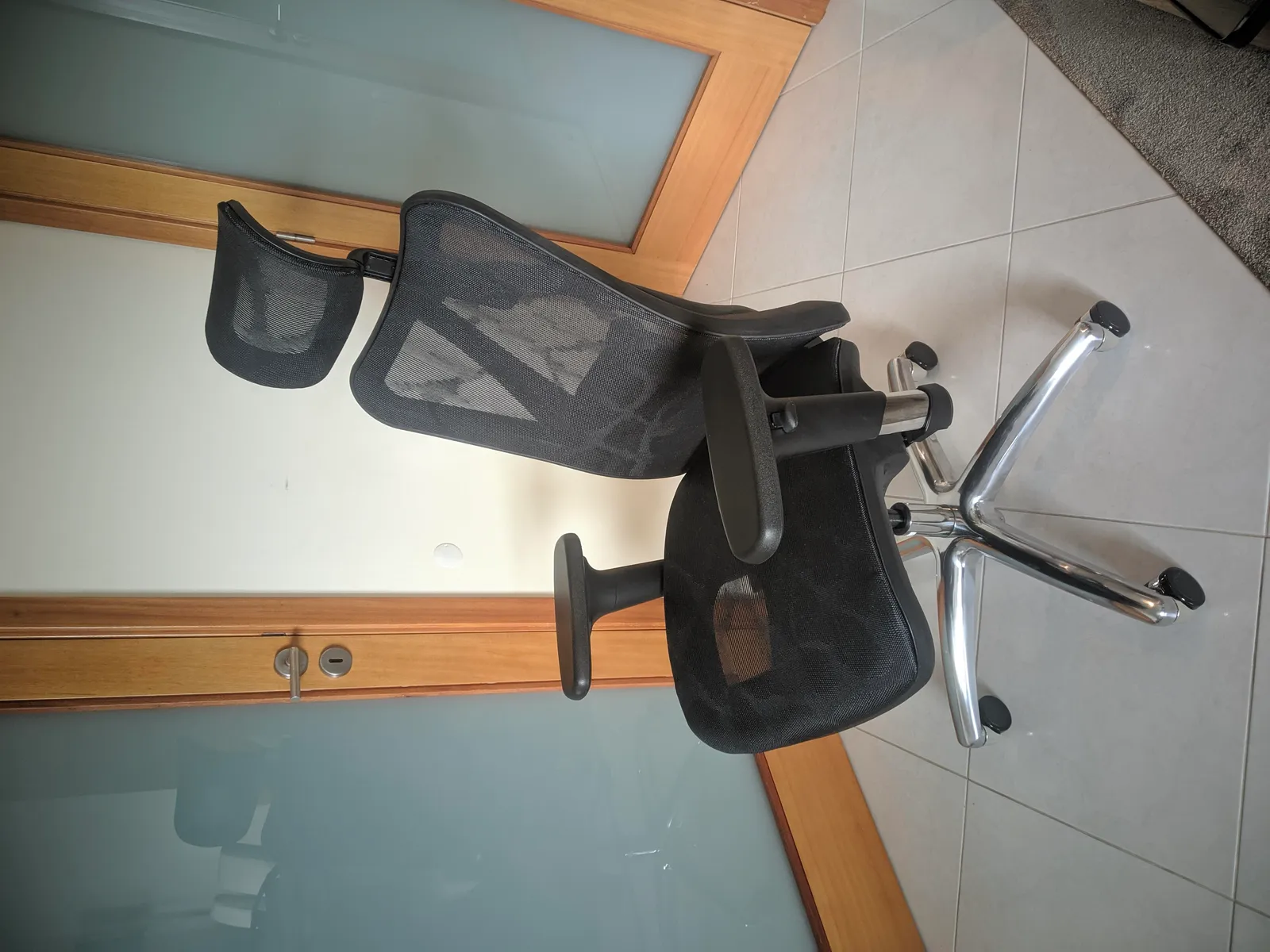
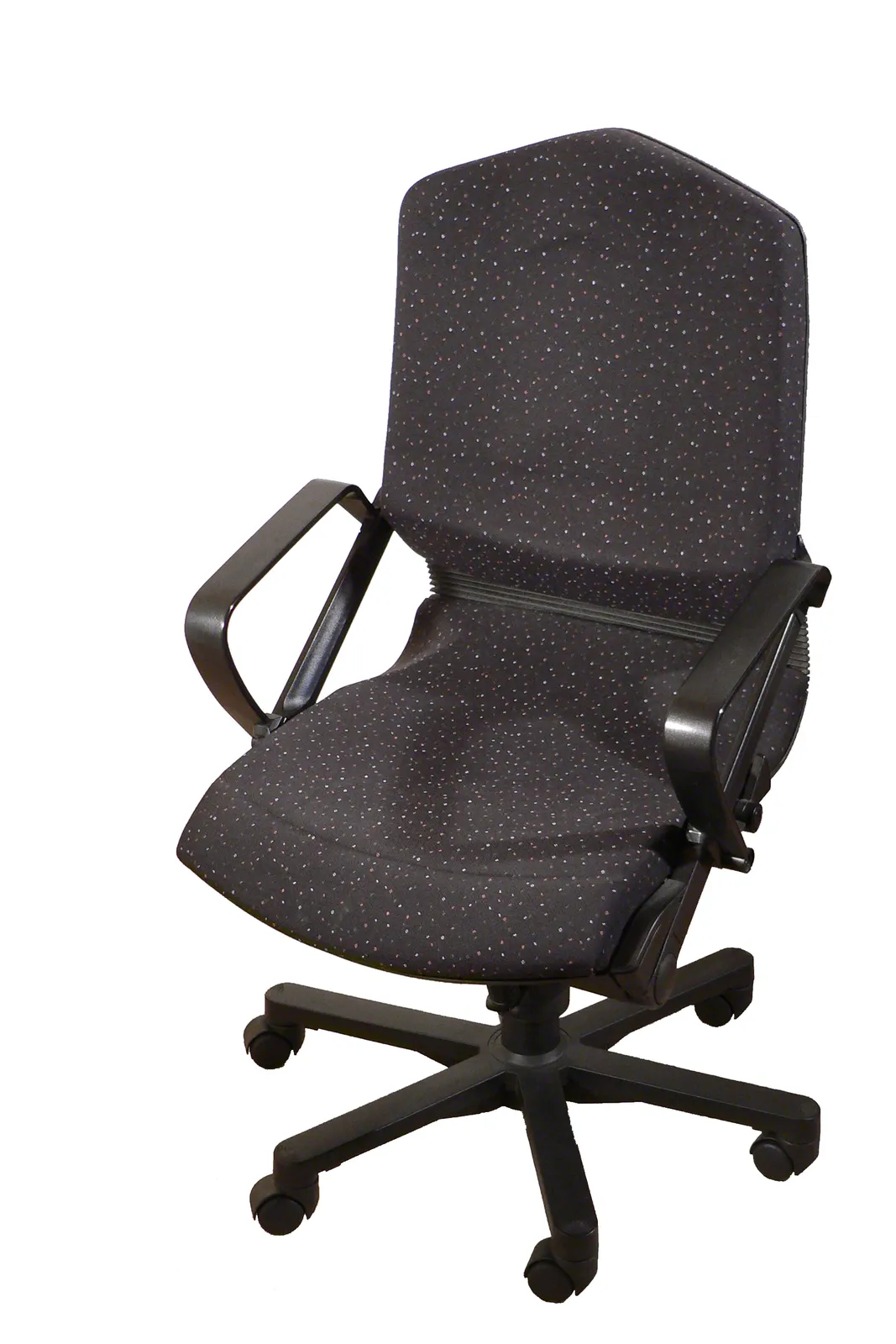
Out of the box, the frame is a matte black polymer with a fabric-mesh back stretched over it — no seams, no visible staples, which matters after a few months of leaning back hard because cheaper mesh chairs tend to show fraying exactly at the point where your upper back presses hardest. The seat itself is a foam-and-fabric pad rather than mesh, which is the first meaningful difference from the pricier Leap and Gesture, both of which offer more premium seat foam options and a wider range of seat depth adjustment.
Adjustability: what you actually get to tune
This is where a $420 task chair either earns its keep or turns into an expensive paperweight, so we spent real time dialing in every axis before judging anything else.
Lumbar support on the Series 1 is not a separate pad you crank in and out — it's built into the LiveBack mesh geometry, which flexes as a single piece and pushes back gently into the lower spine as you recline. There's no manual lumbar depth adjustment, which is the single biggest functional gap compared to the Leap (whose adjustable lumbar can be moved up, down, and in depth independently). For a average-height user (5'9") with mild chronic lower-back tightness from a decade of desk work, the passive lumbar flex was enough on its own about 80% of the time; on long writing days past six hours, we noticed the lower back wanting more targeted pressure than the mesh alone provides, which the pricier chairs solve better.
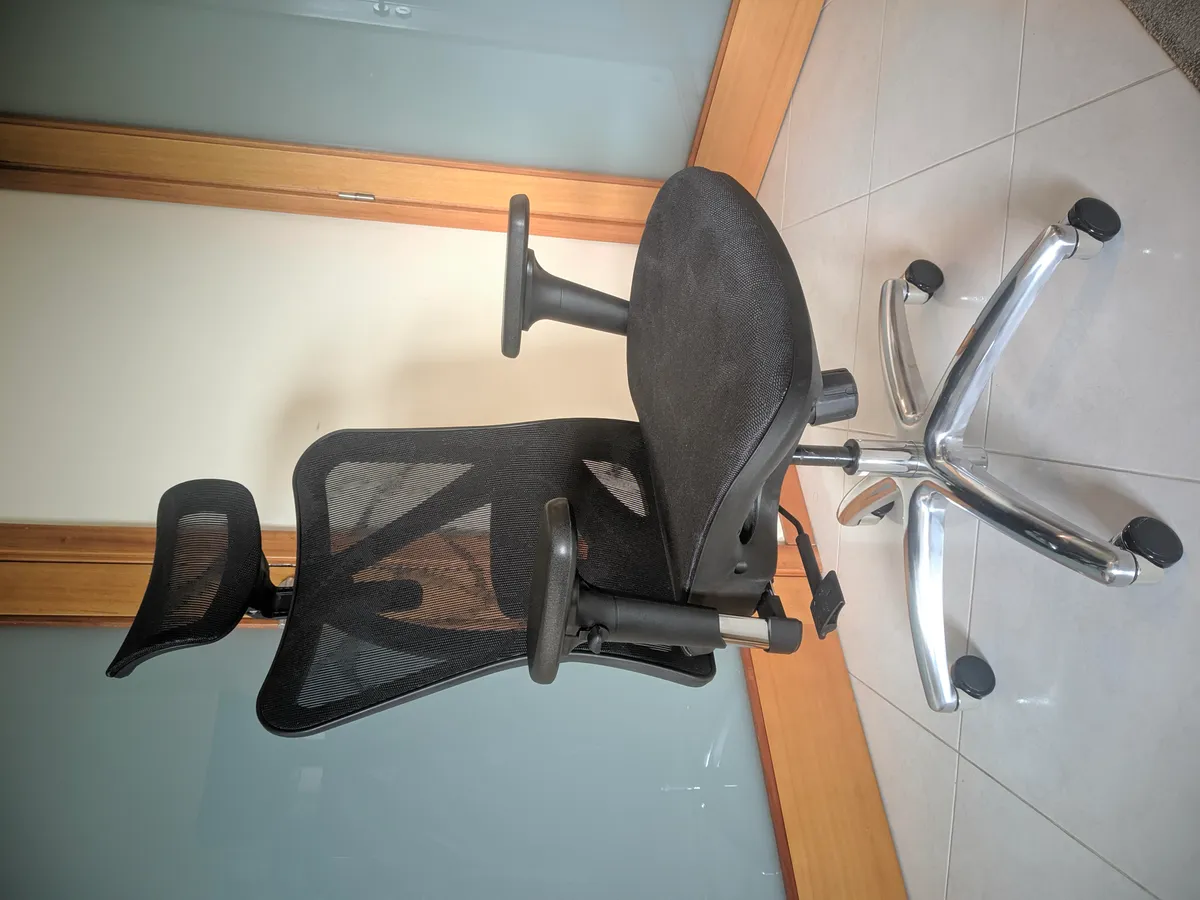
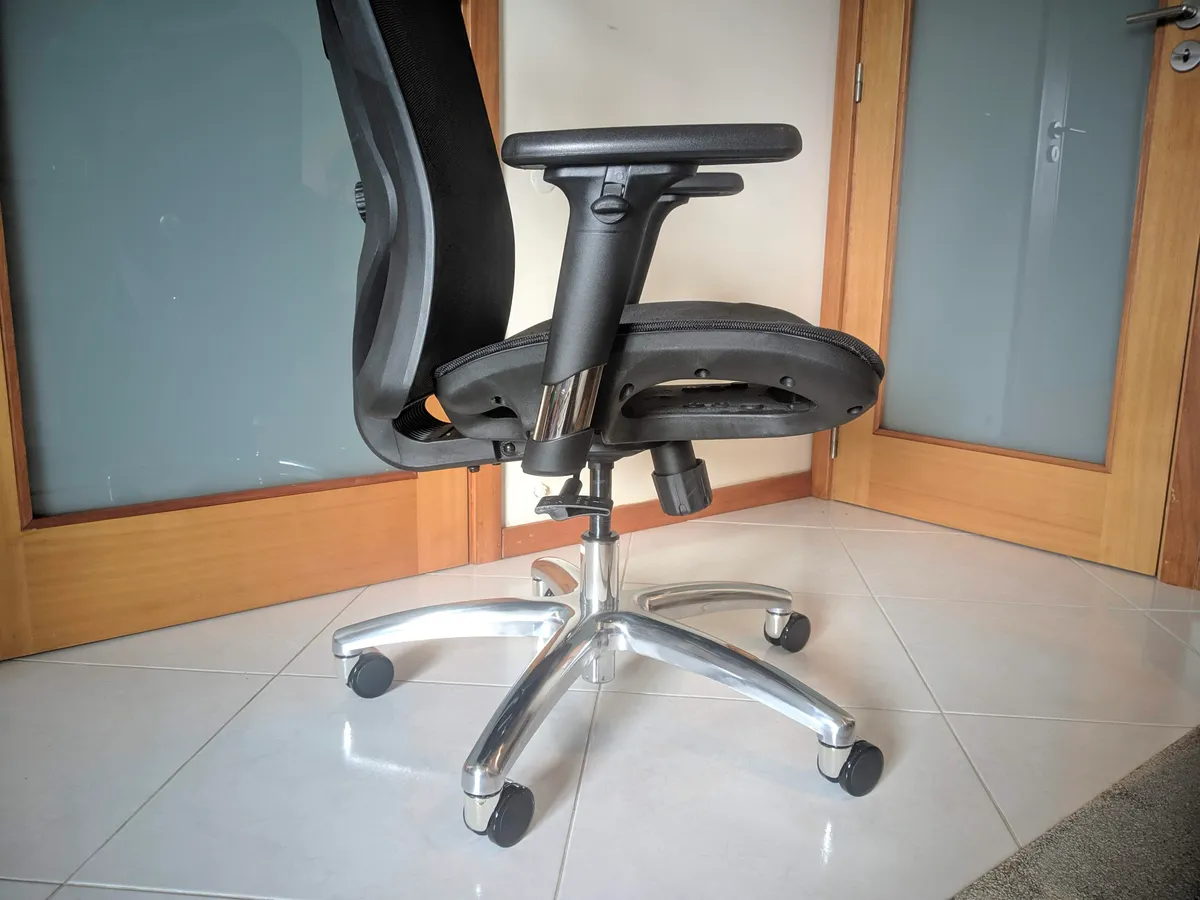
Armrests adjust in height and width but not in depth or pivot angle — so this is a 2D arm, not the 4D arm you get on the Leap or Gesture. Height adjustment has 10 stepped positions covering roughly 7 inches of total travel, which was enough to get elbows to a comfortable 90-degree angle at a 29-inch-high desk. Width adjustment slides in about 2 inches per side. What you can't do is angle the arms inward for laptop work or slide them forward for keyboard-heavy typing, and that limitation became noticeable during long typing sessions where we wanted the arms rotated slightly inward.
Seat depth adjusts via a lever under the front-left of the seat, sliding roughly 2 inches. This mattered more than expected — at the shortest setting, the front edge of the seat cleared the back of the knees comfortably for a shorter tester (5'4"); at the longest setting, a taller tester (6'1") got proper thigh support without the front lip biting into the backs of the knees during long sits.
Recline tension is adjusted with a knob under the seat, and the chair reclines to a locked upright position or free-floats through a limited range — Steelcase caps the Series 1's recline angle noticeably short of the Leap's, which allows a much deeper recline for phone calls or reading. On the Series 1, leaning back past roughly 15 degrees starts to feel like you're fighting the mechanism rather than being supported by it, which is a real and specific limitation worth knowing about before buying if you like reclining deeply between tasks.
Eight weeks of daily WFH use
We ran the Series 1 through eight full work weeks, roughly 45 hours a week of seated time split between video calls, focused writing, and spreadsheet work, tracking specific discomfort points rather than relying on a vague "it felt fine" verdict.
Weeks one and two were an adjustment period — the seat foam is firmer than the sagging five-year-old chair it replaced, and there was a mild two-day period of new soreness across the sit bones before the body adapted to a firmer, more supportive seat pan. By week three, that soreness was gone and had been replaced by a genuine improvement: the lower-back tightness that used to show up reliably by 3pm most days was showing up later, and less severely, on most days — not eliminated, but measurably reduced. By week five, the pattern held steady: on days with more than one long unbroken sitting block (90+ minutes without standing), lower back stiffness still appeared, which reinforced that no chair replaces getting up and moving, but the chair no longer made things worse the way the old sagging mesh chair had.
One recurring annoyance: the lack of arm depth adjustment meant that during long typing sessions, the fixed-depth arms sat about half an inch too far back to rest forearms comfortably while typing, so we ended up not using the armrests during active typing and only resting on them during calls and reading — a workaround, not a flaw that ruins the chair, but worth flagging since Steelcase markets the Series 1 partly on its arm adjustability.
Comparison to the Steelcase Leap and Gesture
Having spent time in a Leap at a previous office, the differences are specific rather than vague. The Leap's LiveBack mechanism includes independently adjustable lumbar depth, a deeper and smoother recline with adjustable tension across a wider range, and 4D arms that pivot and slide in depth — each of those is a real ergonomic upgrade, not a marketing bullet point. The Leap also costs roughly three to four times what the Series 1 costs at street price, north of $1,400 in most configurations. The Gesture goes further still, with arms that track natural arm movement through a much wider range of motion for phone/tablet use, at a similar or higher price point to the Leap.
The honest conclusion after eight weeks: the Series 1 gets you Steelcase's frame quality, warranty, and the core LiveBack flex concept, but it deliberately gives up the fine-grained adjustability that lets the Leap and Gesture fit an unusually wide range of body types and postures precisely. If your body responds well to the passive lumbar flex and you don't need a deep recline, the gap in daily comfort is smaller than the price gap would suggest. If you have specific lower-back issues that need dialed-in lumbar depth, or you recline deeply for calls, the Leap's extra adjustability is worth the premium.
Comparison to a budget mesh chair
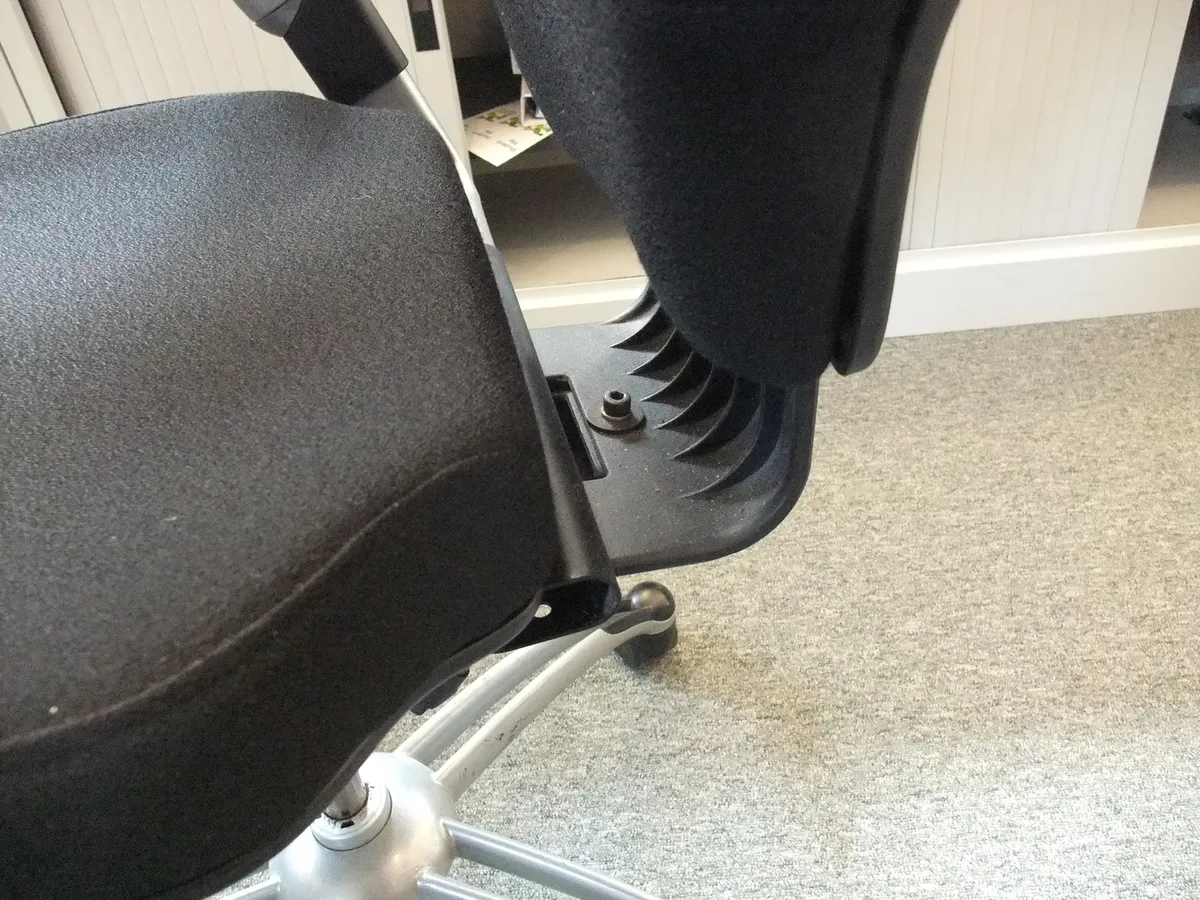
We also ran the Series 1 side by side against a roughly $180 generic mesh task chair from a big-box retailer, swapping between them every few days over two of the eight weeks to make the comparison closer to apples-to-apples. The budget chair's mesh back has no equivalent to LiveBack's engineered flex — it's just taut fabric over a rigid frame, so lumbar support is either present because you happen to be the exact height it was designed for, or absent if you're not. The Series 1's back visibly and measurably flexed to different recline angles in a way the budget chair's back simply didn't.
The other big gap was long-term material behavior: after roughly 14 months of prior ownership, our old budget chair's seat foam had compressed to the point of a visible dip, and one of the tilt-lock levers had started slipping under load. Steelcase backs the Series 1 with a considerably longer warranty than typical budget chairs offer, and the frame and mechanism feel like they're built to the multi-year duty cycle that warranty implies, rather than the "looks fine for the first six months" build quality that shows up in a lot of sub-$200 chairs.
None of that means the budget chair is a bad choice for every buyer — for someone who sits for short stretches, doesn't have back sensitivity, and is on a hard budget, the difference may not justify more than doubling the price. But for anyone using a chair as their primary seat 30+ hours a week, the Series 1's build quality and passive ergonomics showed up as a real, felt difference within the first month, not just on a spec sheet.
Where the Series 1 falls short
To be specific rather than diplomatic: the recline range is genuinely limited if you like leaning back for calls, the arms lack depth and pivot adjustment that competitors in this exact price range sometimes include, there's no adjustable headrest option on the configuration we tested (Steelcase sells one as an add-on, at extra cost), and the seat foam — while comfortable — is firmer than some buyers coming from a plush chair will expect in the first week. None of these are dealbreakers, but a review that only lists strengths isn't describing a real chair.
Who should buy this
The Series 1 makes the most sense for someone setting up a serious home office for the first time who wants a chair from a brand with a genuine ergonomic engineering pedigree, without stretching to Leap or Gesture pricing. It's also a sensible upgrade path for anyone currently sitting in a chair under about $200 that's started sagging or creaking, since the jump in frame rigidity and passive lumbar support is the most noticeable improvement we measured. It's a weaker fit for anyone with a diagnosed back condition that specifically needs adjustable-depth lumbar support, deep recline for reading or calls, or 4D arms for laptop-heavy, non-desk work — those buyers should budget for the Leap or Gesture instead, or at minimum try a Series 1 in person before committing, since chair fit is genuinely personal in a way spec sheets undersell.
The verdict
After eight weeks of daily use, the Steelcase Series 1 earned a permanent spot at our test desk over both the chair it replaced and the budget alternative it was compared against. It isn't trying to be a Leap at a third of the price, and buyers expecting Leap-level adjustability for $420 will be disappointed by the capped recline and 2D arms. What it does deliver is real, engineered lumbar flex, seat depth adjustment that actually matters for different body types, assembly that takes 18 minutes instead of an hour, and a warranty and build quality that should outlast the typical budget chair by years, not months. For most remote workers replacing a sagging or generic chair, it's the rare case where paying roughly double the price of the cheapest option buys a measurable, daily improvement rather than just a nicer-looking spec sheet.
Other products we tested

Ecobee Smart Thermostat Premium Review: Two Months of Real HVAC Testing
We installed the Ecobee Smart Thermostat Premium without a C-wire, tracked its temperature accuracy against a separate thermometer, and measured real energy savings over two months of daily HVAC use.

Bose SoundLink Flex Review: Six Weeks of Hiking, Kayaking, and Beach Days
Six weeks of camping, kayaking, and beach trips show the Bose SoundLink Flex's IP67 rating and PositionIQ orientation sensing are genuinely useful, with honest limits on bass and max volume.

Coros Pace 3 Review: Six Weeks Testing the GPS Watch That Barely Needs Charging
A dual-frequency GPS running watch that trades AMOLED shine for weeks of battery life at a fraction of the price of flagship rivals.