
Handheld Gaming Buying Guide: Console, Handheld PC, or Just Your Phone?
Battery life, weight, and game-library compatibility decide this purchase. Raw performance barely enters into it.
Handheld gaming has quietly become three separate product categories that share a shape. One is a console with a curated library and years of first-party software. One is a full computer that happens to have controllers bolted to it. One is a phone with a clip-on grip. They cost roughly similar money and they suit completely different people, and the marketing does very little to help you tell which is which.
The question that actually decides this is not raw performance. It is where your games already live, and how much setup friction you are willing to tolerate on a Tuesday night when you have forty minutes free.
The quick answer
If you already own a large PC game library, a handheld PC is the obvious purchase — you are buying a new way to play games you have paid for. Budget $400-$700, and accept that some titles need tinkering.
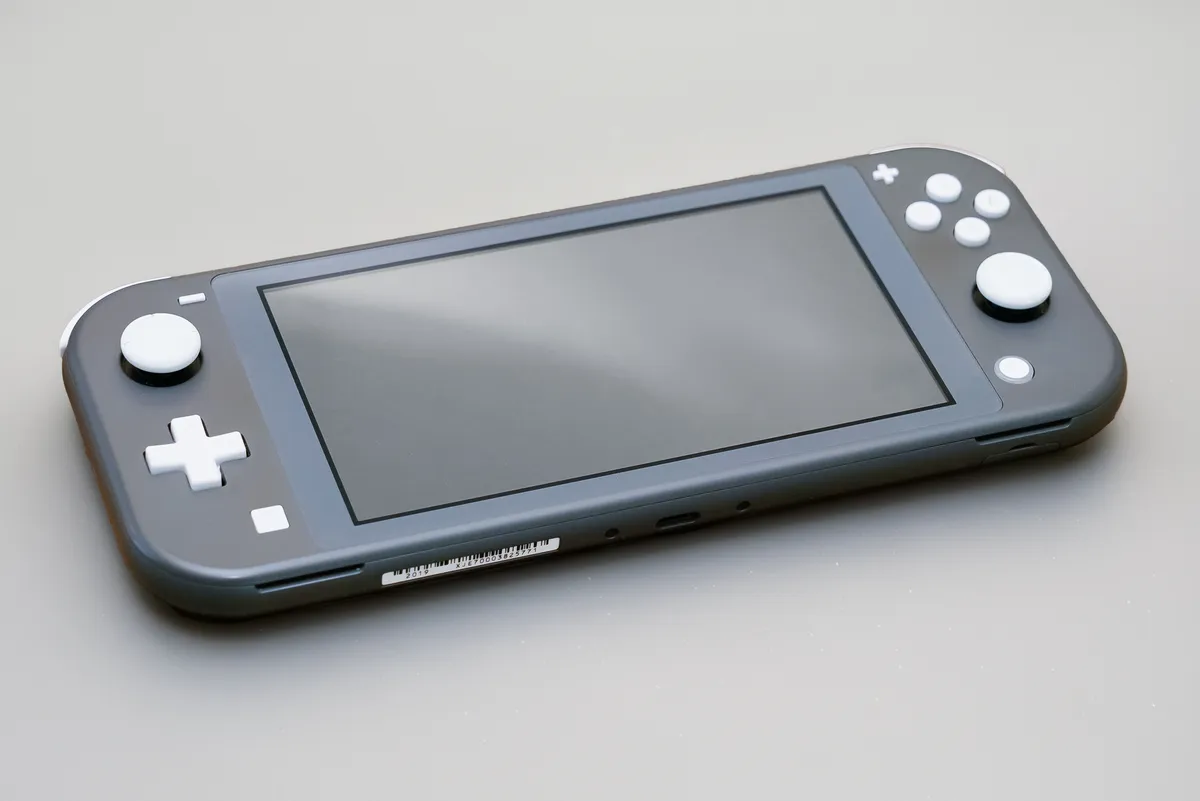
If you want games that reliably work, family-friendly first-party titles, and something a nine-year-old can operate, buy a dedicated console handheld. Budget $200-$350. The library is smaller and the experience is consistent.
If you play mainly short sessions and mostly free-to-play or mobile titles, a $40 controller grip for the phone you already own covers it, and spending $500 would be waste.
If you want a handheld primarily for long flights and commutes, weigh battery life and weight above everything. A device that lasts 90 minutes and weighs 700g is a poor travel companion regardless of how capable it is.
Battery life is the specification that constrains everything
Handheld battery numbers are almost meaningless as quoted, because they depend entirely on what you run. A handheld PC playing a lightweight indie 2D game might last five to seven hours. The same device running a recent open-world title at high settings lasts 75-110 minutes. Both numbers are real; only one appears on the box.
The physics is straightforward. Battery capacities cluster around 40-50Wh, which is laptop territory. A chip drawing 8W gives you five hours. The same chip permitted to draw 25W gives you well under two. This is why almost every handheld PC exposes a wattage limiter — capping the chip at 8-10W and accepting 30fps often doubles playtime, and it is the single most useful setting on these devices.
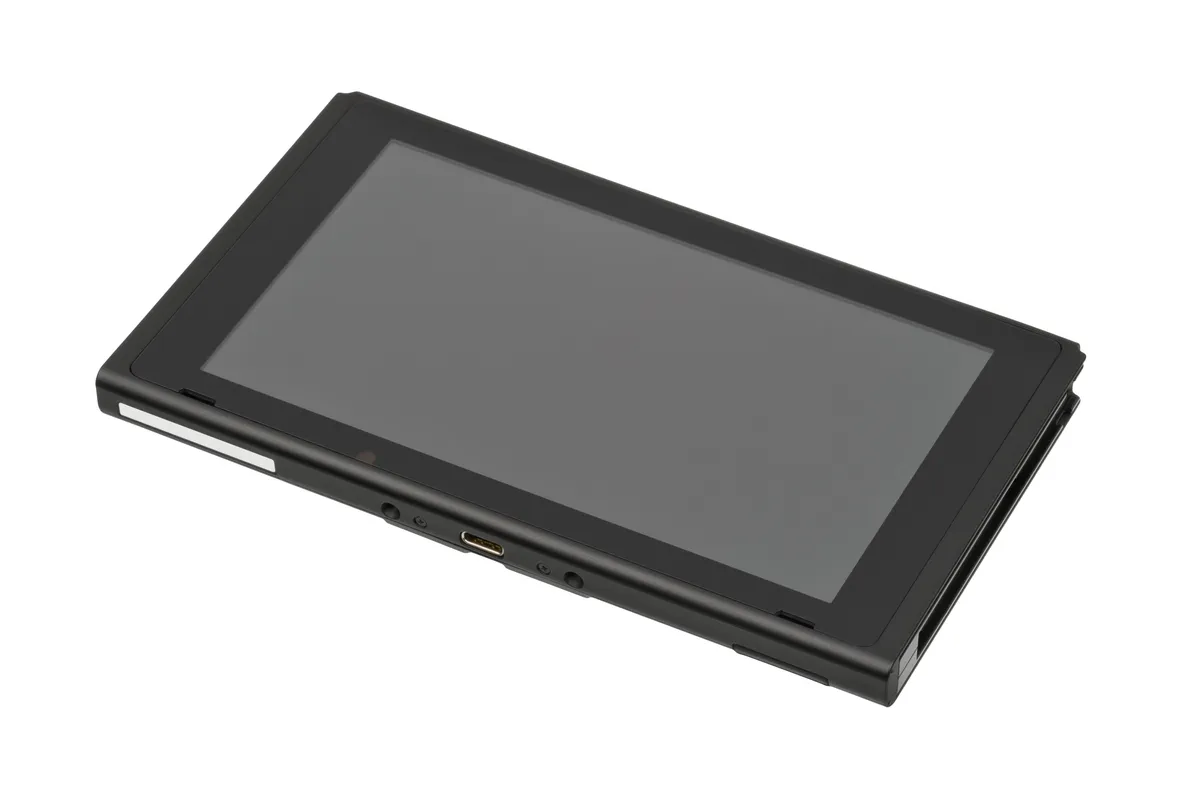
Dedicated console handhelds win here by not trying to compete on raw output. Running a fixed, modest performance target with software written specifically for that hardware, they deliver three to seven hours across most of their library and, crucially, a predictable figure. For a flight, predictability is worth more than peak capability.
Practical mitigations either way: a USB-C power bank supporting 45W or more will charge most handhelds while you play, though some throttle when charging and gaming simultaneously. Check that specifically if plane-socket-free long-haul is your use case.
Weight, size, and the thing you only notice after an hour
Handhelds range from roughly 300g to over 700g. That sounds like a small spread and it is not: 700g held at arm's length for ninety minutes produces genuine forearm and thumb fatigue, and it is the most common complaint about the larger devices from people who otherwise like them.
Grip shape matters as much as mass. Devices with deep contoured grips distribute weight into the palm; flat slab designs load the fingertips. If you can hold one before buying, do — thirty seconds in a shop tells you more than any specification.
Screen size trades against both. A 7-8 inch screen is immersive and pushes total size past what fits in a coat pocket or an aeroplane tray alongside a drink. A 5.5-6 inch screen is more portable and less comfortable for text-heavy games — strategy titles and RPGs with small interface text are genuinely harder to read on smaller panels, and many PC games do not scale their interface for handheld screens at all.
Screens: OLED versus LCD, honestly assessed
OLED panels on handhelds are a genuine upgrade rather than a marketing tier. Per-pixel illumination gives real blacks, which matters disproportionately on a small screen held close in a dim room — the grey-black of an LCD is much more visible at 30cm than across a living room. Colour saturation and contrast follow.
The secondary benefits get less attention and are real. OLED panels can be brighter in HDR content, and because dark pixels consume no power, dark games can actually run longer. Refresh rates on newer handheld panels reach 90Hz, which makes menu navigation and 2D games feel noticeably smoother.
The trade-offs: OLED costs more, and static interface elements — health bars, minimaps — carry a small long-term burn-in risk over thousands of hours on the same game. For typical mixed use this is not a practical concern within the device's life.
For an LCD device, the specification to check is brightness in nits. Below 300 nits a handheld is unusable in a bright train carriage, and this figure is often omitted precisely when it is low.
Library and compatibility: the real dividing line
A console handheld runs software written and tested for that exact hardware. Every game in its store works, at a known performance level, with the controls mapped. That reliability is the product.
A handheld PC runs a general-purpose operating system and a library assembled over years from many developers, most of whom never considered a 7-inch screen with a controller. Compatibility ranges from perfect to unplayable, and the failure modes are specific: interface text too small to read, tutorials that assume a mouse, anti-cheat systems that refuse to run on Linux-based handhelds, and launchers that need a keyboard to log into.
Before buying a handheld PC, check compatibility for the five games you most want to play. Platform verification programmes and community compatibility databases exist for exactly this, and fifteen minutes of checking prevents the most common form of buyer's regret. Competitive multiplayer titles are the highest-risk category, because kernel-level anti-cheat frequently blocks non-Windows handhelds outright.
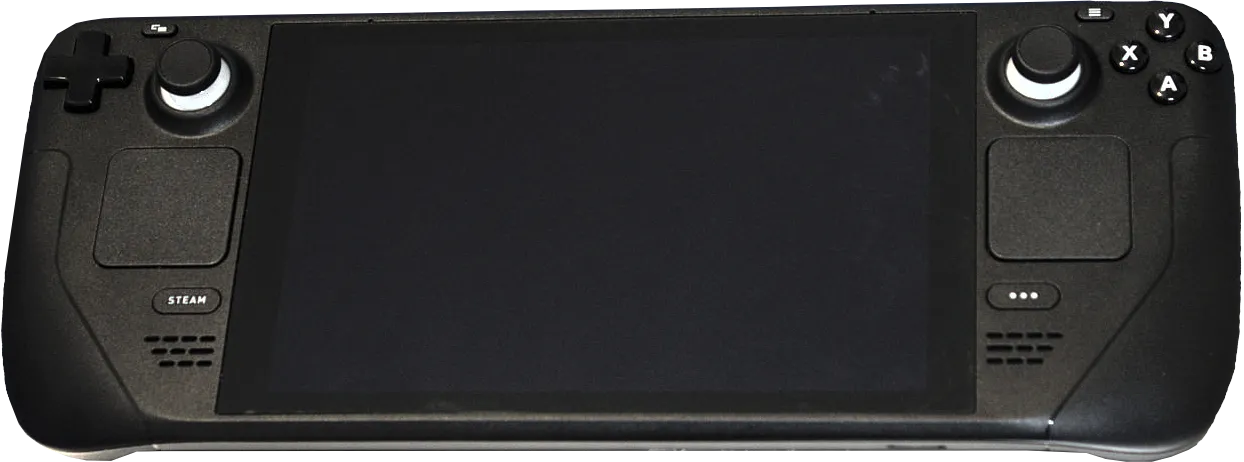
Our Steam Deck OLED review covers which of that device's upgrades actually change the experience, and our Nintendo Switch OLED review covers the console-handheld case as a family and travel device — the two ends of this decision.
Storage, and the cost nobody budgets for
Modern games are large. A single recent title can occupy 60-150GB, which means a 256GB handheld holds two or three of them plus system files. The base storage tier on almost every handheld is a decision you will revisit within two months.
Two ways to plan for it. Buy a higher internal tier at purchase, which typically costs $80-$150 for a jump that would cost $50 in raw parts — a real markup but zero effort. Or check whether the device accepts a standard M.2 2230 or 2242 SSD, which many handheld PCs do, and upgrade for less.
MicroSD is the cheap middle path and works well for indie games and emulation. It is meaningfully slower than internal storage, so large modern titles load and stream textures worse from a card. Buy an A2-rated card from a reputable brand; counterfeit high-capacity cards remain common and fail unpredictably.
Docking, and whether it replaces a console
Most handhelds output to a television over USB-C, which invites the idea of buying one device instead of a handheld and a console. It works, with caveats worth knowing in advance.
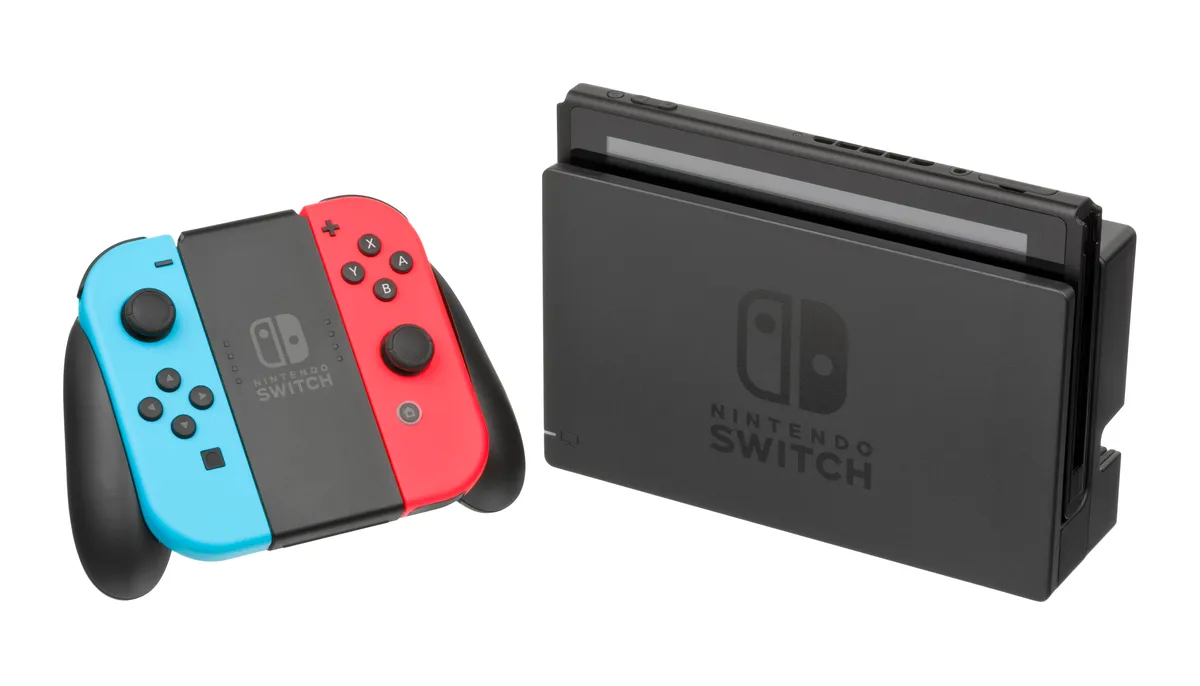
The main caveat is that a handheld chip designed for 15W does not become a home console when plugged in. On a 55-inch television, output that looked crisp on a 7-inch screen is visibly soft, and games tuned for handheld resolution need settings reduced further to hold a stable frame rate at 1080p. It is a genuine second use rather than a console replacement.
Practical needs: a dock or hub supplying at least 45W alongside HDMI, plus a separate controller. Total additional spend $80-$150. Check whether the device supports charging and display simultaneously through one port, and whether it supports the resolution and refresh rate your television actually uses.
When to skip the handheld entirely
If you have a gaming PC and a comfortable place to sit, a $60 controller and remote-play software over your home network gives you handheld play on a tablet or phone you already own, using the PC's full power. Latency over a good 5GHz connection is genuinely acceptable for single-player games.
If your play sessions are almost always at home in one room, a handheld's portability premium buys nothing. The same money spent on a monitor or a graphics card produces a better experience.
And if you mostly play competitive shooters, handhelds are the wrong tool at any price: stick control at that size is a real disadvantage, and anti-cheat compatibility is the least reliable part of the handheld PC picture.
Accessories that are actually worth it
A case, because these devices travel and screens crack. A screen protector, for the same reason. A 45W-plus power bank if you fly. And a decent wireless headset, since handheld speakers are small and thin by necessity and audio is where the cheapest large improvement lives — our SteelSeries Arctis Nova 5 Wireless review covers one tested across handheld, console, and PC.
Skip the cooling fans that clip on, the RGB grips, and the third-party docks from unknown brands — badly-implemented USB-C power delivery is a real way to damage a device, and the saving over a reputable hub is $20.
A short decision path
Where do your games live? A big existing PC library points at a handheld PC; a preference for first-party console titles points at a console handheld; mostly mobile games point at a phone grip.
How long are your sessions, and where? Long journeys favour predictable battery and low weight. Sofa sessions tolerate anything.
How much setup do you enjoy? Handheld PCs reward tinkering with per-game settings and reward it substantially. If adjusting graphics settings sounds like a chore rather than part of the hobby, buy the console. That single question predicts satisfaction with this purchase better than any benchmark.
More coupon shopping advice

Home Security Camera Buying Guide: Local vs. Cloud Storage
A practical, balanced buying guide to home security cameras that weighs local storage against cloud subscriptions, wired versus battery power, camera placement, night vision, smart detection accuracy, and smart home integration.

Beginner Mirrorless Camera Buying Guide
A practical, honest walkthrough of what actually matters when buying your first mirrorless camera, from sensor size and lens mounts to autofocus, video specs, and the real total cost of a beginner-friendly system.

Air Purifier Buying Guide: CADR, ACH, and Filter Costs Explained
A practical walkthrough of the numbers that actually matter when buying an air purifier — CADR and ACH for sizing, true HEPA versus marketing terms, real three-year filter costs, realistic noise levels, and when a purifier won't help at all.