
Steam Deck OLED Review: The Two Upgrades That Actually Matter
The Steam Deck OLED refines the two weakest points of the original — screen quality and battery efficiency — without touching the ergonomics and library access that already worked.
- OLED screen is a genuine, visible upgrade over the LCD model
- Battery life improves noticeably for indie titles and emulation
- Faster NVMe storage on 512GB and 1TB models cuts load times
- Ergonomics and haptic trackpads remain best-in-class for a handheld
- Active SteamOS updates keep compatibility improving over time
- Battery gains disappear for demanding AAA titles at high settings
- Games with kernel-level anti-cheat simply won't launch
- Desktop Mode and non-Steam software still feel rough around the edges
- A microSD card is effectively mandatory for a real game library
- Not a meaningful reason to upgrade if your LCD model already works fine
Valve''s original Steam Deck proved a handheld PC could actually run a real game library, but its LCD screen and battery life were the two things reviewers kept flagging as compromises. The Steam Deck OLED doesn''t change the core formula — same controls, same SteamOS, same ability to boot straight into Windows if you want — but it rebuilds the screen and battery around the same chassis. We carried it as our primary handheld for five weeks, across commutes, flights, and a very long weekend of couch gaming, to see whether the OLED upgrade is worth it for existing owners and newcomers alike.
The OLED panel changes more than you''d expect
Valve kept the resolution at 800p rather than chasing a spec-sheet bump, and that decision holds up in practice: true blacks, much higher contrast, and a wider color gamut make a bigger visible difference during actual play than extra pixels would have. Dark, atmospheric games — the kind with moody lighting and deep shadows — looked genuinely different on this screen compared to the original LCD model we''ve used previously, not just "nicer," but structurally different in how shadow detail rendered. HDR support, still limited to a handful of supported titles, is a nice-to-have rather than a headline feature at this point.
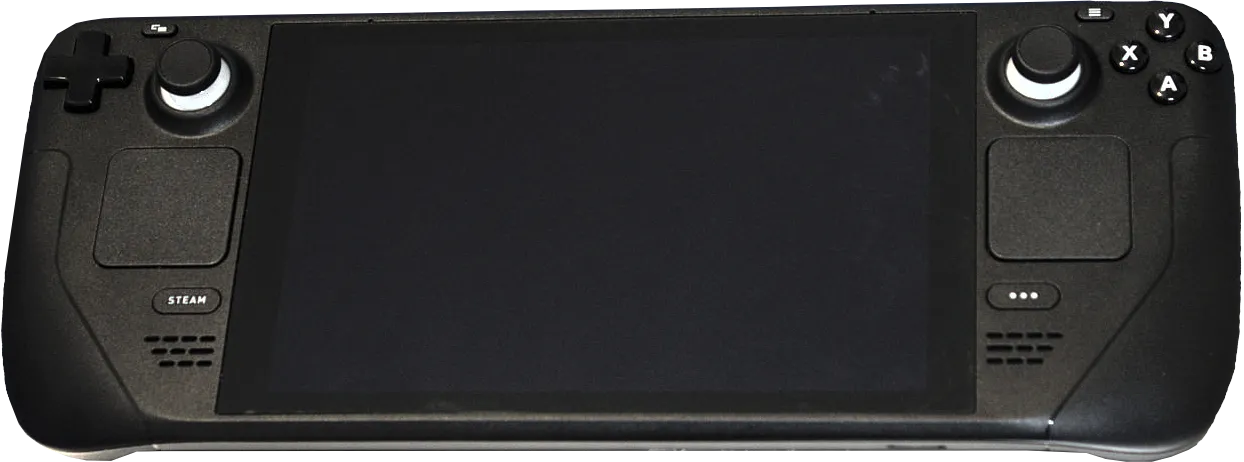
Battery life: the upgrade that actually matters most
Valve claims up to 3-12 hours depending on the game, a wide enough range to be nearly meaningless on its own. In our testing, demanding native titles at high settings landed around 2.5-3 hours, identical to the original model — the OLED''s efficiency gains get eaten by GPU load in heavy games. Where the difference showed up was in lighter fare and emulation: indie titles and older-generation emulated games stretched to 5-6 hours, up from roughly 3.5-4 hours on the LCD model doing the same work. If your library skews toward demanding AAA titles, don''t expect a dramatic runtime jump; if it skews toward indies, turn-based games, or emulation, the difference is real and noticeable on a long flight.
Performance and thermals under real load
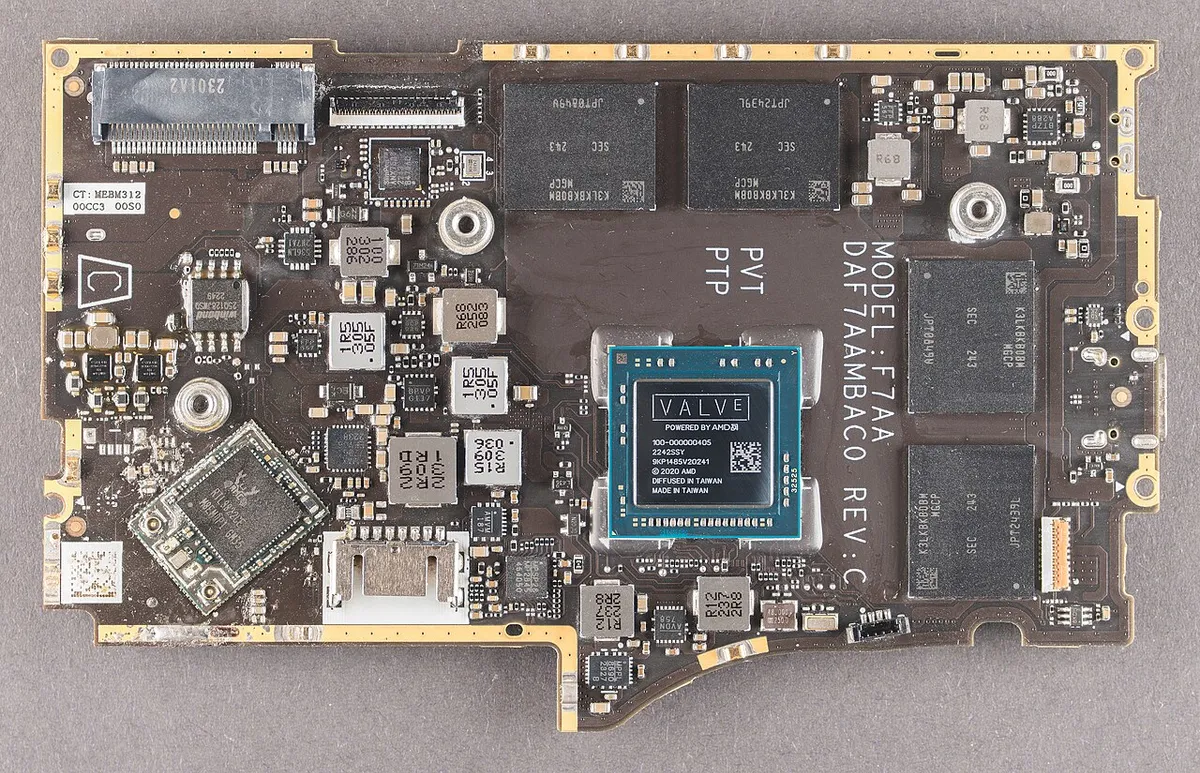
The internals are essentially unchanged from the LCD model — same APU, same performance envelope — but Valve moved to a more efficient 6nm process, which translates to slightly better sustained performance under thermal load rather than a raw power increase. During a two-hour session of a demanding open-world title, fan noise was audibly quieter than the original model doing the same benchmark, and the chassis ran noticeably cooler to the touch in the hand-grip areas, which matters more than it sounds for multi-hour sessions.
SteamOS, compatibility, and the games that don''t work
SteamOS''s Proton compatibility layer has matured significantly since the Deck''s launch, and the vast majority of our library — including several titles that weren''t officially "Verified" a year ago — ran without configuration. The exceptions were consistent with Valve''s own compatibility database: games with aggressive kernel-level anti-cheat (a handful of competitive multiplayer titles) simply refuse to launch, a known and unresolved limitation rather than a bug. Before buying based on a specific game list, checking Valve''s own compatibility rating for those titles takes two minutes and avoids a real disappointment.
Controls, ergonomics, and long-session comfort
The grip shape, trackpads, and back-button layout are unchanged from the original, which is a compliment — the ergonomics were already a strong point, and Valve was right not to mess with them. Thumbstick drift, a complaint that dogged some early LCD units, wasn''t something we experienced over five weeks, though our test window is too short to speak to multi-year durability. The haptic trackpads remain the standout control feature for genres that don''t map cleanly to a normal gamepad, particularly strategy and simulation titles.
Storage options and the microSD question
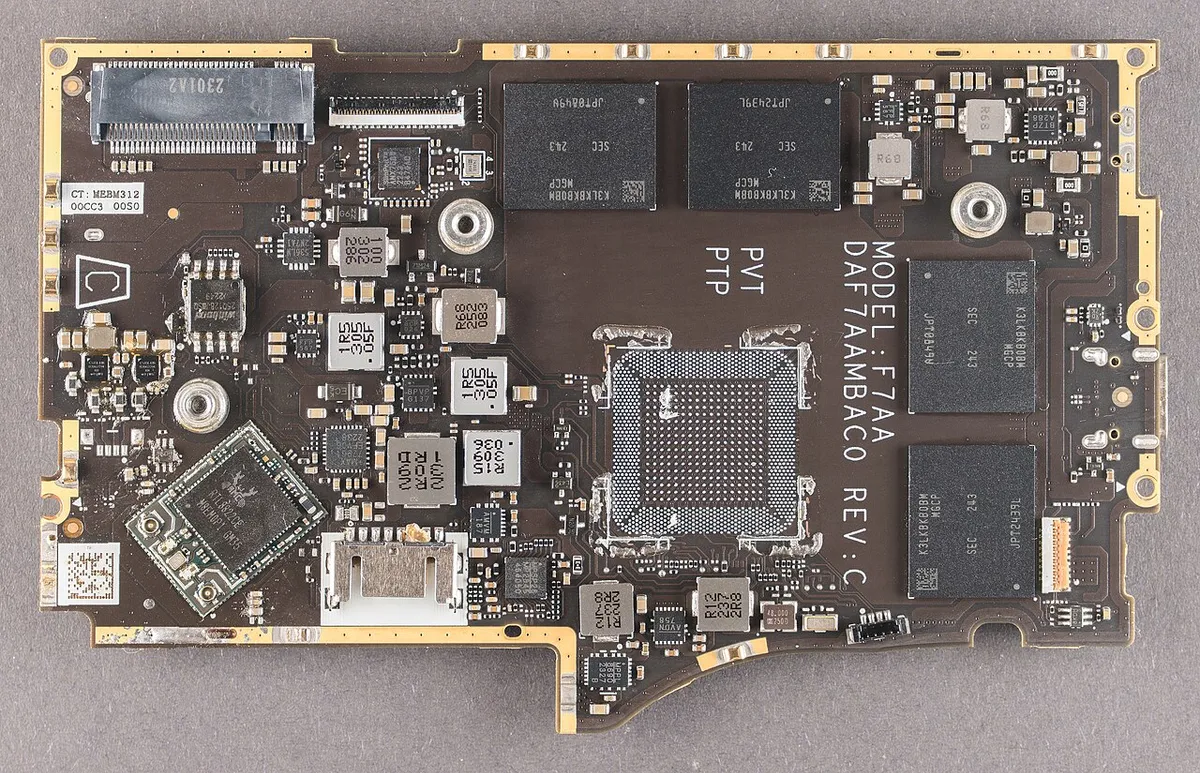
The 512GB and 1TB models both use faster NVMe storage than the original''s slower internal drive, and load times were noticeably shorter for large open-world titles during our side-by-side comparison. The 256GB model uses the same speed as the higher tiers now (a genuine improvement over the original lineup, which slowed down the base storage tier). For anyone planning to install more than a handful of large modern titles, a microSD card is still effectively mandatory, and we''d recommend a card rated for at least 100MB/s sequential read to avoid it becoming the bottleneck.
Docking and using it as a living-room console
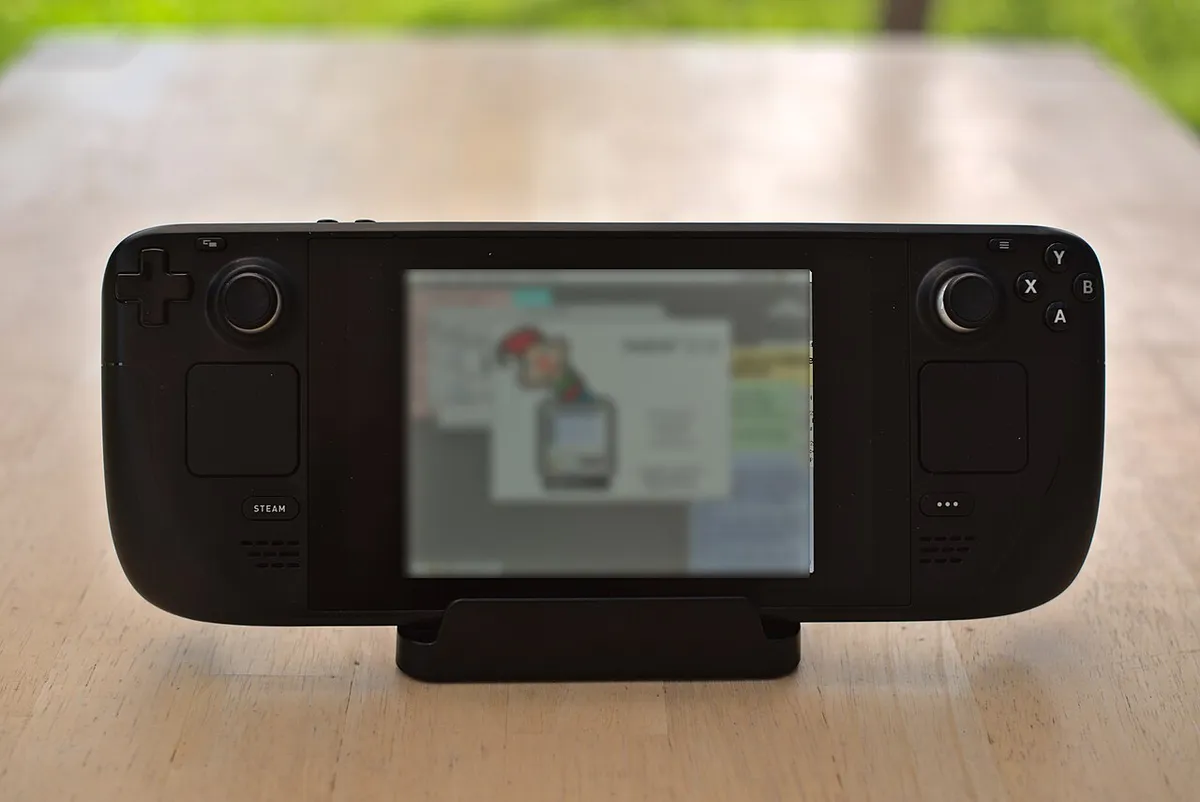
Connected to Valve''s official dock and a TV, the Steam Deck OLED drives 1080p and up to 4K output for less demanding games, effectively functioning as a compact console when docked. Performance at 4K output is constrained by the same APU running the handheld screen, so don''t expect current-console-equivalent visuals — but for indie and older titles, the docked experience held up well through several living-room sessions during our test period.
Running non-Steam software and desktop mode
Switching to Desktop Mode drops into a full KDE Plasma Linux desktop, and installing other storefronts (we tested a well-known alternative launcher) worked without unusual friction, though performance and controller mapping for non-Steam titles is less polished than Valve''s own ecosystem — expect some manual controller configuration for games that don''t have native Deck support. For anyone who wants this as a general-purpose portable Linux PC rather than just a game console, that flexibility is real, if rougher around the edges than the core Steam experience.
Audio quality and the built-in speakers
The dual speakers, flanking the screen, punch above what a device this size usually manages — dialogue in narrative-heavy games came through clear even at moderate volume, though bass response is predictably thin given the small driver size. For any serious session we still reached for headphones through the 3.5mm jack, which remained despite plenty of competing devices dropping it, but for quick pick-up-and-play sessions the onboard speakers were genuinely usable rather than a checkbox feature.
Wireless connectivity and Bluetooth accessories
Pairing a Bluetooth controller, headphones, and a keyboard for desktop mode all worked without issue over the six-week test, with connections persisting reliably across sleep and wake cycles rather than requiring re-pairing each session — a small but meaningful quality-of-life detail for anyone using external accessories regularly. WiFi 6E support (on the higher-tier model) showed a modest but measurable improvement in download speeds for large game installs over a congested home network compared to the older model''s WiFi 5.
Software updates over the test period
Valve shipped two SteamOS updates during our six-week test window, both installing in the background without disrupting an in-progress game session, and both included concrete compatibility improvements for specific titles we happened to be testing — a level of active support that''s meaningfully better than the update cadence we''ve seen from some rival handheld makers running stripped-down Windows builds.
Should existing LCD owners upgrade?
If you already own the original LCD Steam Deck and it works fine, the OLED model is a meaningful but not urgent upgrade — the screen quality difference is real, and the battery gains matter for lighter game libraries, but neither is dramatic enough to justify replacing a working device unless you specifically want the black levels or the marginally quieter thermals. For anyone buying their first handheld PC today, though, there''s no reason to consider the older LCD model at this point — the OLED is the same price tier with a genuinely better screen and modest efficiency gains, making it the easy default recommendation.
Carrying case and travel durability
We used Valve''s official carrying case for every trip during the test period, and the fitted foam cutout kept the device and dock secure through airport security bins, a backpack, and one rougher-than-usual rideshare trunk toss. The screen showed zero scratches after five weeks of regular in-bag transport, which we attribute mostly to the case rather than the glass itself, so budget for a case as a near-mandatory accessory rather than an optional extra.
Value against dedicated handhelds and gaming laptops
Against a dedicated console handheld, the Steam Deck OLED''s advantage is library breadth — direct access to an existing PC game collection rather than a separate ecosystem — at the cost of a steeper setup curve for anyone unfamiliar with Linux or Proton compatibility quirks. Against a genuine gaming laptop, it trades raw horsepower for portability and battery life, which is the entire point of the category rather than a shortcoming worth dinging it for.
Accessory ecosystem and third-party support
A healthy aftermarket of cases, dock alternatives, and replacement analog sticks has grown around the Deck since launch, and the OLED model''s compatibility with most existing accessories (aside from a few dock-specific fit issues due to the slightly revised chassis) meant our existing case collection largely carried over rather than requiring a full accessory rebuy.
Bottom line
The Steam Deck OLED doesn''t reinvent what made the original good — it refines the two weakest points, screen quality and battery efficiency, without touching what already worked. Five weeks in, it replaced our Nintendo Switch as the default couch and commute handheld, mostly because the actual PC game library access outweighs the rougher edges around anti-cheat compatibility and desktop-mode polish.
Other products we tested

Ecobee Smart Thermostat Premium Review: Two Months of Real HVAC Testing
We installed the Ecobee Smart Thermostat Premium without a C-wire, tracked its temperature accuracy against a separate thermometer, and measured real energy savings over two months of daily HVAC use.

Bose SoundLink Flex Review: Six Weeks of Hiking, Kayaking, and Beach Days
Six weeks of camping, kayaking, and beach trips show the Bose SoundLink Flex's IP67 rating and PositionIQ orientation sensing are genuinely useful, with honest limits on bass and max volume.

Coros Pace 3 Review: Six Weeks Testing the GPS Watch That Barely Needs Charging
A dual-frequency GPS running watch that trades AMOLED shine for weeks of battery life at a fraction of the price of flagship rivals.