
Fitness Tracker vs Smartwatch: Which One Should You Actually Buy?
Battery life, sensor accuracy, GPS chips, and platform lock-in decide this purchase far more than the feature list does.
The wearables market has quietly split into two products that look almost identical on a wrist and serve different purposes. One is a health-tracking band that happens to show notifications. The other is a wrist-worn computer that happens to count steps. Both get called "smartwatch," both cost between $100 and $500, and buying the wrong one is the single most common wearable regret.
The deciding question is not which has more features. It is which failure annoys you more: a device that needs charging every night, or a device that cannot reply to a message. Everything else follows from that.
The quick answer
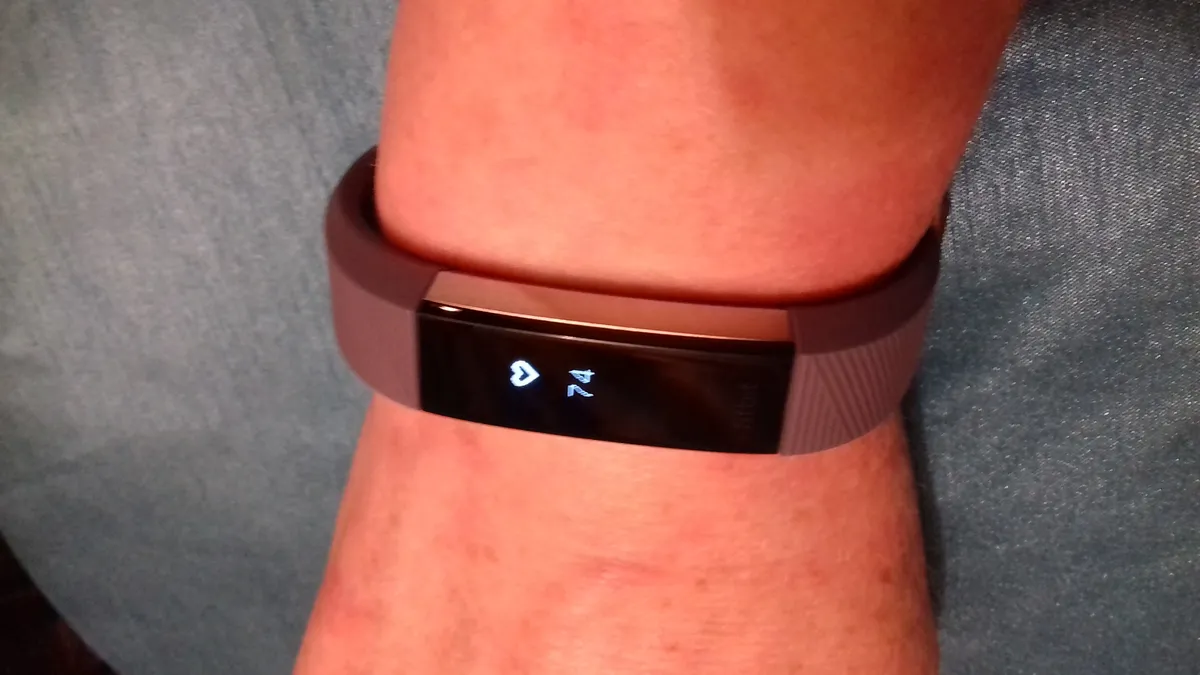
Buy a fitness tracker if your primary interest is sleep, resting heart rate, and daily activity trends, and you would rather charge once a week. Budget $80-$180. The data quality for those specific metrics is close to identical to devices costing three times more.
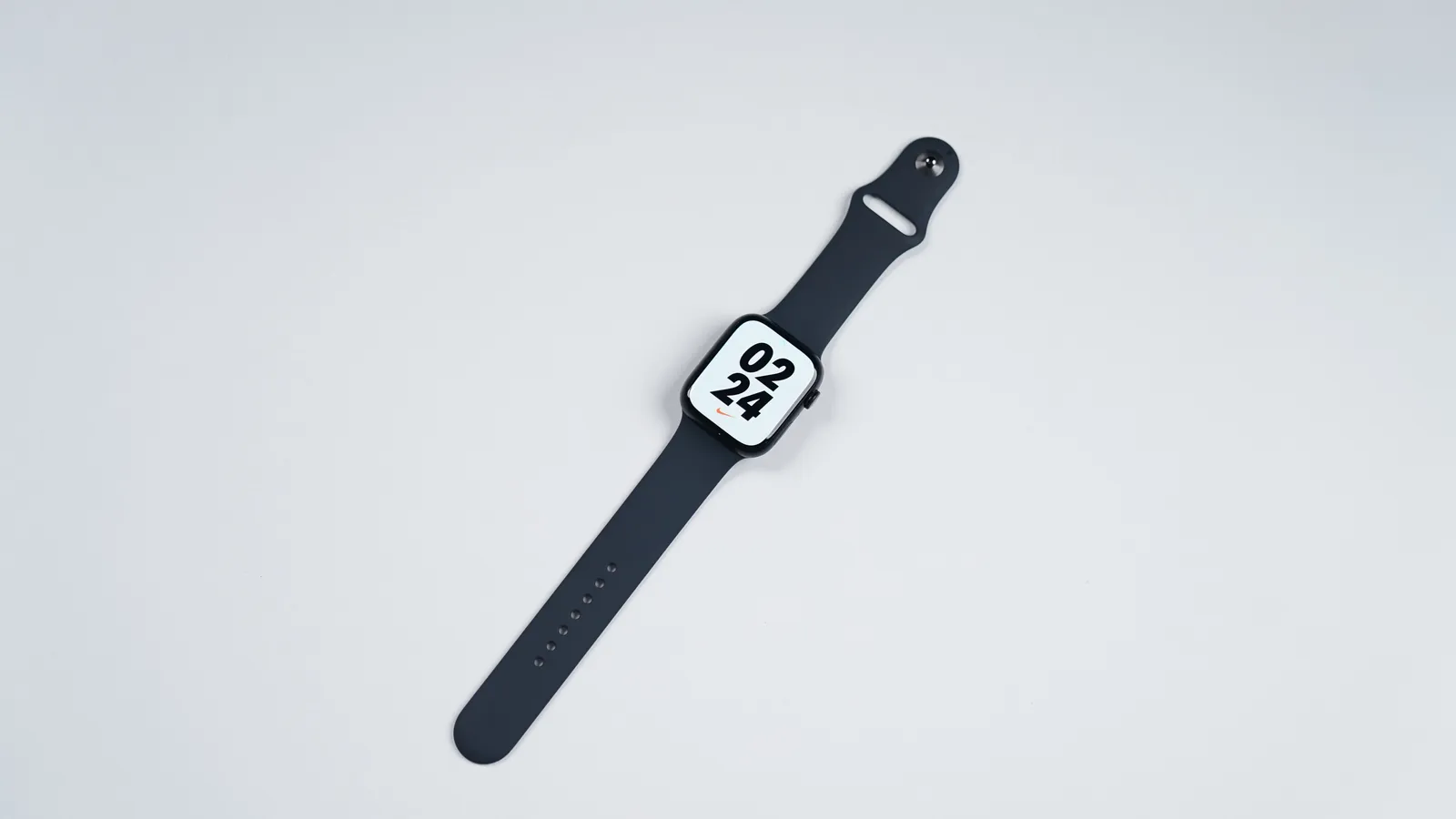
Buy a smartwatch if you want to leave your phone behind, take calls, pay contactlessly, and run third-party apps. Budget $250-$450 and accept daily charging. It only makes sense if you are committed to the matching phone platform.
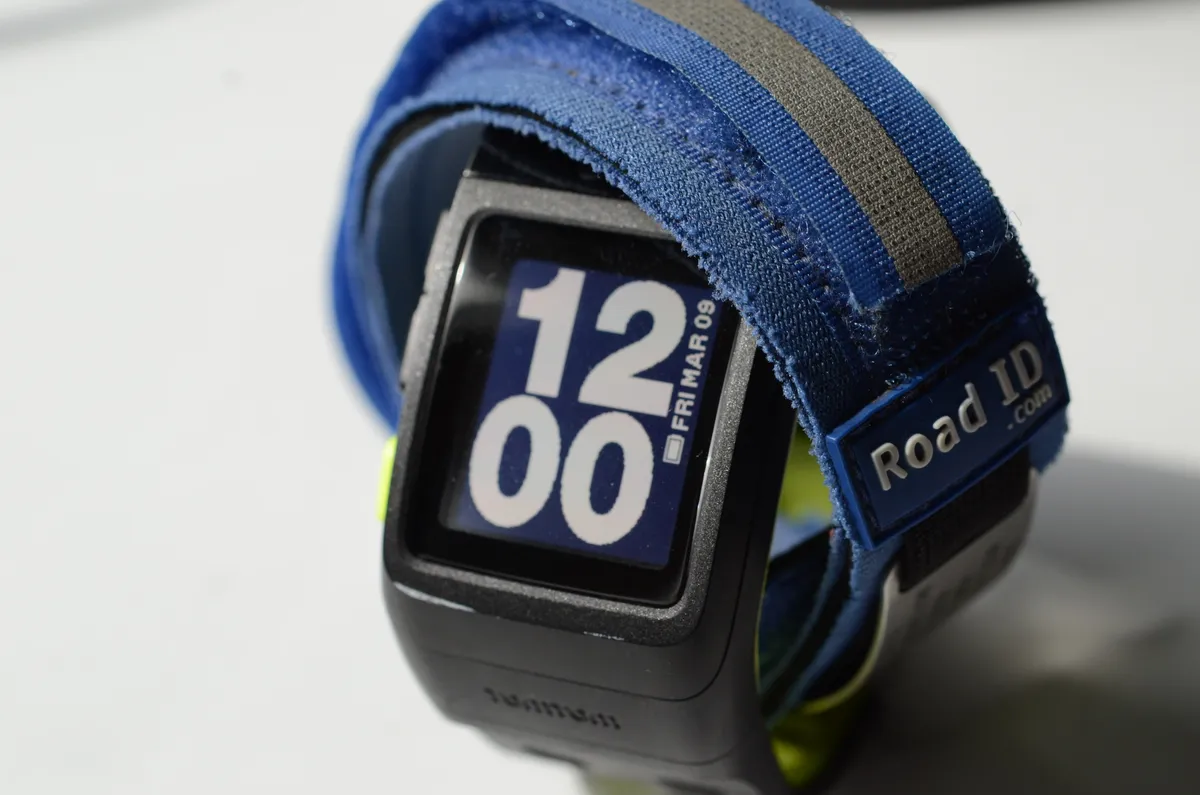
Buy a dedicated sports watch if you train with structure — intervals, long runs, races — and you want multi-day battery with GPS running. Budget $300-$500. The differentiator is not sensor accuracy but training software and battery endurance during activity.
Battery life is the real dividing line
A fitness band with a monochrome or small AMOLED display, no speaker, and a modest processor runs five to ten days. A full smartwatch with an always-on bright display, speaker, LTE radio, and an app runtime runs eighteen to thirty-six hours. That is not a manufacturing failure; it is physics applied to a battery the size of a coin.
The consequence people underestimate is sleep tracking. A device you charge nightly is a device that is not on your wrist while you sleep, which removes the metric most users say they bought it for. The workaround — charging for forty minutes while you shower and get dressed — works, but only if you build the habit. Many people do not, and the watch ends up tracking daytime steps only, which is the least valuable thing it does.
Sports watches split the difference by using memory-in-pixel displays or aggressively dimming AMOLED panels, reaching one to two weeks in smartwatch mode and fifteen to forty hours with GPS active. If you run a marathon or hike all day, that GPS figure is the number to check — not the standby figure on the box.
What the sensors actually measure, and how well
Optical heart rate works by shining green LEDs into the wrist and measuring how much light the blood absorbs as it pulses. At rest and during steady-state exercise, a well-fitted modern sensor tracks a chest strap within a few beats per minute. During intervals, weightlifting, or anything with rapid wrist flexion, error rises sharply — lag of ten to twenty seconds and occasional cadence lock, where the watch reports your arm-swing rate instead of your pulse.
If heart rate accuracy during hard intervals genuinely matters to your training, buy a chest strap for $50 and pair it. No wrist sensor at any price solves this, and it is worth saying plainly rather than implying that a more expensive watch fixes it.
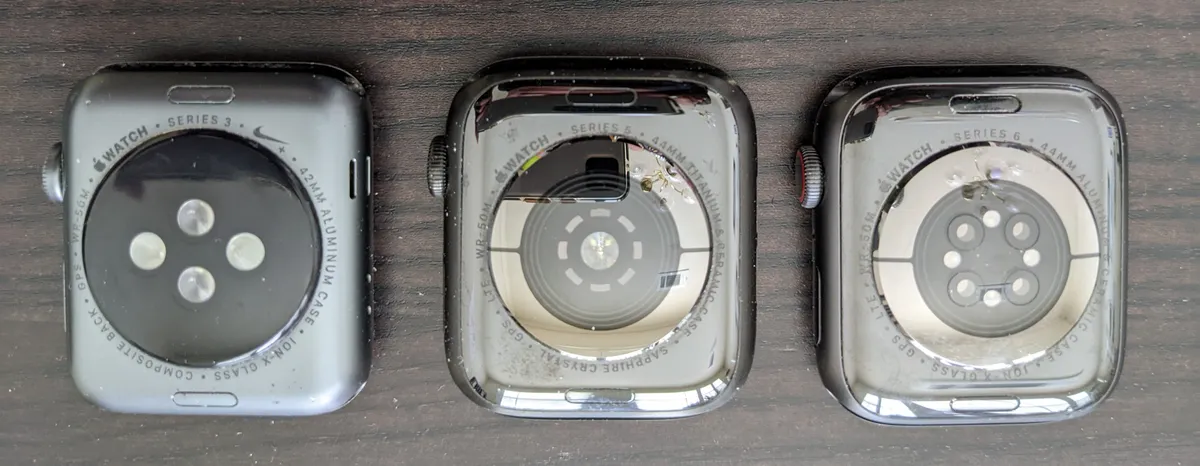
Blood oxygen (SpO2) sensors on wearables are consumer-grade and not medical devices. They are useful for spotting overnight trends and possible desaturation patterns worth discussing with a doctor. They are not useful for a single spot reading you can act on.
Sleep staging deserves scepticism. Wearables infer light, deep, and REM sleep from movement and heart rate variability, and validation studies consistently show good agreement on total sleep time and poor agreement on stage breakdown. Treat "you got 42 minutes of deep sleep" as a rough index rather than a measurement. Total sleep duration and consistency of bedtime are the numbers worth acting on, and those the devices get right.
ECG features on higher-end watches are a genuine exception: several are cleared by regulators for detecting atrial fibrillation, and they have a real track record of catching it. If you have a specific reason to want that, it is a legitimate reason to spend more.
GPS: chip type matters more than brand
For runners and cyclists, the meaningful specification is multi-band (dual-frequency) GNSS. Single-band receivers get confused by signals bouncing off buildings, which is why urban runs come back with distances 3-5% off and traces that cut through blocks. Multi-band receivers use two frequencies to reject those reflections and typically hold sub-2% error in the same conditions.
If you run on open trails or a track, single-band is fine and saves both money and battery. If you run in a city with tall buildings, multi-band is the upgrade that changes your data most. Also check whether the watch has GPS at all: several cheaper bands use "connected GPS," borrowing the phone's radio, which means no phone, no route.
The platform lock-in nobody mentions at purchase
This is the constraint that turns a good watch into a bad purchase. Apple Watch requires an iPhone — not just for setup, but permanently, and it cannot be paired with Android at all. Samsung's watches technically run on any Android phone but lose ECG, blood pressure, and several health features off Samsung hardware. Google's watches work best with Android and offer a reduced experience elsewhere.
Garmin, Fitbit, Polar, and Amazfit are the genuinely cross-platform options, and they stay usable if you switch phones. If there is any real chance you will change phone ecosystem in the next three years, that portability is worth more than a slightly better screen.
There is a second lock-in worth checking: subscription. Several manufacturers now put the more interesting analysis — readiness scores, detailed sleep breakdowns, coaching plans — behind $8-$12 monthly paywalls. Over a three-year ownership that adds $290-$430, potentially more than the device. Check what the free tier includes before buying, not after.

Fit, size, and the part that decides whether you wear it
Optical sensors need firm, consistent skin contact roughly a finger-width above the wrist bone. Too loose and the sensor sees ambient light and motion artefacts; too tight and it restricts blood flow and leaves marks. Most bad heart-rate data traces back to fit rather than hardware.
Case size matters more for wrist comfort than for readability. A 46mm case on a 15cm wrist overhangs, catches on sleeves, and gets removed. Measure your wrist circumference: under 16cm suits 38-42mm cases, 16-18cm suits 42-45mm, over 18cm handles anything. This is the specification most likely to determine whether the device is still being worn in month six.
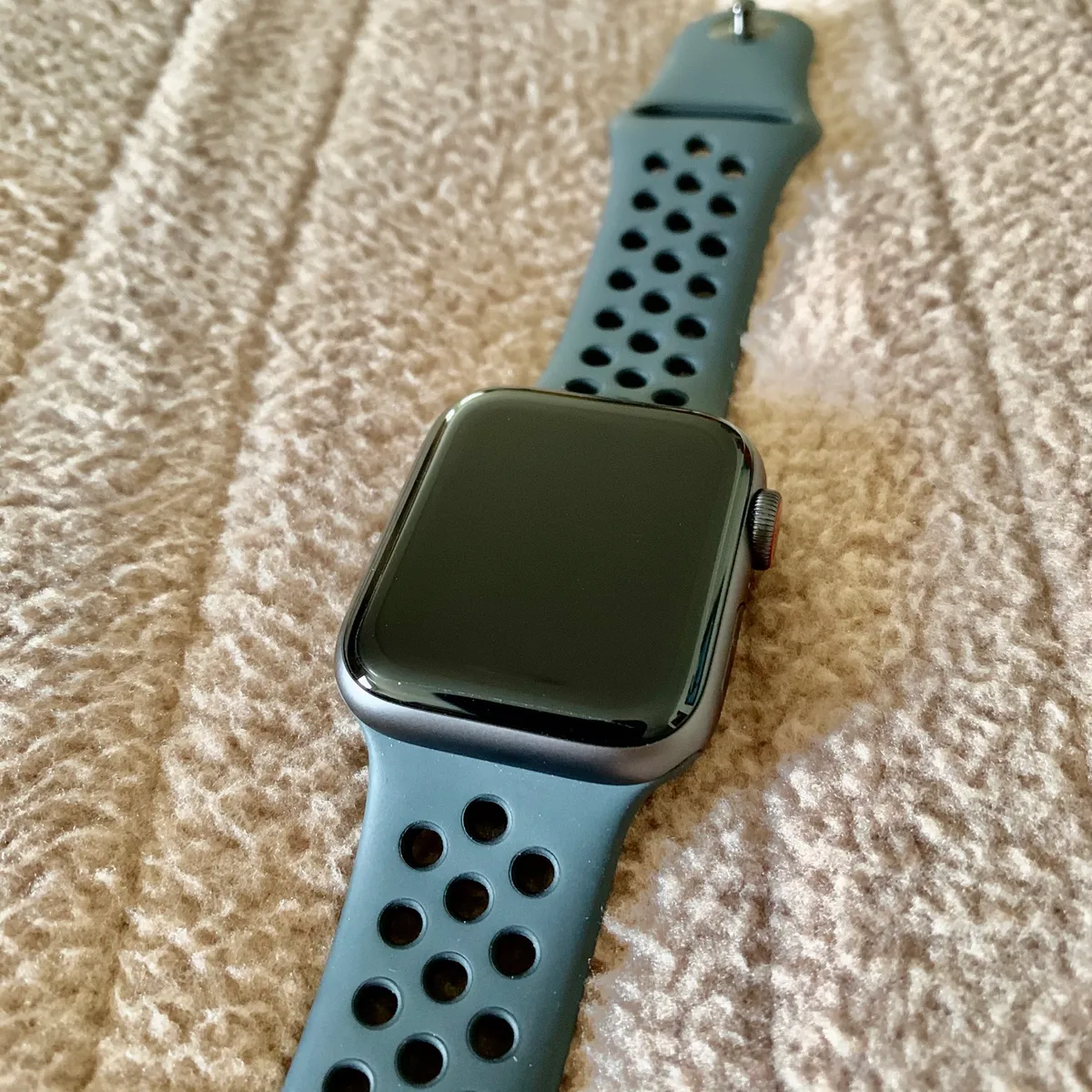
Band material is a small decision with an outsized comfort effect. Silicone is durable and sweat-proof but traps moisture during sleep. Woven nylon breathes and is the better overnight choice. Metal links look good and are the worst option for exercise and sleep both. Most people end up owning two bands, and the cheapest way to get there is buying a watch with a standard 20mm or 22mm quick-release lug rather than a proprietary connector.
When to skip the wearable entirely
If your goal is simply to move more, a phone in your pocket counts steps adequately and costs nothing. The wearable adds value when you want continuous heart rate, sleep data, or activity-specific metrics — not when you want a step count.
If you find quantified metrics stressful rather than motivating, that is a real and common outcome. A device that reports a poor readiness score every morning can measurably worsen sleep anxiety. Several people who abandon wearables do so for this reason rather than any technical shortcoming, and it is worth an honest self-assessment before spending $400.
And if you already own a device from three years ago that still holds charge, the upgrade case is weak. Sensor accuracy has improved modestly; the substantial changes have been in display brightness and software polish. Multi-band GPS is the one genuinely new capability worth upgrading for, and only for urban runners.
Matching the device to the person
The general-health user who wants sleep and resting heart rate trends, charges weekly, and spends under $180: a fitness band. The connected user who wants their wrist to replace their phone for short errands, is committed to one phone platform, and will charge nightly: a smartwatch. The structured athlete who follows training plans and races: a sports watch with multi-band GPS and a chest strap for interval days.
For a concrete look at how these categories behave over months rather than in a shop, our Garmin Forerunner 265 review covers the sports-watch case, the Fitbit Charge 6 review covers the tracker case, and the Apple Watch Series 10 review covers the full smartwatch case, including the nightly-charging reality.
One last framing that saves money: decide what you will actually change based on the data. If the answer is "go to bed earlier," a $90 band tells you that. If the answer is "adjust my interval paces off heart rate zones," you need a sports watch and a chest strap. If the answer is "nothing, I am curious," buy the cheap one — curiosity is a legitimate reason to buy, but it is not worth $400.
More coupon shopping advice

Home Security Camera Buying Guide: Local vs. Cloud Storage
A practical, balanced buying guide to home security cameras that weighs local storage against cloud subscriptions, wired versus battery power, camera placement, night vision, smart detection accuracy, and smart home integration.

Beginner Mirrorless Camera Buying Guide
A practical, honest walkthrough of what actually matters when buying your first mirrorless camera, from sensor size and lens mounts to autofocus, video specs, and the real total cost of a beginner-friendly system.

Air Purifier Buying Guide: CADR, ACH, and Filter Costs Explained
A practical walkthrough of the numbers that actually matter when buying an air purifier — CADR and ACH for sizing, true HEPA versus marketing terms, real three-year filter costs, realistic noise levels, and when a purifier won't help at all.