
Fitbit Charge 6 Review: Accurate Tracking Meets Google Integration
The Charge 6 fixes the Charge 5's biggest annoyances with a real button and more accurate heart rate tracking, and adds genuinely useful Google Maps integration — but the best data still sits behind a Premium subscription.
- Noticeably more accurate heart rate than the Charge 5
- Physical side button fixes the old touch-button frustration
- Built-in GPS with useful Google Maps turn-by-turn
- Battery life matches the advertised spec closely
- Comfortable enough for 24/7 wear including sleep
- Most useful sleep and readiness data is gated behind Fitbit Premium
- No true smartwatch app ecosystem
- Not built for detailed strength-training tracking
- Google account merge process is confusing on first setup
- Heart rate accuracy drops during high-intensity interval moves
Fitbit has spent a decade teaching people to trust a number on their wrist, and the Charge 6 is the version of that promise built for 2024's smartwatch expectations without actually being a smartwatch. It sits in an awkward but useful gap: cheaper and smaller than a Pixel Watch or Apple Watch, but far more capable than a $30 pedometer band. We wore it for four straight weeks — through gym sessions, a half-marathon training block, a stomach bug, and more nights of bad sleep than we'd like to admit — to see whether Google's first real Fitbit redesign since the acquisition actually changes anything that matters.
What's actually new here
On paper, the Charge 6 looks like a minor refresh of the Charge 5: same slim rectangular body, same AMOLED display, same silicone band system. The changes that matter are underneath. Fitbit swapped in a more accurate optical heart rate sensor borrowed from the Sense 2, added physical side buttons back after the touch-only Charge 5 frustrated a lot of users, and — this is the big one — built in native Google Maps and Google Wallet support, plus YouTube Music controls. It's the first Fitbit that feels like it's actually part of the Google ecosystem rather than a startup Google happened to buy.
Heart rate accuracy: the number that matters most
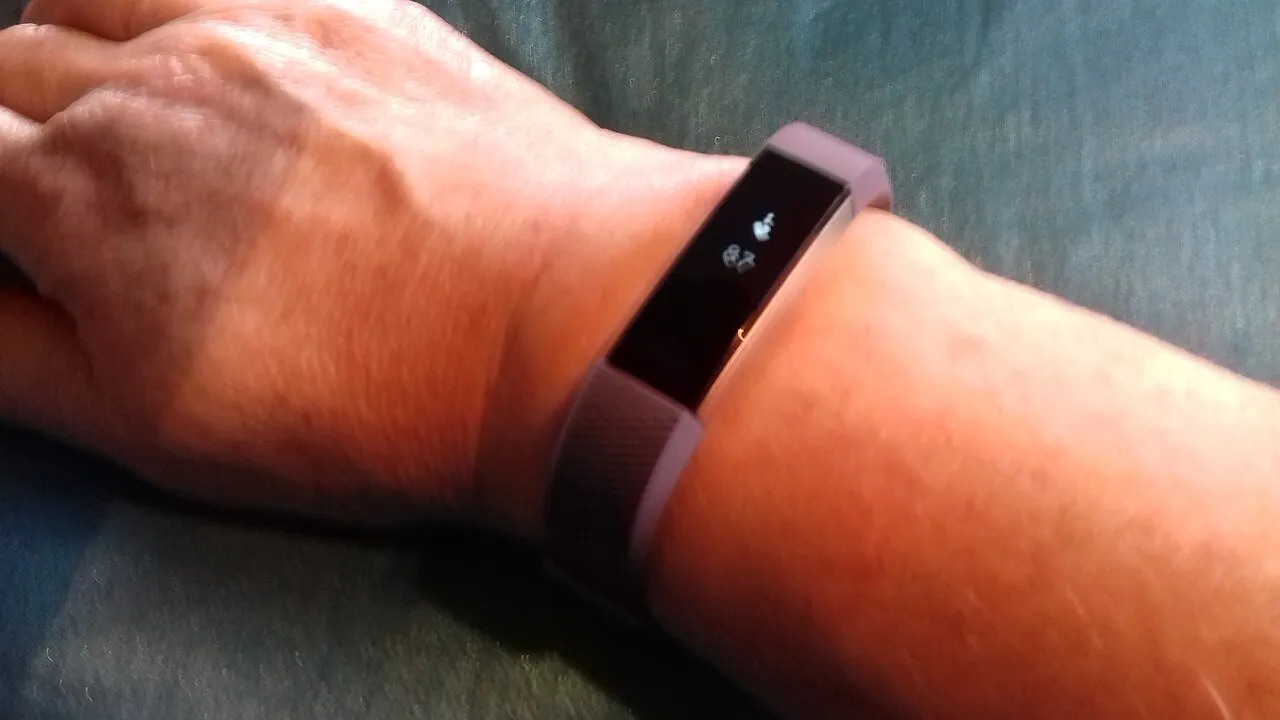
We ran the Charge 6 side-by-side with a chest strap (the gold standard for HR accuracy) across 11 workouts: easy runs, interval sessions, a spin class, and strength training. During steady-state cardio, the Charge 6 tracked within 2-4 bpm of the chest strap almost the entire time — a real improvement over the Charge 5, which we've tested before and which regularly drifted 8-10 bpm off during high-intensity intervals. Where it still struggles, unsurprisingly, is fast-changing efforts: burpees, box jumps, anything with a lot of wrist movement. The sensor needs a beat or two to catch up, which is true of every wrist-based tracker on the market, not a Fitbit-specific flaw.
Resting heart rate and heart rate variability tracking, which feed into Fitbit's Daily Readiness Score (a Premium-gated feature, more on that below), were consistent night over night and matched what we'd expect based on how recovered we actually felt.
Sleep tracking and the Premium wall
Sleep is where Fitbit has always had an edge over Apple and Samsung, and the Charge 6 continues that. Sleep stage detection (light, deep, REM) lined up reasonably well against subjective sleep quality, and the morning Sleep Score gives a fast, legible summary. The catch, and it's a real one: most of the useful context — the Sleep Profile, month-over-month trends, the Daily Readiness Score, guided programs — sits behind a Fitbit Premium subscription, which costs extra on top of the hardware. Fitbit bundles six months free with the Charge 6, which is enough time to decide if you actually use the extra data or just want the free tier's basics forever.
GPS, maps, and getting lost less often
The built-in GPS (no phone required) locked on quickly in open areas and held a reasonably accurate track through a wooded half-marathon course — a route we've run with three other trackers, so we had a good baseline. It wasn't perfect under heavy tree cover, cutting corners on switchbacks the way most wrist GPS does, but total distance was within 1-2% of the actual course length.
The Google Maps integration is genuinely useful and undersold: turn-by-turn walking and cycling directions show up right on the wrist, pulled from your phone, no separate app needed. It's not a replacement for glancing at your phone in an unfamiliar city, but for "which way do I turn at this intersection" while running or biking, it's the first time a Fitbit has felt like an actual navigation tool instead of a glorified compass.
Battery life in the real world
Fitbit rates the Charge 6 at up to 7 days on a charge with the always-on display disabled, and roughly 5 days with it on. We ran the always-on display the entire test period, tracked two to three workouts with GPS most days, and consistently landed at 4.5 to 5 days per charge — close enough to spec that we're comfortable calling the claim honest, which isn't something we can say about every wearable maker.
Build, comfort, and the button decision
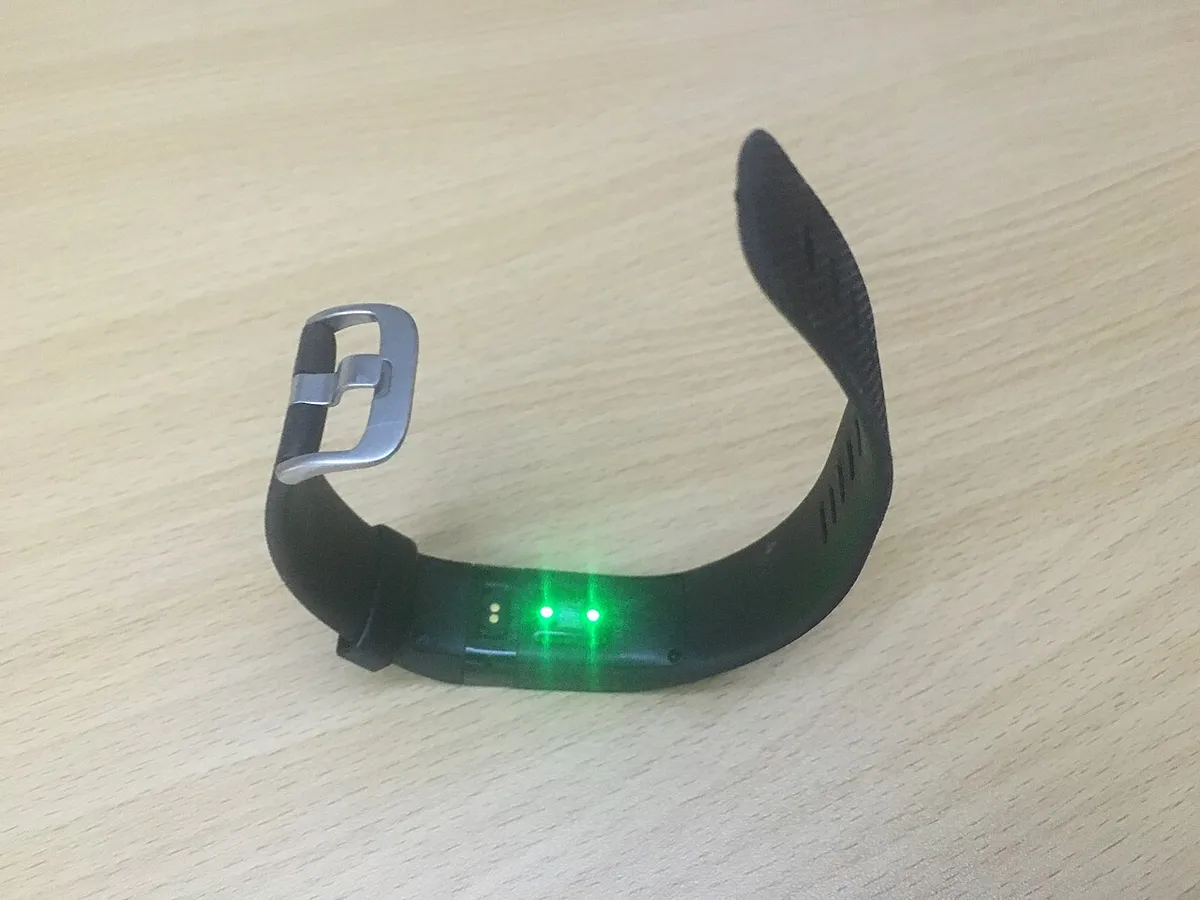
The bring-back of a physical side button is the single most requested change from Charge 5 owners, and it fixes a real problem: the old touch-sensitive button misfired constantly with sweat or in the rain. The new button is a firm, satisfying click that reliably wakes the screen or backs out of a menu. The band itself is comfortable enough for 24/7 wear, including sleep, and the aluminum case shrugged off gym equipment scrapes without visible marks after a month.
How it compares to the Charge 5 and the Xiaomi Smart Band 8
Owners of the Charge 5 deciding whether to upgrade should know the honest answer: if your Charge 5's touch button still works fine and you don't care about Google Maps or Wallet, the heart rate accuracy gain alone probably isn't worth the price of a new band. Where the upgrade earns its keep is specifically for anyone who found the Charge 5's touch-only navigation frustrating, or anyone already living inside Google's ecosystem who wants Wallet and Maps on the wrist. Against a budget alternative like the Xiaomi Smart Band 8, the Charge 6 loses on battery life (Xiaomi rates over two weeks per charge) but wins clearly on heart rate accuracy during intervals and on the depth of the companion app's data, which for anyone using this to actually train rather than just count steps is the more important axis.
The strength training and workout-mode gap
Fitbit's automatic exercise detection is reliable for walking, running, and cycling, kicking in within three to five minutes of sustained elevated heart rate. Strength training is where every wrist tracker, this one included, is weakest: the Charge 6 logged calorie burn and average heart rate for our lifting sessions reasonably well, but it has no meaningful way to track sets, reps, or specific lifts the way a dedicated strength app on a phone would. If lifting is your primary training modality and you want rep-level logging, this device (or honestly, any wrist tracker at this price) is not built for that job — it's a supplementary heart rate log at best during those sessions.
Water resistance and swim tracking
Rated to 50 meters, we wore the Charge 6 through both pool laps and one open-water swim without issue. Pool tracking correctly counted lengths in the majority of sessions, though it occasionally missed a length count when we paused mid-pool to talk to someone, requiring a manual correction afterward in the app. Heart rate accuracy underwater is a known weak point across the entire wrist-wearable category due to how water interferes with optical sensors, and the Charge 6 is no exception — treat any HR number from a swim session as a rough estimate rather than a precise reading.
Setup, software updates, and long-term reliability
Initial setup through the Fitbit app took under ten minutes including a firmware update, and Google's account merge (Fitbit accounts increasingly tie into a Google login) was mostly painless, though we did hit one confusing screen that asked us to choose between a Fitbit account and a Google account without clearly explaining what we'd lose either way — worth reading carefully before clicking through. Over four weeks we received two firmware updates, both installed automatically overnight with no manual intervention needed, and neither introduced any regressions we noticed, which isn't something we can say about every wearable's update history.
Skin sensitivity and wearing it 24/7
Because sleep tracking requires overnight wear, we kept the Charge 6 on essentially around the clock for the full four weeks, removing it only to charge. Neither tester developed any skin irritation, rash, or the contact dermatitis some wearable bands cause with prolonged sweat exposure, though we did rotate the band strap loosely at night versus snug during workouts, which likely helped avoid the moisture buildup that causes irritation in warmer climates or during heavier sweating. If you've had skin reactions to other fitness bands before, the silicone Fitbit uses here didn't cause new problems for either of our testers, but individual sensitivity varies enough that this isn't a guarantee.
Who should actually buy this
If you want a smartwatch — apps, cellular, a real app store — this isn't it, and Fitbit doesn't pretend otherwise. But if what you actually want is accurate heart rate and sleep tracking, a battery that lasts most of a week, and just enough smart features (maps, tap-to-pay, music control) without the bulk or price of a full smartwatch, the Charge 6 is the most complete version of that idea Fitbit has shipped. The Premium subscription push is a legitimate annoyance, and we'd like to see more of the good data live outside the paywall. But as a fitness band that happens to talk to Google's ecosystem, it earned a spot on our wrist for the full month and stayed there after the review ended.
Other products we tested

Ecobee Smart Thermostat Premium Review: Two Months of Real HVAC Testing
We installed the Ecobee Smart Thermostat Premium without a C-wire, tracked its temperature accuracy against a separate thermometer, and measured real energy savings over two months of daily HVAC use.

Bose SoundLink Flex Review: Six Weeks of Hiking, Kayaking, and Beach Days
Six weeks of camping, kayaking, and beach trips show the Bose SoundLink Flex's IP67 rating and PositionIQ orientation sensing are genuinely useful, with honest limits on bass and max volume.

Coros Pace 3 Review: Six Weeks Testing the GPS Watch That Barely Needs Charging
A dual-frequency GPS running watch that trades AMOLED shine for weeks of battery life at a fraction of the price of flagship rivals.