
Garmin Forerunner 265 Review: The AMOLED Upgrade Distance Runners Actually Wanted
Garmin's Forerunner 265 finally brings a bright AMOLED display to its mid-range running watch without gutting the battery life that made the line popular in the first place.
- Bright, vivid AMOLED display readable in sunlight and low light
- Multi-band GPS holds an accurate track under tree cover
- Training Readiness and race predictor are genuinely useful, not gimmicky
- Running dynamics captured from the wrist without an extra pod
- Comfortable for 24/7 wear including sleep tracking
- On-device offline music storage works reliably
- Meaningfully shorter smartwatch-mode battery life than the MIP-display 255
- No offline topographic maps, only breadcrumb trail
- Touchscreen is unreliable mid-run with sweat or rain
- Multi-band GPS mode drains battery noticeably faster
- Wrist-only running dynamics are less precise without the HRM chest strap
Garmin's Forerunner line has quietly become the default recommendation for serious recreational runners, occupying the space between fitness-tracker-with-GPS devices like a Fitbit and full outdoor-adventure watches like the Fenix. The 265 sits in the middle of the current Forerunner range, and its headline change from the 255 it replaced is simple: a genuinely bright, vivid AMOLED touchscreen instead of the older transflective MIP display, at the cost of some battery life. We ran an eight-week marathon training block on it — easy runs, tempo work, long runs, and one genuinely miserable wet trail half-marathon — to see if that tradeoff is worth it.
Out of the box, the 265 is available in a 46mm case (the size we tested) or a smaller 42mm "265S" for smaller wrists, both with the same feature set. The case is fiber-reinforced polymer rather than titanium or steel, keeping weight down to a genuinely unnoticeable level on the wrist during long runs, and the silicone band was comfortable enough for us to wear it 24/7 for the full eight weeks, including sleep tracking, without any skin irritation.
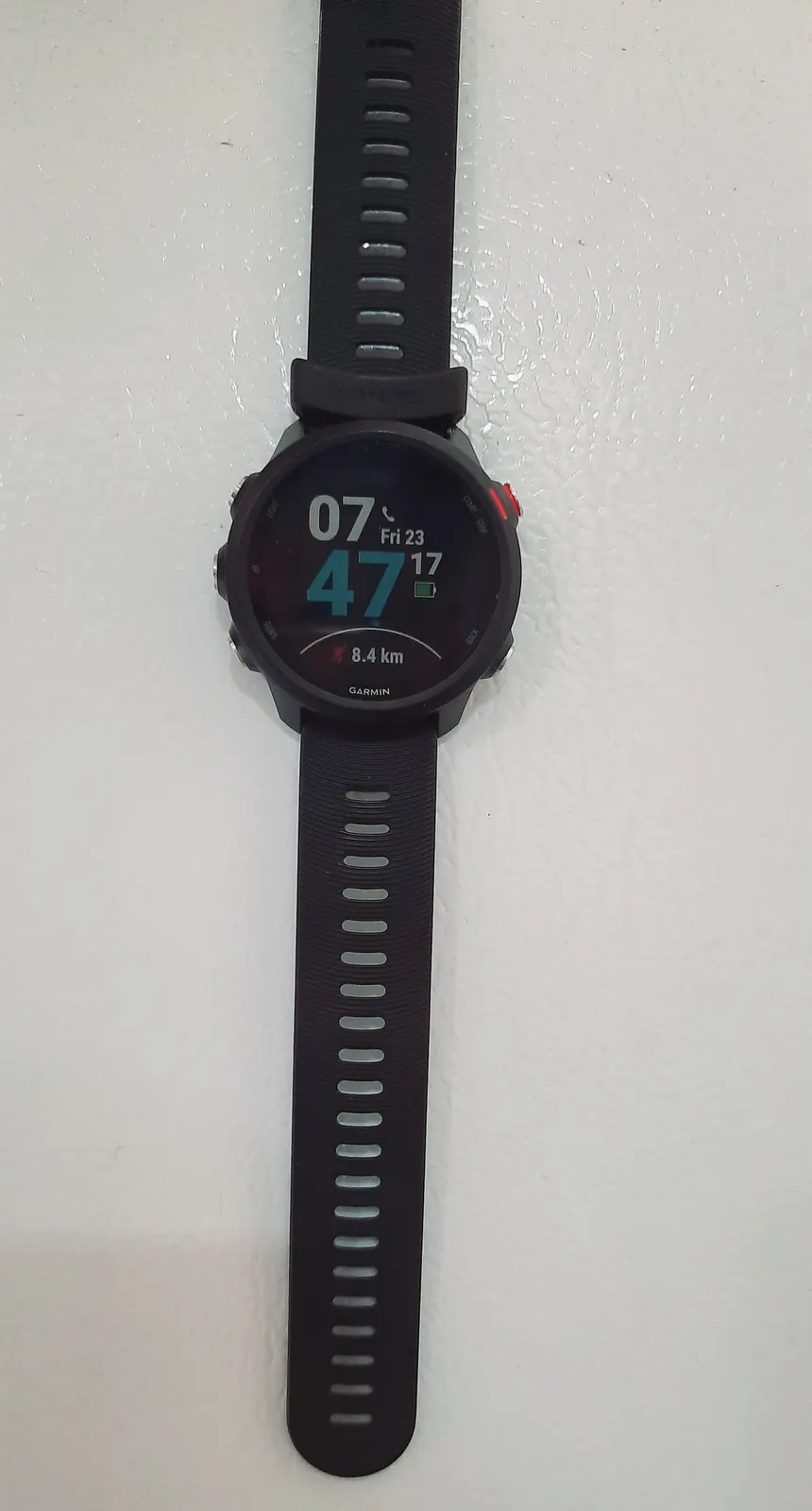
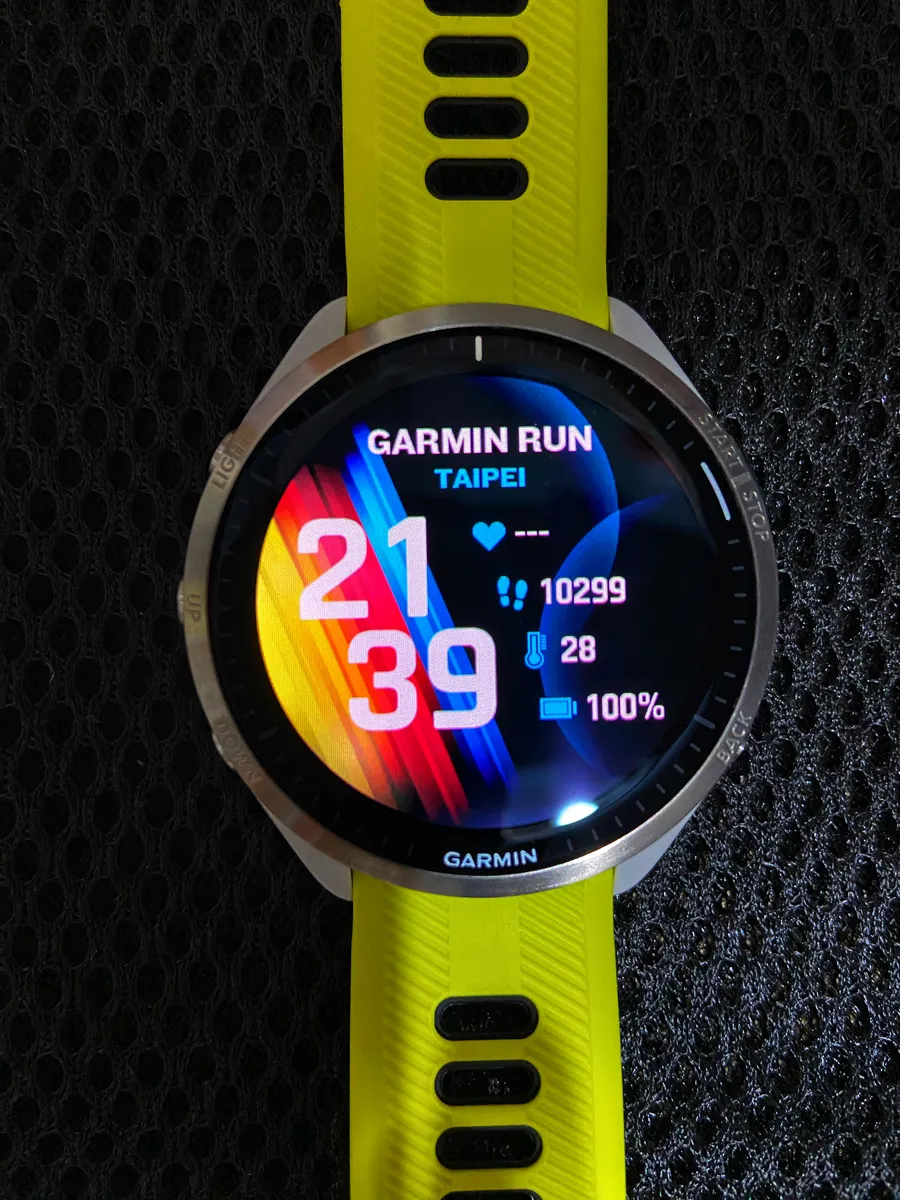
The AMOLED screen: the whole point of this watch
If you've used an older MIP-display Garmin, the jump to AMOLED here is immediately obvious in direct sunlight and, more usefully, in dim light — the always-on option keeps the display legible without a wrist-flick gesture delay, and colors on data screens (like heart rate zone graphs) are genuinely vivid rather than the washed-out grayscale look older Forerunners had. Touchscreen input works alongside the physical buttons, and we mostly ignored the touchscreen for actual runs (sweat and rain make touch input unreliable, a known limitation of every AMOLED sports watch, not a Garmin-specific flaw) but used it constantly for scrolling through widgets and menus off the wrist.
Battery life: the honest number
Garmin rates the 265 at up to 13 days in smartwatch mode with the always-on display disabled, around 15 hours in GPS mode with all-satellite multi-band positioning enabled, or up to 20 hours in standard GPS-only mode. We ran the always-on display active for the full eight weeks and tracked five to six GPS activities a week, mostly in multi-band mode for maximum accuracy, and consistently landed around 5-6 days per charge — notably less than the always-on-disabled claim, but still comfortably enough that we only charged on scheduled rest days rather than mid-week. Runners coming from a 255 should expect roughly half the smartwatch-mode battery life in exchange for the display upgrade; that's the real trade being made here, and for us it was worth it.
GPS accuracy: multi-band makes a real difference
We ran our wooded half-marathon route with multi-band (Garmin's "SatIQ" mode, which intelligently switches between L1 and L5 satellite bands) enabled and compared the recorded track against the certified course map. Under tree cover on switchback sections that have historically confused GPS watches, including older Garmins we've tested previously, the 265 held a noticeably cleaner line, with total distance landing within about 0.5% of the certified course length — better than we've gotten from older single-band Forerunners on the same route in past training cycles. Multi-band mode does eat into battery life faster than standard GPS, so we treated it as a "long run and race day" setting rather than leaving it on for every easy jog.
Training metrics: readiness, recovery, and race prediction
The Training Readiness score, which combines sleep, recovery time, HRV status, training load, and recent sleep history into a single daily number, was the feature we ended up checking most every morning. It didn't feel like magic — on days we felt genuinely wrecked after a hard tempo session, the score reliably reflected that — but it also didn't feel like noise; it's a legitimately useful nudge for whether to push a scheduled workout or back off. The race time predictor, which estimates finishing times across distances based on recent training data, tracked our actual half-marathon and 10K times within a few minutes across the training block, close enough to be a genuinely useful pacing reference rather than a novelty number.
Running dynamics without an extra pod
Unlike some older Forerunner models that needed Garmin's separate Running Dynamics Pod accessory for metrics like vertical oscillation, ground contact time, and stride length, the 265 captures these directly from the wrist using its accelerometer, assuming you're also using Garmin's HRM chest strap for the most complete dataset. We ran with both wrist-only and with a chest strap during different weeks; wrist-only running dynamics were directionally useful but noticeably less precise than with the strap, particularly for ground contact time balance, which is a metric we'd only trust with the strap attached.
Recovery time and overtraining warnings
The recovery time estimate, which tells you roughly how many hours until your body is ready for another hard effort, proved to be one of the more quietly useful numbers on the watch during a marathon block where overtraining is a real risk. After a genuinely brutal 20-mile long run, the watch recommended over 60 hours of recovery, which lined up uncomfortably well with how sluggish we actually felt attempting an easy shakeout run two days later. We didn't always obey it, but having an objective number to weigh against "I feel fine, probably" was a useful gut check more than once during the heaviest weeks of training.
Music and everyday smartwatch features
On-device music storage supports offline playback from Spotify and Amazon Music, which we used for a handful of gym sessions and one long run without a phone, and it worked reliably once the initial sync (which does require Wi-Fi and can take a while for a full album download) completed. Notifications, contactless payments via Garmin Pay, and the usual smartwatch widgets all function fine, though nobody buying a Forerunner is buying it primarily for smartwatch features — the running-specific tools are clearly where Garmin's engineering effort went.
Comfort for everyday and long-run wear
Beyond the numbers, comfort ended up mattering more to our day-to-day satisfaction than we expected going in. The 46mm case is noticeable on a smaller wrist but never dug in or shifted during runs, and the quick-release silicone band was easy to swap for a moisture-wicking nylon strap on our longest, sweatiest training days. Sleeping in it for HRV and sleep-stage tracking never caused irritation over eight straight weeks of near-constant wear, which matters if you're relying on overnight data to feed the Training Readiness score every morning.
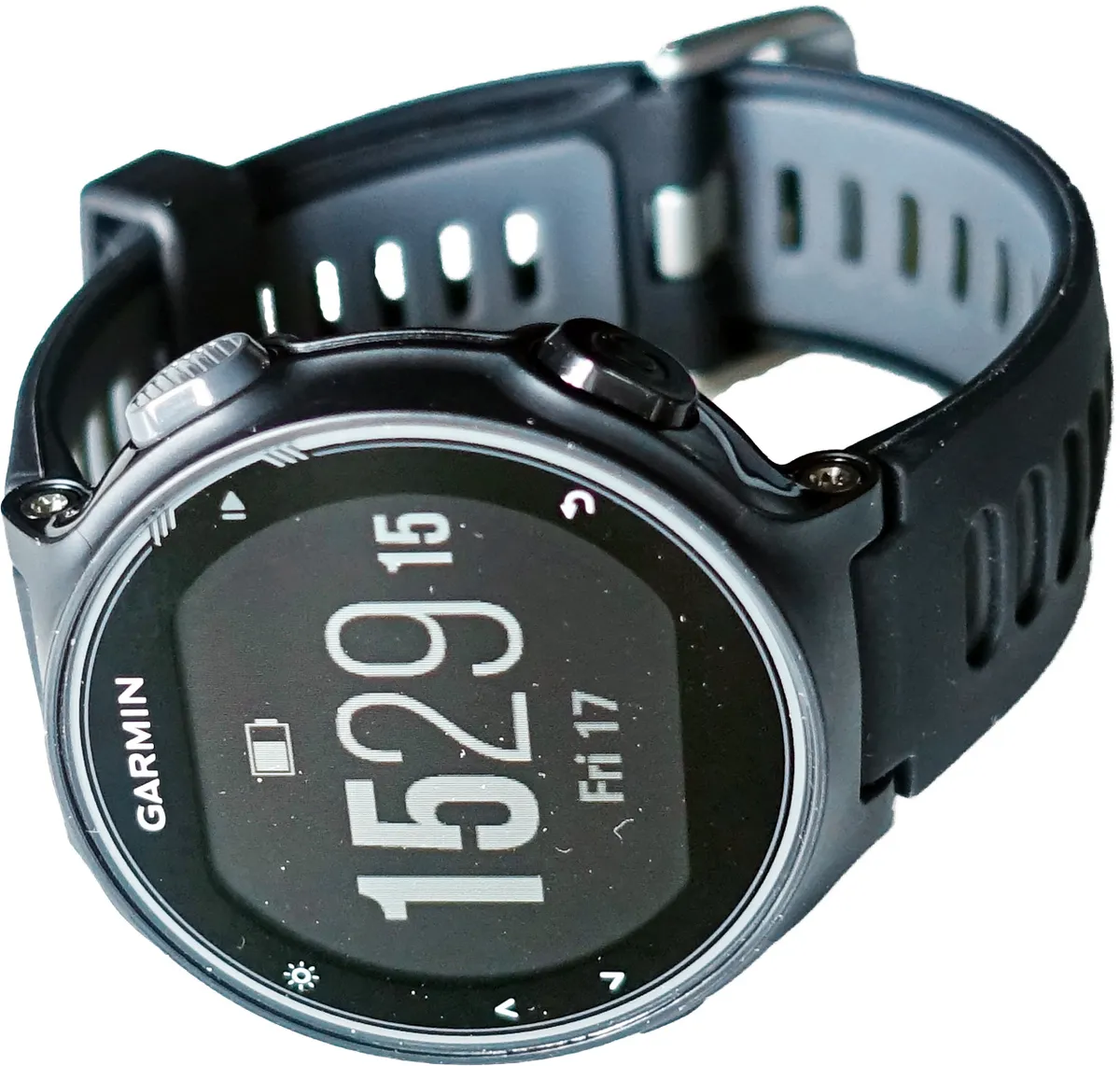
Comparison to the Forerunner 255 and the pricier 965
Against the 255 it effectively replaces, the 265's AMOLED screen is the whole story: better looking, worse battery life, same core training software. If battery life across multi-day ultra-distance events matters more to you than screen quality, the 255 (where still available) or a Fenix-series watch with solar charging is the better call. Against the significantly pricier Forerunner 965, which adds full-color topographic maps and a larger case, the 265 gives up mapping in exchange for a genuinely more affordable price — for road runners who mostly follow familiar routes and don't need on-wrist maps, that's an easy trade to make.
Software updates and the Garmin Connect ecosystem
Over eight weeks the watch received three firmware updates over Wi-Fi, all installing overnight with no manual steps required, and none introduced regressions we noticed — a genuinely reassuring track record compared to some wearable makers whose updates have broken features we relied on in the past. The Garmin Connect app remains the deeper, more detailed side of the ecosystem: daily summaries, training load graphs going back months, and detailed post-run analysis all live there rather than on the watch itself, which means the watch is really half of the product experience. Anyone allergic to companion apps should know upfront that getting full value out of the Forerunner 265 means actually opening Garmin Connect regularly, not just glancing at the watch face.
Who should actually buy this
The Forerunner 265 is built for runners who train seriously enough to care about accurate pace zones, training readiness, and race predictions, but don't need topographic maps or ultra-distance solar battery life. If you're coming from a basic fitness tracker and want your first real running watch, or upgrading from an older MIP-display Forerunner and want the display quality-of-life bump, this is the one to buy in Garmin's current lineup.
Pace alerts and structured workouts
Beyond the passive metrics, we leaned heavily on the 265's structured workout support during the marathon block, building interval and tempo sessions in Garmin Connect and syncing them to the watch so it could prompt pace targets, rest periods, and interval counts in real time rather than us having to mentally track splits mid-run. Vibration alerts for pace zones (too fast, on target, too slow) were reliably timed and genuinely useful during tempo runs where we tend to drift off pace without noticing, and the auto-lap-by-distance feature never missed a mile marker across the entire training block, giving us consistent, trustworthy split data to review after every run.
The verdict
Eight weeks and one full marathon training block later, the 265 earned its spot as our default running watch recommendation for anyone not specifically needing offline maps or ultra-endurance battery life. The AMOLED screen genuinely changes how pleasant the watch is to glance at all day, the multi-band GPS holds up under real tree cover, and the training metrics are useful rather than gimmicky. The battery life hit versus the 255 is real, but for most runners it's a fair trade for a display upgrade this noticeable.
Other products we tested

Ecobee Smart Thermostat Premium Review: Two Months of Real HVAC Testing
We installed the Ecobee Smart Thermostat Premium without a C-wire, tracked its temperature accuracy against a separate thermometer, and measured real energy savings over two months of daily HVAC use.

Bose SoundLink Flex Review: Six Weeks of Hiking, Kayaking, and Beach Days
Six weeks of camping, kayaking, and beach trips show the Bose SoundLink Flex's IP67 rating and PositionIQ orientation sensing are genuinely useful, with honest limits on bass and max volume.

Coros Pace 3 Review: Six Weeks Testing the GPS Watch That Barely Needs Charging
A dual-frequency GPS running watch that trades AMOLED shine for weeks of battery life at a fraction of the price of flagship rivals.