
E-Reader Buying Guide: Check Your Library Before You Check the Screen
Format lock-in and library lending decide this purchase. Resolution, front light warmth, and page buttons decide the rest.
The reading device decision is usually framed as e-ink versus tablet versus paper, as though the screen were the point. It rarely is. The thing that actually determines whether you are happy with an e-reader three years later is where your books come from — which store, which format, whether your library lends to it — because that is the part you cannot change afterwards.
This guide starts with the format and lending question, then covers the display and hardware specifications that matter, and is honest about the cases where a tablet or a paperback is simply the better object.
The quick answer
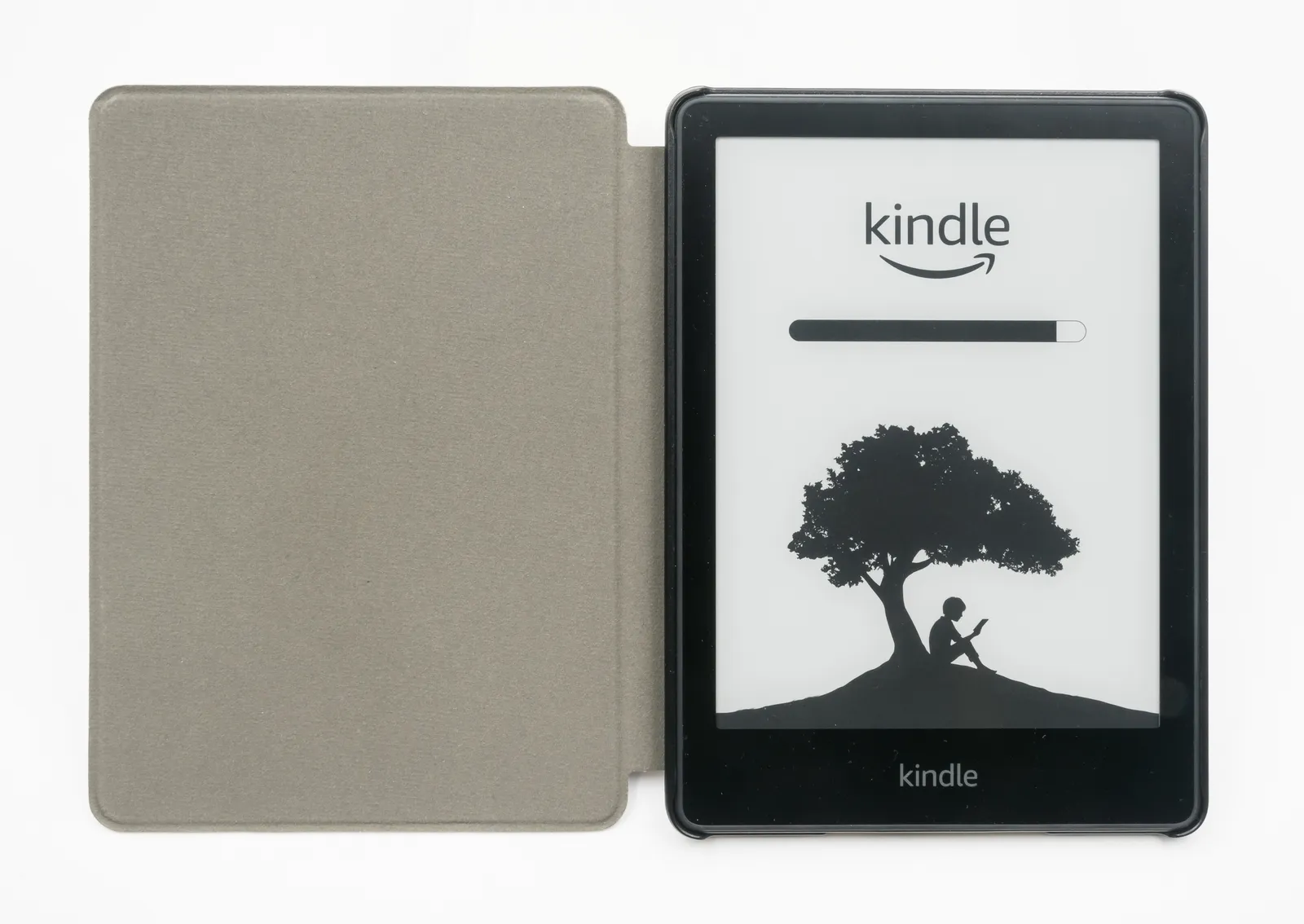
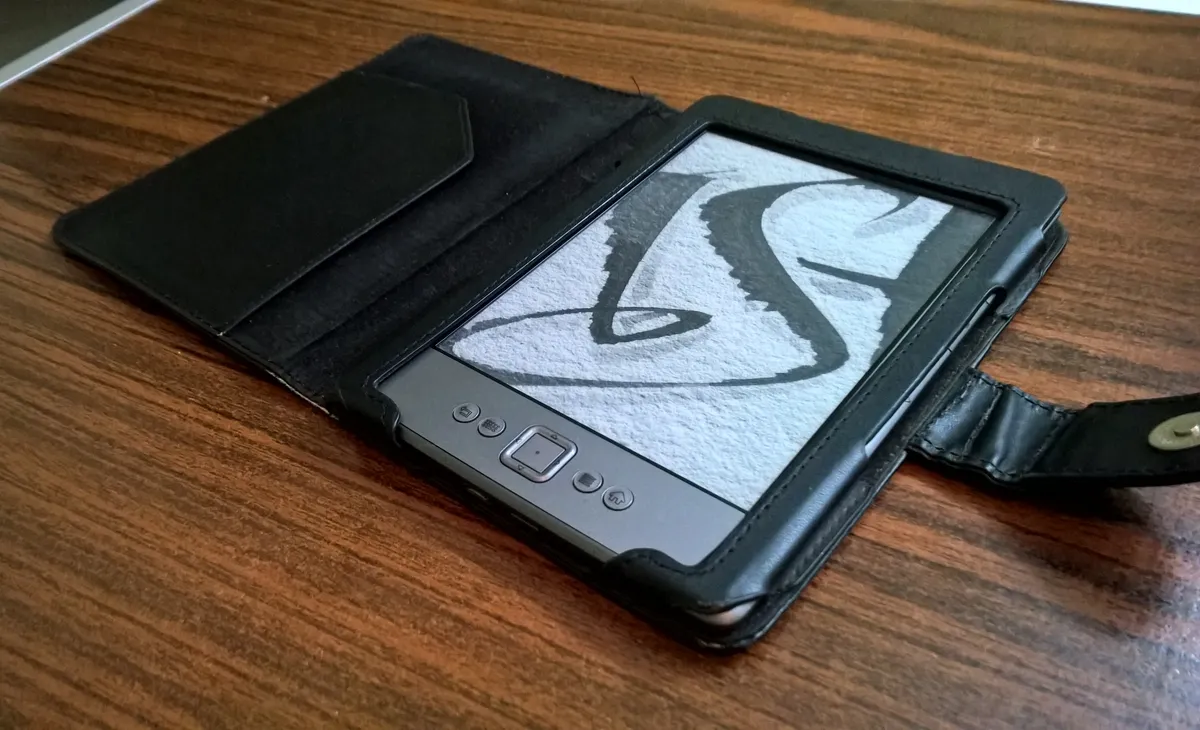
If you read novels and want the reading experience to be the priority, buy a dedicated e-ink reader. Battery in weeks, no notifications, readable in direct sun, and light enough to hold one-handed for an hour. Budget $110-$180.
If you borrow heavily from public libraries or want open formats you can move between devices, check lending compatibility before choosing a brand. This is the single decision most likely to cause regret, and it is invisible on the spec sheet.
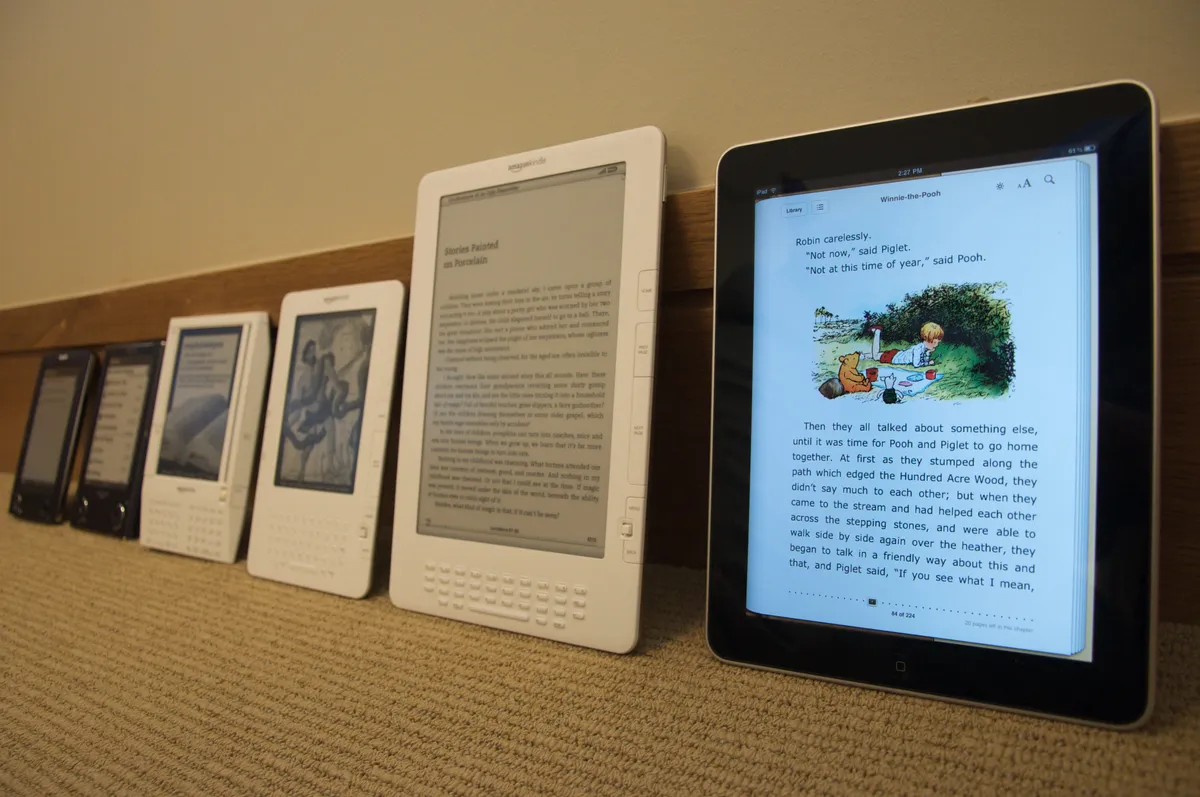
If you read technical books, PDFs, comics, or anything with diagrams and colour, buy a tablet. E-ink handles reflowable text beautifully and fixed-layout PDFs badly, and a 6-inch screen is genuinely poor for a two-column academic paper.
If you read a couple of books a year, paper is cheaper, needs no charging, and can be lent to a friend. There is no obligation to digitise a habit that works.
Formats, DRM, and the part that locks you in
Two ebook formats dominate. EPUB is an open standard supported by nearly every device and store. Amazon's ecosystem uses its own formats, and while it now accepts EPUB files by conversion, purchased Kindle books are not EPUB and do not move to other devices.
Digital rights management is the mechanism behind that. A DRM-protected book is licensed rather than owned, tied to an account, and readable only on approved software. In practice this means a library built in one store is not portable, and there have been documented cases of purchased titles being removed from accounts for rights reasons.
The practical implications for buying: if you value portability and open formats, choose a device supporting EPUB and Adobe DRM, which is what most non-Amazon readers and most library systems use. If you value the largest catalogue and the smoothest purchasing, the closed ecosystem is genuinely more convenient and you are accepting lock-in in exchange.
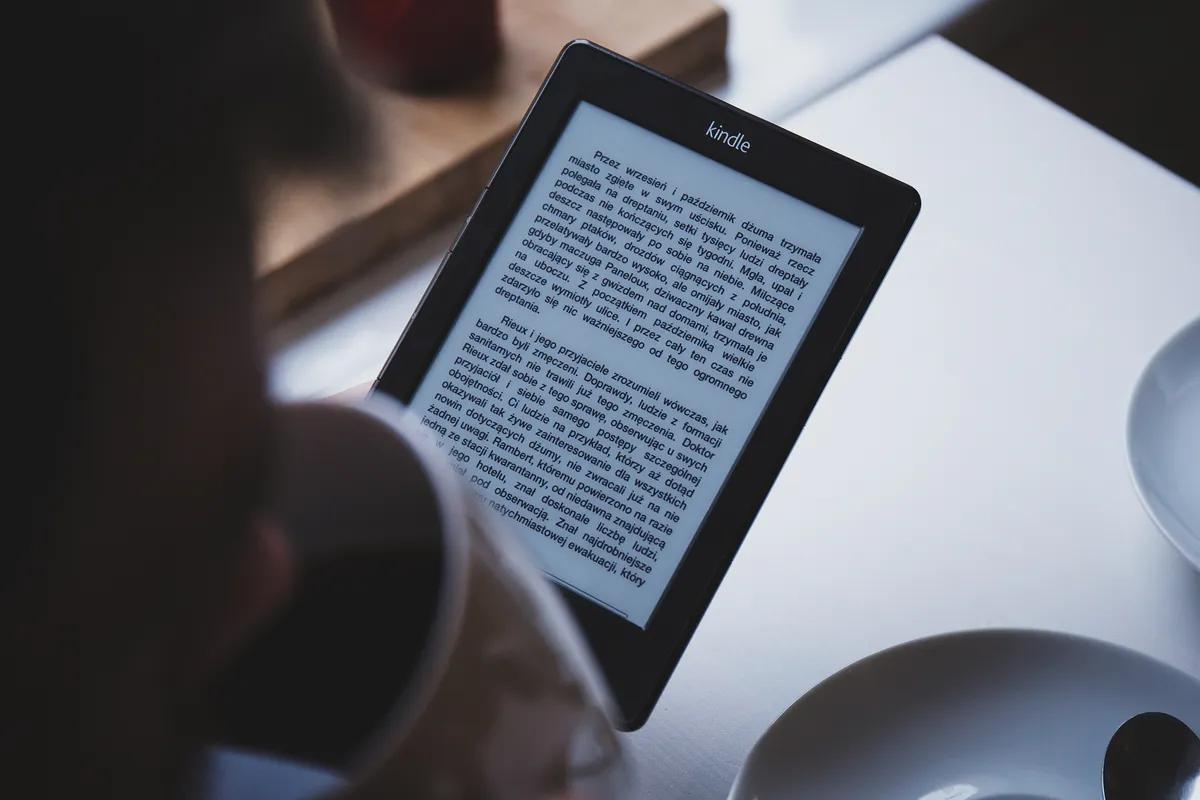
Library borrowing deserves its own check, because it is free and substantial. Public library ebook lending runs through a handful of platforms, and support varies by device and by country — some readers integrate borrowing directly into the device, others require transferring files from a computer, and a few make it awkward enough that people stop. Check your specific library's platform against the specific device before buying. Our Kobo Libra 2 review covers the open-format and library-borrowing side in detail, which is the reason that end of the market exists.
E-ink displays: the specifications that matter
Resolution is quoted in pixels per inch. 300ppi is the current standard and renders text indistinguishably from print at reading distance. 212ppi, still found on cheaper models, shows visible edges on serif fonts and is the most common reason a budget reader feels cheap.
Front lighting matters more than most buyers expect. E-ink is reflective, so it needs ambient light like paper does; a front light illuminates the page from the edges rather than shining at your eyes as a backlit LCD does. Adjustable warmth — shifting from cool white to amber — is worth having for evening reading, and it is the feature people say they use most once they have it.
Screen size is a genuine trade. 6 inches fits in a coat pocket and is the classic novel-reading size. 7 inches is noticeably more comfortable for larger text and fewer page turns and still fits most bags. 8 inches and above starts to make PDFs viable and stops being one-handed.
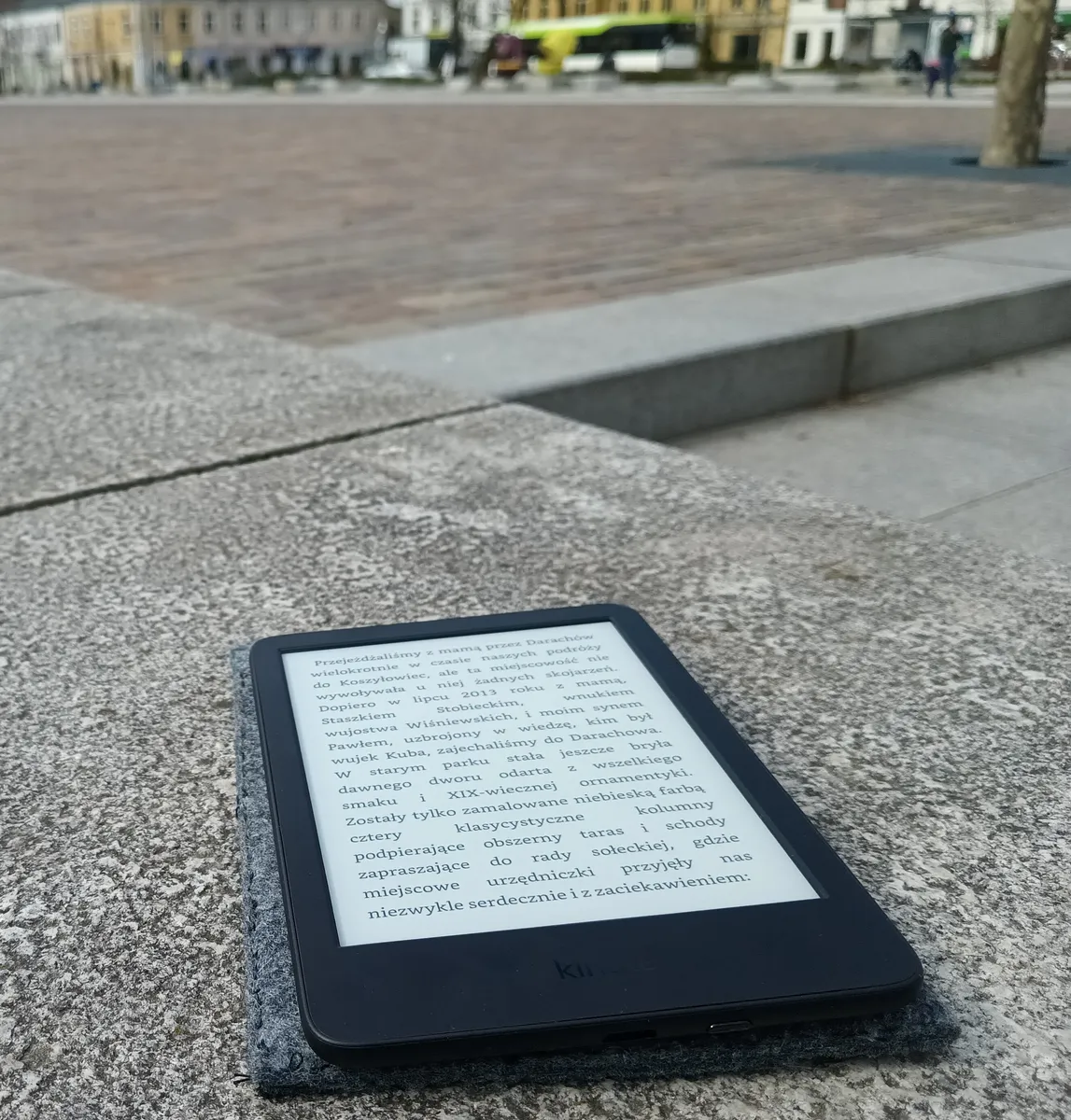
Physical page-turn buttons are a small feature with disproportionate effect. Turning pages by tapping a screen requires repositioning your thumb; a button lets your hand stay still for an hour. Devices with asymmetric grips and buttons are the ones people describe as disappearing while reading.
Colour e-ink, honestly assessed
Colour e-ink exists and works by placing a colour filter array over the monochrome layer. The consequences are consistent across implementations: colour resolution is roughly a third of the monochrome resolution, colours are muted rather than vivid, and the filter layer slightly reduces contrast on black-and-white text.
Where it earns its place: comics, illustrated non-fiction, children's books, magazines, and highlighting in study texts. Where it does not: plain novels, where you pay more and get slightly greyer text than a monochrome panel of the same generation.
If you read prose almost exclusively, monochrome remains the better buy and probably will for another hardware generation. If a third of your reading has pictures in it, colour is a reasonable premium.
Waterproofing, battery, and the practical details
An IPX8 rating means the device survives submersion, which in practice means bath and poolside reading without anxiety. It is one of the more genuinely useful features in the category and it is the difference between a device you take everywhere and one you protect.
Battery figures are quoted in weeks and depend almost entirely on front light brightness and wireless being on. E-ink consumes power only when the page changes, so a reader at 20% brightness with wireless off genuinely lasts six to eight weeks; the same device at full brightness with wireless on lasts closer to one. Turn wireless off between syncs and the battery claim becomes real.
Storage is a non-issue for text and a real consideration for audiobooks and comics. A novel is about 1MB; an audiobook is 100-300MB; a comic issue is 50-150MB. 8GB holds thousands of books and about twenty audiobooks.
Check whether the device supports Bluetooth audio if audiobooks matter, and whether your audiobook provider works on it — this is another ecosystem question rather than a hardware one. Our Kindle Paperwhite review covers what the screen upgrade actually changes in daily reading, which is the clearest case for spending above the entry tier.
Writing tablets: a different product
E-ink writing tablets — devices built around a stylus for notes and document markup rather than reading — occupy a separate category with different economics. They are large, typically 10 inches, expensive at $300-$600, and deliberately limited: no apps, no browser, no notifications.
That limitation is the product. For someone who takes handwritten notes and wants no distractions, the appeal is real and reported consistently. The honest caveats are that handwriting recognition quality varies, that PDF markup workflows are better than they were and still fiddly, and that some manufacturers now put features behind subscriptions, which materially changes the cost.
They are poor e-readers despite the screen, because the size and weight are wrong for holding up in bed, and they are poor tablets because that is the point. Our reMarkable 2 review covers six weeks of that trade-off — writing, reading, and zero notifications.
A cheaper alternative worth knowing about: reusable paper notebooks, which use erasable pens and let you photograph pages into an app. They cost $30-$40, need no charging, and cover the capture-and-digitise use case without the hardware. Our Rocketbook Core review covers four months of erase-and-reuse note-taking, and the conclusion is that it solves a narrower problem well rather than replacing a tablet.
When a tablet or phone is the right answer
Fixed-layout content. PDFs, sheet music, textbooks with diagrams, and most comics assume a page size, and e-ink's slow refresh plus small screen makes panning around them tedious. A 10-inch tablet handles these properly.
Colour-critical reading, obviously, and anything where you want to switch between reading and looking something up.
Reading in bed with the light off, where a phone works fine and the much-discussed blue light concern is addressed adequately by night-shift modes and lower brightness. E-ink's advantage here is the absence of notifications, not the screen technology.
Cost over three years
The device is a small part of the total. A $140 e-reader used for three years is about $4 a month, and the variable is where the books come from.
Buying new ebooks typically costs $8-$14 each, which for a book a month is $290-$500 a year and often more than the paperback price on discount. Subscription reading services run $10-$12 monthly for a defined catalogue, which suits high-volume readers who are flexible about titles. Library borrowing is free and limited by hold queues — popular new releases can be weeks out, and older titles are usually available immediately.
The cheapest genuinely good option is public-domain reading. Hundreds of thousands of pre-1930 titles are free and legal in EPUB, and any EPUB-capable device reads them directly. For someone working through classics, the hardware pays for itself immediately.
A last durability note: batteries in e-readers degrade like any other lithium cell, and most are not user-replaceable. Expect four to six years before the battery life noticeably shortens, and check whether the manufacturer offers a paid battery service, because a device that reads perfectly and needs weekly charging is the usual end state rather than a failure.
A short decision path
First, check what your library lends and in which format, and whether the device you want supports it directly. Free books are the largest cost factor in reading and this determines access to them.
Second, decide whether you are locked into an existing purchased library. Fifty bought books in one ecosystem is a real switching cost and usually settles the brand question.
Third, pick 300ppi, a warm-adjustable front light, and physical page buttons if the budget reaches. Those three make the difference between a device you use nightly and one that ends up in a drawer.
Fourth, skip colour unless a third of your reading is illustrated, and skip the writing tablet unless handwritten notes are a real part of your work rather than an aspiration. Both are good products bought for the wrong reasons more often than not.
More coupon shopping advice

Home Security Camera Buying Guide: Local vs. Cloud Storage
A practical, balanced buying guide to home security cameras that weighs local storage against cloud subscriptions, wired versus battery power, camera placement, night vision, smart detection accuracy, and smart home integration.

Beginner Mirrorless Camera Buying Guide
A practical, honest walkthrough of what actually matters when buying your first mirrorless camera, from sensor size and lens mounts to autofocus, video specs, and the real total cost of a beginner-friendly system.

Air Purifier Buying Guide: CADR, ACH, and Filter Costs Explained
A practical walkthrough of the numbers that actually matter when buying an air purifier — CADR and ACH for sizing, true HEPA versus marketing terms, real three-year filter costs, realistic noise levels, and when a purifier won't help at all.