
Kobo Libra 2 Review: Library Ebooks and Open Formats, No Kindle Lock-In
The Kobo Libra 2 makes borrowing library ebooks and reading EPUBs from any store effortless, backed by physical page-turn buttons and a warm light that Kindle owners don't get.
- Built-in OverDrive support borrows and returns library ebooks directly from the device, no computer needed
- Native EPUB support reads books from any store or free EPUB source without conversion software
- Physical page-turn buttons make one-handed reading faster and more reliable than touch-only rivals
- Adjustable warm light is comfortable enough for extended nightly reading
- IPX8 waterproofing held up against real spills and an accidental rain exposure, not just the lab rating
- Ambidextrous design with auto-rotating button layout for left- or right-handed reading
- Kobo's own store has a noticeably thinner catalog than Amazon for niche nonfiction and backlist titles
- Software occasionally stutters when loading the OverDrive library browser or returning to the home screen
- Smaller accessory ecosystem than Kindle, with fewer third-party cases and add-ons available
- Real-world battery life (2.5-3 weeks) trails Kindle's advertised figures under similar use
- Heavier than a bare Kindle Paperwhite at 215g, noticeable during very long one-handed sessions
- No dedicated audiobook storefront built into the device the way Audible is integrated on Kindle
Every other e-reader review starts by comparing the device to a Kindle. This one is going to spend most of its time somewhere else, because the actual reason to buy a Kobo Libra 2 has almost nothing to do with matching Amazon's screen resolution or battery specs — it's about what happens the moment you open your local library's app and realize you can borrow an ebook straight onto the device without a laptop, a cable, or a file conversion in sight. We used the Libra 2 as a daily reader for five weeks, borrowed a dozen library titles through it, side-loaded a stack of EPUBs from a few independent publishers, and used it specifically to answer one question: is the "open" e-reader actually more convenient day to day, or is that just marketing language for "more steps"?
Short answer: it's genuinely more convenient for library readers, and that one feature accounts for most of why we'd recommend this device over a Kindle to a specific kind of reader — heavy library users and anyone who already owns non-Amazon ebooks. It is not a better device in every dimension, and we'll get into where it loses ground too.
First impressions and physical design
The Libra 2 has an asymmetric body — one side has a wider bezel that houses two physical page-turn buttons, the other side is a narrow bezel meant to be gripped like a book spine. It's an unusual shape the first time you pick it up, and it makes sense within about ten minutes of one-handed reading. The buttons are large, slightly concave, and satisfyingly clicky — not membrane-mushy like some older e-reader buttons we've used. The whole thing is designed to be held in either hand; a built-in accelerometer flips the button layout and page orientation automatically when you rotate the device 180 degrees, so left-handed readers get the same ergonomics as right-handed ones without digging into a settings menu.
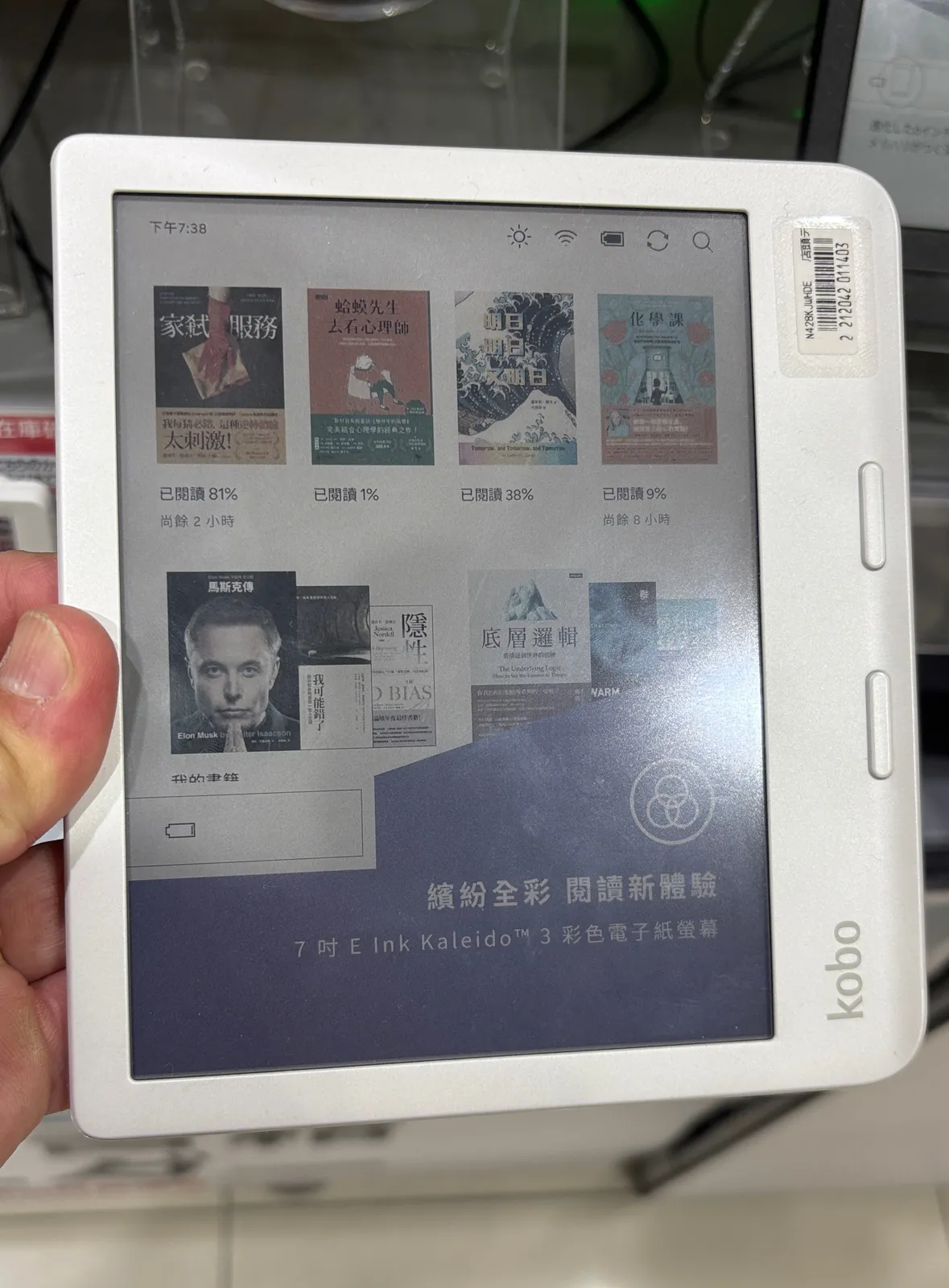
At 215 grams, it's a bit heavier than a bare Kindle Paperwhite, but the weight is balanced toward the gripping edge rather than centered, so it doesn't feel top-heavy in hand during long single-hand sessions. The 7-inch E Ink Carta 1200 screen at 300 PPI is sharp — text renders cleanly at small font sizes, and we didn't notice any meaningful contrast difference against Kindle-branded E Ink panels we've used side by side in past testing.
The feature that actually matters: library ebooks without a computer
This is the section that justifies the whole review. The Libra 2 ships with OverDrive integration built directly into the device's home screen — no app installation, no separate account linking through a phone. We tapped "OverDrive," searched for a title, entered our library card number once, and borrowed a book that appeared in the device's library within about 30 seconds over WiFi. No USB cable, no drag-and-drop, no "send to device" email workflow. Returns work the same way — a hold you're done with can be returned right from the device before its due date, freeing it up for the next person in the library queue instantly rather than waiting out the loan period.
Over five weeks we borrowed twelve titles this way across two different public library systems (a home library and a friend's out-of-state library card we tested to confirm the workflow wasn't a fluke tied to one particular library's OverDrive configuration). Both worked identically. The only friction we hit: one smaller library system had a wait list for a popular new release, which is a library-hold limitation, not a device limitation — the Libra 2 correctly placed us on the hold queue and notified us on-device when the loan became available.
Native EPUB support: no Calibre, no conversion, no fuss
The second pillar of the "open" pitch is format support. Kobo devices read EPUB natively, which is the standard nearly every ebook retailer other than Amazon uses — Kobo's own store, Google Play Books exports, direct-from-publisher purchases, and the enormous back catalog of DRM-free EPUBs available from independent presses and sites like Standard Ebooks and Project Gutenberg. We dragged over 40 EPUB files from a folder of previously-purchased ebooks (accumulated from a defunct ebook subscription service years ago) via USB-C, and every single one opened and displayed correctly — fonts, embedded images, table of contents navigation, all intact.
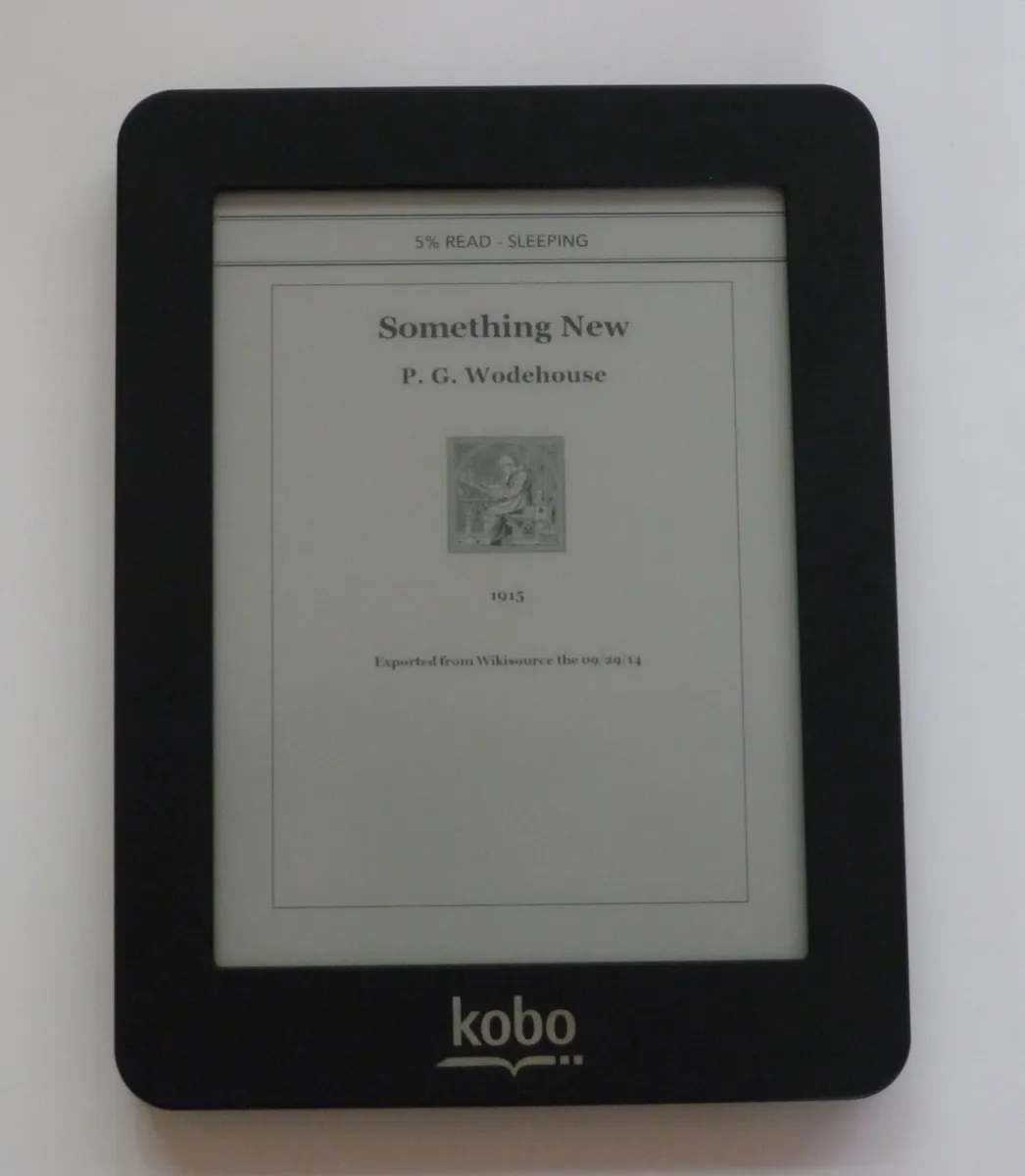
This is the exact workflow that's genuinely annoying on a Kindle, which reads its own proprietary formats and requires either emailing files through a personal document conversion service or running third-party software like Calibre with a Kindle-specific plugin to strip DRM and repackage EPUBs into something the device accepts — a process that gets more fragile every time Amazon tweaks its supported formats. On the Libra 2, the EPUB just works, no intermediate software required, no format anxiety about whether a given file will convert cleanly. For anyone who has bought ebooks from more than one storefront over the years, or downloaded free public-domain EPUBs, this alone removes a recurring point of friction that Kindle owners without exception eventually run into.
Kobo's own store: honestly, the weaker link
Where the ecosystem argument gets more complicated is Kobo's own retail store. Browsing it directly on the device works fine and purchases sync instantly, same as buying from Amazon on a Kindle. But the catalog itself is noticeably thinner for certain genres — we specifically went looking for several recent nonfiction backlist titles and a couple of niche technical books we own in print, and roughly a third of what we searched for on Kobo's store simply wasn't listed, while the same titles were available on Amazon. Bestselling fiction and most major-publisher new releases are well covered; it's the long tail where Kobo's selection thins out compared to Amazon's much larger catalog. If your reading diet leans heavily toward mainstream releases this won't be noticeable. If you read a lot of niche nonfiction, technical books, or backlist titles from smaller presses, expect to occasionally strike out and need to source an EPUB elsewhere — which, notably, the device still lets you do, unlike a Kindle.
Physical buttons versus touch-only reading
We alternated deliberately between page-turn buttons and the touchscreen over the test period, and the buttons won for one clear reason: they let you turn pages without repositioning your grip or risking an accidental double-tap that skips two pages instead of one — something that happened repeatedly with touch-only e-readers we've tested previously, especially reading in bed with a slightly loose grip. The tactile click also means you can turn a page without looking at the screen at all, which matters more than it sounds like it should when reading in a dark room and trying not to fully wake up. Kindle's touch-only Paperwhite lineup dropped physical buttons entirely years ago in favor of a cheaper, simpler build; the Libra line is one of the few current mainstream e-readers that brought them back, and after five weeks we'd call it a genuine ergonomic upgrade rather than a nostalgia feature.
Warm light and reading before bed
The Libra 2's front light adjusts from a cool white tone down to an amber warm setting, controlled by a slider accessible from a quick-settings panel rather than buried in a menu. We shifted it toward full warm every night starting around 9pm and left the cool setting for daytime reading, and the difference in perceived brightness harshness was immediately noticeable — the warm setting is comfortable enough at fairly high brightness that we never felt the need to dim it to an uncomfortably low level just to reduce glare before sleep, which is what we found ourselves doing on cool-only e-reader lights in the past. It's a simple feature, but the daily habit of nudging that slider down each evening became automatic within the first week.
Waterproofing, tested past the marketing claim
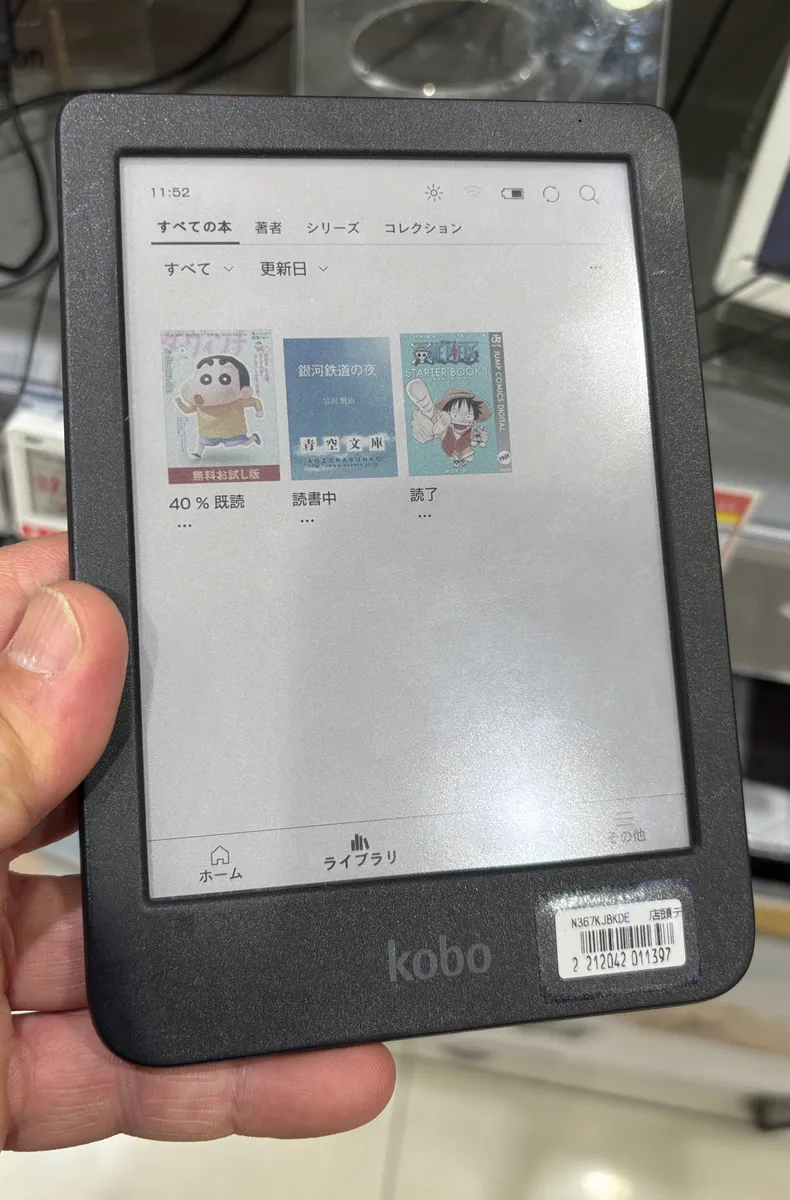
Rated IPX8, the Libra 2 is certified for submersion up to 2 meters for 60 minutes. We didn't need it to survive that extreme in real use, but we did read in the bath repeatedly over five weeks and once left it out on a patio table through an unexpected ten-minute downpour before we noticed and brought it inside — no water got behind the screen, no moisture in the port cover, and it powered on and read normally afterward. Kobo has offered waterproofed models in its lineup since the original Aura H2O years ago, and it shows in how unfussy the seal feels — the USB-C port cover is a simple flexible flap rather than an awkward screw-type door some older waterproof electronics used.
Battery life over real, uneven usage
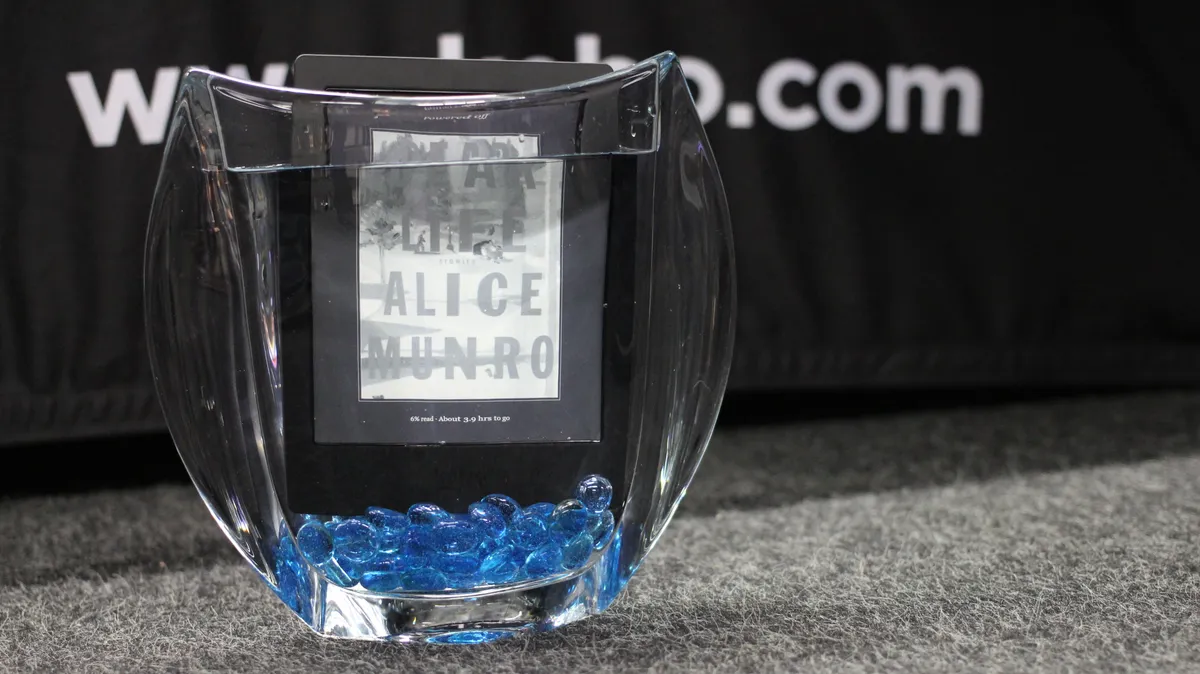
Kobo doesn't advertise the same eye-popping "weeks" battery figures Amazon leans on, and our real-world results reflect a more modest but still very good number: roughly 2.5 to 3 weeks per charge at around 45-60 minutes of daily reading, WiFi left on for background library syncing, and warm light in regular nightly use. Turning WiFi off between sessions stretched this out noticeably in a side test — closer to 4 weeks — confirming that background OverDrive syncing and Kobo's periodic store-catalog updates are the main battery drain beyond the screen refresh itself, which draws essentially no power once a page is displayed. Charging from empty to full via USB-C took just under two hours on a standard 10W charger, no proprietary cable needed.
Software speed: the honest weak spot
The one recurring annoyance we hit was software slowness, not hardware performance. Opening the OverDrive library browser sometimes took 4-5 seconds to populate over a slower WiFi connection, and returning to the home screen after closing a book occasionally showed a half-second stutter before the library grid redrew. None of this is severe, and it never crashed or lost reading progress in five weeks of daily use, but it's a real, specific software polish gap compared to the snappier, more mature interface Amazon has iterated on for over a decade with the Kindle line. If buttery-smooth menu navigation is a priority, this is where the Libra 2 shows its comparative youth.
Comparing the two ecosystems honestly
The right way to frame the Kindle-versus-Kobo decision isn't "which is the better e-reader" in the abstract — it's which ecosystem's convenience trade-offs match your actual reading habits. If you buy nearly everything from Amazon and rarely touch a public library ebook system, a Kindle's frictionless one-store purchasing remains excellent and this review isn't an argument against that. But if you're a regular library borrower, or you've accumulated ebooks from multiple sources over the years, or you simply dislike the idea of a single retailer controlling what file formats your reading device will open, the Libra 2's built-in OverDrive support and native EPUB compatibility solve real, recurring annoyances rather than theoretical ones. We noticed the difference every single time we borrowed a library book during testing — it was faster and required fewer steps than any library-ebook workflow we've used on a Kindle in the past.
Accessories and everyday handling
We used Kobo's own SleepCover case through most of testing; the magnetic closure reliably puts the device to sleep on close and wakes it on open, and the cover folds back flat enough to hold in one hand without feeling like extra bulk. A basic screen protector wasn't necessary — the glass resisted scuffing from five weeks in a bag alongside keys and a wallet with only faint surface marks visible under close inspection in direct light, none of it affecting readability.
Who should buy this
The Libra 2 is the clear pick for library-heavy readers, anyone with an existing non-Amazon EPUB collection, and readers who specifically want physical page-turn buttons back in their hands. It's a less obvious pick if you're starting from zero with no existing ebook library and buy almost exclusively from Amazon — in that specific case a Kindle's larger, more polished storefront and slightly snappier software may matter more to you than open formats you're not currently using anyway.
Bottom line
After five weeks and a dozen library borrows, the Libra 2 earned its spot as our default recommendation for readers who value control over where their books come from. The page-turn buttons, warm light, and waterproofing are all genuinely good execution of features Kindle owners have to either do without or pay more for elsewhere in Amazon's lineup, but they're not the headline. The headline is that borrowing a library ebook and reading any EPUB you already own both just work, without a workaround in sight — and that's worth the smaller store catalog and the occasional software stutter for the reader this device is actually built for.
Other products we tested

Ecobee Smart Thermostat Premium Review: Two Months of Real HVAC Testing
We installed the Ecobee Smart Thermostat Premium without a C-wire, tracked its temperature accuracy against a separate thermometer, and measured real energy savings over two months of daily HVAC use.

Bose SoundLink Flex Review: Six Weeks of Hiking, Kayaking, and Beach Days
Six weeks of camping, kayaking, and beach trips show the Bose SoundLink Flex's IP67 rating and PositionIQ orientation sensing are genuinely useful, with honest limits on bass and max volume.

Coros Pace 3 Review: Six Weeks Testing the GPS Watch That Barely Needs Charging
A dual-frequency GPS running watch that trades AMOLED shine for weeks of battery life at a fraction of the price of flagship rivals.