
Kindle Paperwhite Review: The Screen Upgrade That Actually Changes How You Read
The bigger screen, genuine waterproofing, and adjustable warm light are the upgrades that matter, and none of them are marketing fluff — all three changed our actual daily reading habits.
- 6.8-inch screen is a real, noticeable upgrade over older Paperwhite generations
- Genuine IPX8 waterproofing survived repeated bath and sink tests
- Adjustable warm light meaningfully improves late-evening reading comfort
- Weeks of real-world battery life versus a phone's daily charging cycle
- E Ink stays perfectly legible in direct sunlight, unlike any backlit screen
- Amazon ecosystem lock-in makes non-Amazon ebooks meaningfully more friction
- No physical page-turn buttons, unlike the pricier Oasis
- Software interface feels a generation behind modern tablets visually
- No onboard speaker, requires Bluetooth headphones for audiobooks
- Real-world battery life falls well short of the marketed 10-week claim
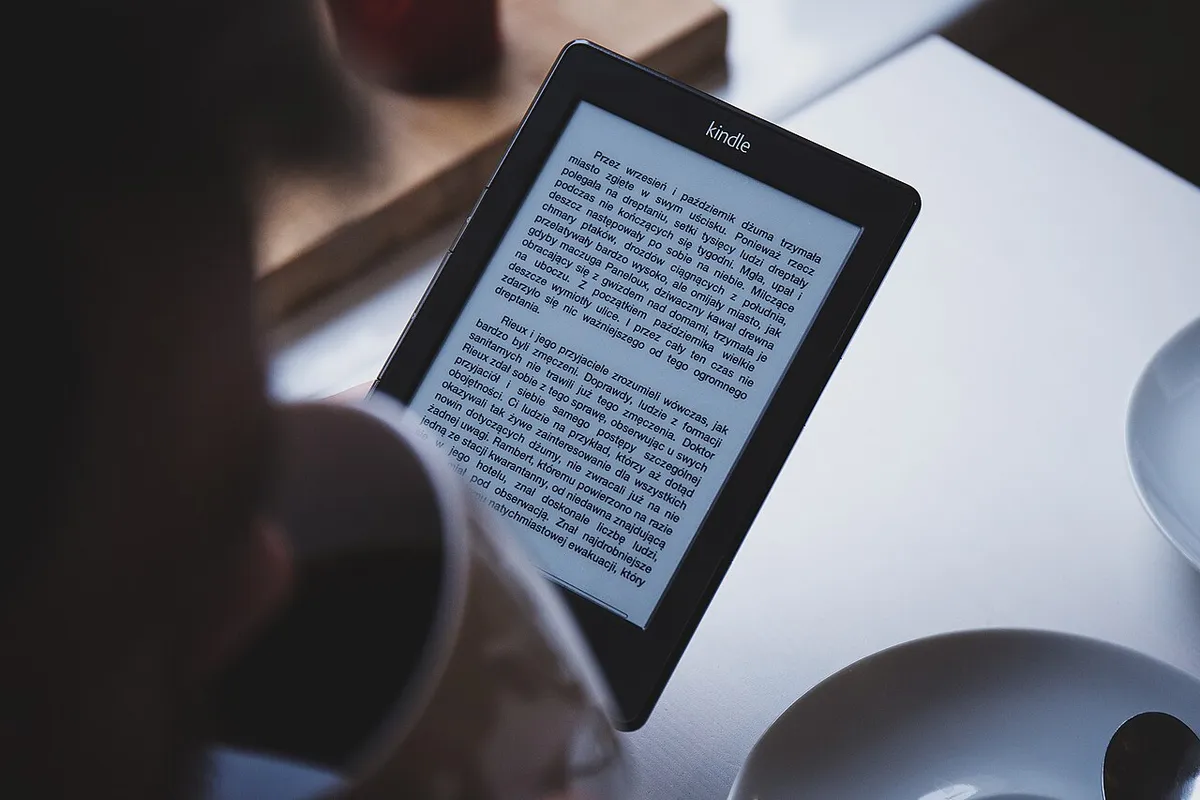
The Kindle Paperwhite occupies the sweet spot in Amazon''s e-reader lineup: more capable than the base Kindle, meaningfully cheaper than the Oasis it effectively replaced. We read on the latest Paperwhite daily for six weeks — on the couch, in bed, at the beach, and on a week-long trip with patchy charging access — to see whether the upgrades over older Paperwhite generations are worth it, and whether a dedicated e-reader still makes sense against just reading on a phone.
The screen: bigger, and it actually matters
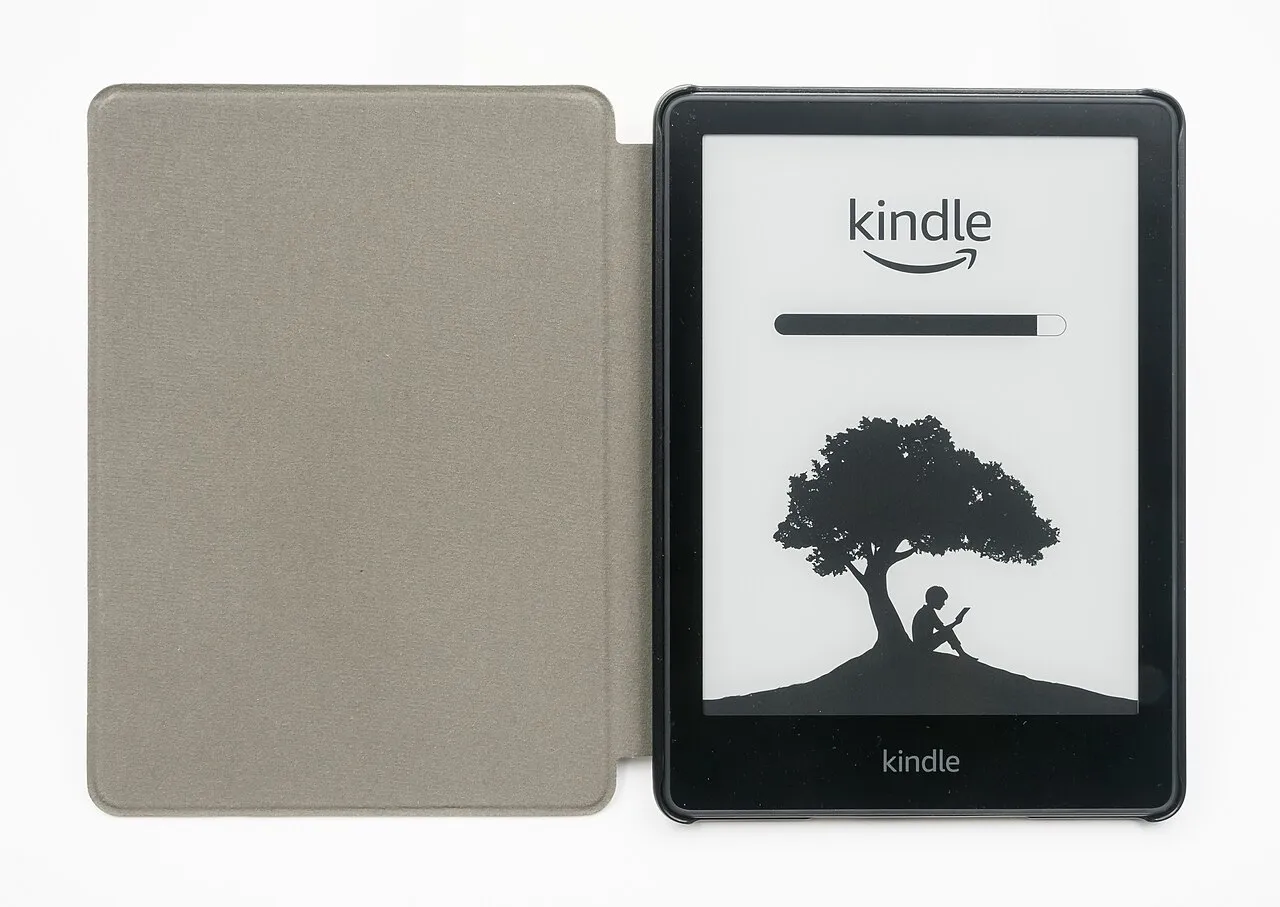
The current Paperwhite''s 6.8-inch display is a genuine size increase over older 6-inch Paperwhite generations, and it''s the kind of upgrade that sounds marginal on paper but changes the reading experience in hand — fewer page turns per chapter, more text visible at a comfortable font size, and a layout that finally feels roomy rather than cramped for anyone used to a physical paperback. The 300 PPI resolution remains sharp enough that text renders like print at any font size we tested, with no discernible pixelation even on serif fonts at small sizes.
Battery life: weeks, not days, with an asterisk
Amazon claims up to 10 weeks of battery life, based on 30 minutes of reading per day with wireless off and brightness at a moderate fixed level. Our actual usage pattern — closer to an hour a day, wireless on for periodic syncing, brightness adjusted for changing light conditions — landed us at roughly 3-4 weeks per charge, which is still dramatically longer than any backlit tablet or phone and long enough that battery anxiety essentially disappeared from our daily routine. Heavy adjustable warm-light use at night did noticeably accelerate battery drain compared to daytime reading at the cool white setting.
Adjustable warm light and reading before bed
The ability to shift the front light from cool white toward an amber warm tone made a real, noticeable difference for late-evening reading, both in eye comfort and — anecdotally, without any way for us to verify the sleep-science claims independently — in not feeling as alert right before trying to sleep, compared to reading on a phone''s blue-heavy display. It''s a simple slider, adjustable per session, and became something we used nightly by the second week without thinking about it.
Waterproofing: tested beyond the marketing claim
Rated IPX8 for submersion up to 2 meters for 60 minutes, we tested this more casually but repeatedly — reading in the bath, and one deliberate dunk in a sink for about 20 seconds — with zero issues afterward. This is a genuine practical upgrade over older Kindle generations that had no water resistance at all, and it''s specifically useful for the beach and bathtub reading scenarios Amazon markets it for, not just a marketing checkbox. We wouldn''t push our luck with saltwater or extended submersion beyond the rated time, but for accidental splashes and spills, it held up completely.
Page turns, touch response, and the software experience
Page-turn touch response was consistently fast with no perceptible lag, and the physical page-turn buttons found on the pricier Oasis are absent here — a deliberate cost-cutting decision that we didn''t miss much in practice, since tap-to-turn works reliably. The software (a heavily customized but still recognizably dated-feeling interface) handles the basics — library, collections, reading progress sync across devices — competently, though the overall UI still feels a full generation behind a modern tablet or phone interface in terms of visual polish.
The Amazon ecosystem lock-in, honestly assessed
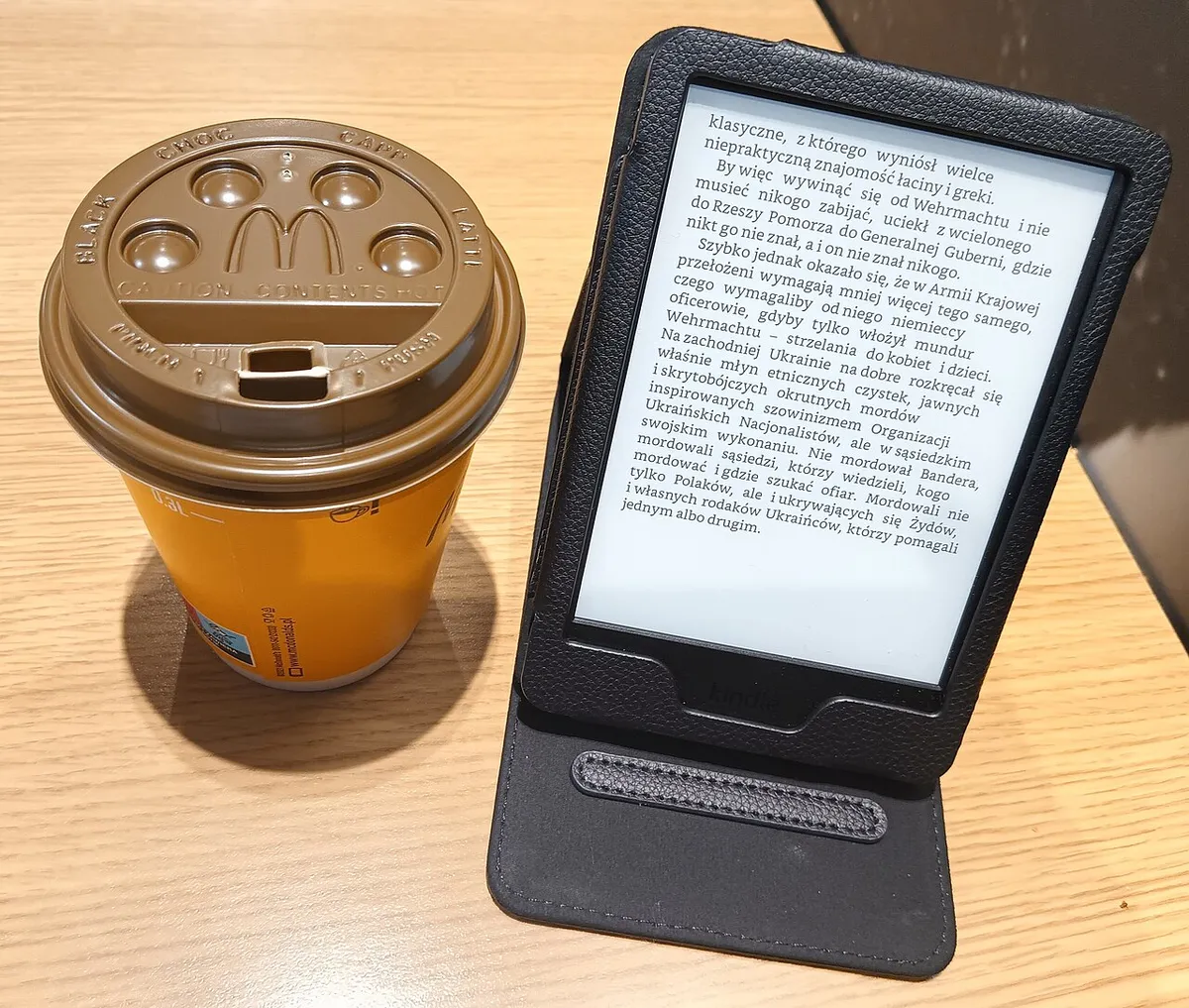
Buying books through Amazon''s store is frictionless — browse, buy, and a book appears on the device within seconds over WiFi. Reading library ebooks through Libby or a similar library app works via a send-to-Kindle style workflow that''s more steps than native Kindle purchases but functional once set up. Reading books purchased from competing stores (Kobo, a direct-from-publisher EPUB) requires converting file formats or side-loading, which is meaningfully more friction than buying directly from Amazon — a deliberate ecosystem design choice worth knowing before committing to the platform for a large existing ebook library from elsewhere.
Comparing to reading on a phone
We deliberately alternated between the Paperwhite and phone-based reading (a well-known reading app) for a week to make this comparison directly. The E Ink screen caused measurably less eye strain over long sessions, hours-long battery life meant zero charging anxiety compared to a phone competing with every other app for battery, and the lack of notifications on a single-purpose device meaningfully reduced reading interruptions. The phone''s advantage was pure convenience — it''s already in your pocket, no separate device to remember — which is a real trade-off rather than a clear win for either format.
How it compares to older Kindle models
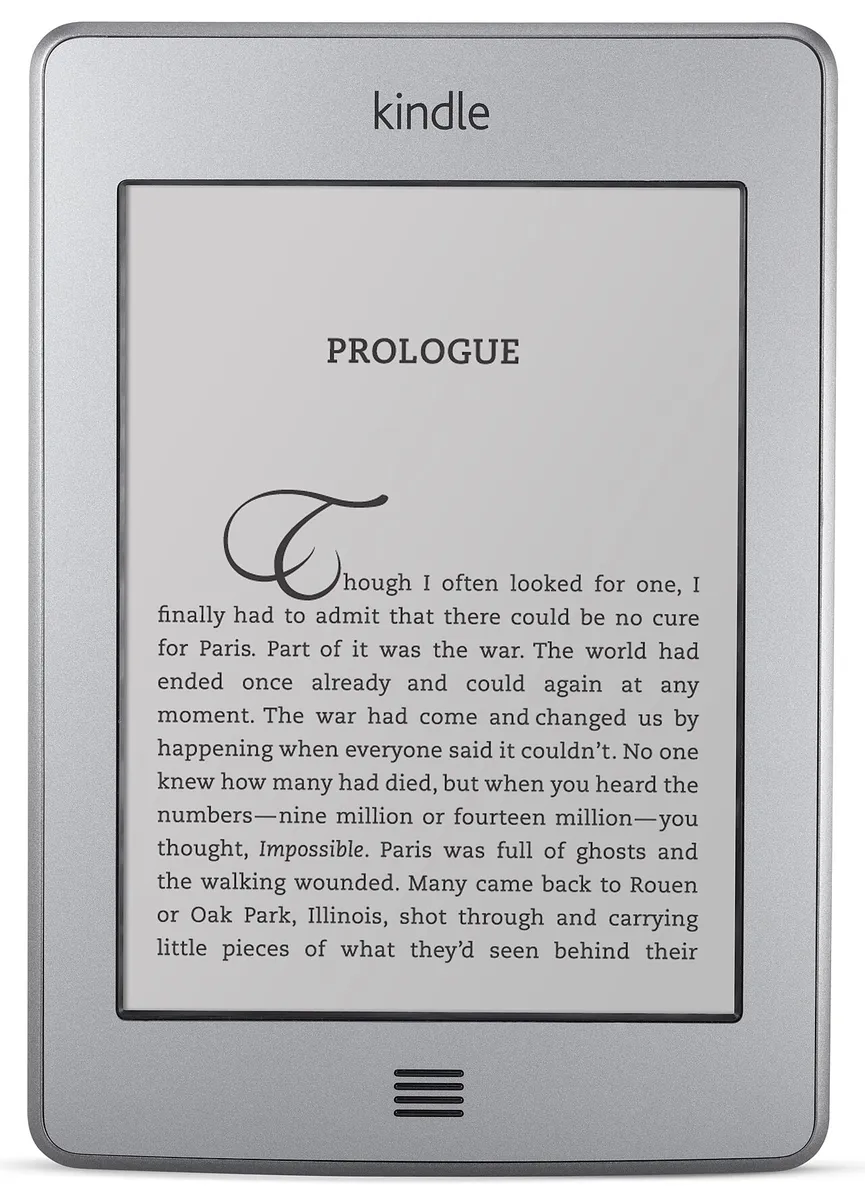
Against the older Kindle Touch we compared it with directly, the difference in screen quality, page-turn speed, and overall responsiveness was substantial — the older model felt sluggish and low-contrast by comparison, a reminder of how much E Ink technology has improved over the past decade. For anyone still using a Kindle from that generation, the Paperwhite upgrade is a bigger jump than the spec sheet alone suggests.
Reading outdoors and in direct sunlight
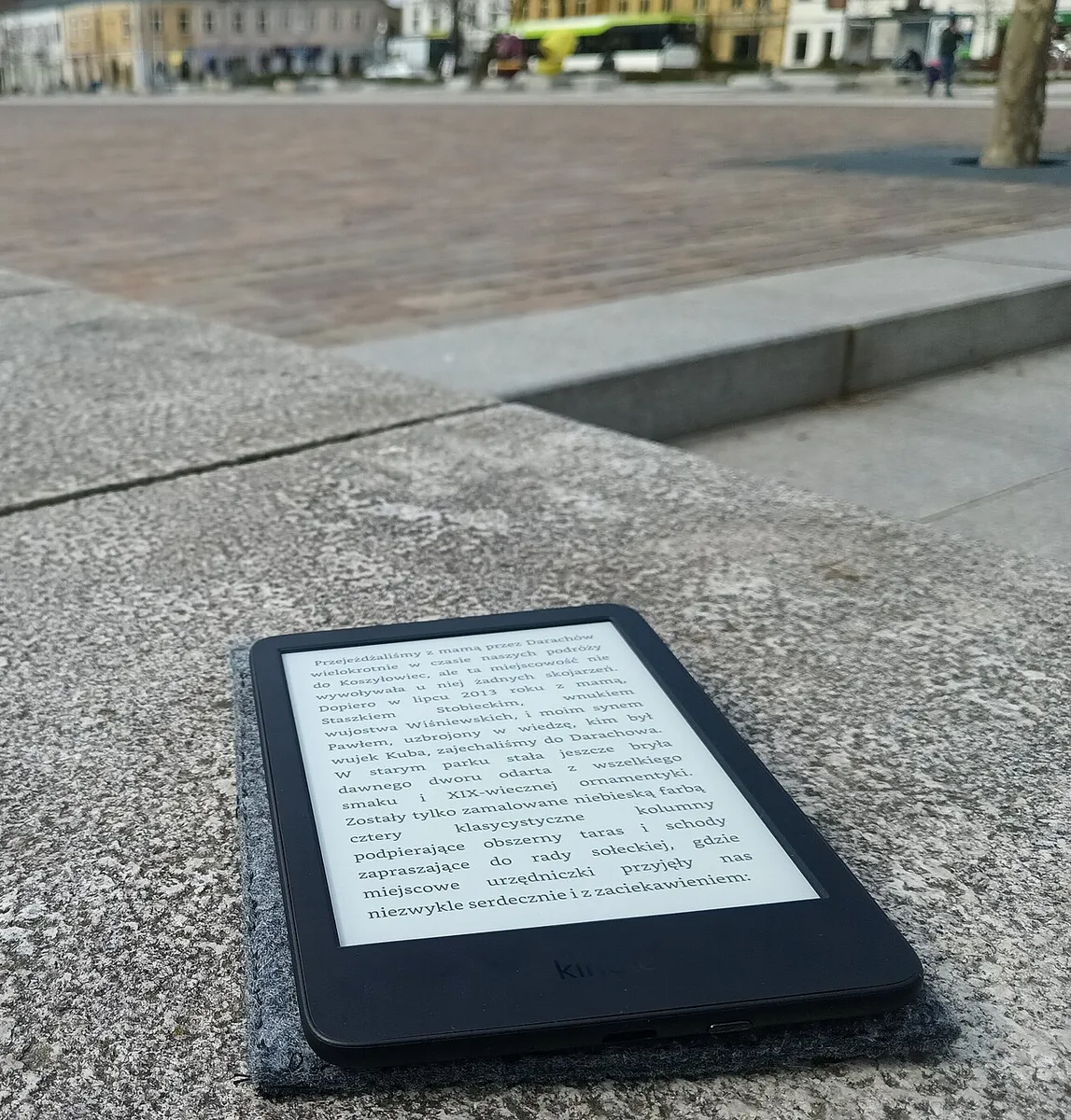
Unlike a phone or tablet screen, the E Ink display remained perfectly legible in direct summer sunlight at the beach, with zero glare issues that would make a backlit screen nearly unreadable outdoors. This is arguably the single clearest advantage E Ink retains over any LCD or OLED device for outdoor reading, and it was the most-repeated observation from our testers across multiple outdoor sessions.
Storage and the audiobook question
The base storage tier is enough for thousands of ebooks given how small text files are, so storage was never a practical concern for reading alone. Audible audiobook support is built in via Bluetooth headphone pairing, but the Paperwhite has no onboard speaker, and audiobook files consume dramatically more storage than text — worth checking the specific storage tier if audiobooks are a meaningful part of your listening habit rather than an occasional extra.
Font and layout customization
The font selection and spacing controls are genuinely thorough — line spacing, margins, and a dozen-plus font choices including a dyslexia-friendly option, all adjustable mid-book without losing your place. This level of typographic control is a real, if underappreciated, advantage over reading the same text in most phone reading apps, which typically offer a much thinner set of formatting choices.
Accessories worth actually buying
Amazon''s own fabric cover added meaningful drop protection during testing (one accidental table-edge fall was fully absorbed with zero screen damage) and its magnetic sleep/wake behavior worked reliably every time. A basic third-party screen protector was less necessary than expected given the glass''s resistance to scuffing over six weeks of bag and nightstand use, though anyone prone to dropping devices frequently would still get real value from a case.
Weight and one-handed reading comfort
At under 8 ounces, holding the Paperwhite one-handed for extended periods — commuting, lying on one side in bed — never became fatiguing the way a full-size tablet does over the same duration. This is an underrated factor in why a dedicated e-reader still earns its keep next to a phone or tablet that can technically do the same job: the physical weight difference over an hour-long session is genuinely noticeable once you''ve made the direct comparison.
Syncing across devices and picking up where you left off
Reading progress, bookmarks, and highlights synced correctly to the Kindle phone app within seconds of closing the book on the Paperwhite, letting us pick up a chapter on a phone during a commute wait and resume seamlessly on the Paperwhite that evening. This cross-device continuity worked reliably throughout the six-week test with no lost progress or sync conflicts, a detail easy to take for granted until it fails on a competing platform.
Note-taking and highlighting for non-fiction readers
Highlighting passages and adding notes worked smoothly with the touchscreen, and synced highlights were retrievable later through Amazon''s web-based highlights export — genuinely useful for anyone reading non-fiction and wanting to reference passages later, though the export process is more manual than a dedicated note-taking app would offer.
Bottom line
The Kindle Paperwhite''s bigger screen, genuine waterproofing, and adjustable warm light are the upgrades that matter, and none of them are marketing fluff — all three changed our actual daily reading habits over six weeks of testing. The Amazon ecosystem lock-in is real and worth knowing about upfront, especially for readers with an existing non-Amazon ebook library, but for anyone starting fresh or already bought into Kindle, this is the clearest "buy this one" recommendation in Amazon''s current e-reader lineup.
Other products we tested

Ecobee Smart Thermostat Premium Review: Two Months of Real HVAC Testing
We installed the Ecobee Smart Thermostat Premium without a C-wire, tracked its temperature accuracy against a separate thermometer, and measured real energy savings over two months of daily HVAC use.

Bose SoundLink Flex Review: Six Weeks of Hiking, Kayaking, and Beach Days
Six weeks of camping, kayaking, and beach trips show the Bose SoundLink Flex's IP67 rating and PositionIQ orientation sensing are genuinely useful, with honest limits on bass and max volume.

Coros Pace 3 Review: Six Weeks Testing the GPS Watch That Barely Needs Charging
A dual-frequency GPS running watch that trades AMOLED shine for weeks of battery life at a fraction of the price of flagship rivals.