
reMarkable 2 Review: Six Weeks of Writing, Reading, and Zero Notifications
We used the reMarkable 2 as a daily notebook and PDF reader for six weeks to see whether cutting out apps, browsers, and color actually improves focus.
- Pen-on-screen feel is the closest available to real paper
- No perceptible input lag; handwriting feels natural immediately
- Battery lasts one to two weeks of daily use
- PDF annotation stays anchored to the original document
- No apps or browser means genuinely fewer distractions
- Cloud sync and email export require an optional subscription
- No browser, email, or app store limits it to reading/writing tasks
- Handwriting-to-text conversion struggles with messy, fast note-taking
- E-ink refresh is noticeably slower than a phone or iPad screen
- Pen sold separately, and the eraser tip is a pricier tier
The pitch behind the reMarkable 2 is deliberately narrow: a paper-like tablet for writing and reading, with no email, no browser, no app store, and no color, built on the theory that a distraction-free surface is worth more to some people than a general-purpose device that can do everything but rarely helps you focus on any one of them. We used a reMarkable 2 as a daily notebook and reading device for six weeks, taking meeting notes, marking up PDFs, drafting long documents, and reading technical papers, to see whether the deliberate restriction actually delivers focus or just feels like a paper tablet missing features you'll eventually want back.
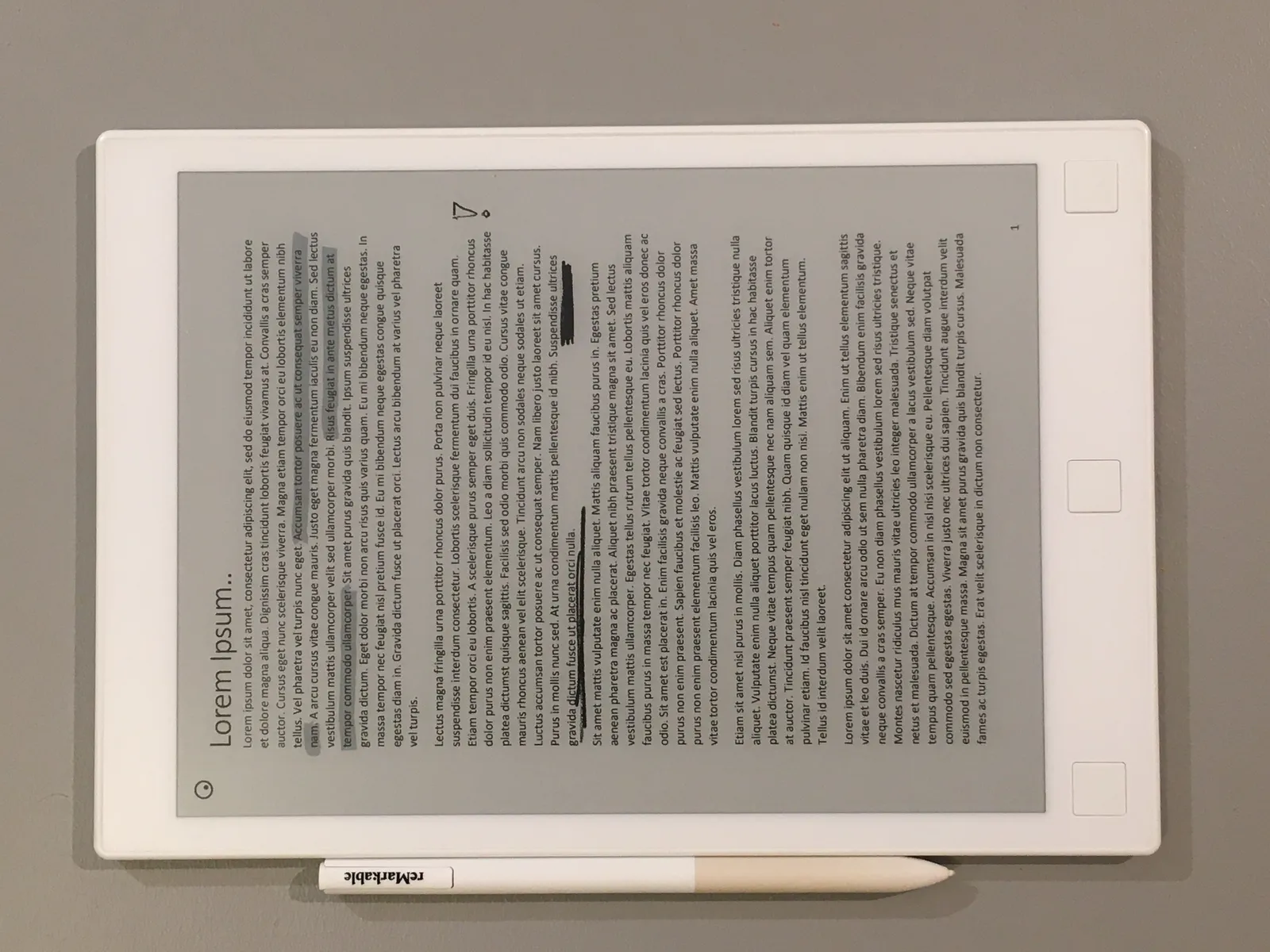
The writing feel: the actual reason to buy this over an iPad
The single most important thing about the reMarkable 2 is how the pen feels against the screen, and it genuinely is the closest we've used to real paper, with a textured display surface and interchangeable nib tips that wear down and get replaced the way a pencil does, producing an actual friction under the tip rather than the frictionless glass-on-glass feel of writing on an iPad or most other tablets. There's essentially no perceptible input lag between the pen tip moving and the ink appearing, which matters enormously for handwriting specifically, since any noticeable lag makes cursive or fast note-taking feel disconnected in a way that trips up your hand. Within the first week, taking notes in meetings felt as natural as a paper notebook, and unlike paper, every page is instantly searchable later using the device's handwriting recognition, which worked well enough on our reasonably neat handwriting to find specific notes weeks later by typing a rough guess at the words we'd written.
The pen itself, sold separately in a couple of tiers with the pricier version adding an eraser on the back end, needs no charging and no pairing, which is a small but genuinely appreciated design decision; you pick it up and write, with no Bluetooth handshake delay or dead battery mid-meeting. Palm rejection worked reliably across six weeks of resting a hand naturally on the screen while writing, something that took real engineering to get right and that occasionally still trips up cheaper e-ink tablets we've tried in the past.
Reading and PDF annotation over six weeks
Reading on the reMarkable 2 is genuinely comfortable in a way that a backlit tablet or phone isn't for long stretches, with the matte e-ink display producing zero glare even in direct sunlight and none of the eye strain we associate with hours of scrolling on an LCD or OLED screen. We loaded a mix of academic PDFs, a few novels in EPUB format, and long-form articles converted from the web, and the device handled page turns with the expected e-ink refresh delay, noticeably slower than a phone but fast enough not to be genuinely frustrating once you adjust your reading rhythm to it.
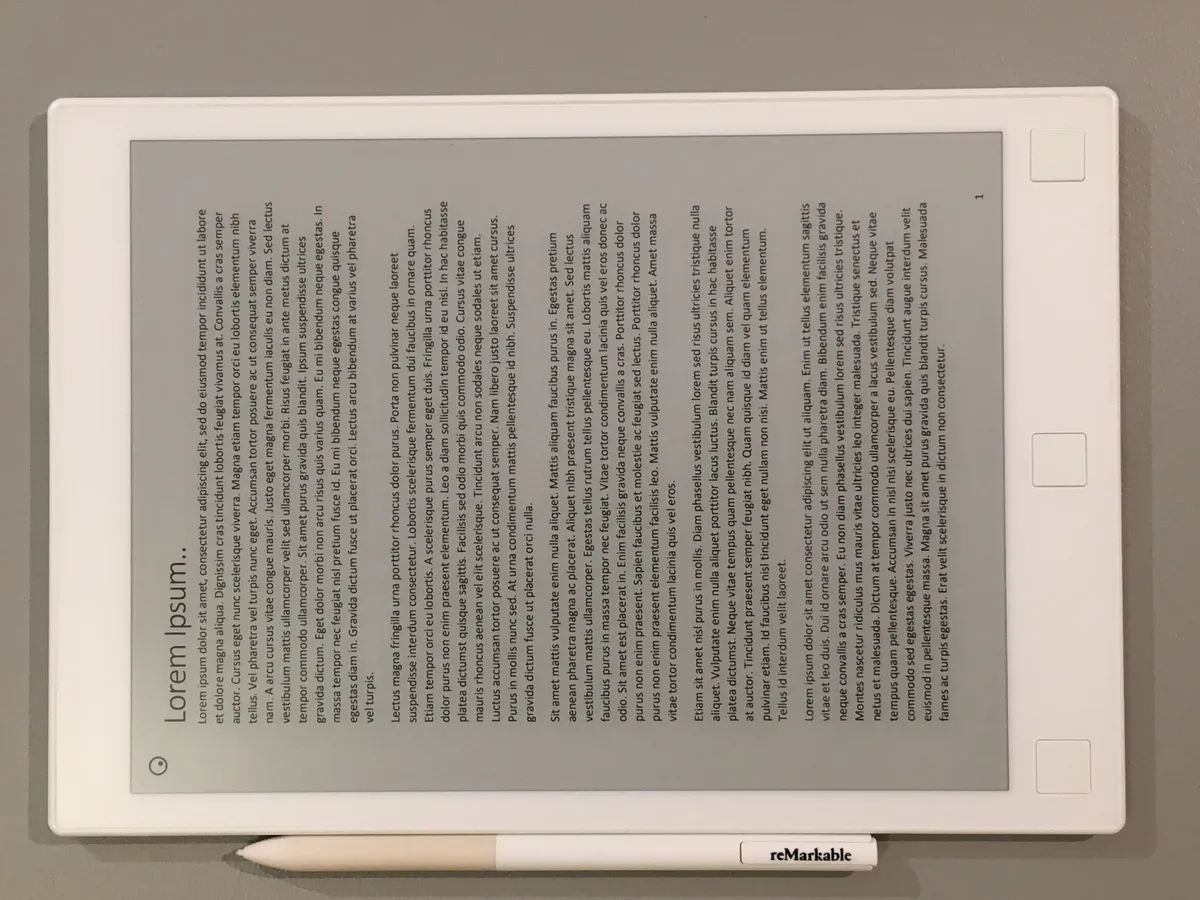
Annotating PDFs directly on top of the original document, underlining, circling, and scribbling margin notes exactly like you would on a printed page, turned out to be one of the device's best features for our actual workflow, reviewing contracts and research papers with markup that stays anchored to the exact spot on the page rather than living in a separate notes app disconnected from the source material. Exporting an annotated PDF back out, either to email or to a connected cloud folder, preserved the markup cleanly every time we tried it, which matters if annotated documents need to go back to a colleague who isn't using a reMarkable themselves.
Organization, folders, and the software's limits
The interface for organizing notebooks and documents into folders is simple, arguably too simple if you're used to a more powerful file system, but it stayed out of our way for six weeks of daily use rather than becoming its own source of friction. Templates for different page layouts, ranging from lined paper to grids to calendars to music staff paper, cover a wider range of use cases than we expected going in, and the ability to convert handwritten notes to typed text worked well enough for organized, deliberate handwriting but noticeably worse for quick, messy scrawl taken under time pressure in a fast-moving meeting.
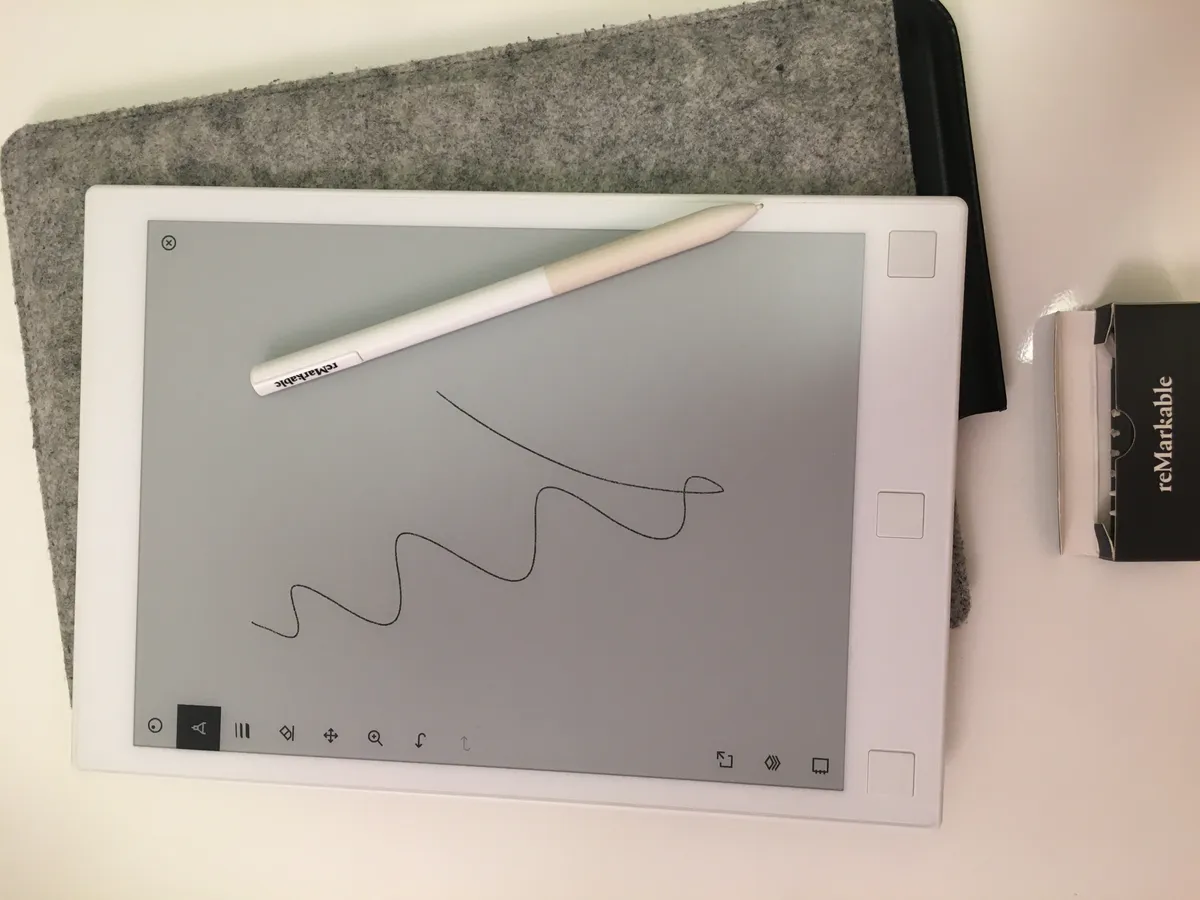
Where the software shows its limits is anything approaching general computing: there's no web browser, no email client, and no app store, which is entirely by design rather than an oversight, but it does mean the device can't replace a phone or laptop for looking something up mid-meeting or responding to a message, forcing you to keep a second device nearby anyway for anything outside reading, writing, and light PDF work. Syncing relies on a cloud connection or the desktop and mobile companion apps, and while sync worked reliably across our test period, keeping documents current between the tablet and a laptop, it does mean this isn't a fully offline-only device the way pure paper is, despite feeling like one moment to moment.
Battery life and the always-ready feel
Battery life across six weeks of daily use, roughly an hour or two of active writing and reading most days, comfortably stretched to between one and two weeks between charges, which is dramatically longer than any backlit tablet and is a direct result of the e-ink display only drawing meaningful power when the screen actually refreshes. This translates into a genuinely different relationship with the device compared to a phone or iPad: we stopped thinking about battery percentage almost entirely, picking it up assuming it would have charge the way you'd assume a paper notebook is always ready, which is exactly the experience reMarkable seems to be chasing with the whole product.
Comparing it to a Kindle and to an iPad with a stylus
The honest comparison for most buyers is between this, a Kindle, and an iPad with an Apple Pencil, since all three overlap on reading and note-taking to varying degrees. A Kindle is a better dedicated reading device for casual e-books, cheaper, lighter, and with a much larger commercial book store built in, but it can't take handwritten notes at all in any serious way. An iPad with a stylus is a better all-around computer, running full apps, video, color, and a browser, but that same flexibility is precisely the distraction the reMarkable is designed to remove; more than once during testing, picking up an iPad to jot a quick note turned into fifteen minutes of checking notifications, something that never happened once with the reMarkable simply because there's nothing else to be distracted by on the device. Which of the three is right depends entirely on whether you want a device that does one thing without interruption or a device that does many things with the ever-present risk of interruption.
The subscription question
reMarkable's cloud sync and some of the more advanced software features, including sending annotated documents by email directly from the device and screen-sharing your notes live to a laptop during a call, sit behind an optional paid subscription, which is a real point of friction for a device whose whole appeal is the simplicity and permanence of paper. The tablet works perfectly well for local writing, reading, and PDF markup without ever subscribing, and we used it that way for most of the six weeks, only adding the subscription near the end specifically to test the email-export and cross-device sync features, both of which worked well but which shouldn't be necessary purchases for the core writing experience to feel complete.
Who this device is actually for
The reMarkable 2 is an easy recommendation for people who take a lot of handwritten notes, mark up a lot of PDFs, or read long-form documents for work and want a genuinely distraction-free surface to do it on, particularly anyone who's tried and failed to stay focused taking notes on a general-purpose tablet. It's a poor fit for anyone wanting a single device to replace a laptop, a casual reader who just wants the biggest, cheapest e-book library without ever writing on the page, or anyone unwilling to accept that some of the more advanced features require an ongoing subscription rather than a one-time purchase.
The verdict
Six weeks of daily meeting notes, PDF annotation, and long-form reading confirmed the reMarkable 2's core promise: the pen-on-screen feel is genuinely the best available on any e-ink device, battery life is close to irrelevant because it lasts so long, and the deliberate lack of a browser or app store produced real, measurable focus benefits over general-purpose tablets we've used for the same tasks. The subscription gate on some useful features and the total absence of general computing capability are real tradeoffs, not oversights, but for the specific job of writing and reading without interruption, this remains the most convincing paper-replacement tablet we've tested.
Other products we tested

Ecobee Smart Thermostat Premium Review: Two Months of Real HVAC Testing
We installed the Ecobee Smart Thermostat Premium without a C-wire, tracked its temperature accuracy against a separate thermometer, and measured real energy savings over two months of daily HVAC use.

Bose SoundLink Flex Review: Six Weeks of Hiking, Kayaking, and Beach Days
Six weeks of camping, kayaking, and beach trips show the Bose SoundLink Flex's IP67 rating and PositionIQ orientation sensing are genuinely useful, with honest limits on bass and max volume.

Coros Pace 3 Review: Six Weeks Testing the GPS Watch That Barely Needs Charging
A dual-frequency GPS running watch that trades AMOLED shine for weeks of battery life at a fraction of the price of flagship rivals.