
TV Buying Guide: Panel Type and Room Light Decide Everything
Contrast claims are meaningless, 8K is not worth paying for, and the sound is the part you should plan to replace.
Television specifications are the most aggressively gamed numbers in consumer electronics. Contrast ratios are quoted as "dynamic" figures with no fixed meaning, refresh rates are advertised using invented motion-processing multipliers, and HDR support is claimed by sets that cannot get bright enough to show it. Reading a spec sheet at face value reliably leads to the wrong purchase.
This guide covers what genuinely determines picture quality, how to size a TV to your actual room, and why the sound is the part you should plan to replace.
The quick answer
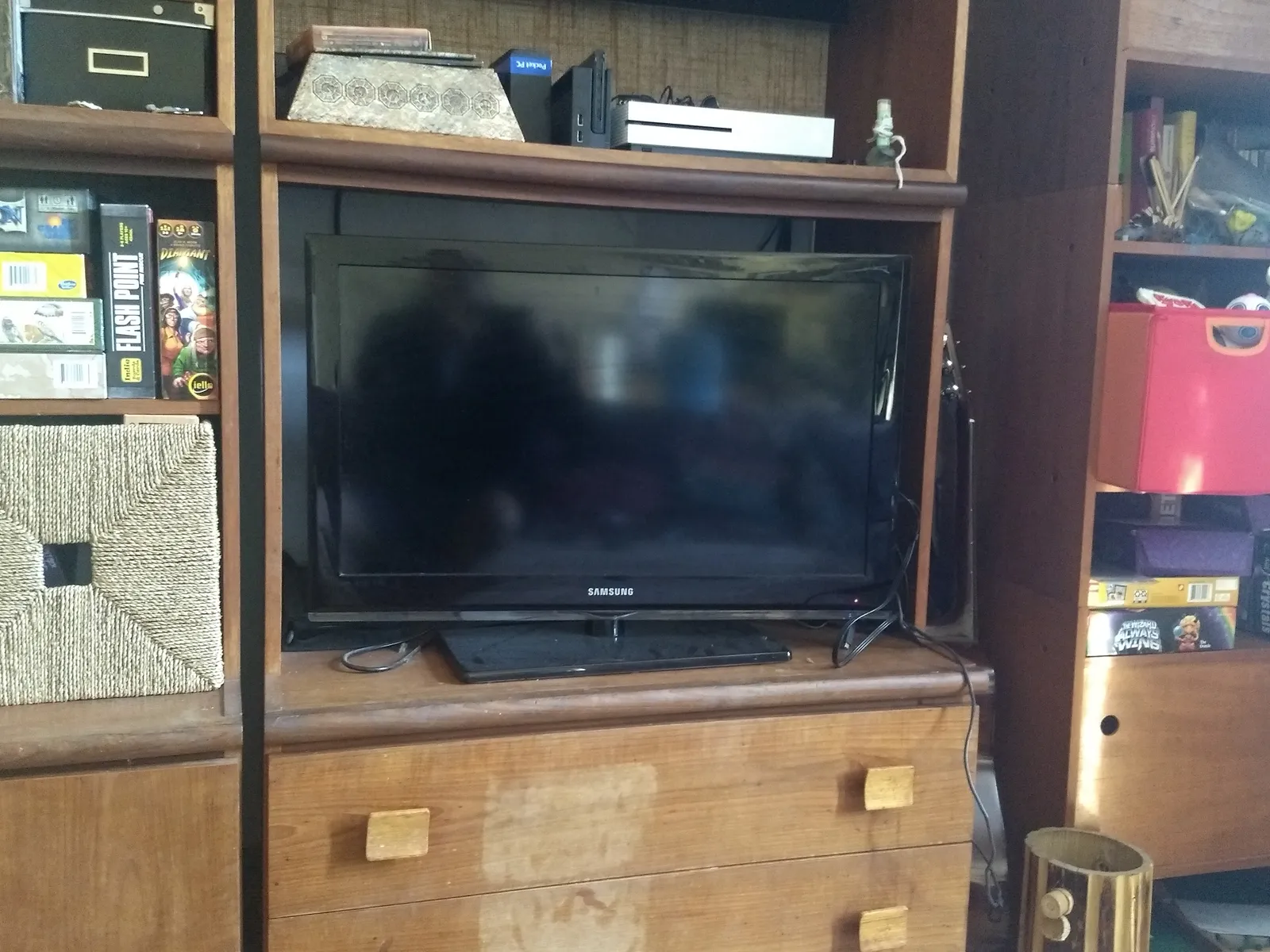
Panel type matters more than any other specification. OLED gives perfect blacks and the best contrast in a dim room; mini-LED backlit LCD gets much brighter and handles sunlit rooms better. Choose by your room's light, not by which technology is newer.
Size by distance: sit roughly 1.5 to 2.5 times the screen's diagonal away. For a 2.5m viewing distance that is a 55-65 inch set. Almost everyone who regrets a TV size bought too small.
Ignore contrast ratio claims, ignore refresh-rate marketing names, and check native panel refresh (60Hz or 120Hz) instead.
Budget for a soundbar. Flat panels have no room for speakers, and dialogue clarity — the single most common complaint about modern TVs — is a physical limitation no software fixes.
Panel technology, decided by your room
OLED panels emit light per pixel, so a black pixel is genuinely off. That produces effectively infinite contrast, perfect uniformity, and excellent viewing angles. Peak brightness has improved substantially and remains below the best LCDs, and static bright elements carry a small long-term burn-in risk — a real phenomenon that modern panels mitigate with pixel shifting and logo dimming, and which matters mainly if you leave a news channel on for eight hours a day.
LCD panels use a backlight behind a liquid crystal layer. Because the backlight is always on, blacks are grey and light leaks around bright objects. Full-array local dimming divides the backlight into zones that dim independently, and the number of zones is what determines how well it works — a set with 30 zones shows obvious haloing, one with 500 or more does not. Mini-LED uses much smaller LEDs to fit thousands of zones, which closes most of the gap with OLED while retaining LCD brightness.
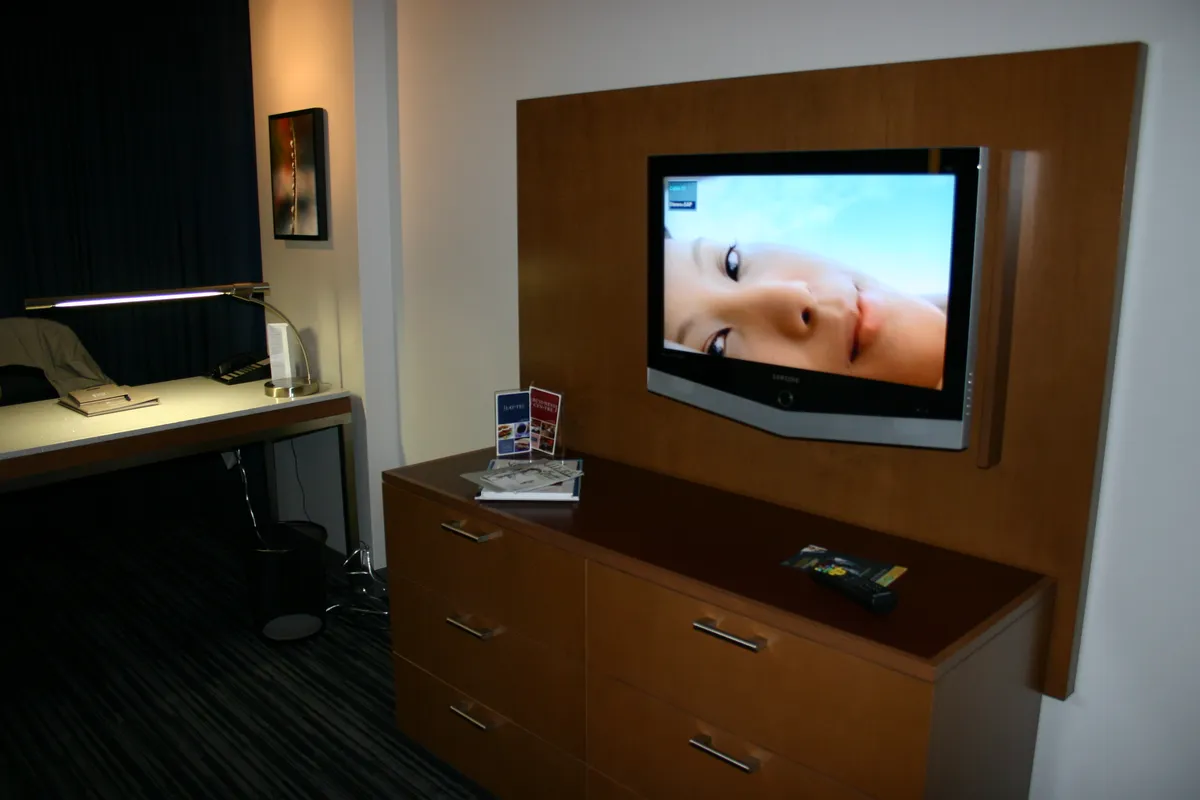
The practical rule: a bright room with large windows and daytime viewing favours mini-LED, because 1,500-2,000 nits overcomes ambient light and reflections. A dim room with evening film viewing favours OLED, where the contrast advantage is fully visible.
Edge-lit LCD, still common at the bottom of the market, puts LEDs only along the edges. It cannot dim locally in any meaningful way, and it is the reason budget TVs look washed out in dark scenes.
Resolution, HDR, and what the numbers require
4K is standard and 8K is not worth paying for. At normal viewing distances the human eye cannot resolve 8K detail on a screen under about 75 inches, and there is almost no 8K content. This is one of the clearest cases in consumer technology of a specification with no practical benefit.
HDR is more consequential than resolution, and it is where claims outrun capability. High dynamic range needs brightness to work — a set peaking at 300 nits cannot display highlights that the format specifies at 1,000 nits, so it tone-maps them down and the result looks flat. Treat 600 nits as a minimum for HDR to mean anything and 1,000-plus as where it becomes convincing.
Format support matters less than brightness. HDR10 is universal; Dolby Vision and HDR10+ add dynamic scene-by-scene metadata and are nice to have. A bright HDR10-only set beats a dim Dolby Vision set every time.
Colour coverage, quoted as a percentage of the DCI-P3 gamut, is the other real figure: 90% or above is good, below 80% means visibly muted colour in wide-gamut content.
Motion, gaming, and the ports
Native refresh rate is either 60Hz or 120Hz on consumer sets. Everything else — names implying 240 or 480 — is motion interpolation, which inserts computed frames and produces the smooth, slightly artificial look often called the soap opera effect. It can be turned off, and for film it should be.
For gaming, three features matter and are worth checking individually. 120Hz at 4K requires HDMI 2.1 bandwidth, and some sets have it on only one or two of their four ports. Variable refresh rate eliminates tearing. And input lag under about 15ms in game mode is what makes a set feel responsive — this is measured by reviewers and rarely published by manufacturers.
Count the HDMI ports against your devices, and remember one is usually consumed by a soundbar via eARC. Three usable ports is tight for a console, a streaming box, and a player.
Sound, and why it disappoints
Good speakers need enclosure volume, and a 5cm-deep panel has none. TV speakers therefore fire downward or backward into furniture, with drivers too small for midrange body. The consequence is the near-universal complaint: music and effects are loud, dialogue is unintelligible.
A soundbar with a dedicated centre channel fixes dialogue specifically, because that is the channel speech lives in. This is the cheapest large improvement available to a television, typically $150-$400, and it is more noticeable than any panel upgrade at the same price.
Connect it over HDMI eARC rather than optical, since eARC carries higher-bandwidth formats and lets one remote control volume. If you want to understand the broader speaker decision, our home speaker buying guide covers where soundbars fit against stereo pairs, and our Sonos Era 100 review covers what a small powered speaker delivers solo and paired.
Smart platforms, and the case for a separate box
Every TV now runs a smart platform, and their quality varies more than the panels do. Three things to check: whether the interface is responsive or laggy on the specific model, since manufacturers pair good panels with weak processors at the budget end; whether the apps you actually use are supported and updated; and what the privacy settings allow you to turn off, because several platforms collect viewing data by default through automatic content recognition.
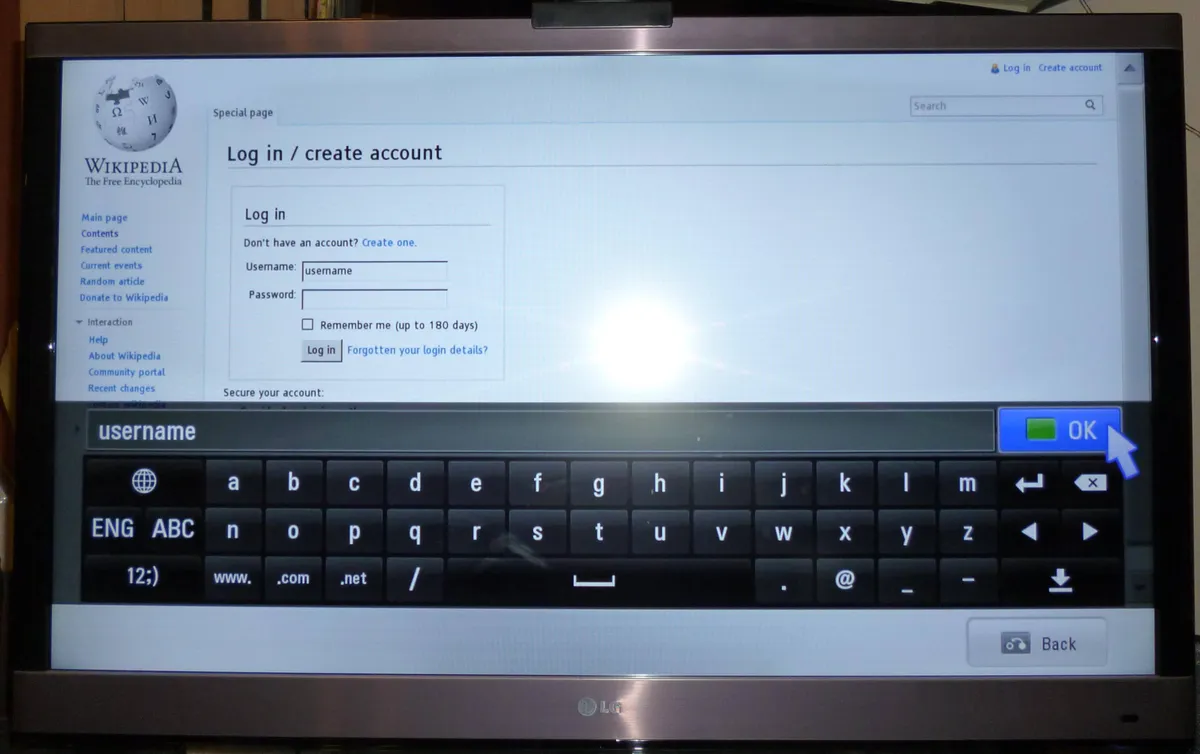
The pragmatic approach is to buy for the panel and add a $40-$60 streaming stick or box. It will be faster than the built-in platform, will keep receiving app updates after the TV's platform stops, and can be replaced for a fraction of the TV's cost when it ages. A five-year-old TV with a current streaming box behaves like a new TV; a five-year-old TV on its original platform does not. Our Chromecast with Google TV review covers six weeks of that arrangement across three sets.
Sizing, mounting, and the room
Measure the viewing distance first, then size the screen. At 2m, a 50-55 inch set fills the recommended field of view; at 3m, 65-75 inches; at 4m, 75 inches or more. The old advice to sit far back came from low-resolution broadcast television and no longer applies at 4K.
Check the height. The centre of the screen should sit near eye level when seated, which is roughly 100-110cm from the floor for most sofas. Televisions mounted above fireplaces are a common decorating choice and an ergonomic mistake — it forces neck extension for the whole film.
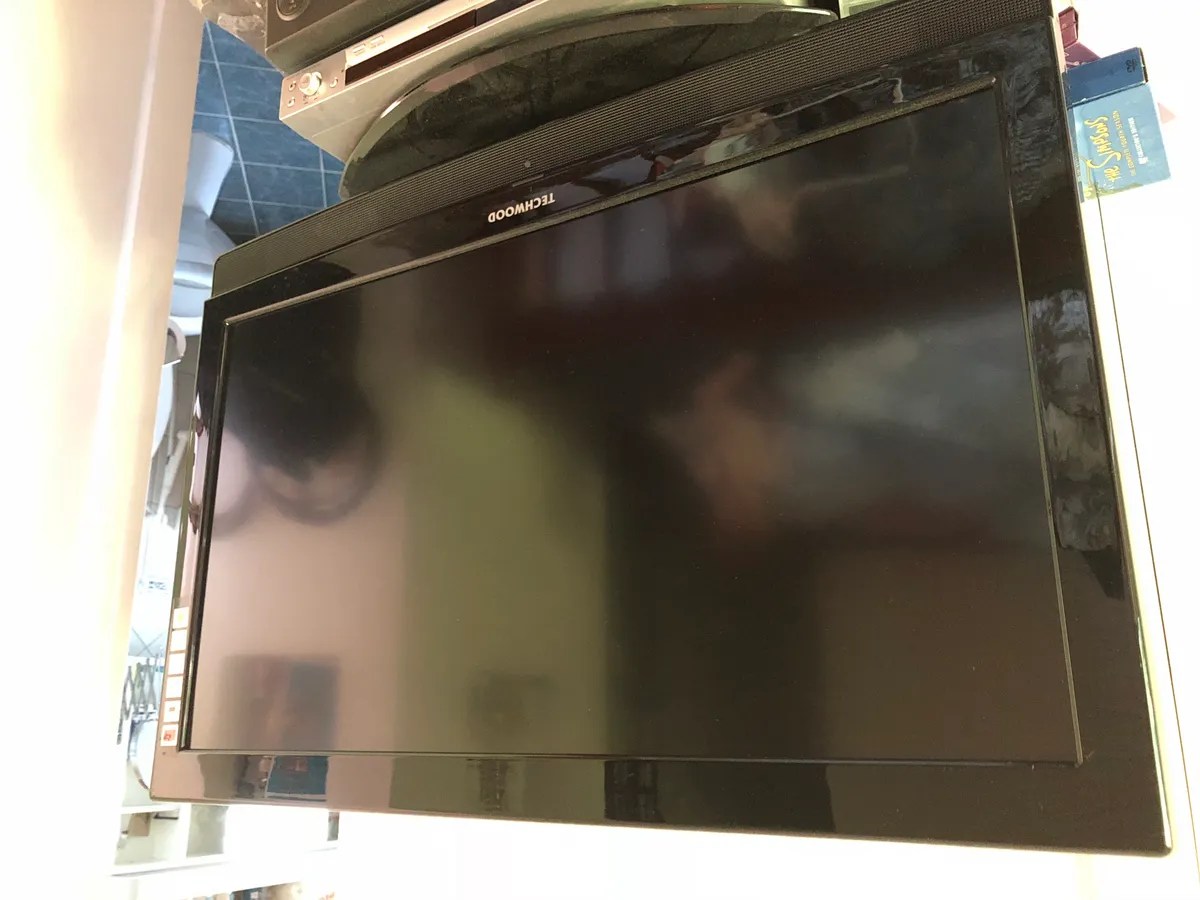
Check the stand design against your furniture. Sets with wide-set feet need a unit nearly as wide as the screen; centre-pedestal designs sit on narrower furniture. And check the VESA mount pattern if wall-mounting, along with the wall type — a 65-inch set on plasterboard needs the studs, not anchors.
Finally, control reflections. A matte or anti-reflective panel coating helps, and moving a lamp or closing a blind helps more. In a room with a window opposite the screen, glare will do more damage to picture quality than the difference between two panel technologies.
Buying timing and warranty
Television pricing follows an annual cycle. New model ranges launch in spring at full price, discount through the autumn, and hit their lowest prices as the next generation is announced — commonly 30-40% below launch for a set that is functionally identical to the incoming model apart from processing tweaks and a new platform version.
The practical consequence is that buying last year's step-up model beats buying this year's entry model at the same price nearly every time. A previous-generation mini-LED set with 800 dimming zones is a substantially better television than a current-year edge-lit one costing the same.
On warranty, check what the panel itself is covered for rather than the set as a whole, since panel replacement is the repair that writes a television off. Two years is common and some manufacturers offer longer on OLED. Extended warranties sold at the till are usually poor value — televisions either fail early, within the standard warranty, or last a decade — with one exception worth considering: accidental damage cover in a household with small children and a wall-mounted screen.
Where the money should go
Under $500 at 55 inches buys an edge-lit LCD with modest brightness and a slow platform. It works, and dark scenes will look grey.
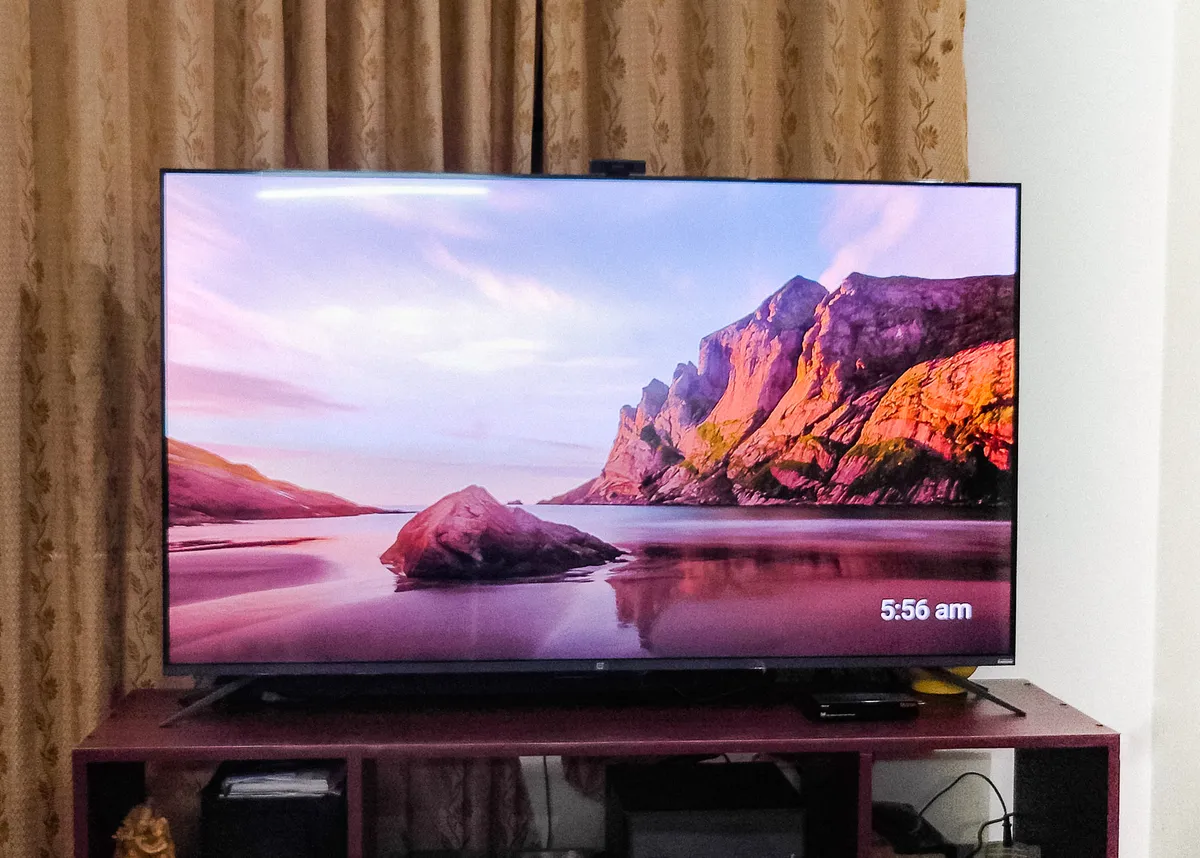
$700-$1,200 is the value band. In it you get either a mini-LED set with real local dimming and 1,000-plus nits, or an entry OLED, plus 120Hz and HDMI 2.1. This is where most people should buy.
Above $2,000 you are paying for peak brightness, processing refinement, and build. The differences are real and progressively smaller, and they are largely invisible in a bright room with the default picture settings left on.
One free improvement worth doing on any set: switch the picture mode out of the shop-floor default, which is calibrated to look punchy under fluorescent lighting. Filmmaker, Cinema, or Calibrated modes are far more accurate, and the first reaction is usually that the picture looks dim — which passes within a day and then makes everything else look wrong.
More coupon shopping advice

Home Security Camera Buying Guide: Local vs. Cloud Storage
A practical, balanced buying guide to home security cameras that weighs local storage against cloud subscriptions, wired versus battery power, camera placement, night vision, smart detection accuracy, and smart home integration.

Beginner Mirrorless Camera Buying Guide
A practical, honest walkthrough of what actually matters when buying your first mirrorless camera, from sensor size and lens mounts to autofocus, video specs, and the real total cost of a beginner-friendly system.

Air Purifier Buying Guide: CADR, ACH, and Filter Costs Explained
A practical walkthrough of the numbers that actually matter when buying an air purifier — CADR and ACH for sizing, true HEPA versus marketing terms, real three-year filter costs, realistic noise levels, and when a purifier won't help at all.