
Smart Home Buying Guide: Pick a Platform Before You Pick a Product
What is worth automating, which protocols actually interoperate, and why local control matters more than any feature list.
Smart home products are sold individually and fail collectively. Each device works fine on its own; the problems appear at the point where a light from one brand, a plug from another, and a speaker from a third are supposed to cooperate — and where a cloud service you did not think about goes offline and takes your light switches with it.
This guide is about avoiding that. It covers which devices are genuinely worth automating, the protocol and platform decisions that determine whether things work together, and the local-versus-cloud question that decides what happens when your internet does not.
The quick answer
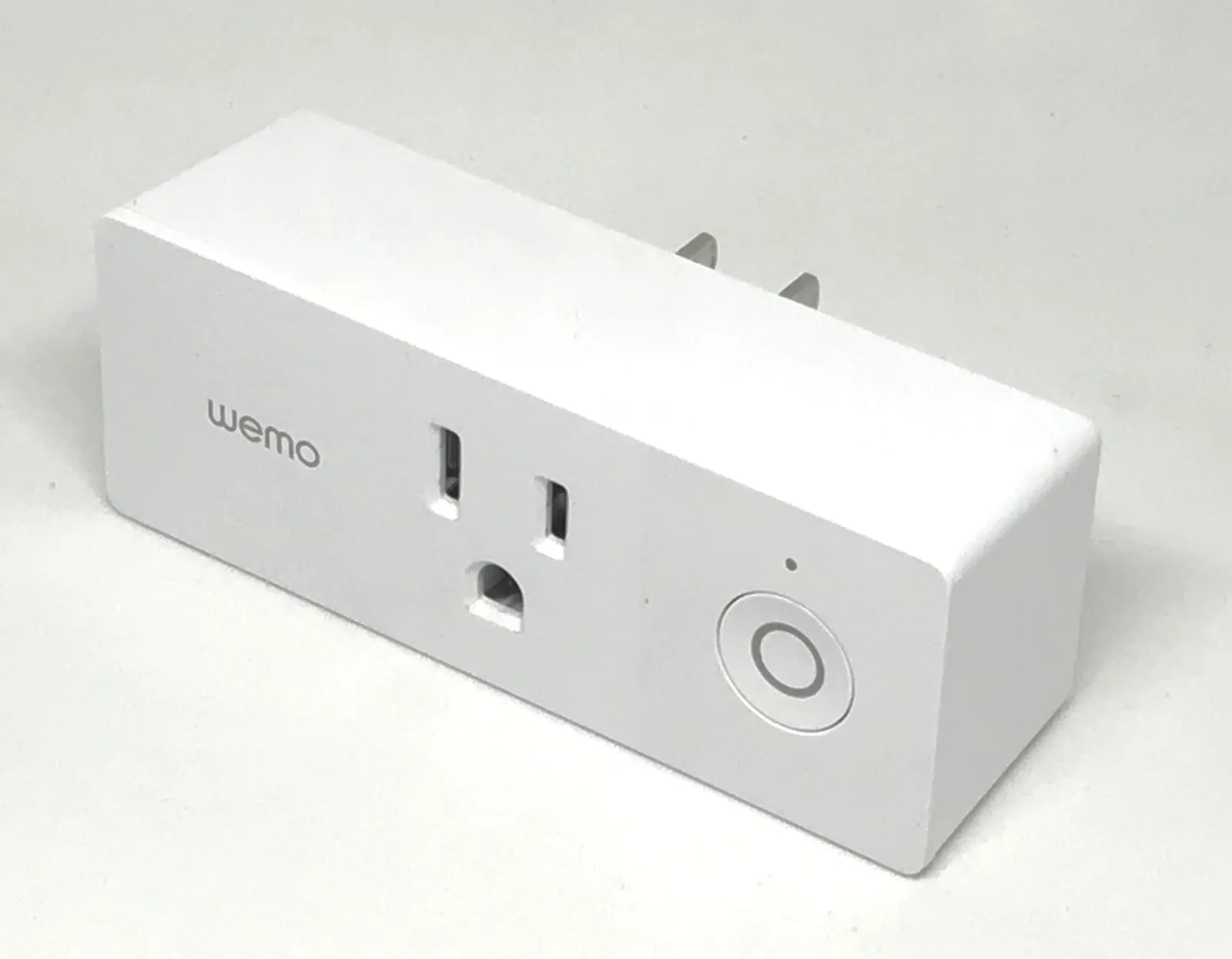
Start with two or three smart plugs at $10-$15 each and a couple of smart bulbs. Total under $60. Automate a lamp on a schedule and a heater or coffee machine on a timer. This tells you whether you actually want any of this before you spend $500.
Pick a platform early — the voice assistant and app ecosystem you will use — and buy devices that support it. Mixing three ecosystems is the single most common source of smart home frustration.
Prefer devices supporting Matter and, for battery-powered sensors, Thread or Zigbee. Those are the interoperability standards that make cross-brand setups work.
Insist on local control for anything you would be annoyed to lose during an outage. A light switch that needs the internet is a worse light switch.
What is worth automating and what is not
Genuinely useful, in rough order: lighting on schedules, which is the one automation people keep for years; a plug on anything you forget to turn off; a thermostat, which pays for itself in heating savings in most climates; a video doorbell, for the specific value of seeing who is there and having a record; and leak or smoke sensors, which are cheap insurance against expensive damage.
Marginal: smart locks, which work well and introduce a new failure mode where a flat battery locks you out — check for a physical key override and a battery-warning system before buying. Robot vacuums, which are useful and are not really smart home devices so much as appliances with an app.
Usually not worth it: smart curtains, smart mirrors, smart fridges, and anything where the manual version takes two seconds. The test is whether automation removes a repeated action or merely relocates it into an app, and an app is slower than a switch.
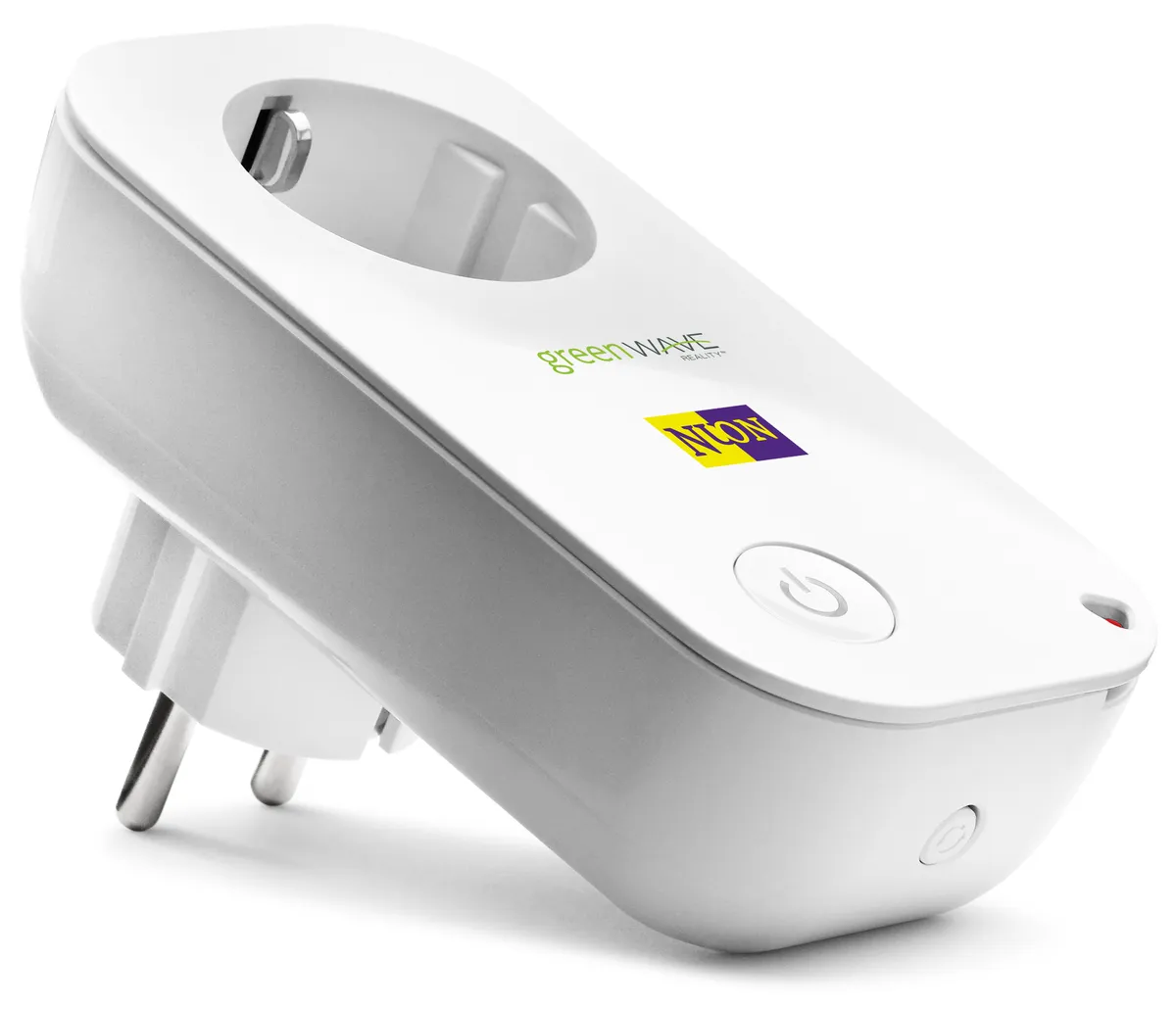
One rule that saves a lot of money: automate things that happen on a schedule or a condition, not things you do consciously. A light that comes on at dusk is genuinely better. A light you now open an app to switch on is worse than the switch it replaced.
Protocols, without the jargon
Wi-Fi devices connect directly to your router. No hub needed, setup is simple, and each device consumes a network slot and draws enough power that battery-operated Wi-Fi sensors last months rather than years. Thirty Wi-Fi devices also load an older router noticeably — our home Wi-Fi buying guide covers why device count rather than speed is what overwhelms them.
Zigbee and Z-Wave are low-power mesh protocols needing a hub. The payoff is battery life measured in years for sensors, and a mesh where mains-powered devices relay for battery ones, so coverage improves as you add devices. The cost is the hub, typically $50-$130.
Thread is the modern low-power mesh, and it is built into some speakers, displays, and hubs that act as border routers. It is the direction the industry is moving and the right choice for new battery-powered sensors.
Bluetooth appears on cheap devices and is limited to short range with no mesh, so it suits things you operate while standing next to them and little else.
Matter, and what it actually fixes
Matter is an interoperability standard supported by the major platforms. A Matter-certified device can be added to any Matter-compatible ecosystem, which solves the historic problem of a bulb working with one assistant and not another.
What it fixes: basic control across platforms — on, off, brightness, colour, temperature, lock state. That covers most of what people actually do.
What it does not fix: manufacturer-specific advanced features, which usually still require the maker's own app. A robot vacuum will start and stop through Matter and need its own app for room mapping. Expect a two-app reality for complex devices rather than one.
Check for the Matter logo rather than "Matter compatible via update," since promised firmware updates have a mixed record of arriving. And note that Matter over Thread devices need a Thread border router in the house, which is a detail cheerfully omitted from packaging.
Local versus cloud, and why it matters
Cloud-dependent devices route commands through the manufacturer's servers, which means your light switch depends on your internet connection and on a company continuing to run a service. There are well-documented cases of devices being remotely disabled when a service shut down or a subscription tier changed, and buyers had no recourse.
Locally-controlled devices process commands on the hub or the device. They work during an outage, respond faster — typically under 100ms versus 500ms-2s for a cloud round trip — and keep working if the company disappears.
The practical test before buying: does the device still work with the internet unplugged? Reviews and community forums answer this reliably, and manufacturer marketing generally does not. For lights, locks, and thermostats — things with real consequences — insist on local control.
This is also the argument for a local hub. A hub running Zigbee or Thread locally, with cloud access as an optional convenience layer, is the architecture that survives both outages and business decisions.
Bulbs, plugs, and switches
Smart bulbs are the easiest entry point: screw in, pair, done. The limitation is that a wall switch turned off cuts power to the bulb, which then cannot be controlled — a genuine household friction when someone flips the switch out of habit.
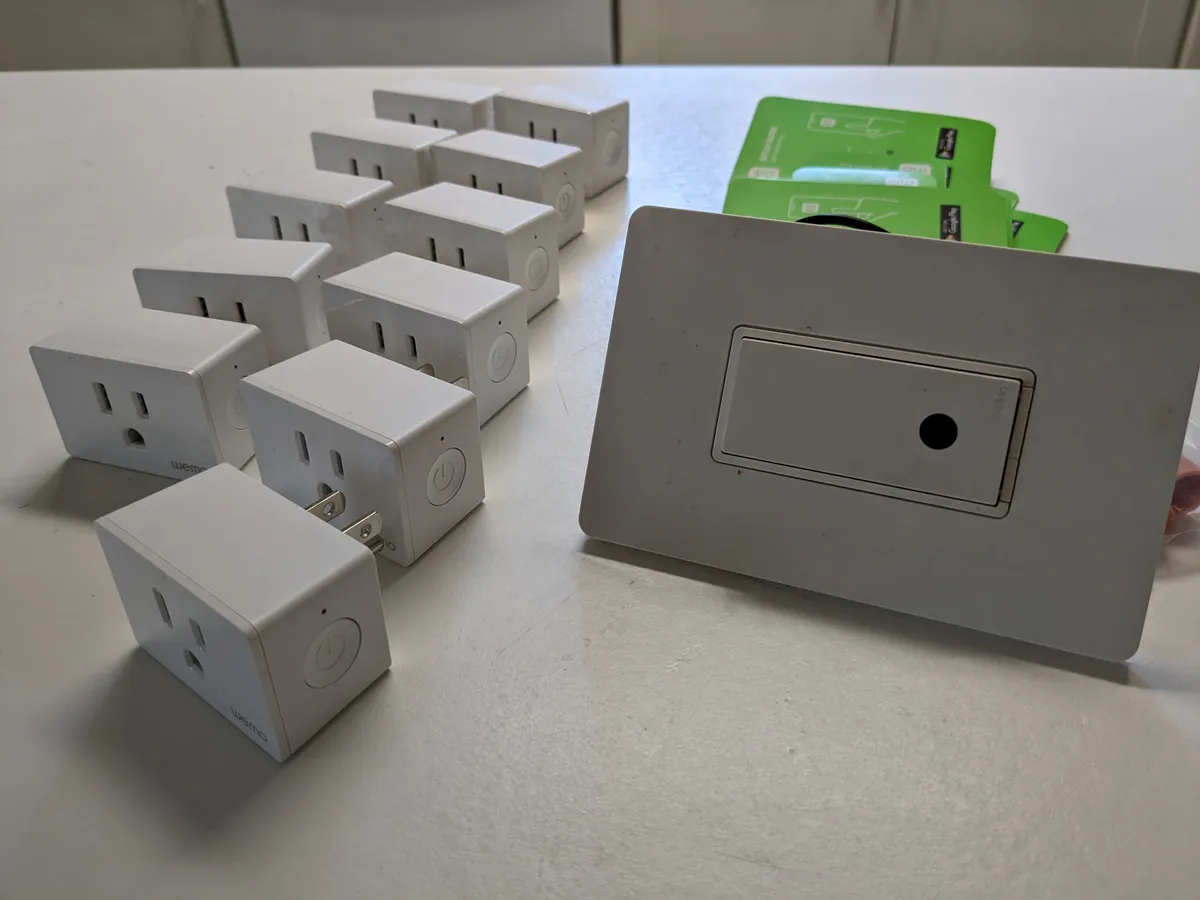
Smart switches replace the wall switch itself, which fixes that and keeps existing bulbs. The cost is electrical work, and in many older properties the wiring lacks a neutral wire at the switch, which most smart switches require. Check that before buying, because it is the most common reason a smart switch cannot be fitted.
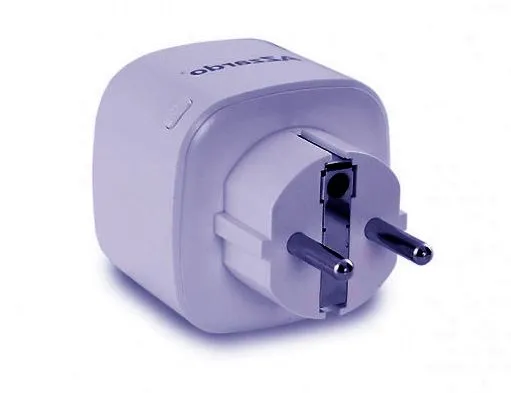
Smart plugs are the best value in the category. Check three things: physical size, since a bulky plug blocks the adjacent socket; the rated load, because a 10A plug should not run a 2.4kW heater; and whether it includes energy monitoring, which is genuinely informative for identifying what is costing you money.
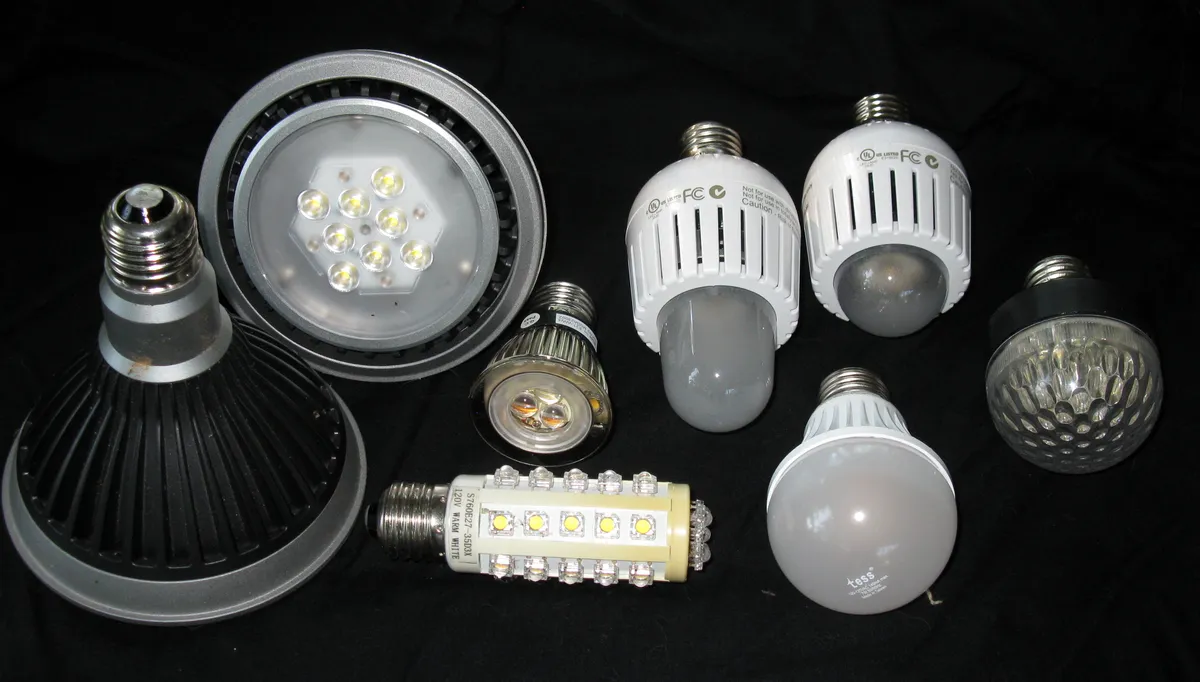
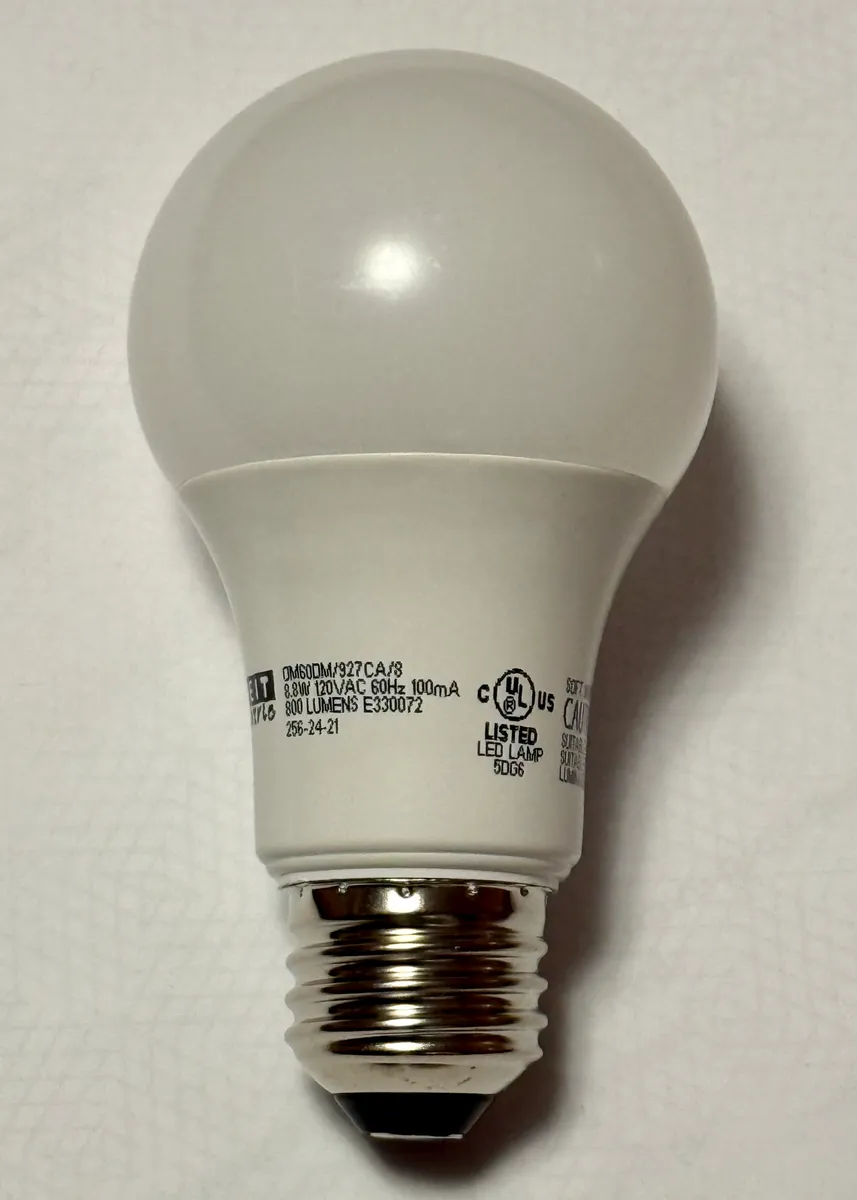
For bulbs specifically, brightness in lumens matters more than watts — around 800 lumens replaces a traditional 60W bulb — and adjustable colour temperature between roughly 2700K and 5000K is more useful day to day than full colour, which most people set once and never change.
Privacy and security, concretely
Cameras and microphones in the home deserve deliberate decisions. Check whether footage is stored locally on a card or only in the cloud behind a subscription, whether the manufacturer has had breach incidents, and whether there is a hardware mute or a physical shutter rather than a software toggle.
Put smart devices on a guest network or a separate VLAN. Many are cheap devices running unpatched firmware, and isolating them means a compromised bulb cannot reach your laptop. This takes ten minutes on most modern routers and is the single highest-value security step in this category.
Then secure the account that controls everything. A smart home platform account with a weak password and no second factor is a house key on the internet — our security key and 2FA buying guide covers what to protect it with and why hardware keys matter for accounts with physical consequences.
Finally, check the update policy. A device with a stated support period and automatic firmware updates is a reasonable purchase; one with neither is a permanent unpatched device on your network.
A staged plan that does not waste money
Stage one, under $60: two smart plugs and two bulbs, on your chosen platform. Automate a lamp at dusk and a plug on a schedule. Live with it for a month.
Stage two, $100-$250: whichever of these you have found yourself wanting — a thermostat if heating costs matter, a doorbell if deliveries do, leak sensors if you have a basement. Our video doorbell buying guide covers the subscription and upload-bandwidth questions that decide the doorbell case.
Stage three, if you have kept using it: a local hub with Zigbee or Thread, and battery sensors for doors, motion, and temperature. This is where a collection of gadgets becomes a system that does things without you touching an app.
Stage four is where enthusiasts go and most people should not: local automation servers, custom dashboards, and per-room presence detection. It is genuinely capable and it is a hobby with maintenance obligations. If a firmware update breaking your lights at 11pm sounds like a problem rather than a Tuesday, stop at stage three.
More coupon shopping advice

Home Security Camera Buying Guide: Local vs. Cloud Storage
A practical, balanced buying guide to home security cameras that weighs local storage against cloud subscriptions, wired versus battery power, camera placement, night vision, smart detection accuracy, and smart home integration.

Beginner Mirrorless Camera Buying Guide
A practical, honest walkthrough of what actually matters when buying your first mirrorless camera, from sensor size and lens mounts to autofocus, video specs, and the real total cost of a beginner-friendly system.

Air Purifier Buying Guide: CADR, ACH, and Filter Costs Explained
A practical walkthrough of the numbers that actually matter when buying an air purifier — CADR and ACH for sizing, true HEPA versus marketing terms, real three-year filter costs, realistic noise levels, and when a purifier won't help at all.