
Security Key and 2FA Buying Guide: What Each Method Actually Protects
SMS, authenticator apps, and hardware keys defend against different attacks. Only one of them stops phishing outright.
Two-factor authentication advice has a credibility problem: it is usually delivered as an undifferentiated instruction to "turn on 2FA," as though every second factor were equivalent. They are not. SMS codes, authenticator apps, and hardware security keys defend against overlapping but genuinely different attacks, and the gap between the weakest and strongest is the difference between slowing an attacker down and stopping the most common attack outright.
This guide explains what each method actually protects against, when a hardware key is worth buying, and how to set one up without locking yourself out — which is the failure people fear most and the one that is entirely preventable.
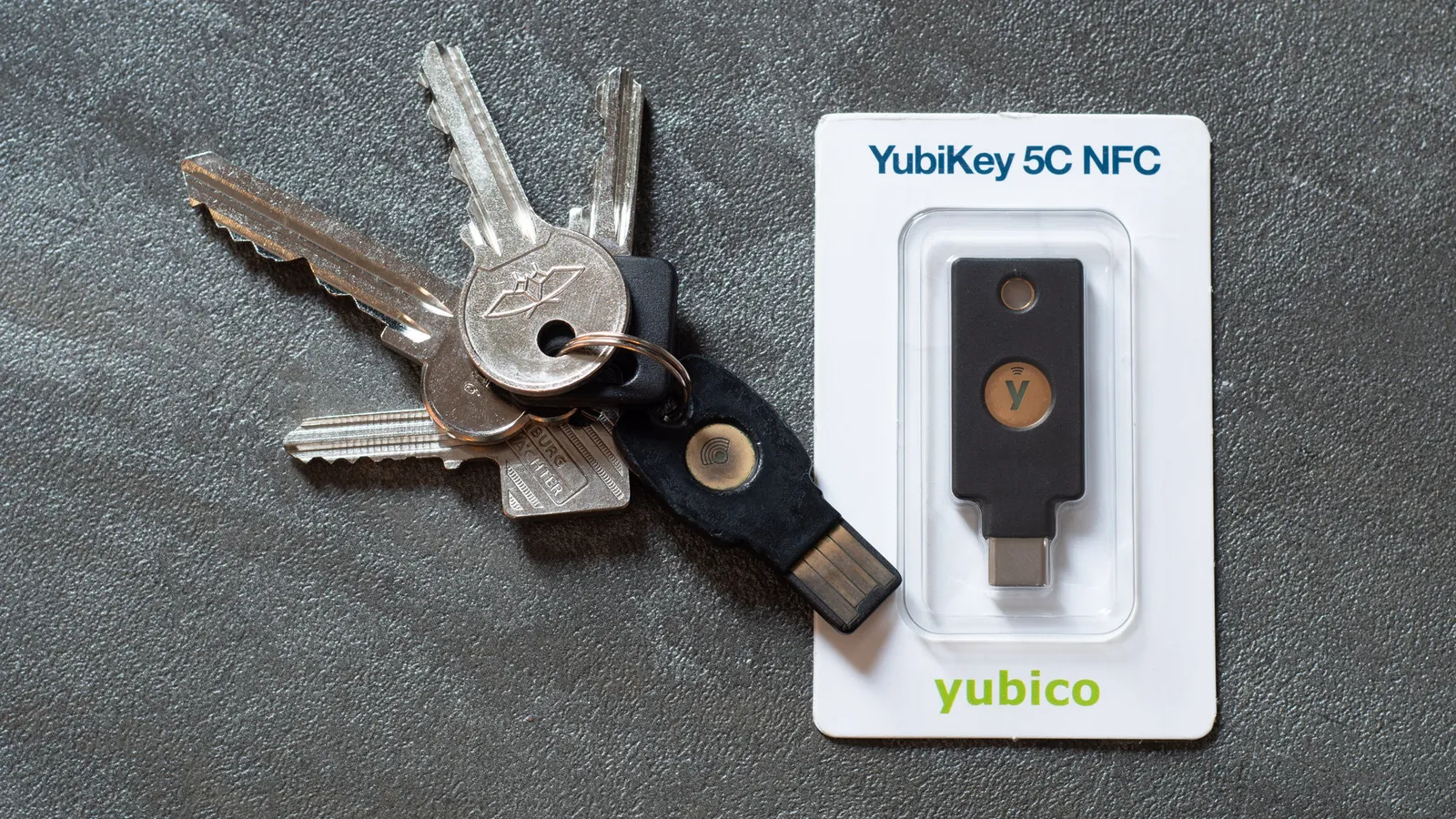
The quick answer
Any second factor beats none. If you do nothing else, turn on whatever your accounts offer.
An authenticator app is the sensible default for most people and most accounts. Free, works offline, and immune to the SIM-swap attacks that undermine SMS.
Hardware keys are worth buying if you have accounts whose compromise would be genuinely costly — your primary email, your password manager, financial accounts, or anything work-related with access to other people's data. Budget $50-$70 for one key, and buy two.
Buy two. This is the whole answer to the lockout question, and it is the step people skip.
Why phishing is the attack that matters
The dominant way accounts get taken over is not password cracking or database leaks used directly. It is phishing: a convincing page that captures your password and, crucially, your one-time code, then relays both to the real site within the code's validity window. Modern phishing kits automate this end to end.
Against that attack, SMS codes and authenticator apps both fail in exactly the same way. The code is a secret you can be tricked into typing somewhere it should not go. The six digits do not know which website they are being given to.
Hardware security keys using the FIDO2 and WebAuthn standards close that hole by design. The key stores a private key that never leaves the device, and the browser cryptographically binds the authentication to the website's actual domain. Present the key on a lookalike domain and it simply produces nothing usable, because the origin does not match. There is no code to steal and no human judgement involved.
That origin binding is the entire argument for hardware keys. Organisations that have deployed them at scale have reported eliminating account takeover from phishing rather than merely reducing it — a categorical rather than incremental change.
The methods, ranked with their actual weaknesses
SMS codes are the weakest common option. The attack is SIM swapping: someone persuades your mobile operator to move your number to their SIM, using information often available from data breaches and social media. Once they control the number, they receive your codes. SMS also fails without signal, and codes can be intercepted through weaknesses in carrier signalling networks. It is still far better than nothing, and for accounts that offer nothing else, use it.
Authenticator apps generate time-based codes from a shared secret stored on your device. No phone number involved, so SIM swapping is irrelevant, and they work on a plane. The residual weaknesses are phishing, as described, and the secret being extractable if your phone is compromised by malware. Cloud-syncing authenticator apps trade a little security for a lot of recoverability, which for most people is the correct trade.
Push notification approval — "tap yes to sign in" — removes the typing but introduces MFA fatigue, where an attacker with your password sends dozens of prompts at 3am until you tap one to make it stop. Implementations with number matching, where you must enter a digit shown on the login screen, largely fix this and are worth enabling where offered.
Hardware keys are the strongest generally available option. Their weaknesses are physical: you can lose one, and the site has to support them.
Choosing a key: the four things to check
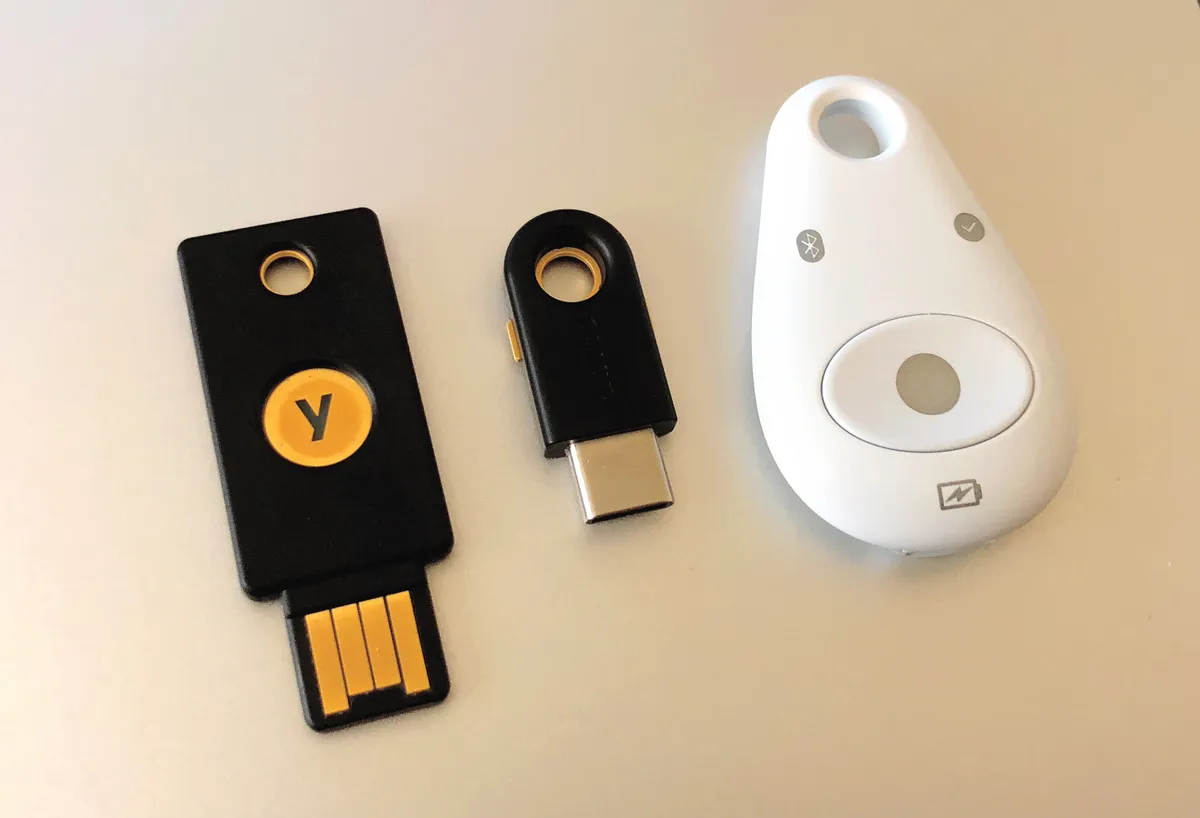
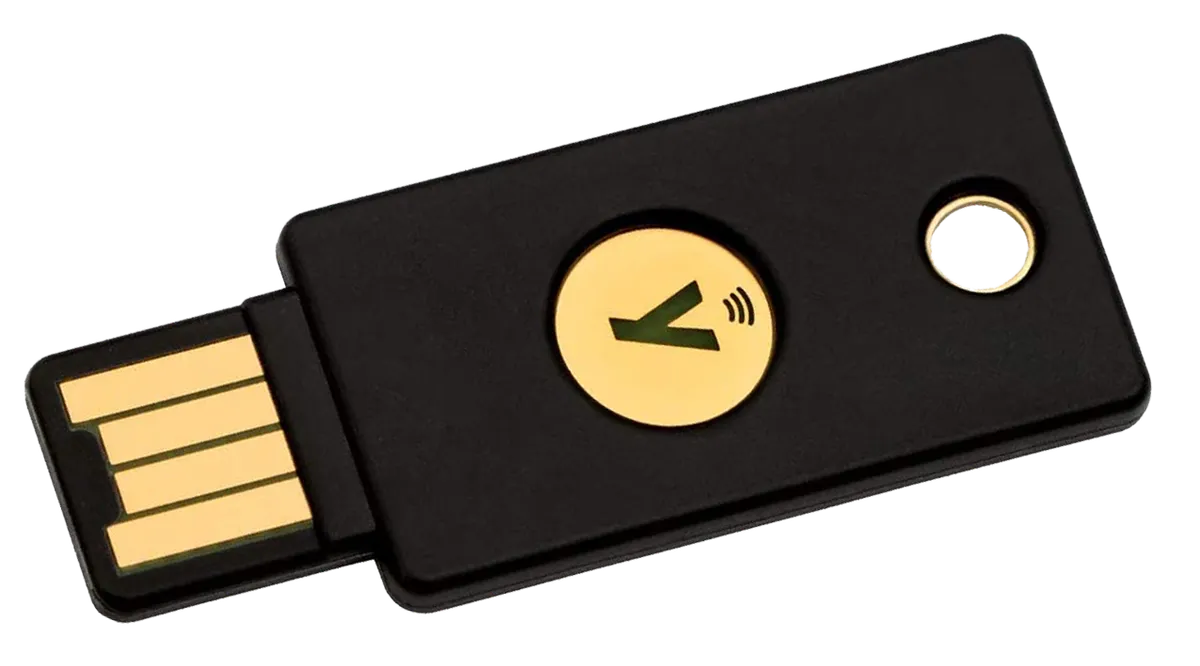
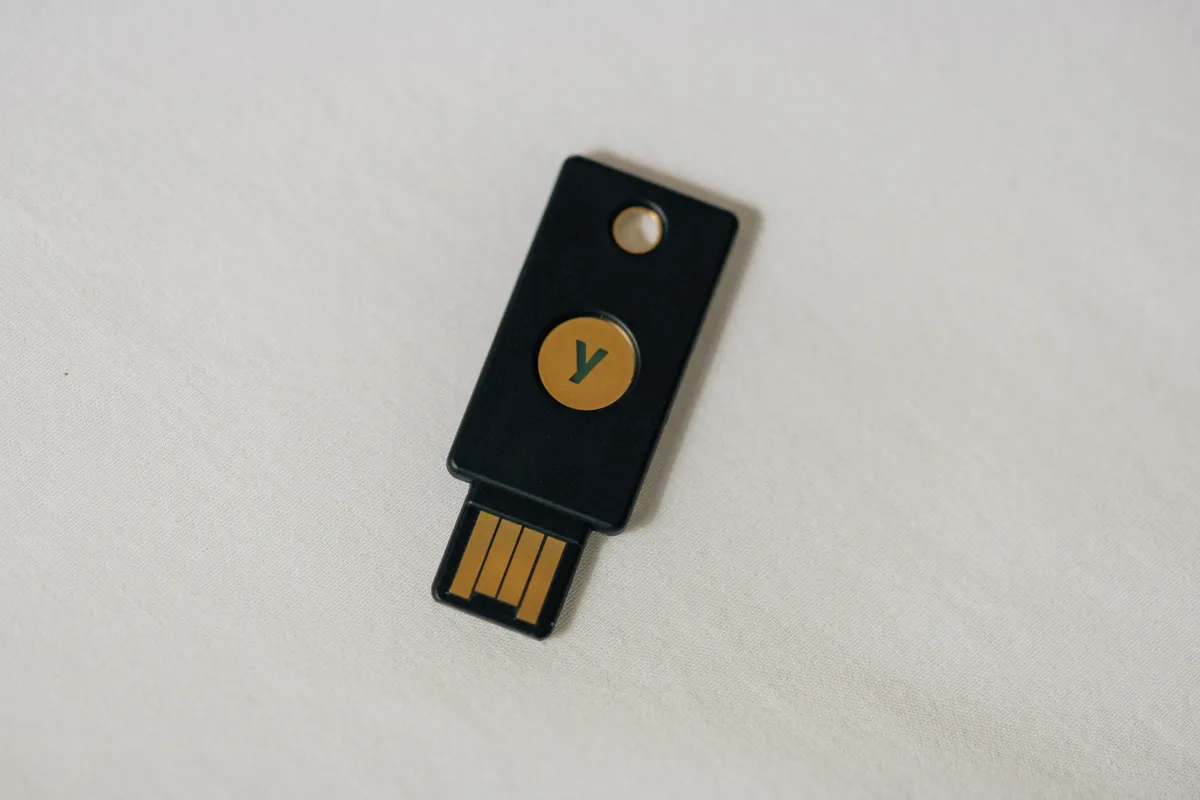
Connector first. Match your devices, not your current laptop alone — USB-C is the sensible default now, and a USB-A key will need an adapter on newer machines. Some keys offer both connectors on one body.
NFC second. A key with NFC taps against a phone rather than plugging in, which matters enormously for iPhone and for any device where the port is occupied. Without NFC, a USB-C key still works with USB-C phones, but tapping is far more pleasant than plugging.
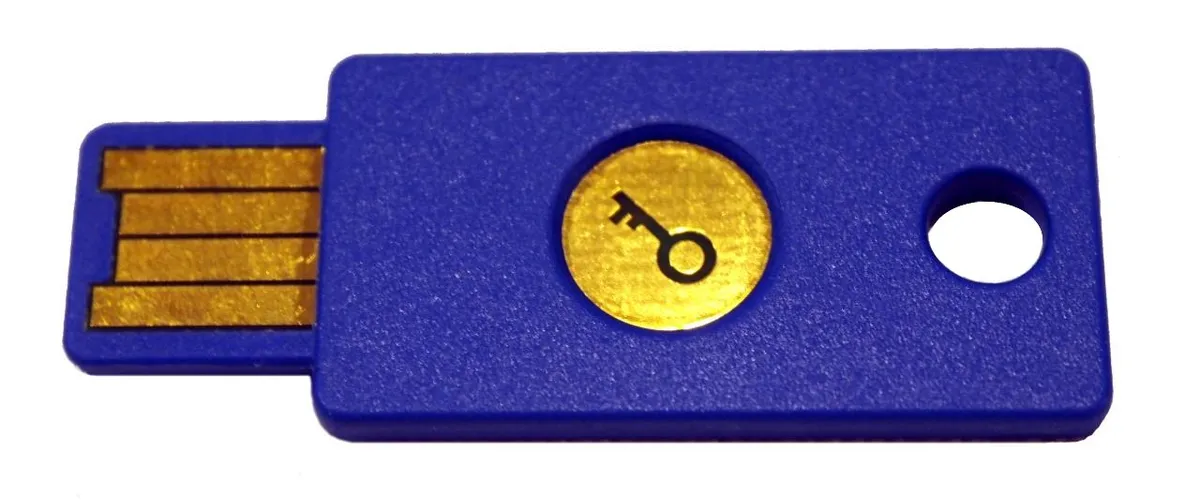
Protocol support third. FIDO2/WebAuthn is the modern standard and the one that gives phishing resistance. Older U2F-only keys still work with many sites as a second factor but cannot do passwordless sign-in. If you also want to use the key for PGP, smart card login, or one-time password storage, that requires a more capable model and roughly doubles the price.
Resident credential capacity fourth, if you plan to go passwordless. Storing a full passkey on the key itself consumes one of a limited number of slots — commonly 25 to 100 depending on model. Using the key purely as a second factor does not consume slots at all.
Build quality is a real differentiator too. A key lives on a keyring and endures pockets, washing machines, and being sat on. Solid-moulded keys with no moving parts and an IP rating survive that; cheaper keys with exposed circuit boards in thin plastic do not. Our YubiKey 5C review covers six weeks of daily use, including how the tap-to-confirm interaction fits into an ordinary login routine.
The two-key rule, and how to avoid lockout
Buy two keys. Register both on every account. Keep one on your keyring and one somewhere secure and separate — a drawer at home, a safe, a parent's house. If the daily key is lost, the backup gets you in and lets you revoke the missing one.
This is not optional advice. A single registered key is a single point of failure on your most important accounts, and the recovery process without it ranges from tedious to impossible depending on the provider. The second key costs $50 and removes the entire category of problem.
Also save recovery codes. Most services issue a set of one-time backup codes when you enable 2FA. Print them and store them physically, or put them in a password manager that is itself protected by a different factor. Do not screenshot them into a photo library that syncs to the account they protect — that circularity is a genuinely common mistake.
Finally, audit your account recovery paths. Strong 2FA on an account whose recovery email is a decade-old address with a weak password protects nothing, because an attacker takes the easier route. The security of an account is the security of its weakest recovery mechanism, and this is where most real compromises actually occur.
Passkeys, and how they relate to all this
Passkeys are FIDO2 credentials that replace the password entirely rather than supplementing it. They can live in a hardware key, in your phone's secure element, or in a password manager that syncs them across devices.
The security model is the same origin-bound cryptography that makes hardware keys phishing-resistant. The difference is convenience and where the credential is stored. Device-bound passkeys on a hardware key are the strongest and least convenient. Synced passkeys in a password manager or platform account are enormously more convenient and inherit the security of that account — which is why the account holding your passkeys should itself be protected by a hardware key.
For most people the sensible architecture is: hardware keys protecting your password manager and your primary email, synced passkeys for everything else, and authenticator app codes for the sites that support nothing better.
Hardware wallets are a different product
Hardware security keys and cryptocurrency hardware wallets look similar and solve different problems. A security key proves your identity to a website. A hardware wallet holds private keys that control assets and signs transactions offline so the keys never touch an internet-connected computer.
The threat model differs accordingly. If someone takes over an account, you can usually recover it through the provider. If someone obtains your wallet's recovery phrase, the assets are gone permanently, with no support line. That asymmetry is why wallet security emphasises the offline storage of a recovery phrase above everything else. Our Ledger Nano X review goes through what daily use of one actually involves.
Do not use a hardware wallet as your website security key, or vice versa. Some devices technically support both; keeping them separate limits what a single loss costs you.
The realistic order of operations
Start with a password manager and unique passwords everywhere, because credential reuse across sites remains the most exploited weakness and 2FA does not fix it. Then enable an authenticator app on every account that supports it, replacing SMS where you can. Then buy two hardware keys and register them on your email, your password manager, and any financial or work account that supports them. Then save recovery codes physically and check your recovery email and phone number are current and themselves protected.
A closing note on proportionality. Security spending should match what you are protecting, and for most people the honest assessment is that one email account and one password manager carry nearly all the risk. Protecting those two properly, with two keys and current recovery details, addresses the overwhelming majority of realistic exposure. Buying five keys and enabling every hardening option on every account produces marginal gains and a system so awkward that you eventually work around it — and a security measure you circumvent is worse than one you never installed.
More coupon shopping advice

Home Security Camera Buying Guide: Local vs. Cloud Storage
A practical, balanced buying guide to home security cameras that weighs local storage against cloud subscriptions, wired versus battery power, camera placement, night vision, smart detection accuracy, and smart home integration.

Beginner Mirrorless Camera Buying Guide
A practical, honest walkthrough of what actually matters when buying your first mirrorless camera, from sensor size and lens mounts to autofocus, video specs, and the real total cost of a beginner-friendly system.

Air Purifier Buying Guide: CADR, ACH, and Filter Costs Explained
A practical walkthrough of the numbers that actually matter when buying an air purifier — CADR and ACH for sizing, true HEPA versus marketing terms, real three-year filter costs, realistic noise levels, and when a purifier won't help at all.