
YubiKey 5C Review: Six Weeks of Daily Hardware-Key Logins
Six weeks of using the YubiKey 5C as a daily login method, including a deliberate lost-key test, show why hardware security keys are worth the setup effort for high-value accounts.
- Cryptographically phishing-resistant FIDO2/WebAuthn authentication
- No battery, no software required for core use
- Durable, crush- and water-resistant construction
- Broad support across major services like Google, Microsoft, and GitHub
- Doubles as a hardware-backed TOTP store via Yubico Authenticator
- Requires buying at least two keys for a safe backup strategy
- No NFC on this model, awkward for phone-based logins
- Some smaller or legacy services still lack hardware key support
- Limited on-device TOTP slot capacity
- No screen or button beyond the touch sensor; all setup happens in-browser
Passwords alone are a genuinely bad security model, and most people know this without necessarily doing anything about it beyond occasionally rolling their eyes at another breach headline. The YubiKey 5C is Yubico's mainstream hardware security key, a small physical USB-C device that provides phishing-resistant two-factor and passwordless authentication for accounts that support it. We bought two, set them up as a primary and backup pair across roughly a dozen real accounts, email, password manager, GitHub, and a couple of banking and cloud services, and used them as our actual daily login method for six weeks to see whether the extra hardware friction is worth what it protects.
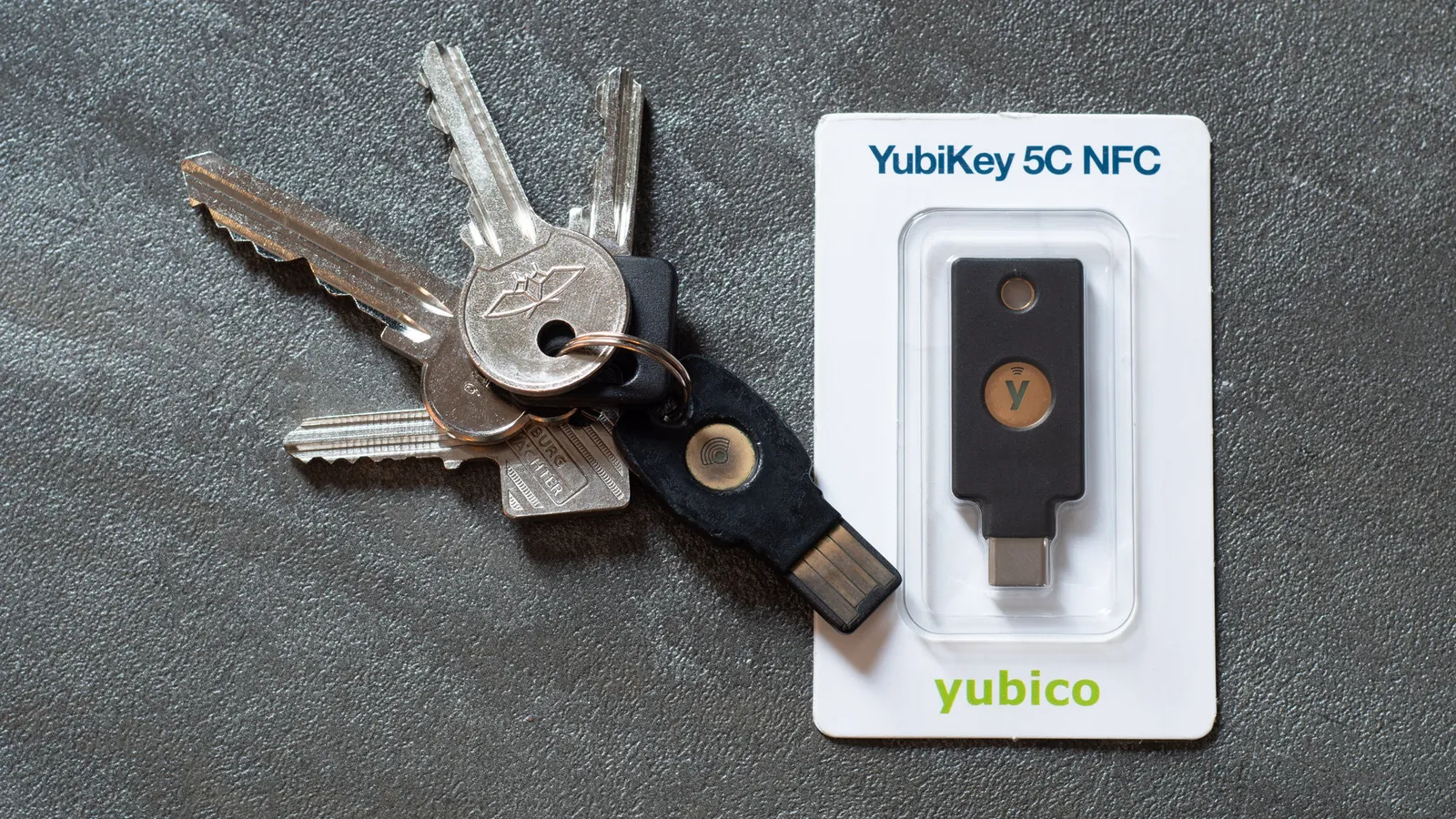
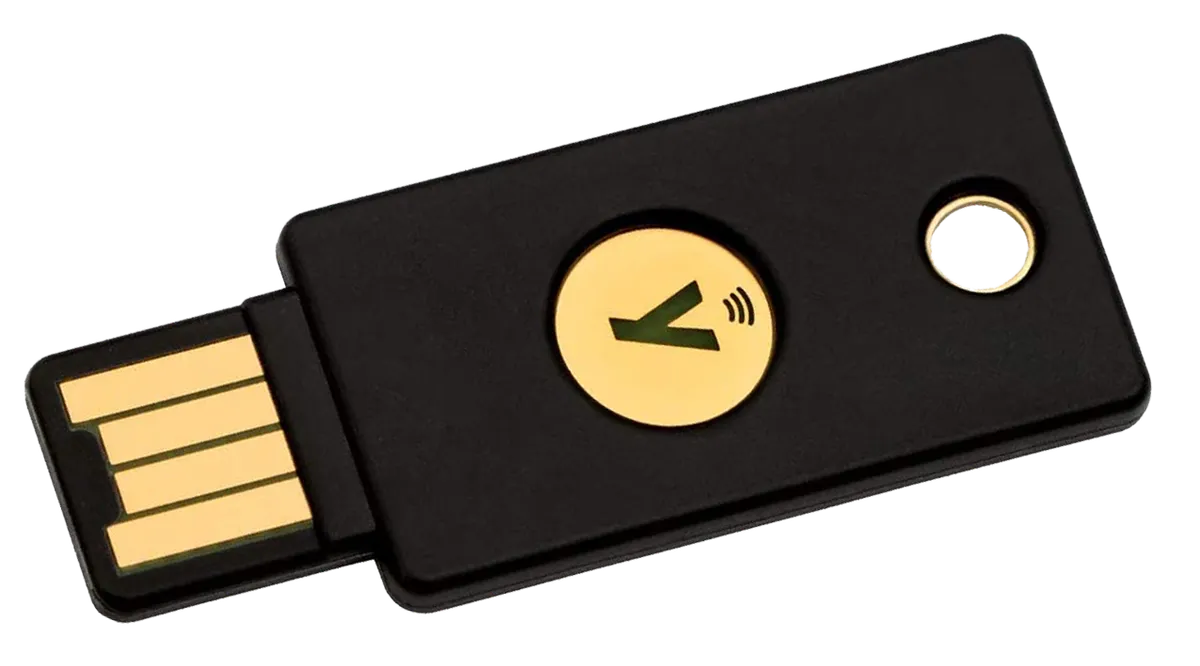
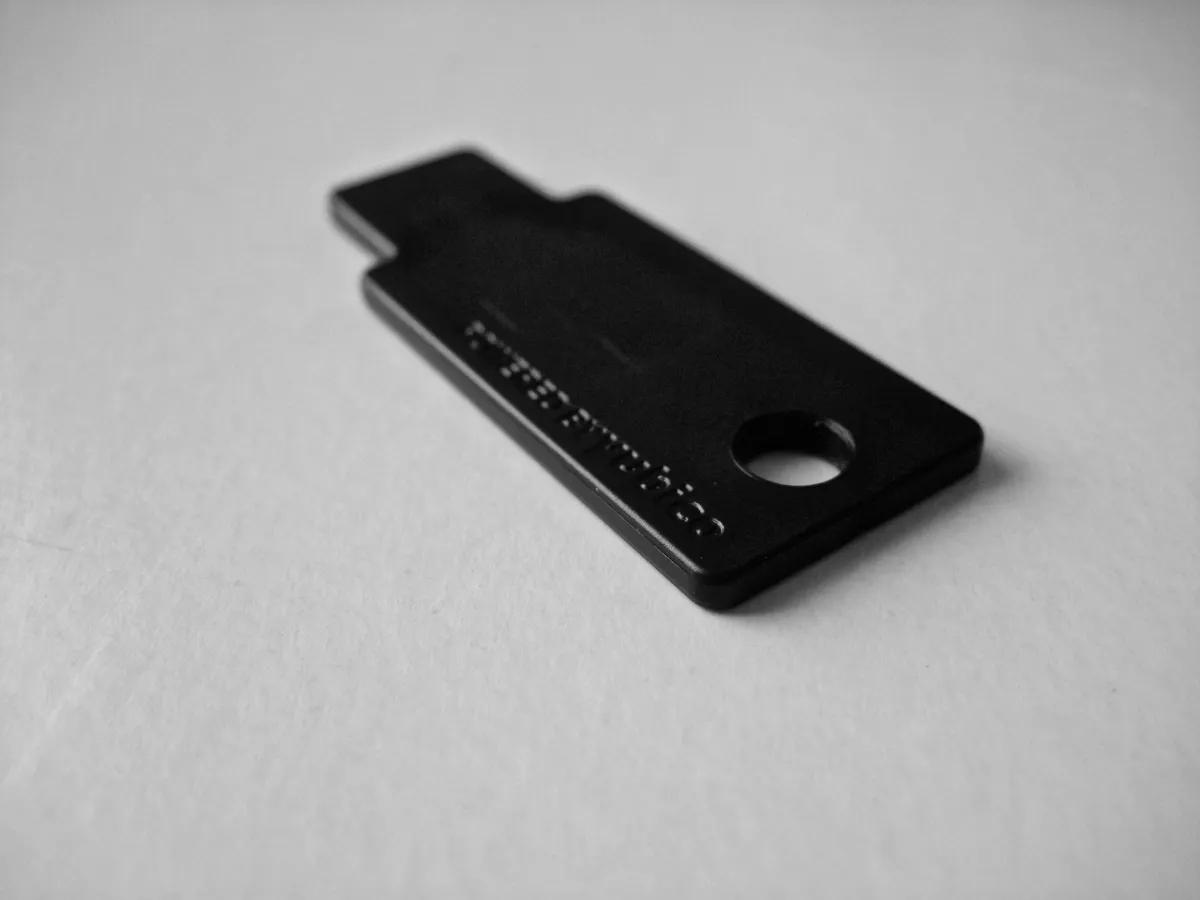
Physically, the 5C is a small, solid, keyring-sized fob with a single USB-C connector and no battery, no screen, and no buttons beyond a capacitive touch sensor that you tap to confirm a login attempt. It's rated water-resistant and crush-resistant, and after six weeks living on a keyring alongside house keys and being dropped more than once on hardwood floors, ours show only minor cosmetic marks with zero functional issues. There's no software to install for basic use; the key registers with services directly through each site's own security key setup flow using the FIDO2/WebAuthn standard, or through older protocols like U2F and OTP for services that haven't updated to the newer standard.
Setting up the first account: more setup steps than a password, but not difficult
Registering the 5C with a Google account was our first real test, and the process was straightforward: navigate to the account's two-factor security settings, choose "add security key," insert the YubiKey, tap the gold sensor when it blinks, and it's registered. Google, GitHub, and our password manager all supported the modern FIDO2/WebAuthn flow directly with no extra software, taking under two minutes each. A couple of older enterprise-style services we tested required Yubico's separate desktop authenticator app to configure OTP-based one-time codes instead of true FIDO2 registration, which is a meaningfully clunkier setup process involving copying configuration strings between the app and the service's admin console.
The single most important lesson from setup, one that Yubico's own documentation stresses repeatedly and that we'd echo just as strongly, is to register at least two physical keys with every account from the very start rather than adding a backup later. We set up our primary 5C first on every account, then immediately went back through the same list adding our second key as a registered backup, which took about as long as the initial setup for each service. Skipping this step and later losing your only key is the single most common horror story in hardware key adoption, ranging from a frustrating account recovery process to, in the worst cases, permanent lockout from an account with no backup method configured.
Day-to-day use: the tap becomes invisible fast
After the setup phase, actual daily use is almost aggressively simple: type your username and password as normal, get prompted for the security key, plug it in if it isn't already in the port, tap the sensor, and you're in. On a laptop where the key stayed plugged into a USB-C port throughout the workday, logins that required the second factor took barely longer than typing a password alone, since there's no code to read off a screen and type in like with an authenticator app. Within about a week this stopped feeling like an extra step at all and became as automatic as tapping a physical door key against a reader.
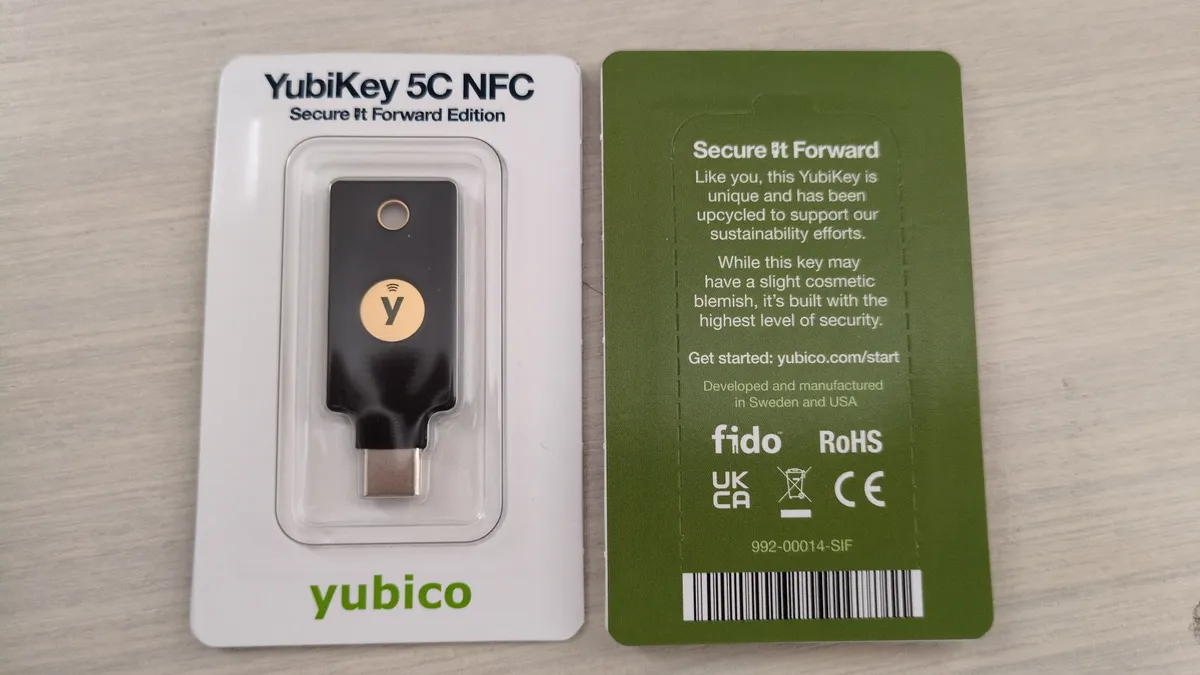
Phones were a bigger adjustment, since the 5C (not the NFC variant) requires a physical USB-C connection rather than a tap-to-wireless NFC interaction, which meant plugging the key directly into an Android phone's charging port for security-key logins on mobile, an occasionally awkward interaction for a login that would otherwise be a quick fingerprint tap. Anyone doing most of their sensitive account access from a phone rather than a laptop should specifically look at Yubico's NFC-equipped variants, which support a tap-to-authenticate flow on NFC-enabled phones without needing the physical port connection at all, a meaningfully better mobile experience than the plain 5C we tested.
The backup key strategy, tested for real
To genuinely test the backup scenario rather than just trust the theory, we deliberately locked our primary key in a drawer for three days midway through testing and lived exclusively off the backup key. Every account we'd properly dual-registered worked without any friction, confirming that the setup discipline from week one paid off exactly as intended. The exercise also surfaced one account, an older banking portal, where we'd only registered a single key during initial setup and forgot to add the backup, which forced us through that bank's phone-based identity verification recovery process, a genuinely annoying twenty-minute call that reinforced why dual-registering everything up front matters so much.
Compatibility notes and the services that don't support it yet
Support for hardware security keys has grown substantially in recent years, and every major service we tried, Google, Microsoft, GitHub, most password managers, and major identity providers, supports FIDO2/WebAuthn registration directly. The gaps we hit were mostly smaller or older services, a couple of regional banking apps and a legacy work tool, that still only offer SMS or authenticator-app-based two-factor rather than hardware key support, meaning the 5C can't fully replace every second factor across an entire digital life yet, even for a fairly security-conscious household. Apple's ecosystem support has also historically lagged Google's and Microsoft's for security keys as a primary sign-in method, though basic support for hardware keys as a second factor on Apple IDs is present.
Comparison to authenticator apps
Having used authenticator apps like a TOTP code generator for years before this test, the security improvement of a hardware key is real and specific: TOTP codes can still be phished by a convincing fake login page that captures both your password and the six-digit code in real time and relays them to the real site, whereas FIDO2 hardware keys cryptographically verify the actual domain you're logging into, making that specific phishing attack essentially impossible. The tradeoff is that a hardware key is a physical object that can be lost, forgotten at home, or left in the wrong bag, where a phone-based authenticator app is generally always on you already. Our conclusion after six weeks is that they're complementary rather than strictly one replacing the other: critical accounts benefit enormously from hardware key protection, while lower-stakes accounts are reasonably well served by an authenticator app alone.
Multiple-account management and the Yubico Authenticator app
Beyond FIDO2 registrations, the 5C also supports storing TOTP secrets directly on the key itself via Yubico's free Authenticator desktop and mobile app, which effectively turns the physical key into a hardware-backed replacement for a phone-based TOTP app for services that only offer traditional six-digit codes rather than full hardware key registration. We moved about half a dozen legacy TOTP accounts, including a couple of older cloud provider logins, onto this setup during our test, and the workflow of plugging in the key and having the app auto-populate the current code is only marginally faster than a phone app, but it does mean those codes live on a physical device rather than inside a phone that could itself be lost, factory reset, or compromised by malware. The tradeoff is that the 5C has limited on-device storage for these secrets, capped at a couple dozen slots, so heavy TOTP users juggling dozens of services should check Yubico's published capacity limits before assuming everything will fit on one key.
Durability and the keyring test
Yubico rates the 5C series against dust, water, and crushing, backed by IP68 and a stated crush-resistance rating that we didn't attempt to formally verify but that lines up with our informal six weeks of it living on an actual keyring, surviving a wash-cycle scare (fished out of a jacket pocket mid-cycle, thankfully before it got soaked for long) and multiple drops onto tile and hardwood without any change in function. There are no moving parts, no battery to degrade over time, and no firmware that needs regular updating for normal use, which is part of why Yubico can credibly offer the multi-year practical lifespan claims it makes for these keys compared to phone-based authenticator apps that are only as durable as the phone they're installed on.
Who should actually buy this
The 5C makes the most sense for anyone with a real threat model beyond casual account security: journalists, activists, IT administrators, developers with access to production systems, or anyone who has personally experienced a phishing attempt or account compromise and wants the strongest practical protection available for their most important accounts. It's overkill for someone who just wants basic extra security on a single low-value account and would be equally well served by a free authenticator app. If you do buy in, budget for at least two keys from day one, treat the second as mandatory rather than optional, and consider an NFC-equipped model instead of this plain USB-C-only version if phone-based logins are a big part of your daily routine.
The verdict
Six weeks of daily use, including a deliberate test of the lose-your-primary-key scenario, left us convinced the YubiKey 5C delivers exactly what it promises: fast, phishing-resistant authentication that becomes essentially invisible in daily use once the setup work is done. The setup burden is real and the two-key discipline is non-negotiable if you want the safety net to actually work when you need it, but for the accounts that matter most, this is meaningfully stronger protection than any software-only alternative we've used.
Other products we tested

Ecobee Smart Thermostat Premium Review: Two Months of Real HVAC Testing
We installed the Ecobee Smart Thermostat Premium without a C-wire, tracked its temperature accuracy against a separate thermometer, and measured real energy savings over two months of daily HVAC use.

Bose SoundLink Flex Review: Six Weeks of Hiking, Kayaking, and Beach Days
Six weeks of camping, kayaking, and beach trips show the Bose SoundLink Flex's IP67 rating and PositionIQ orientation sensing are genuinely useful, with honest limits on bass and max volume.

Coros Pace 3 Review: Six Weeks Testing the GPS Watch That Barely Needs Charging
A dual-frequency GPS running watch that trades AMOLED shine for weeks of battery life at a fraction of the price of flagship rivals.