
Garmin Forerunner 970 Buying Guide: Battery, Maps, and Training Value
Decide whether the Garmin Forerunner 970 fits your training by comparing GPS battery modes, maps, sensors, music, recovery features, and total cost.
The Garmin Forerunner 970 is a premium running and triathlon watch with an AMOLED display, built-in maps, speaker and microphone, training tools, and multiple satellite modes. Those features make it capable, but they also make the buying decision more complex than comparing the list price with a sale badge.
This guide explains how to evaluate a Garmin Forerunner 970 deal by training requirements, battery mode, navigation, sensor compatibility, comfort, and ownership cost. The watch should solve a real training or navigation problem before a coupon influences the decision.
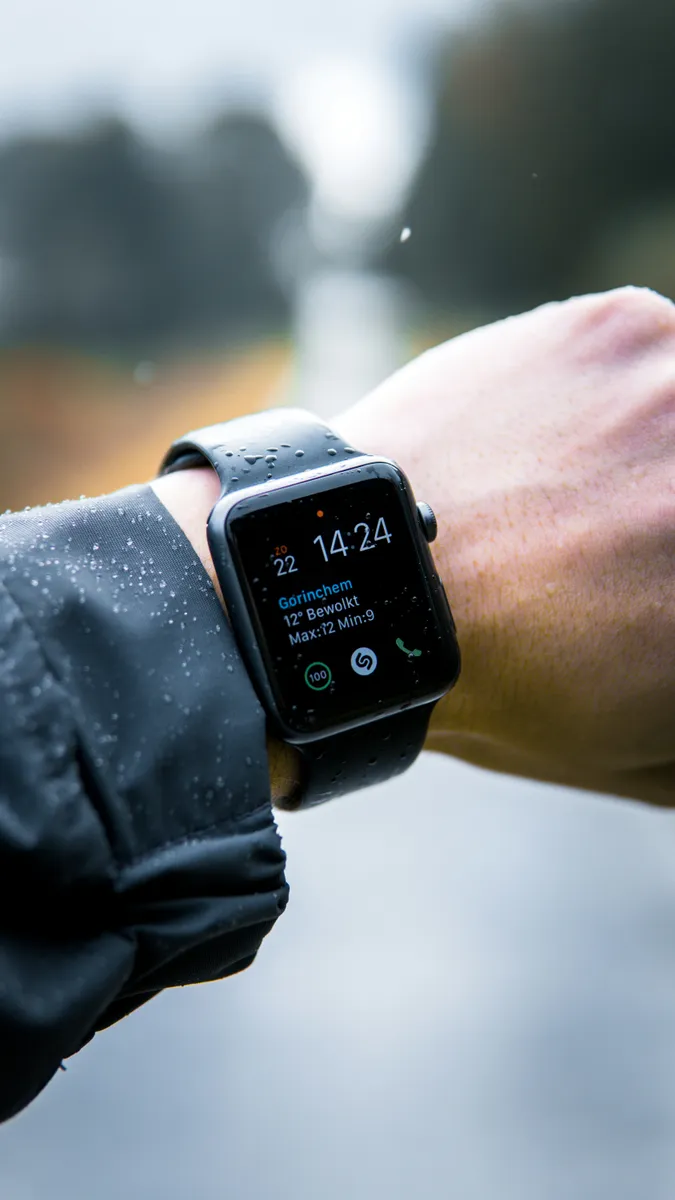
Quick answer: who should buy the Forerunner 970?
The Forerunner 970 is most relevant to runners and triathletes who will use built-in maps, advanced training and recovery metrics, multisport profiles, navigation, or a long list of connected sensors. A simpler watch can provide better value when the main needs are pace, distance, heart rate, notifications, and basic workout recording.
Start with the training problem
List the activities recorded each week, longest expected event, navigation needs, data reviewed after training, and sensors already owned. A feature has value only when it changes planning, execution, safety, or analysis. Buying a premium watch for metrics that remain unread creates a high cost per useful feature.
| Need | Forerunner 970 feature to evaluate | Lower-cost alternative question |
|---|---|---|
| Road running | Workouts, pace, recovery, AMOLED display | Would a midrange Forerunner cover the same sessions? |
| Trail navigation | Built-in maps and multi-band GNSS | Do you need maps on the wrist or only breadcrumb routes? |
| Triathlon | Multisport profiles and sensor support | Will every discipline and transition feature be used? |
| Long events | GPS battery and power modes | Does the event fit a cheaper watch's battery? |
| Daily smartwatch use | Speaker, microphone, music, notifications | Are phone-based features already sufficient? |
Understand Garmin battery specifications
Garmin lists up to 15 days in smartwatch mode for the Forerunner 970. Its official manual lists up to 26 hours in GPS-only GNSS mode, up to 23 hours in Auto Select mode, and up to 21 hours with all systems plus multi-band. Music reduces those estimates; Garmin lists up to 14 hours for GPS-only with music and lower figures for more demanding satellite modes.
These are “up to” values. Actual life depends on display behavior, wrist heart rate, phone notifications, GPS mode, maps, music, sensors, temperature, and other settings. Build a safety margin instead of planning an event around the maximum claim.
Choose the correct GPS mode
GPS-only can maximize runtime where conditions are open and a simpler satellite setup is adequate. Auto Select, also associated with Garmin SatIQ behavior, balances accuracy and power by selecting satellite settings. All-systems multi-band can improve positioning in difficult environments but uses more power.
For an event, estimate activity duration, add time before the start and after the finish, account for navigation and sensors, then add a reserve. Test the exact setup during long training. A battery estimate from a short run without maps or music does not validate an all-day race configuration.
Battery planning worksheet
- Choose the satellite mode required by the environment.
- Record whether maps, course navigation, music, and sensors are enabled.
- Estimate the longest expected activity duration.
- Add a reserve for delays, cold, and battery aging.
- Test the configuration during training before race day.
Maps versus route guidance
Built-in maps can help at trail intersections, unfamiliar streets, and complex courses. They add the most value when the athlete regularly follows routes without stopping to use a phone. A runner who trains on known roads may rarely use them.
Before buying, check map coverage for the intended region, course-loading workflow, turn guidance, screen readability, and how controls behave in rain or gloves. Navigation is a system that includes route preparation and user familiarity, not simply a map checkbox.
Training metrics need context
Premium watches can estimate training status, recovery, performance, and related metrics. These values are most useful when the watch is worn consistently and activity data is recorded accurately. They remain estimates, not medical diagnosis or a replacement for coaching judgment.
Consider whether you will change training based on the output. If you already follow a coach's plan and use another platform, confirm that Garmin data exports cleanly and does not duplicate paid tools.
Sensor and ecosystem audit
List heart-rate straps, cycling power meters, cadence sensors, trainers, headphones, and other equipment that must connect. Confirm supported protocols and features for each device. Compatibility at a basic level does not guarantee every advanced metric is available.
Also evaluate Garmin Connect, course creation, music providers, app integrations, and data export. Switching from another ecosystem can require historical-data migration and changed habits. Include that transition effort in the decision.

Fit, display, and controls
A watch worn for sleep and all-day recovery tracking must be comfortable enough to stay on the wrist. Check case dimensions, weight, band range, button access, and sensor contact. Try it with gloves and during arm swing when possible.
An AMOLED display offers strong color and visibility, but display settings influence battery life. Decide whether always-on behavior is important. Touch controls can be convenient day to day, while physical buttons matter during sweat, rain, swimming, and intervals.
Music, speaker, and microphone
Phone-free music can remove the need to carry a phone, but it consumes battery and requires compatible headphones and services. The speaker and microphone can support selected interactions when connected appropriately, but they should not be the main reason to buy a performance watch unless the workflow is genuinely useful.
Compare Forerunner 970 with 965 and 570
Garmin's own comparison highlights the Forerunner 970 as the premium option and notes improvements over the 965 in selected battery modes and features. The Forerunner 570 offers modern running features at a lower tier. Compare the live product matrix, not model numbers alone.
- Choose 970 when maps, premium materials, newer metrics, and full feature depth justify the price.
- Consider 965 when its map and training feature set already covers the need and the price gap is meaningful.
- Consider 570 when built-in maps or top-tier metrics are not essential.
Calculate total ownership cost
Add the watch, tax, replacement band, screen protection if desired, compatible charger needs, headphones, sensors, and any subscriptions used for music or training. Subtract only immediate discounts. Treat rewards or future credit separately.
A watch used for five training days per week can justify a higher cost more easily than one worn only during occasional races. Compare cost per planned use and the value of replacing existing devices.
Return and setup checklist
Garmin currently states that merchandise in original condition can generally be returned within 30 days of shipping or receipt under its applicable US guidance. Confirm the current policy for the sales channel. Keep packaging and test promptly without damaging the product.
- Update firmware and pair Garmin Connect.
- Test wrist fit, buttons, touch, display, and charging.
- Pair every required sensor and headphone.
- Load a course and test navigation outdoors.
- Run a battery test with the intended GPS mode.
- Confirm data sync with the training platform used.
Common buying mistakes
- Comparing smartwatch battery with GPS activity battery.
- Planning around maximum battery without a reserve.
- Paying for maps that will never be used.
- Assuming every sensor exposes every metric.
- Ignoring watch comfort for sleep tracking.
- Counting advanced metrics without a plan to act on them.
- Buying accessories before confirming the watch will be kept.
Frequently asked questions
How long does the Forerunner 970 battery last?
Garmin lists up to 15 days in smartwatch mode and up to 26 hours in GPS-only mode. Other satellite settings, music, maps, display, sensors, and usage reduce runtime.
Does the Forerunner 970 have maps?
Yes. Garmin markets it with built-in maps. Verify map coverage and test course navigation for the intended region.
Is the 970 worth upgrading from the 965?
It depends on the value of newer features, battery differences, materials, speaker and microphone, and the price gap. Upgrade only when those differences solve a real need.
Can Garmin battery life be extended?
Garmin provides configurable power modes. Reducing display, music, satellite, and connected-feature demands can extend runtime, with tradeoffs in functionality or accuracy.
Final Garmin buying checklist
- Define activities, event duration, navigation, and sensor needs.
- Choose a GPS mode and calculate a safe battery reserve.
- Compare 970, 965, and 570 feature by feature.
- Test maps, fit, controls, sync, and battery during the return window.
- Calculate total ownership cost.
- Check current Garmin deals and Forerunner offers after choosing the correct model.
Sources checked
More coupon shopping advice

Home Security Camera Buying Guide: Local vs. Cloud Storage
A practical, balanced buying guide to home security cameras that weighs local storage against cloud subscriptions, wired versus battery power, camera placement, night vision, smart detection accuracy, and smart home integration.

Beginner Mirrorless Camera Buying Guide
A practical, honest walkthrough of what actually matters when buying your first mirrorless camera, from sensor size and lens mounts to autofocus, video specs, and the real total cost of a beginner-friendly system.

Air Purifier Buying Guide: CADR, ACH, and Filter Costs Explained
A practical walkthrough of the numbers that actually matter when buying an air purifier — CADR and ACH for sizing, true HEPA versus marketing terms, real three-year filter costs, realistic noise levels, and when a purifier won't help at all.