
Smart Glasses Buying Guide: Three Products Under One Name
Audio glasses, display glasses, and headsets do different things. Battery, weight, prescription support, and privacy decide whether you wear them.
Smart glasses have been through one full hype cycle already and are in the middle of a second. The first attempt failed less on technology than on social terms — a visible camera on a face turned out to be a social problem rather than a product problem, and no amount of engineering fixed it. The current generation succeeds partly by being more discreet, which resolves the awkwardness and simultaneously makes it worse for everyone else in the room.
This guide covers what these devices actually do today, the three distinct product categories hiding under one name, the battery and comfort constraints that decide daily use, and the privacy questions that a buyer genuinely should think through rather than skim.
The quick answer
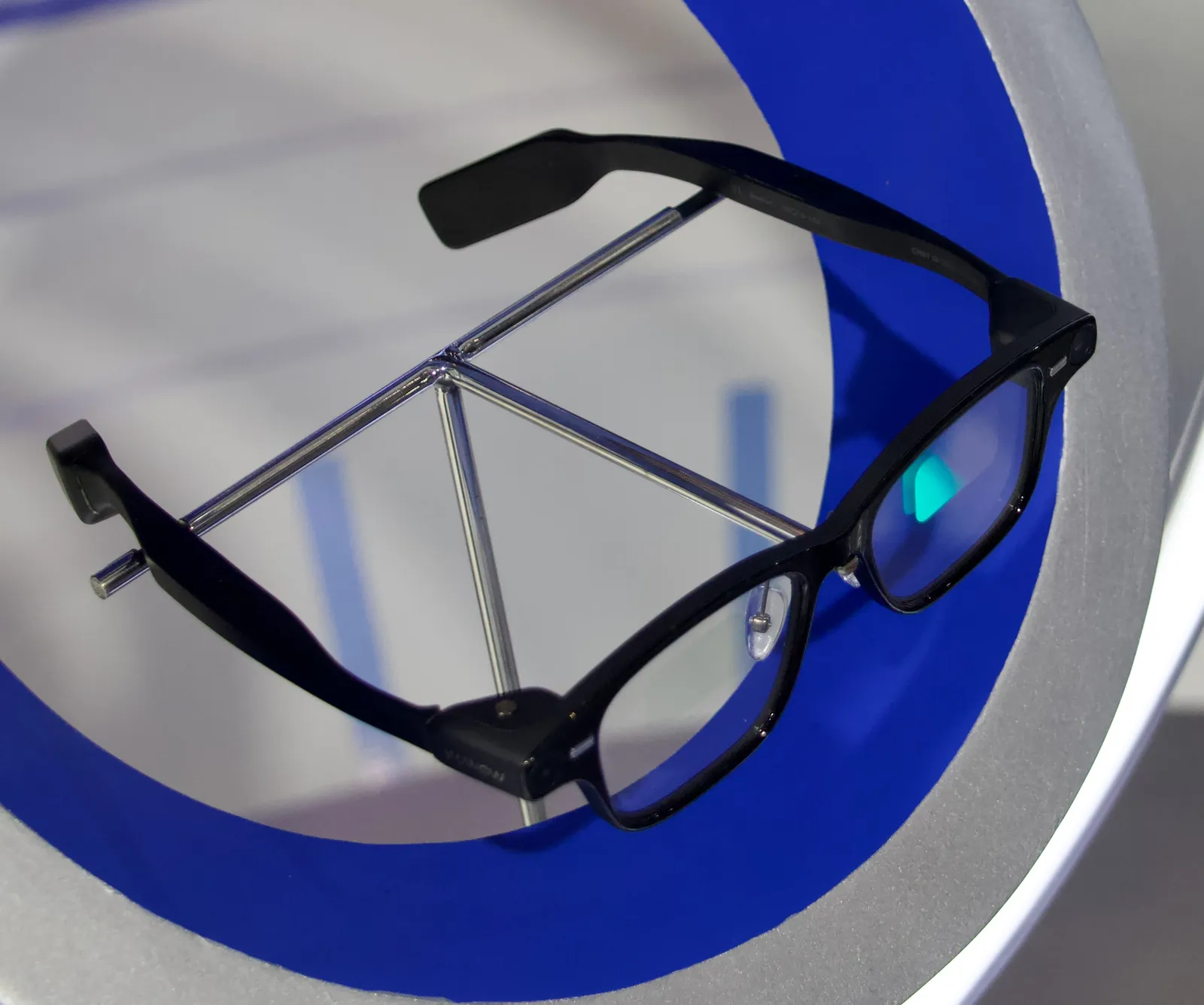
Audio-and-camera glasses — no display, just speakers, microphones, and a camera — are the mature category. They work well as open-ear headphones you can wear all day and as a hands-free camera. Budget $300-$400.
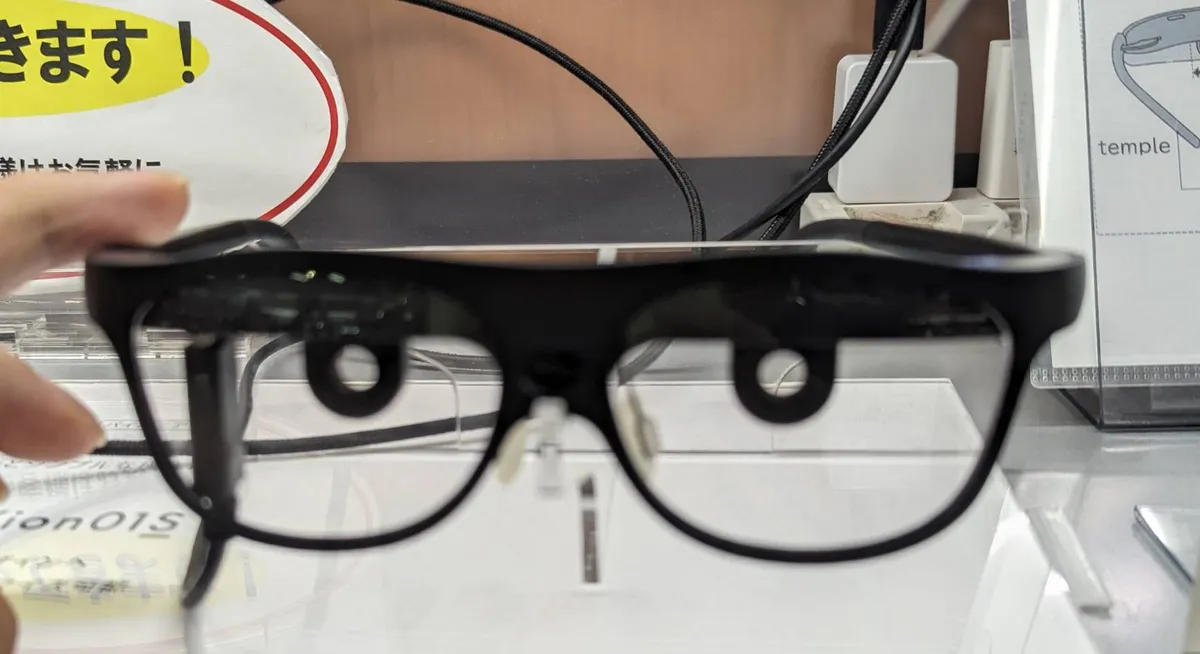
Display glasses that project a small screen into your vision are useful for a narrow set of tasks: notifications, navigation prompts, live captions, and using a large virtual monitor while travelling. Budget $400-$700, and expect a field of view much smaller than the marketing images suggest.
Mixed-reality headsets are a different product entirely — heavier, tethered to a battery, and for seated use. If you want to wear something out of the house, they are not it.
If you already wear prescription glasses, check the prescription range and cost before anything else. Prescription lens fitting adds $100-$250 and some frames cannot take strong prescriptions or progressives at all.
What they actually do well
Open-ear audio is the most underrated function and the one people use most. Small speakers near the ear leave the ear canal open, so you hear music or a podcast while still hearing traffic and conversation. For walking, cycling, or working in a shared space, this is genuinely better than earbuds and has nothing to do with cameras or displays.
Hands-free capture is the second. A camera at eye level records what you are looking at, which is meaningfully different from holding a phone up — cooking, repairing something, holding a child, or hiking. Video quality is roughly equivalent to a mid-range phone in good light and notably worse in low light, because the sensor and lens are constrained by the size of a temple arm.
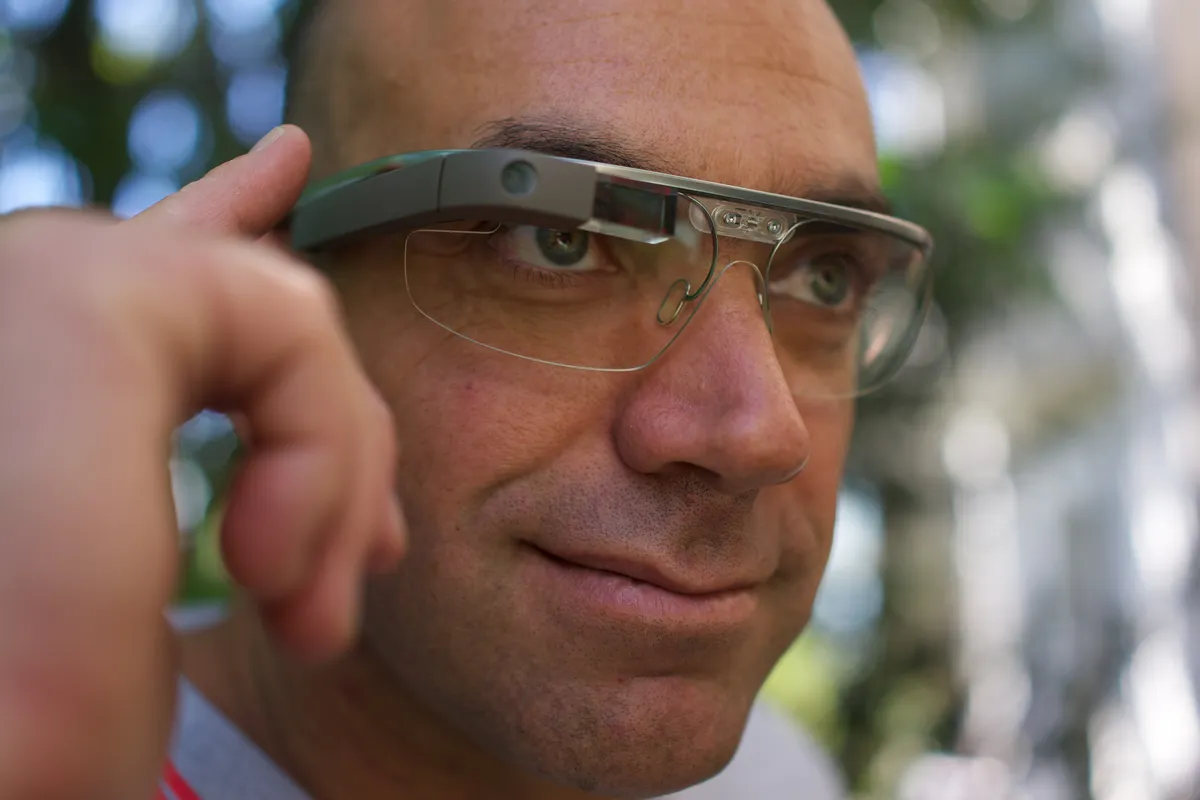
Voice assistants and, increasingly, on-glasses AI that answers questions about what the camera sees. This works and is genuinely useful for translation, reading signs, and identifying things. It also requires sending images to a server in most implementations, which is the privacy trade discussed below.
Live captioning is the function with the clearest accessibility case. Display glasses transcribing speech into the wearer's field of view is a real assistive technology, and for hard-of-hearing users it can be the reason to buy rather than a feature.
Displays: what "field of view" means in practice
Display glasses use waveguides or small reflective combiners to place an image in front of the eye. The specification that matters is field of view, quoted in degrees, and the numbers are smaller than intuition suggests: 20-30 degrees is typical, which is roughly the apparent size of a laptop screen at arm's length, floating in one part of your vision.
That is entirely adequate for a notification, a turn arrow, or a line of captions. It is not a screen filling your vision, and marketing renders that imply otherwise are the single biggest source of disappointment in this category.
Brightness in nits determines outdoor usability. Below about 1,000 nits the image washes out in daylight; the better units reach 2,000-5,000 nits at the cost of battery. Some include electrochromic dimming or clip-on shades to improve contrast outdoors.
Also check whether the display is monocular or binocular. Monocular is lighter and cheaper and some users find the asymmetry tiring; binocular is more comfortable for extended use and adds weight and cost.
Battery and weight: the two hard limits
A pair of glasses can carry perhaps 150-250mAh in each arm, which is a fraction of a phone battery. The consequence is stark: audio-only playback runs three to six hours, video recording runs 30-45 minutes, and display use with an active AI assistant can drain a full charge in under two hours.
Charging cases are the standard workaround and they work, providing several full recharges. Plan around a device you top up during the day rather than one that lasts it.
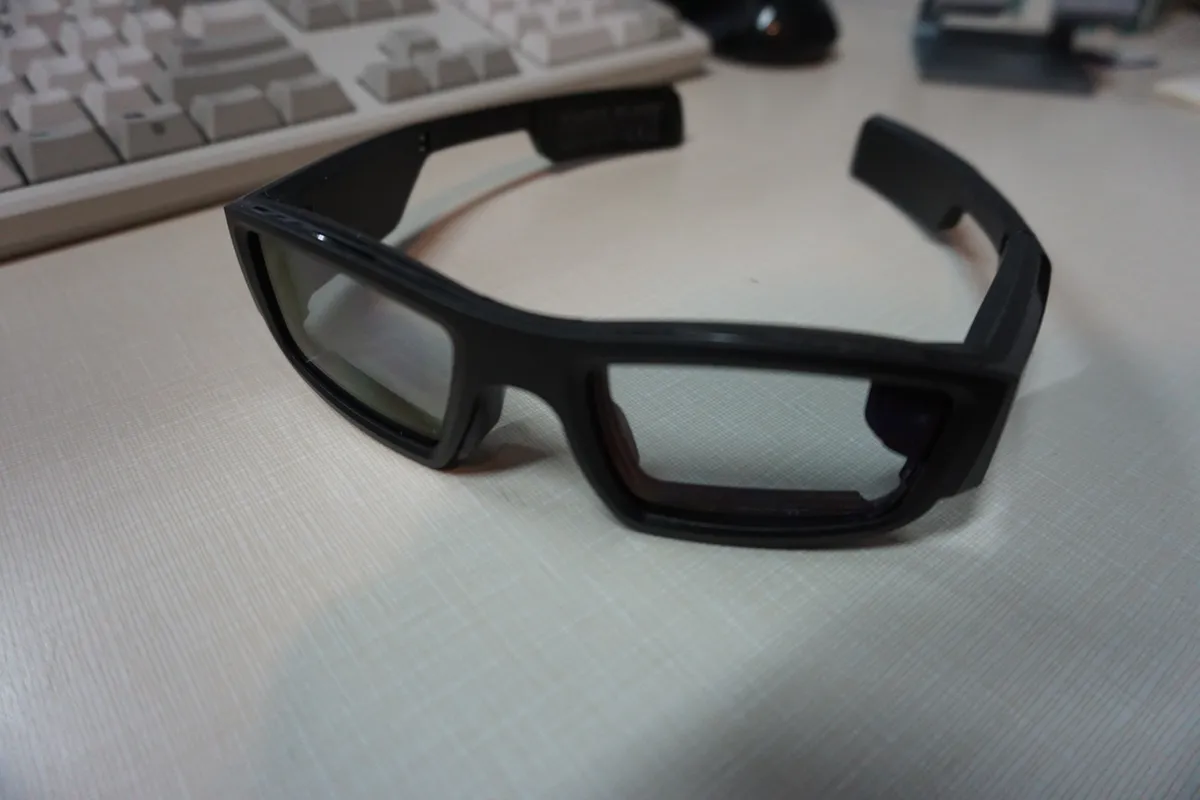
Weight is the other limit. Conventional glasses weigh 20-30g. Audio-and-camera smart glasses weigh 45-55g, which most people stop noticing within a week. Display glasses weigh 70-100g, which is noticeable on the nose bridge after an hour and is the most common reason they get taken off.
Where the weight sits matters more than the total. Frames that concentrate mass in the temple arms distribute it across the ears; frames with heavy front modules load the nose. If you can try before buying, wear them for at least fifteen minutes rather than thirty seconds.
The privacy question, taken seriously
A camera on a face records people who have not consented and frequently have not noticed. Current designs include a capture indicator light, and the honest assessment is that a small LED is not reliably visible in bright sun or from a few metres away — and that some users tape over it, which manufacturers cannot prevent.
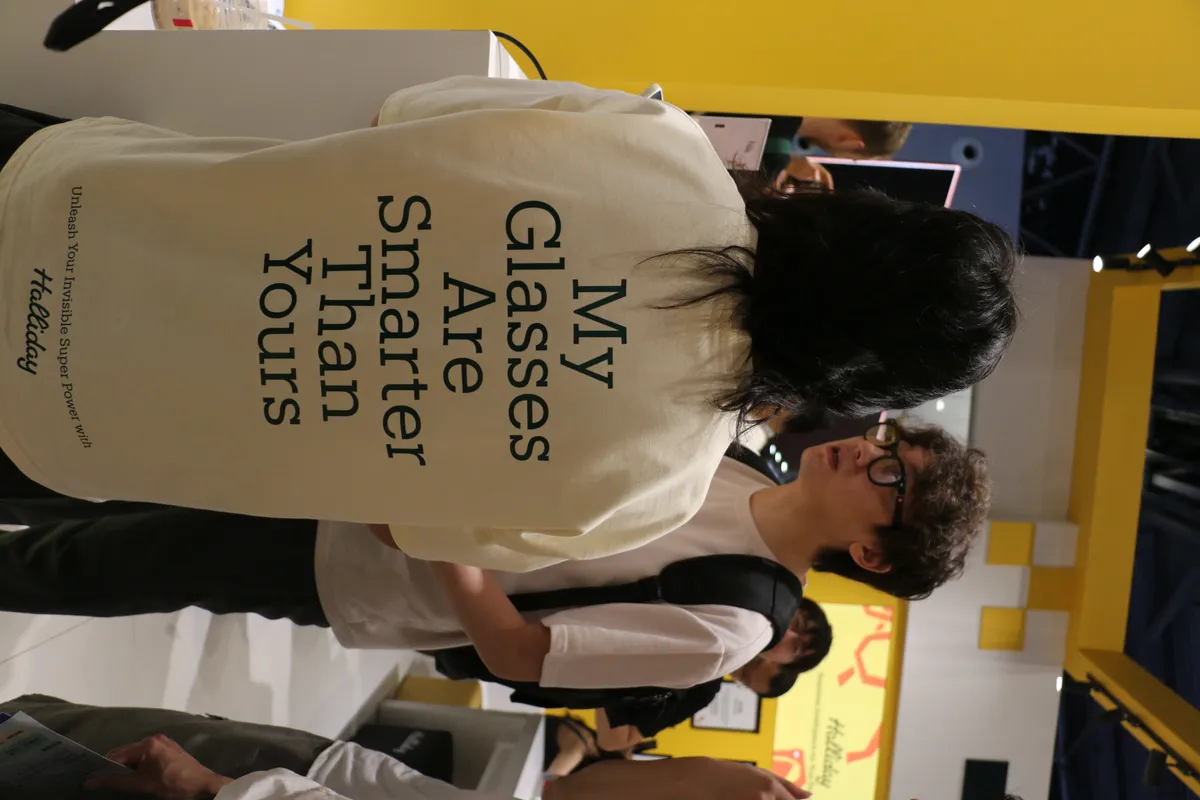
There are practical consequences for the wearer. Recording rules vary by jurisdiction, and in several places recording audio of a conversation without consent is unlawful regardless of the device. Many venues — gyms, changing rooms, courthouses, hospitals, schools, and some workplaces — prohibit recording devices outright, and glasses do not get an exemption for being glasses.
On the data side, check three things. Whether AI features process images on-device or in the cloud. Whether captured media is uploaded automatically or stays local until you choose. And what the retention policy says about images sent for AI processing, since some services retain them for model improvement unless you opt out.
The reasonable social protocol, and it is worth adopting: tell people the glasses have a camera when you are in a conversation, take them off in private spaces, and do not record people who have not agreed. That is not excessive caution — it is the difference between this technology being accepted and repeating the first generation's failure. Our Ray-Ban Meta review covers five weeks of wearing a camera on your face, including how other people actually reacted.
Prescription, fit, and the practical details
If you need correction, this is the gating question. Most smart glasses accept prescription lenses through the manufacturer or a partner optician, typically $100-$250 extra. Strong prescriptions above roughly ±6 dioptres, and progressive lenses, are not supported by every frame — the thickness and the geometry interfere with waveguides and speakers.

Frame sizing is limited compared with ordinary eyewear. Two or three sizes is typical against dozens for conventional frames, and the electronics constrain how much the arms can be adjusted by an optician. Face width and nose bridge height decide comfort here, and there is no software fix.
Water resistance is usually modest — IPX4 splash resistance rather than submersion — so they are rain-tolerant and not swim-safe. And they cannot be cleaned with the ultrasonic bath an optician would use on normal glasses.
Audio quality, and the leakage problem
Open-ear speakers work by directing sound down into the ear from above, which leaves the canal open. That design has two consistent consequences worth knowing before buying.
Bass is weak. Physics again: producing low frequencies requires moving air volume, and a speaker the size of a fingernail firing at an open ear cannot pressurise the canal the way an in-ear tip does. Speech, podcasts, and most acoustic music sound genuinely good; bass-heavy music sounds thin, and no equaliser setting fixes it.
Sound leaks outward. At low volume in a quiet room this is negligible. At the volume needed to hear music on a busy street, people beside you can hear it — a fact worth knowing before taking a call on a train. Newer designs have reduced leakage with directional drivers and beam-forming, and it remains a real limitation rather than a solved one.
Microphone quality, by contrast, is usually good, because multiple microphones spaced along the frame allow beam-forming toward the wearer's mouth. Call quality on smart glasses is frequently better than on earbuds, which is one of the more genuine surprises in the category.
When to skip them
If the appeal is audio, bone-conduction or open-ear headphones cost a third as much, sound better, and carry none of the social friction.
If the appeal is photography, a phone takes better pictures and a compact camera takes much better ones. The glasses' advantage is only hands-free capture in moments a phone would interrupt.
If the appeal is a big screen while travelling, display glasses genuinely deliver a virtual monitor and the comfort limit is around an hour or two. A tablet is heavier in the bag and easier on the face.
And if you are buying because the category feels like the future, note that these devices depend on a companion app and a cloud service, and a discontinued service turns them into ordinary sunglasses with dead speakers. That has already happened to earlier products. Check the manufacturer's track record on support duration before treating this as a multi-year purchase.
A short buying checklist
Decide which of the three categories you want, and be honest that audio-and-camera is the mature one. Check prescription support and total cost including lenses. Weigh the frames if you can, and wear them for fifteen minutes. Check battery life for the function you will actually use, not the standby figure. Confirm whether AI processing is local or cloud, and what is retained. Verify the capture indicator is visible in daylight. And check the app's minimum phone requirements, since several of these devices support a narrower range of phones than their marketing implies.
More coupon shopping advice

Home Security Camera Buying Guide: Local vs. Cloud Storage
A practical, balanced buying guide to home security cameras that weighs local storage against cloud subscriptions, wired versus battery power, camera placement, night vision, smart detection accuracy, and smart home integration.

Beginner Mirrorless Camera Buying Guide
A practical, honest walkthrough of what actually matters when buying your first mirrorless camera, from sensor size and lens mounts to autofocus, video specs, and the real total cost of a beginner-friendly system.

Air Purifier Buying Guide: CADR, ACH, and Filter Costs Explained
A practical walkthrough of the numbers that actually matter when buying an air purifier — CADR and ACH for sizing, true HEPA versus marketing terms, real three-year filter costs, realistic noise levels, and when a purifier won't help at all.