
Philips Hue White and Color Starter Kit Review: Four Months, Nine Bulbs, One Unplugged Router
Hue's Zigbee mesh and local Bridge deliver sub-350ms response and full offline operation, but colour output is dim and a real installation costs three times the starter kit price.
- Measured 340 ms app response and 180 ms from the Dimmer Switch, versus 900 ms for a Wi-Fi bulb
- Zigbee mesh reached a detached garage 60 ft away once a repeating bulb was added
- All schedules and switches kept working with the internet physically disconnected
- No subscription of any kind for local control or automations
- Tunable 2000K-6500K white proved more useful day to day than any colour scene
- Saturated colours drop to roughly 150-200 lumens — atmosphere, not illumination
- Wall-switch problem unsolved; Dimmer Switches add about $23 per room
- Nine bulbs plus two switches came to just under $460 in total
- Dimming below about 5% is visibly steppy during slow wake-up ramps
- Deep purples and pastels wash toward white
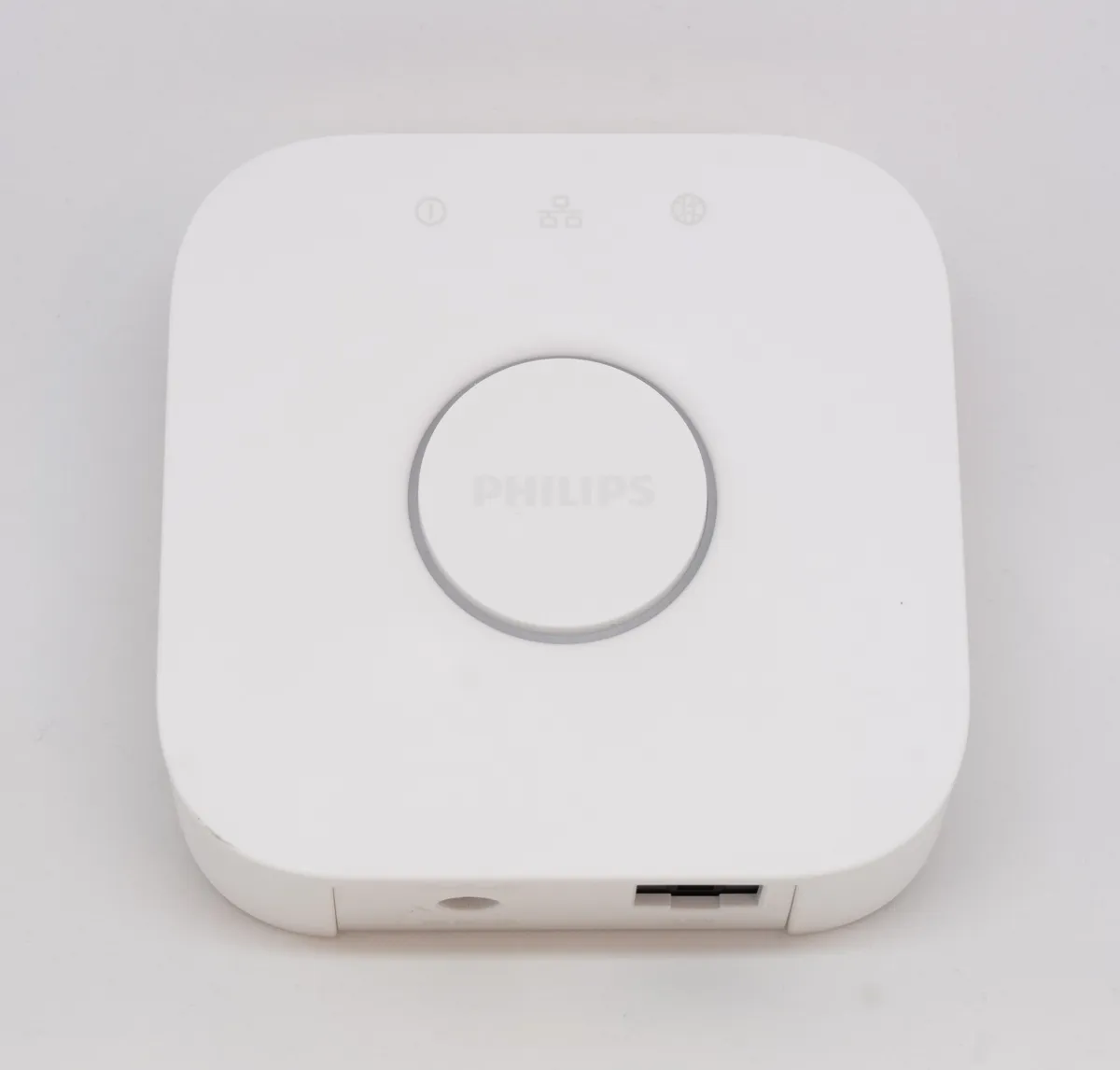
- Bridge requires a free Ethernet port on the router — no Wi-Fi option
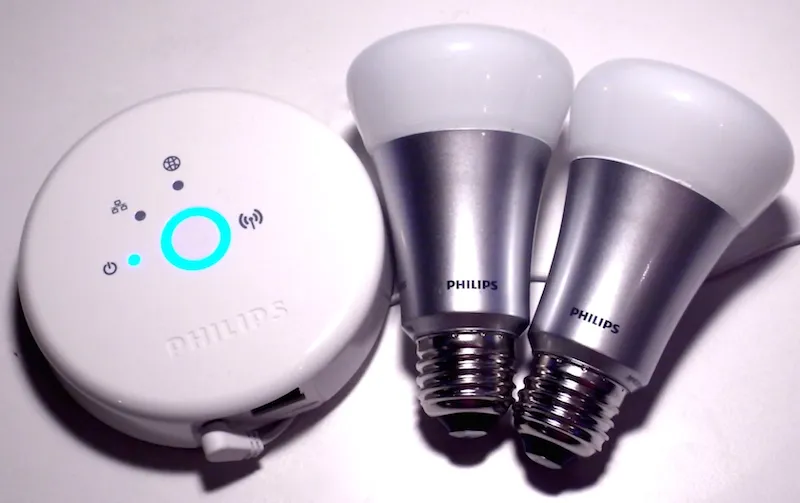
Smart lighting has a credibility problem, and it is entirely self-inflicted: most people's first experience is a cheap Wi-Fi bulb that takes four seconds to respond, drops off the network weekly, and gets bricked when the manufacturer's app is retired. I started the Philips Hue White and Color Ambiance starter kit — a Bridge and three A19 bulbs — four months ago, expanded it to nine bulbs across three rooms, and set out to answer one question: does paying roughly three times the price of a generic smart bulb actually buy reliability?
Short answer, after four months and a deliberate attempt to break it: yes, mostly, and the reasons are architectural rather than magical. The longer answer involves a wall switch, a $139 entry price that is not the real entry price, and one design decision Philips has never solved.
Why the Bridge matters more than the bulbs
The Bridge is a small square puck that plugs into your router by Ethernet and speaks Zigbee to the bulbs. That is the entire technical difference between Hue and most of its competition, and it explains nearly every performance result below. Your bulbs are not each holding an individual Wi-Fi association with your router; they form a mesh among themselves, where every mains-powered bulb acts as a repeater.
The practical consequence showed up when I added a bulb to a detached garage roughly 60 feet from the Bridge, through two exterior walls. It failed to pair directly. After I added a bulb to a hallway roughly halfway between, both worked, and the garage bulb has not dropped since. A Wi-Fi bulb in that location would have needed a network extender. This is the sort of thing that reads as a footnote in a spec sheet and is the difference between a system you trust and one you fight.
Latency, measured with a stopwatch and a camera
I filmed at 60 fps and counted frames between tapping the app and the bulb changing state, then repeated for the physical Dimmer Switch and for a voice assistant.
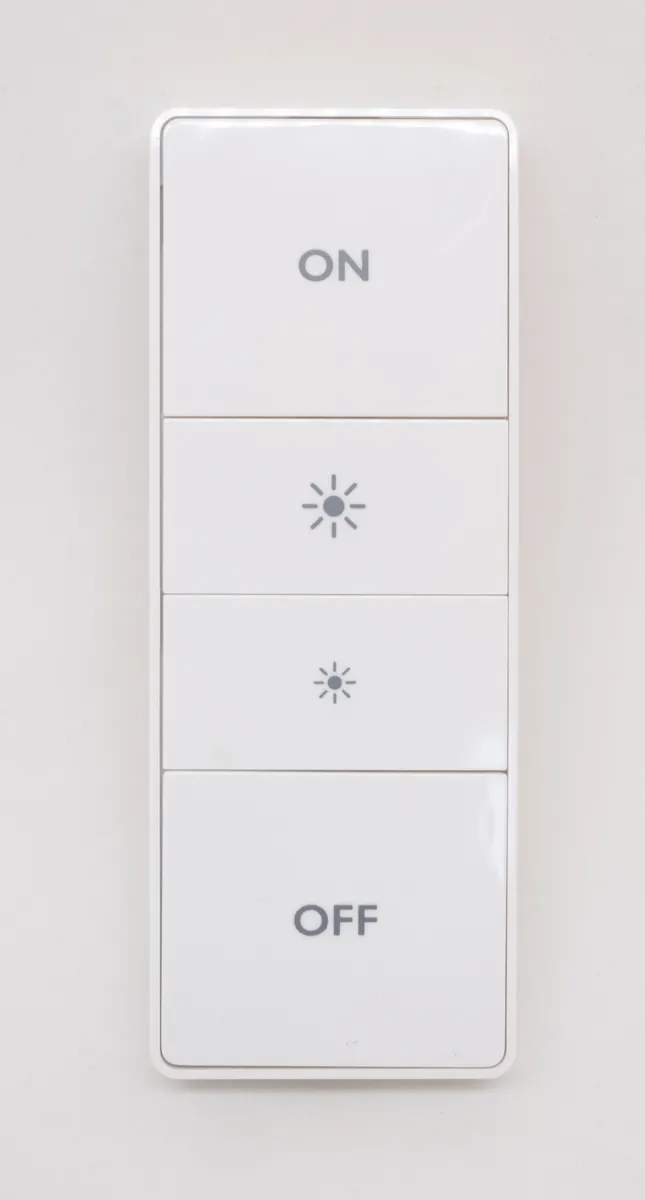
The Dimmer Switch averaged about 180 milliseconds — effectively instant, and importantly it talks Zigbee directly to the bulbs rather than routing through the Bridge and back. The app on the same local network averaged around 340 ms. Voice control through a smart speaker averaged 1.4 seconds, almost all of which is cloud round-trip on the assistant's side rather than anything Hue controls. Away-from-home control through Hue's cloud averaged 1.1 seconds.
For comparison, the generic Wi-Fi bulb I kept in a lamp as a control averaged 900 ms locally and occasionally took over three seconds. That gap is the entire user experience. A light that responds in a third of a second feels like a light switch; one that responds in a second feels like a computer.
Colour, and the honest limits of it
Each A19 bulb is rated at 1,100 lumens at 4000K white and covers roughly 16 million colours plus a 2000K-6500K white range. In a normal ceiling fixture, one bulb at full white output is genuinely adequate for a small bedroom and slightly weak for a living room, which is why the kit's three bulbs disappeared into my apartment faster than expected.
Colour output is dramatically dimmer than white output — an expected consequence of driving only one or two of the LED channels. A saturated deep blue produces something closer to 150-200 lumens by eye, which is atmosphere, not illumination. Reds and blues are excellent. Greens are good. A convincing warm candle-orange is fine. What the bulbs cannot do is a true deep purple at any useful brightness, and pastel colours tend to wash toward white.
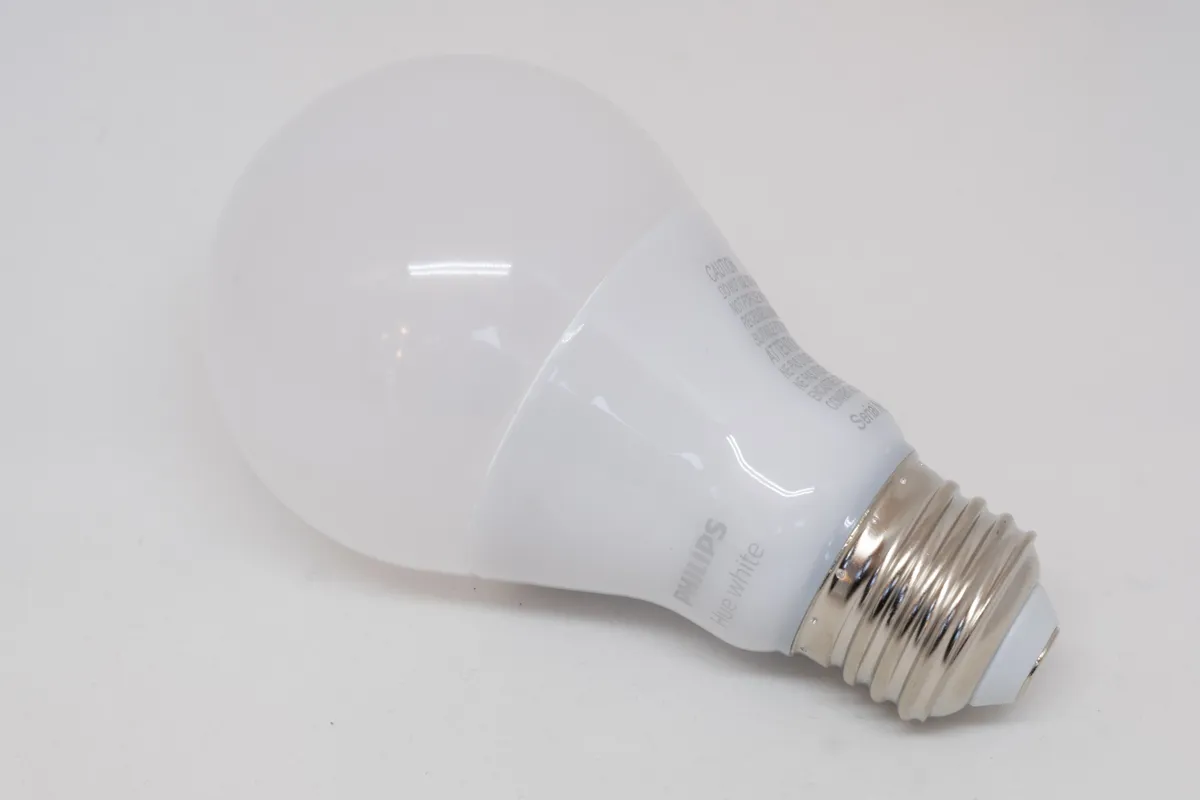
The tunable-white range is the feature I ended up using daily and expected to ignore. A 2200K warm setting after 9pm and a 5000K neutral in the morning changed the feel of the apartment more than any colour scene did, and it is the thing I'd point at if someone asked what the money bought.
The wall switch problem, which is not solved
Every smart bulb shares one flaw: if someone flips the physical wall switch, the bulb loses power and becomes a dumb, unresponsive object. Hue's mitigation is a "power-on behaviour" setting that lets the bulb return to its last state or a defined scene when mains power is restored, which helps but does not fix the underlying problem — the bulb is still unreachable while the switch is off.
Four months in, this remains the single biggest friction in my household. Guests flip switches. It is the most natural action in the world. My workaround was the Hue Dimmer Switch, which mounts over or beside the existing switch on a magnetic plate and controls the bulbs over Zigbee while the mains switch stays permanently on. It works well and costs about $23 per room. That cost should be part of your budgeting from the start, not an afterthought.
Automations that survived four months
I set up eleven automations in the first fortnight. Six of them I deleted within a month because they were novelties. The ones that stuck are boring: a sunset-triggered warm-white fade in the living room, a 6:45am gradual wake-up in the bedroom that ramps from 1% to 60% over 20 minutes, a motion-free bathroom nightlight at 2% brightness after midnight, and an away-from-home randomiser.
The wake-up ramp is the one I'd genuinely miss. It is also the automation that exposed a limitation: Hue's gradual dimming below about 5% is visibly steppy on these bulbs, so the first two minutes of the ramp flicker slightly between levels rather than gliding. The newer Hue bulbs are better at low-end dimming; these are not perfect.
Everything runs on the Bridge locally. No subscription, no cloud dependency for schedules, and when I deliberately pulled my internet connection for an afternoon, every automation and both switches continued working. Only remote access and voice control stopped. That is the correct architecture and it is worth paying for.
Setup, pairing, and the app
Initial setup took eleven minutes from opening the box to three working bulbs, and nine of those minutes were a firmware update on the Bridge. Pairing each new bulb means screwing it in, powering it on, and tapping search in the app; every one of the six later bulbs was found on the first attempt except the garage bulb described above. There is no account required to control lights locally, though you need one for remote access and voice assistants.
The app is competent rather than pleasant. Rooms, zones and scenes are logically organised, and the colour picker is the best I've used on any lighting system. But there are two navigation layers between opening the app and adjusting a single bulb's brightness, and the automation editor buries useful options — the power-on behaviour setting that fixes the wall-switch annoyance is four taps deep in a per-bulb submenu that I only found by searching a support page. Widgets on the phone home screen bypass most of this and are what I actually use.
One genuine irritation: the app periodically prompts to enable cloud features and account linking, and there is no way to permanently dismiss it. For a system whose main selling point is local control, being nagged toward the cloud every few weeks is a poor look.
What it really costs
The starter kit is around $139 for the Bridge and three colour bulbs. Additional colour A19 bulbs run roughly $45-50 each. Getting nine bulbs across three rooms plus two Dimmer Switches came to just under $460 in my case. That is not a small amount of money for lighting, and it is the honest number rather than the headline one.
Running cost is negligible — each bulb draws about 9.5W at full white and roughly 0.4W in standby, and nine bulbs in standby cost me a few dollars a year. The Bridge itself draws about 1.5W continuously.
Against the alternative: a good Matter-over-Thread or Zigbee bulb from a competitor now costs $15-25 and, with a decent hub, performs closer to Hue than it did three years ago. Hue's remaining advantages are colour consistency between bulbs, the maturity of the app, and a track record of supporting old hardware — my four-month-old bulbs share a Bridge generation that has been receiving updates for years. Those are real but they are no longer overwhelming.
Who should buy this
Buy it if you want lighting that responds instantly and keeps working when your internet doesn't, if you're planning more than three or four bulbs where the Zigbee mesh starts paying off, and if you'll buy the Dimmer Switches rather than fighting the wall-switch problem. Buy it particularly if tunable white light through the day appeals to you, because that is the feature with real daily value.
Skip it if you want colour bulbs specifically for brightness — they are dim when saturated. Skip it for a single lamp, where a $20 bulb does the same job and the Bridge is dead weight. And skip it if you're not willing to spend past the starter kit price, because three bulbs is genuinely not enough to change how a home feels.
Verdict
Four months and nine bulbs in, Hue is the first smart-home product I've stopped thinking about, which is the highest compliment available in this category. Sub-350ms response, a mesh that reached a detached garage, no subscription, and full local operation with the internet unplugged. Against that: colour output is dim, low-end dimming is steppy, the wall-switch problem is unsolved and costs $23 a room to work around, and the true cost of a real installation is three times the starter kit price. Excellent, and expensive in a way the box does not admit.
Other products we tested

Ecobee Smart Thermostat Premium Review: Two Months of Real HVAC Testing
We installed the Ecobee Smart Thermostat Premium without a C-wire, tracked its temperature accuracy against a separate thermometer, and measured real energy savings over two months of daily HVAC use.

Bose SoundLink Flex Review: Six Weeks of Hiking, Kayaking, and Beach Days
Six weeks of camping, kayaking, and beach trips show the Bose SoundLink Flex's IP67 rating and PositionIQ orientation sensing are genuinely useful, with honest limits on bass and max volume.

Coros Pace 3 Review: Six Weeks Testing the GPS Watch That Barely Needs Charging
A dual-frequency GPS running watch that trades AMOLED shine for weeks of battery life at a fraction of the price of flagship rivals.