
LED Desk Lamp Review: Six Months, a Lux Meter and Two Meaningless Claims
Measured 620 lux at 40 cm with no visible flicker, but it lights one 40 cm patch rather than a desk — and "eye protection" turns out to mean nothing at all.
- 620 lux at 40 cm — comfortably above the 500 lux guidance for reading and writing
- Output held at 615 lux after six months, within measurement error of new
- No visible flicker on a phone-camera test except at the lowest dim setting
- Measured colour temperatures (3100K / 4300K / 5800K) close to the stated range
- Arm joints still hold position with no drooping after six months
- Head stays merely warm after hours of use, unlike the halogen lamp it replaced
- Lights only a ~40 cm patch; falls to 310 lux 30 cm off centre
- Forgets its brightness and colour setting every time it is switched off
- Touch controls need a deliberate press and sometimes register twice
- USB-A port delivers only about 5 W and is not USB-C
- Weighted 16 cm base consumes desk space a clamp version wouldn't
- "Eye protection" and "blue light filtering" are marketing, not specifications
Desk lamps are sold on marketing terms that mean nothing — "eye protection", "eye-caring", "flicker-free" — and on lumen figures that are frequently invented. I bought a $45 LED desk lamp with adjustable colour temperature and a USB charging port, used it as my only task light for six months of evening work, and measured what I could actually measure: illuminance at the desk with a lux meter, flicker with a phone camera, and the real colour temperature range.
It's a good lamp. Two of its headline claims are meaningless, one specification matters far more than any of them, and there's a physical measurement worth checking before you buy anything in this category.
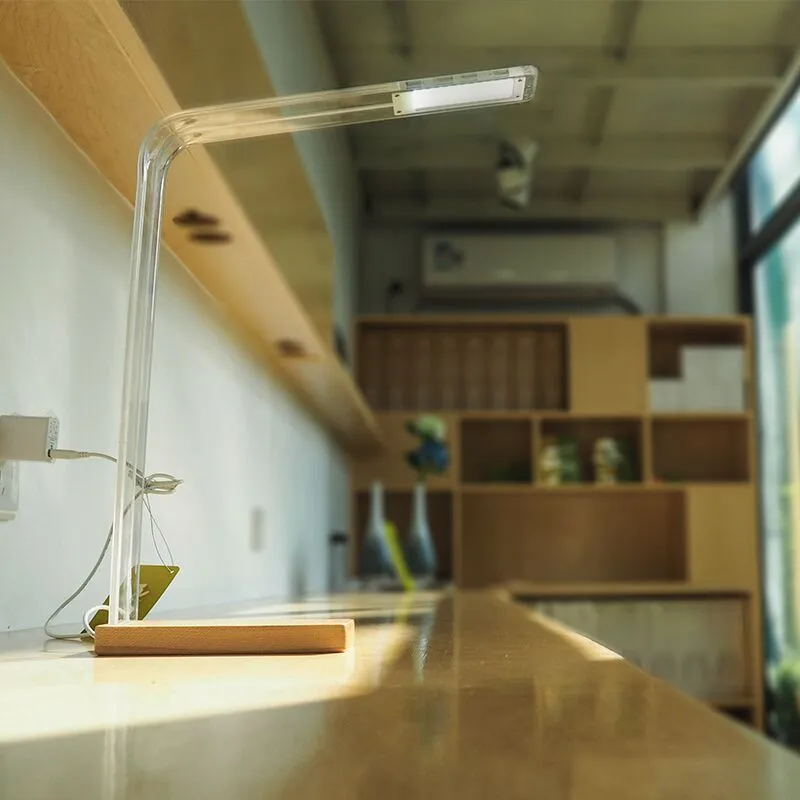
Illuminance: the number that actually matters
Lumens describe total light output in every direction. What matters at a desk is illuminance — lux at the working surface — which depends on output, distance and how well the shade directs light. A lamp can have impressive lumens and light your ceiling.
Measured with the lamp head 40 cm above the desk and centred: 620 lux at maximum brightness directly under the head, falling to about 310 lux at 30 cm to either side. Standard guidance for reading and writing is roughly 500 lux and for detailed work 750-1000 lux.
So this lamp comfortably covers reading and writing over a patch about 40 cm wide, and is not adequate for detailed close work like soldering or fine drawing across a full desk. That's the honest limit and it's not in the marketing.
The practical consequence: one lamp lights one working area. My desk is 120 cm wide and the far third of it is noticeably dimmer. For anything wider, either a second lamp or a proper ceiling light is the answer.
Colour temperature, measured against the claim
The lamp claims 3000K to 6000K across three presets. Measured with a colour meter app that I calibrated against known reference bulbs — so treat these as approximate — the warm setting read about 3100K, neutral about 4300K, and cool about 5800K. Close enough to the claim to be honest.
What I actually used: the neutral 4300K setting for almost everything, and the warm setting after about 9pm. Over six months the warm-evening habit was the single feature I'd miss most — not because it demonstrably improves sleep, which I can't measure and won't claim, but because a 5800K light in a dark room at 10pm is unpleasant and a 3100K one isn't.
The cool setting is genuinely useful for one thing: colour-accurate work like checking whether socks match or photographing something. I used it perhaps twice a month.
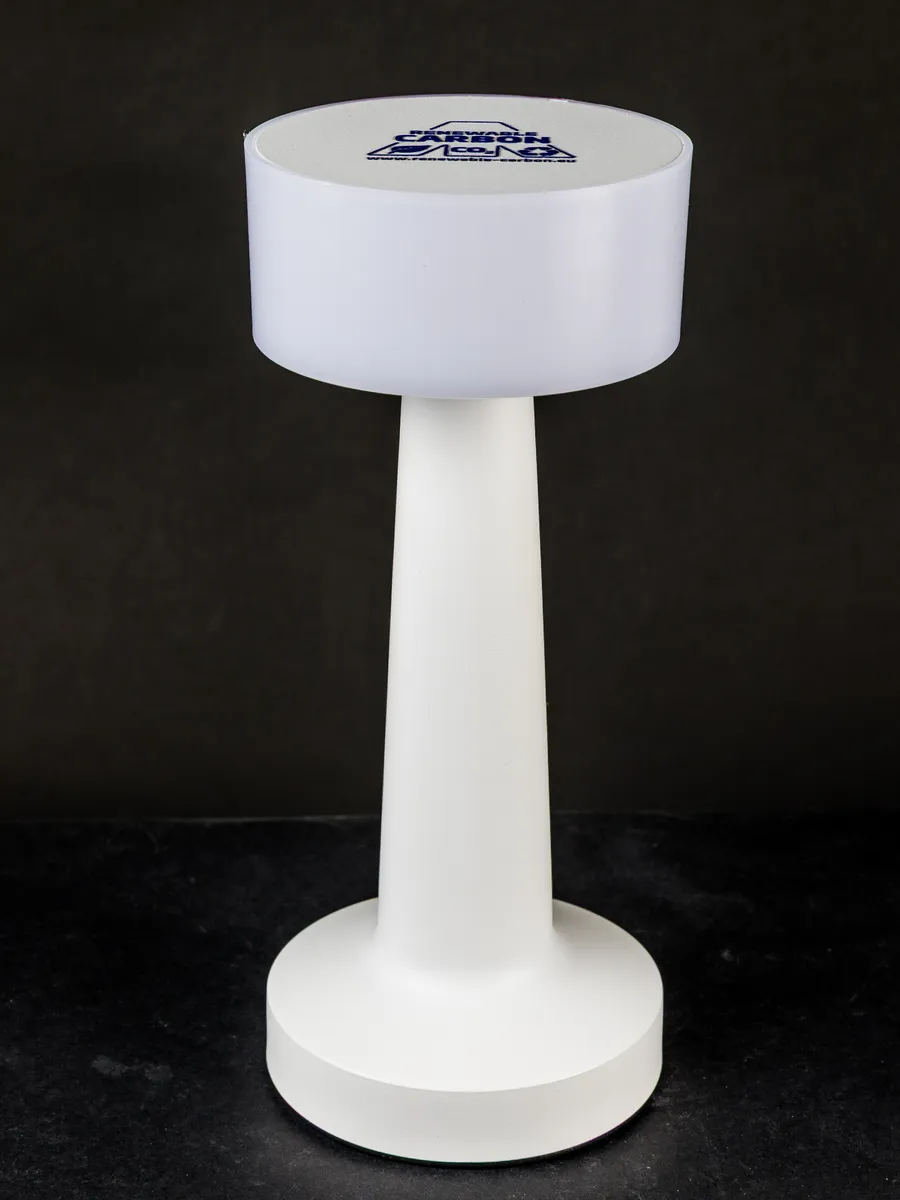
Flicker, and how to test it yourself
Cheap LED drivers produce visible flicker at the mains frequency, which is a genuine cause of eye strain and headaches for some people — and it's the one thing "eye protection" branding is presumably gesturing at.
The test costs nothing: point a phone camera at the lit lamp and slowly move it, or record a slow-motion video. Banding or strobing in the image indicates flicker. A well-driven LED shows a steady image.
Mine showed no visible banding at full brightness and faint banding at the lowest dimming setting, which is typical — PWM dimming at low levels is where cheap drivers give themselves away. In practice I never use the lowest setting, so it hasn't mattered. But it's worth testing whatever you buy on day one, while it's still returnable.
The two claims that mean nothing
"Eye protection." This is not a certification, a standard or a measurement. It appears on essentially every LED desk lamp sold. If a lamp is bright enough, flicker-free and not glaring directly into your eyes, it's fine for your eyes; those three properties can be checked and the phrase cannot.
"Blue light filtering." Mine claims this. What it means in practice is that the warm setting emits less blue light, which is true of any warm light source including a candle. It is not a filter and there is nothing being blocked.
What I would look for instead: a stated CRI (colour rendering index) of 90 or above, which means colours look right rather than washed out, and a stated illuminance figure at a specified distance rather than a lumen figure. Mine claims CRI 95 and skin tones and printed colours do look correct, though I have no way to verify the number at home.
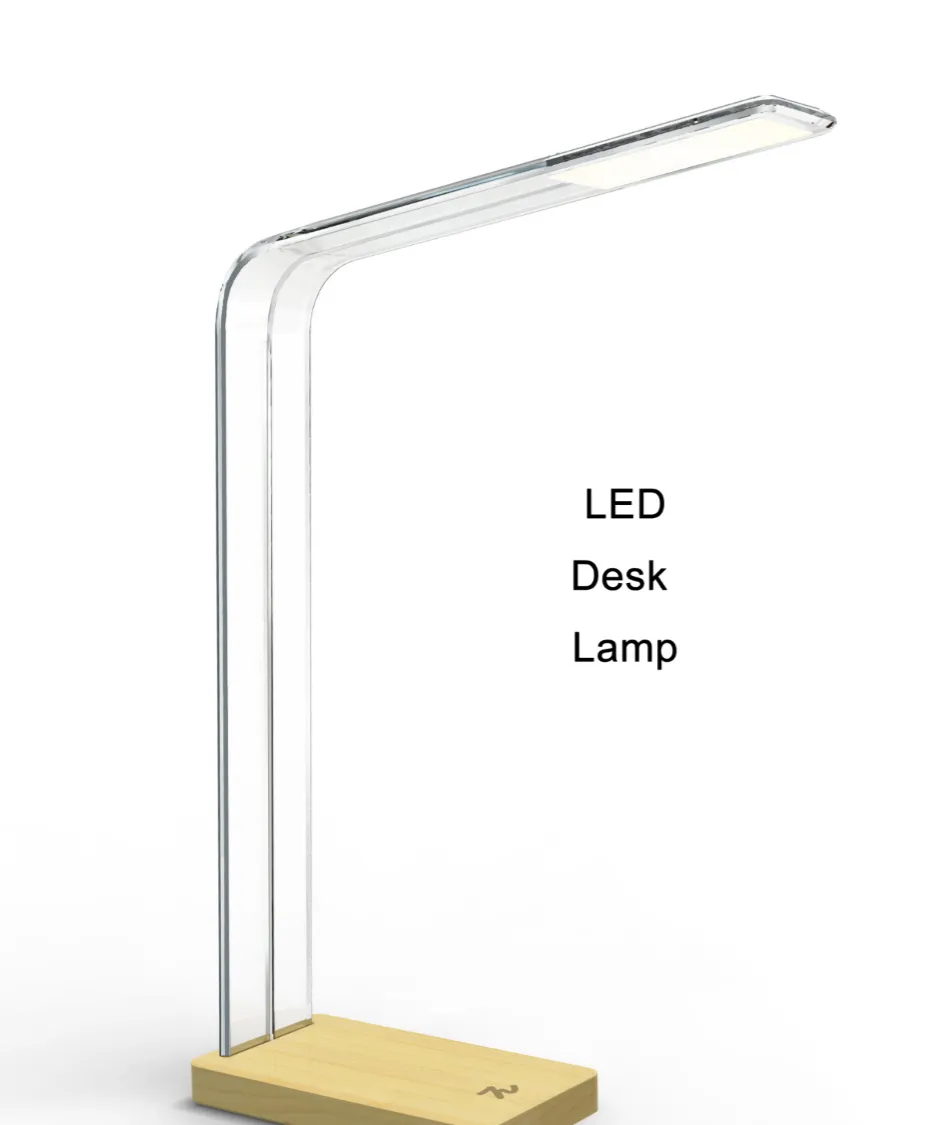
The measurement to check before buying
Reach and clamp compatibility, which no listing states clearly enough.
My lamp's arm extends 44 cm from the base and the head tilts through about 90 degrees. That determines where the light can physically go, and on a desk with a monitor in the middle it means the lamp has to sit at one edge and reach across — which mine just about does. A lamp with a 30 cm reach would have been useless on my desk.
The base is a weighted disc 16 cm across, which takes up real desk area. Clamp-mounted versions cost about the same and free that space entirely, and my desk has a 3 cm-thick top which most clamps accommodate. Having lived with the weighted base, I'd buy the clamp version next time — measure your desk thickness first, since clamps typically handle 1.5-6 cm.
The USB port, and its actual usefulness
The lamp has a 5V USB-A output on the base. Measured with a USB power meter it delivers about 5 W — enough to charge a phone slowly overnight, not enough for a tablet at any useful speed, and it's USB-A rather than USB-C.
Six months in, I've used it for a wireless mouse charge and occasionally a phone. It's a mild convenience rather than a feature, and I would not choose one lamp over another for it. Notably, the port stays powered when the lamp is off, which is what you want.
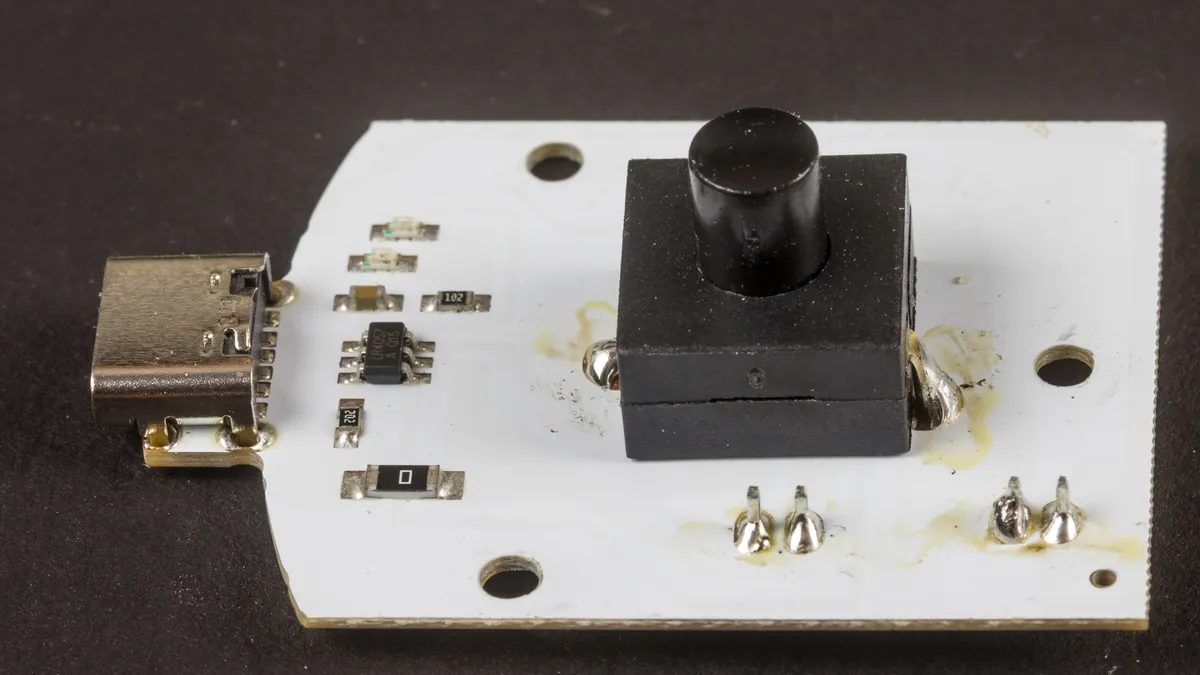
Six months of use
Nothing has failed. The LEDs are as bright as day one by my meter — 615 lux against the original 620, which is within measurement error. The touch controls have remained responsive, the arm joints hold position without drooping, and the finish shows no marks.
Two irritations. The touch-sensitive controls require a deliberate press and occasionally register twice, cycling past the setting I wanted. Physical buttons or a dial would be better and this is a design fashion rather than an improvement.
And the lamp remembers nothing. Switch it off and it returns to maximum brightness and neutral colour next time, so the warm evening setting has to be selected every night. A $45 lamp with a microcontroller could store the last state and doesn't.
Heat is a non-issue: the head is warm to touch after hours of use and nowhere near hot, which is the main practical advantage of LED over the halogen desk lamps this replaced.
Glare, and where to actually put it
Placement changed how comfortable the light was more than any setting did. Three things emerged over six months.
The head must be angled so you never see the emitters directly from your seated position. My lamp's diffuser is decent but the LEDs are still visible edge-on, and a week of having it slightly too upright left me squinting without understanding why. Tilting the head down about 15 degrees more solved it entirely.
Put it on the opposite side from your writing hand. Right-handed writers should light from the left, otherwise your own hand casts a shadow exactly where you are working. Obvious, and I had it wrong for the first fortnight.
And keep some ambient room light on. A single bright pool of light in an otherwise dark room forces your pupils to work against a high contrast ratio every time you look up from the desk, which is genuinely tiring. A dim ceiling light alongside the task lamp was more comfortable than the task lamp alone at any brightness.
Against the alternatives
Against a $15 LED lamp, the differences that matter are flicker, CRI and build. Cheap lamps commonly flicker visibly at low brightness and render colours poorly, and their arm joints droop within months. The phone-camera flicker test is the way to check before the return window closes.
Against a $120-200 premium task lamp, you'd get a wider light bar covering more desk, better dimming with no low-end flicker, memory of your last setting and a genuinely verified CRI. If you work at a desk full-time, that's a defensible upgrade — the illuminance across a full desk width is the real difference.
Against a bright ceiling light, a task lamp puts light where you need it without lighting the whole room, which matters in a shared space at night. They complement rather than compete.
Who should buy this
Buy a $40-50 adjustable-temperature LED lamp if you work or read at a desk in the evening and want one well-lit working area. Check the arm reach against your desk depth, prefer the clamp version to save desk space, and run the phone-camera flicker test on arrival.
Skip it if you need even light across a wide desk, where one lamp cannot deliver it. Skip anything under about $20 unless you test it for flicker. And ignore "eye protection" and "blue light filtering" entirely — they are not specifications and no purchase decision should rest on them.
Verdict
Six months in, this lamp measured 620 lux at 40 cm, held its output to within measurement error, showed no flicker except at the lowest dim setting, and made evening desk work considerably more pleasant with a 3100K warm mode I use nightly. Against that: it lights one 40 cm patch rather than a desk, the touch controls double-register, it forgets its settings every single night, the USB port delivers a token 5 W, and two of its headline claims are marketing with no measurable content. Good lamp, ignore the box.
Other products we tested

Ecobee Smart Thermostat Premium Review: Two Months of Real HVAC Testing
We installed the Ecobee Smart Thermostat Premium without a C-wire, tracked its temperature accuracy against a separate thermometer, and measured real energy savings over two months of daily HVAC use.

Bose SoundLink Flex Review: Six Weeks of Hiking, Kayaking, and Beach Days
Six weeks of camping, kayaking, and beach trips show the Bose SoundLink Flex's IP67 rating and PositionIQ orientation sensing are genuinely useful, with honest limits on bass and max volume.

Coros Pace 3 Review: Six Weeks Testing the GPS Watch That Barely Needs Charging
A dual-frequency GPS running watch that trades AMOLED shine for weeks of battery life at a fraction of the price of flagship rivals.