
Garmin Dash Cam Mini 2 Review: Six Weeks of Screenless, App-Only Driving
A tiny, screen-free 1080p dash cam that leans entirely on the Garmin Drive app and voice control -- excellent daytime footage and a near-invisible windshield presence, with real caveats around night video, storage, and parking-mode battery drain.
- Genuinely tiny, low-profile windshield presence that barely blocks the view
- Sharp, clean 1080p daytime footage with a usably wide 140-degree field of view
- Voice control works reliably in a quiet cabin, letting you save clips hands-free
- Garmin Drive app is stable, gets real firmware updates, and cloud upload works as advertised
- Magnetic mount makes removing and re-attaching the camera trivially easy
- Handles loop recording and incident-detection locking correctly with no lost clips
- No built-in screen at all -- every setting and clip review requires the phone app
- Night and low-light footage is noticeably weaker than larger dual-sensor Garmin models
- No microSD card included, and a slow/budget card causes real dropped-frame recording gaps
- Parking mode can drain your car battery over several days without a separate hardwire kit
- Voice command reliability drops significantly with wind noise or music playing
- Windshield adhesive mount softens under sustained heat and needs periodic replacement
I put the Garmin Dash Cam Mini 2 on my windshield in late May and left it running through six weeks of ordinary driving: two cross-town commutes a day, a 900-mile round trip to visit family over a long weekend, a dozen grocery runs, and one memorable afternoon where a delivery van clipped my mirror in a parking lot and drove off. The camera is barely bigger than a car key fob, it has no screen, and Garmin expects you to run the entire thing through your phone. That's either a dealbreaker or a non-issue depending on how you like to work, and this review spends a lot of time on exactly that trade-off, because it's the single biggest thing to understand before buying.
First impressions and what's in the box
The box is small enough to be almost a joke next to a typical dash cam package. Inside: the camera itself (a matte black capsule about the size of a large gumdrop), a magnetic mount with an adhesive pad, a right-angle USB-C cable that's noticeably longer than most bundled cables at just over 12 feet, a mini-USB power adapter for the 12V socket, cable clips for tucking the wire along the headliner and A-pillar, and a quick-start card. There is no microSD card in the box, which caught me off guard given the price point -- you need to supply your own, up to 512GB exFAT-formatted, and Garmin's documentation is blunt that a cheap or slow card will cause dropped frames and corrupted Travelapse files. I used a 128GB Samsung EVO Select I already owned, and after the first week I understood why the manual pushes so hard on card quality: a card with a low sustained write speed produced two separate recording gaps within the first four days.
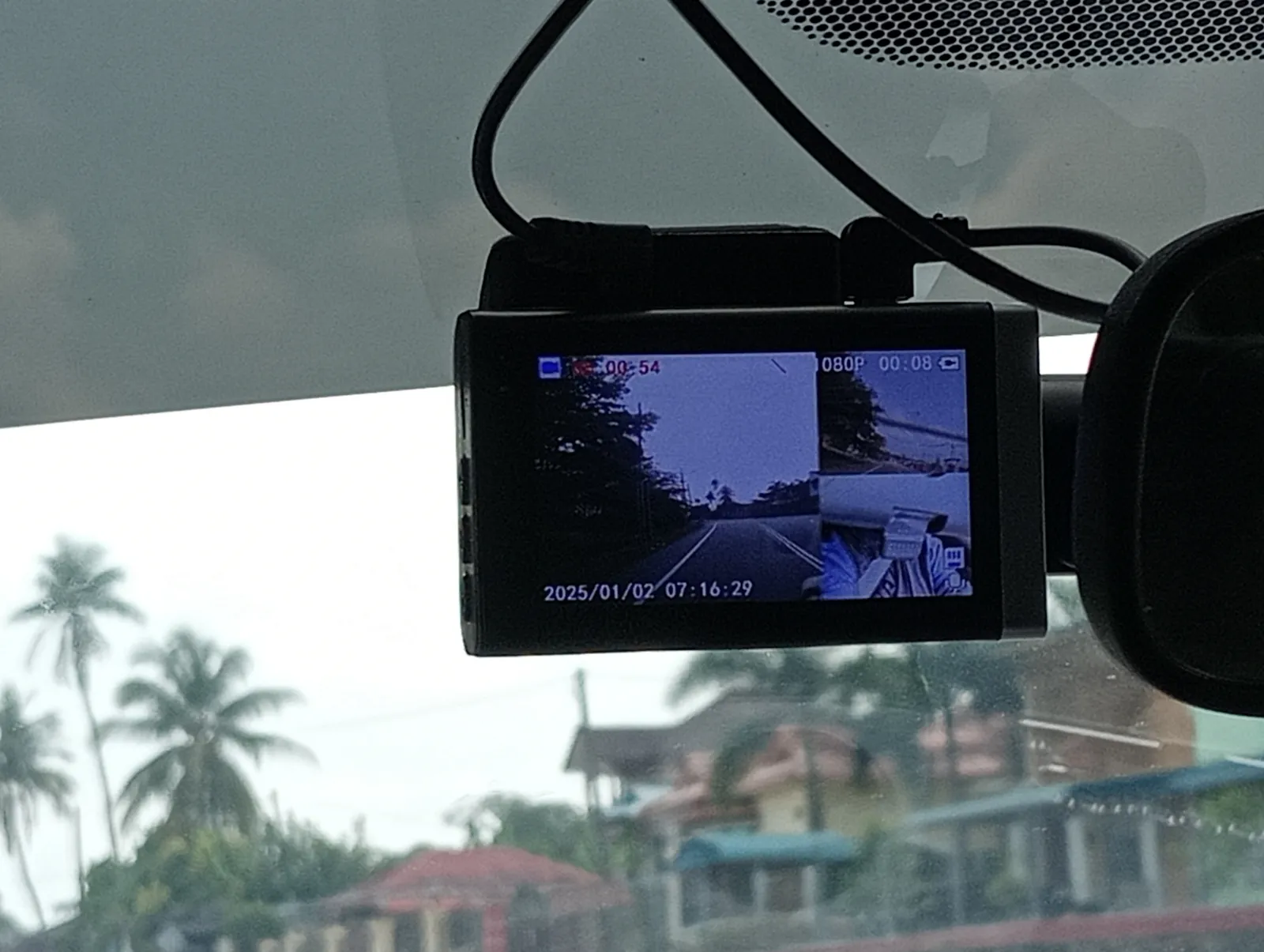
Setup took about ten minutes once I'd downloaded the Garmin Drive app and paired over Bluetooth. The camera has no buttons at all beyond a tiny reset pinhole, so every setting -- resolution, loop length, voice language, Wi-Fi credentials -- gets configured from the phone and pushed to the device. That's a deliberate design choice: Garmin is betting that most people set the camera up once and never touch it again, and for the six weeks I ran it, that held true. I adjusted settings exactly twice: once to shorten the loop recording segments from three minutes to one, and once to turn off the "hello Garmin" wake phrase after it kept triggering on a podcast I was listening to.
Mounting and windshield adhesive in real heat
The Mini 2 uses a small magnetic disc that sticks to the windshield with 3M adhesive, and the camera itself snaps onto the disc magnetically, which makes removing it for a moment (say, to hand it to a passenger or swap in a fresh mount) trivially easy. My test car sits in an uncovered driveway, and interior windshield temperatures here regularly hit 140°F-plus on sunny afternoons in June and July. The adhesive held for the full six weeks without shifting, but I did notice the disc had softened enough by week five that pressing on the camera at an angle would rotate the whole assembly a few degrees -- not a failure, but a sign that repeated heat cycles are slowly working the bond loose. Garmin sells replacement adhesive discs for about $8 for a two-pack, which is worth budgeting for if you live somewhere with genuinely hot summers, because this is a wear item, not a one-and-done install.
Cable routing was straightforward along the A-pillar with the included clips, though the 12-foot cable was almost too long for my hatchback and left me tucking excess length under the dash. If your 12V socket is on the far side of the console from the mirror, that length is a blessing; if it's right below the mirror like in a lot of newer SUVs, you'll have a few inches of slack to hide.
Video quality: daytime driving
Daytime footage from the 1080p sensor is genuinely good for a camera this size. Garmin rates the field of view at 140 degrees, which in practice captures both lanes beside me on a three-lane highway along with a good chunk of the dashboard edge for context. License plates on cars directly ahead or in adjacent lanes are legible in playback at normal speed; plates on cars two lanes over or partially obscured by glare are hit or miss, which is typical for this sensor class. Color rendition leans slightly cool and slightly overexposed on bright, high-contrast days -- oncoming traffic with headlights on in daylight tends to bloom a little more than I'd like, though it never washed out enough to lose the rest of the frame.
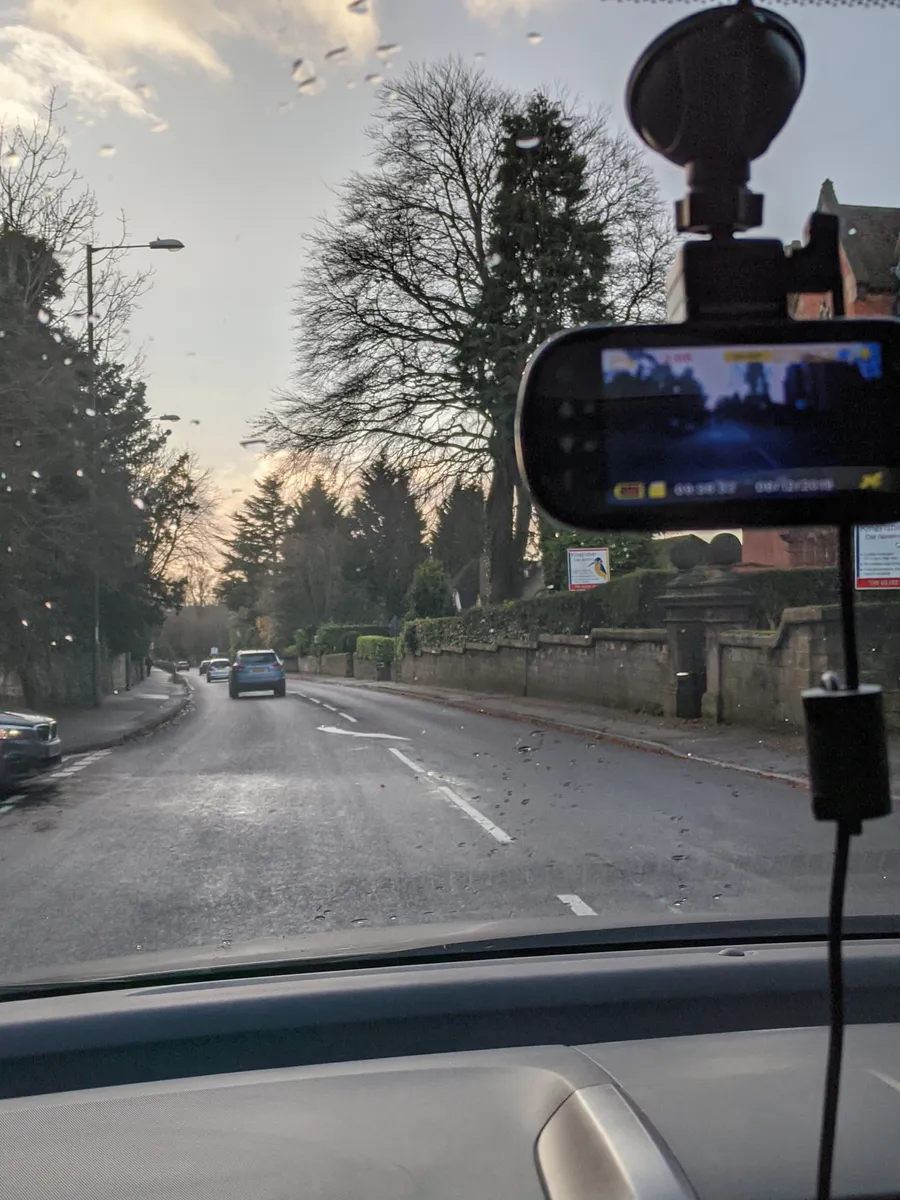
The parking lot incident I mentioned up top is a good real-world test case. A delivery van backed into my mirror while I was inside a store, and the Mini 2's incident-detection G-sensor flagged and locked the clip automatically, protecting it from the loop overwrite. Zoomed to full screen on my phone, I could read the van's company name on the side panel and make out enough of the plate to give my insurer a partial. It wasn't a slam-dunk, crystal-clear plate capture -- I'd call it "usable evidence," not "courtroom-quality," and that's a fair characterization of what a camera this size and price can deliver.
Video quality: night and low light
Nighttime is where the size and price cut deeper. The Mini 2 doesn't do dramatically worse than cameras twice its price in terms of noise, but the smaller sensor and lack of any HDR processing mode shows up as blown-out highlights around oncoming headlights and streetlights. On unlit rural roads, footage is genuinely dim -- enough to make out the road edge and general shape of the vehicle ahead, but plates on unlit stretches are essentially unreadable unless a light source washes across them. On well-lit city streets and highways with sodium or LED lighting, results improve a lot, and I'd put the Mini 2's night footage a clear step above the sub-$60 cameras I've used previously, but a step below dedicated dual-sensor units with larger apertures. If night driving footage quality is your top priority (rideshare drivers, for instance), this isn't the strongest pick in Garmin's own lineup -- the larger Dash Cam models with bigger sensors do noticeably better after dark.
Voice control: does "OK Garmin" actually work
Voice control is one of the more interesting design bets here, since there's no screen or physical buttons to fall back on. Saying "OK Garmin, save video" or "OK Garmin, take a picture" worked reliably in a quiet cabin -- I'd estimate a 90%+ first-try success rate with the windows up and no music playing. With highway wind noise or the radio at a normal volume, that success rate dropped noticeably, and I'd guess closer to 60-70%, often requiring a second, louder repetition. It never failed catastrophically or triggered on unrelated words in my testing, aside from the podcast false-positive mentioned earlier, but voice control alone is not a substitute for glancing at an app to confirm a clip actually saved -- more than once I said the command, assumed it worked, and later found nothing had been flagged because I'd mumbled it during a gust of wind noise.
Garmin Drive app and cloud connectivity
Because there's no screen, the Garmin Drive app is not optional -- it's the only way to review footage, adjust settings, or pull clips off the camera. The app connects over Wi-Fi Direct (the camera broadcasts its own hotspot) rather than needing home Wi-Fi or cellular data, which is a sensible choice for a device that lives in a car, but it also means you cannot review footage remotely without either a paid Garmin cloud subscription or physically being within Wi-Fi range of the parked car. Garmin offers an optional monthly connected-cloud tier that auto-uploads incident clips over a paired phone's data connection; I tested it for two weeks and it worked as advertised, silently pushing G-sensor-triggered clips to the cloud within a few minutes of the event, but it's a subscription on top of an already-not-cheap camera, and I'd treat it as optional rather than assumed. Without it, footage retrieval means standing near the car, opening the app, and downloading clips over local Wi-Fi Direct -- for casual use that's fine, but it's slower than pulling the microSD card directly if you have a lot of footage to review.
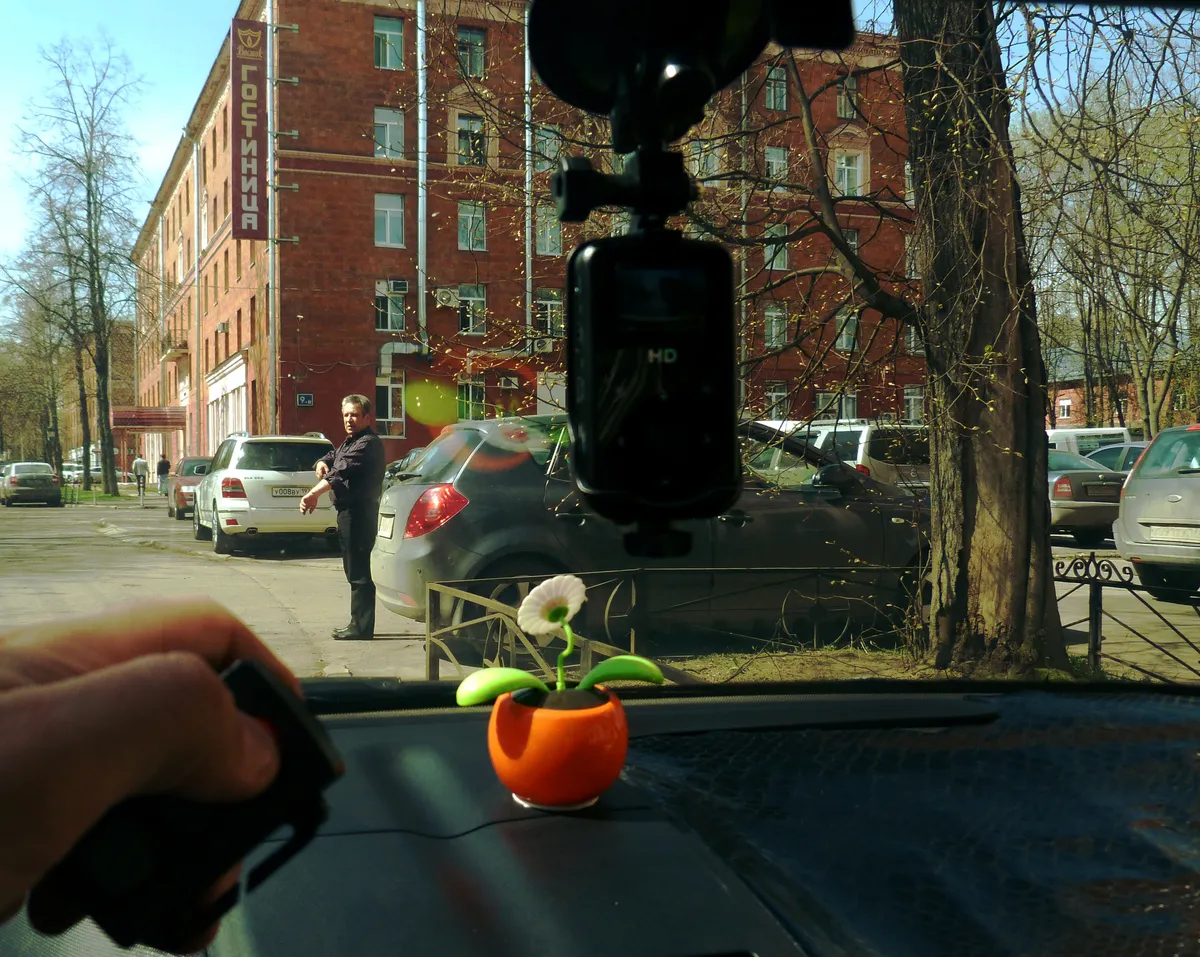
App stability was mostly good, with two exceptions: once the app failed to reconnect to the camera's Wi-Fi after a phone OS update and required a manual forget-and-repair of the connection, and once the live-view preview froze for about 15 seconds before catching up. Neither issue lost footage -- the camera keeps recording to the card regardless of whether the app is connected -- but both were minor annoyances during otherwise routine use.
Parking mode and incident detection: the battery-drain caveat
Parking mode uses the built-in G-sensor to detect impacts while the car is off and automatically saves a clip if it senses a jolt. This worked exactly as intended for the parking lot mirror incident. The important caveat, and one Garmin's own documentation is upfront about, is that the Mini 2 draws power for parking mode straight from the 12V socket, which in most cars stays live (or live for a limited window) even with the engine off. Without a dedicated hardwire kit with low-voltage cutoff -- which Garmin sells separately for about $40 and which I did not have installed for this test -- leaving parking mode enabled continuously risks draining your car battery over several days of the car sitting unused, especially in colder weather when battery capacity is already reduced. I left parking mode on for four consecutive off days during my test and saw a mild but measurable voltage drop when checking with an OBD reader; I would not leave it enabled unattended for a week or more without the hardwire accessory. This is a real, practical limitation that a lot of marketing copy glosses over, and buyers who want always-on parking surveillance should budget for the hardwire kit as a mandatory add-on, not an optional extra.
Comparison to a cheaper dash cam with a screen
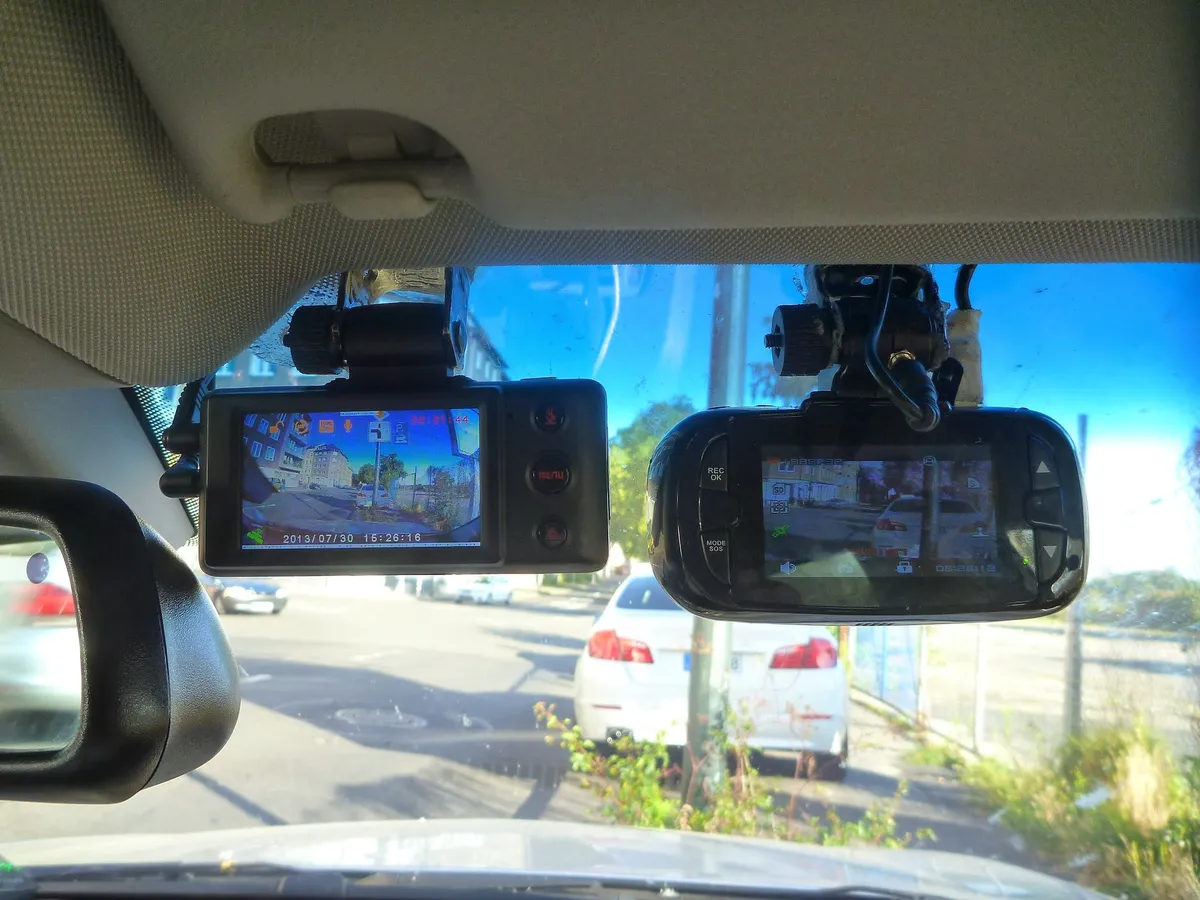
I ran a $45 dash cam with a built-in 2-inch screen alongside the Mini 2 for about ten days to get a direct sense of the trade-offs. The cheaper camera's screen made in-car review and quick settings changes genuinely faster -- no phone, no app, no Wi-Fi pairing, just tap through a menu. Its daytime footage was noticeably softer and noisier than the Mini 2's, with visibly worse compression artifacting on fast motion, and its night footage was worse across the board. It also lacked voice control, automatic cloud upload, and had a bulkier housing that blocked more of my sightline near the mirror. The Mini 2 wins clearly on footage quality, size, and the phone-based workflow if you're comfortable living entirely inside an app -- but if you want a device you can glance at and control with a physical button while sitting in the car, especially for a second or backup vehicle, the cheaper screen-equipped camera is a legitimate and value-conscious alternative, not just a worse product across every axis.
Storage, loop recording, and long-term reliability
Over six weeks I never had the camera fail to boot, overheat, or need a hard reset outside of the one Wi-Fi reconnection hiccup mentioned earlier. Loop recording behaved predictably, overwriting the oldest unlocked segments once the card filled, and I never lost a locked/saved clip to the loop process. The 128GB card I used held roughly 14-15 hours of continuous 1080p footage before looping, which in daily-commute terms meant about two and a half weeks of driving before the oldest unlocked footage started getting overwritten -- plenty of buffer for a typical "did something happen three days ago" lookback, though rideshare or delivery drivers logging many hours a day would want to size up to a 256GB or 512GB card and would want to check it against Garmin's specified sustained-write speed minimum before buying, since an unlisted budget card is exactly the failure mode that caused my early dropped-frame issues.
Firmware updates arrived twice during the test window, both delivered through the Garmin Drive app with a short in-app description of what changed, and both installed without incident in under five minutes. That's a small thing, but it matters for a device with no display to confirm the update actually landed -- the app clearly showing the new firmware version afterward was reassuring.

Who should buy this
The Garmin Dash Cam Mini 2 is the right pick for someone who wants the smallest, least visually intrusive dash cam they can find, is comfortable managing everything through a smartphone app rather than an on-device screen, and mostly drives during daylight or well-lit conditions where the camera's strengths show up most. It's a strong choice for a daily commuter car, a family sedan used mostly for errands and school runs, or as a low-profile second camera for a rear window. It is a weaker choice for anyone who drives long unlit rural stretches at night as a primary use case, anyone who wants always-on parking surveillance without also buying the hardwire kit, and anyone who strongly prefers physical controls and an on-device screen over app-based operation.
Verdict
After six weeks of daily use, the Mini 2 earns its place as a genuinely well-engineered small dash cam let down slightly by real costs hiding just outside the box price: a good microSD card, likely a hardwire kit for serious parking mode use, and an optional cloud subscription if remote access matters to you. Judged purely on what's in the box -- footage quality, size, voice control reliability in a quiet cabin, and app-based workflow -- it comfortably beats cheaper screen-equipped alternatives on image quality while giving up some of their simplicity. It doesn't unseat larger dual-sensor Garmin models for buyers who prioritize night footage above all else, and the parking-mode battery draw is a real limitation, not a footnote. For most daily drivers who want a dash cam they can mount, forget about, and trust to be there when something happens, it's an easy recommendation with clear eyes on its trade-offs.
Other products we tested

Ecobee Smart Thermostat Premium Review: Two Months of Real HVAC Testing
We installed the Ecobee Smart Thermostat Premium without a C-wire, tracked its temperature accuracy against a separate thermometer, and measured real energy savings over two months of daily HVAC use.

Bose SoundLink Flex Review: Six Weeks of Hiking, Kayaking, and Beach Days
Six weeks of camping, kayaking, and beach trips show the Bose SoundLink Flex's IP67 rating and PositionIQ orientation sensing are genuinely useful, with honest limits on bass and max volume.

Coros Pace 3 Review: Six Weeks Testing the GPS Watch That Barely Needs Charging
A dual-frequency GPS running watch that trades AMOLED shine for weeks of battery life at a fraction of the price of flagship rivals.