
FlexiSpot E7 Standing Desk Review: Two Months of Daily Use
Two months using the FlexiSpot E7 dual-motor standing desk daily, testing its lift speed, stability under real equipment loads, and how our sit-stand habits actually changed.
- Dual motors lift smoothly and quietly with minimal wobble at full height
- 355 lb weight capacity handled dual monitors and heavier equipment with no strain
- Four programmable height presets make switching positions frictionless
- Anti-collision safety stop worked correctly when tested accidentally
- Longer motor and frame warranty than several cheaper competitors
- Solo assembly took nearly 50 minutes versus the rated 20-30 for two people
- Desktop and cable management accessories are sold separately
- Standing habit still requires self-discipline; the desk doesn't enforce it
- Heavier frame than budget alternatives, harder to move once assembled
- Crossbar height limits some under-desk storage options
Standing desks have gone from a niche ergonomics fad to a fairly ordinary piece of home office furniture, but the category still spans a huge range in build quality, from wobbly budget frames to genuinely industrial-grade lifting mechanisms. The FlexiSpot E7 sits toward the premium end of the direct-to-consumer standing desk market, built around a dual-motor lifting frame rated for a substantial weight capacity. We assembled one, replaced a static desk we'd used for four years, and worked at it daily for two months, tracking how often we actually used the sit-stand functionality versus just leaving it in one position out of habit.
The E7 is sold as a frame that pairs with your choice of desktop, either FlexiSpot's own tops in various sizes and finishes or a third-party surface of your choosing, since the frame is a standard width that accommodates most rectangular desktops. We went with FlexiSpot's own bamboo top in a 55-by-28-inch size, mostly for simplicity of having a matched, pre-drilled product rather than measuring and drilling our own surface.
Assembly: more involved than it looks
FlexiSpot rates the E7 assembly at roughly 20-30 minutes for two people, and while we got there, it took us closer to 50 minutes solo on the first attempt, mostly due to the weight of the steel frame legs and the fiddly process of aligning the crossbar while also trying to hold a leg upright. The included instructions are clear with numbered hardware bags matched to each assembly step, which meaningfully reduces the classic flat-pack furniture problem of guessing which of six identical-looking screws goes where. Attaching the desktop itself requires driving a good number of screws upward into the underside of the top while it's flipped over, which is straightforward but genuinely easier with a second set of hands holding the frame steady.
Once assembled, the frame felt immediately and noticeably more substantial than the desk it replaced, or than a cheaper single-motor standing desk we'd used briefly at a previous job. The steel legs have real heft, and the whole unit sits solidly on the floor without the slight rocking that plagues lighter desk frames on uneven flooring.
Lifting performance and the dual-motor difference
The dual-motor design is the E7's headline feature over cheaper single-motor competitors, and the difference is obvious in use: the desk raises and lowers with a smooth, level motion and no audible strain, completing a full range transition from sitting height to standing height in about 10 seconds. We measured the height range at roughly 24.6 inches at the lowest setting to 50.4 inches at the highest, comfortably covering both a shorter seated typing position and a tall standing position for taller users, which is a wider range than several competing frames we researched before buying.
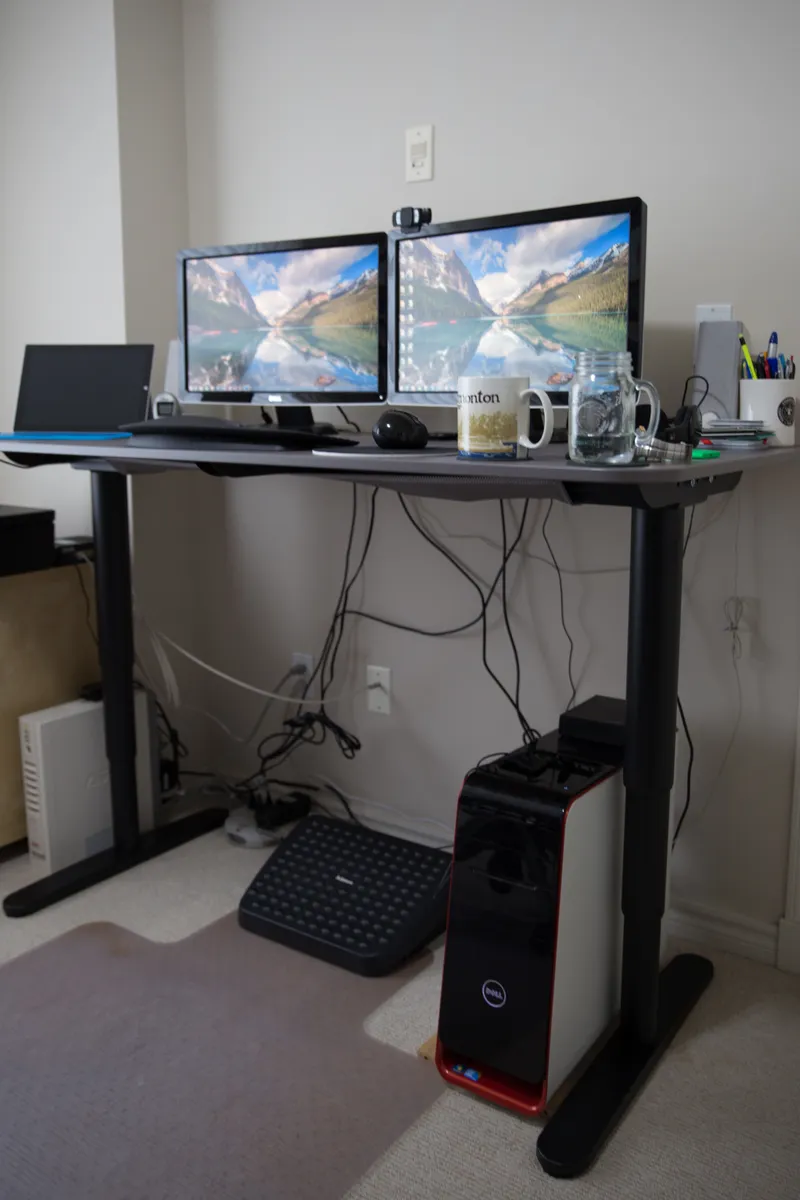
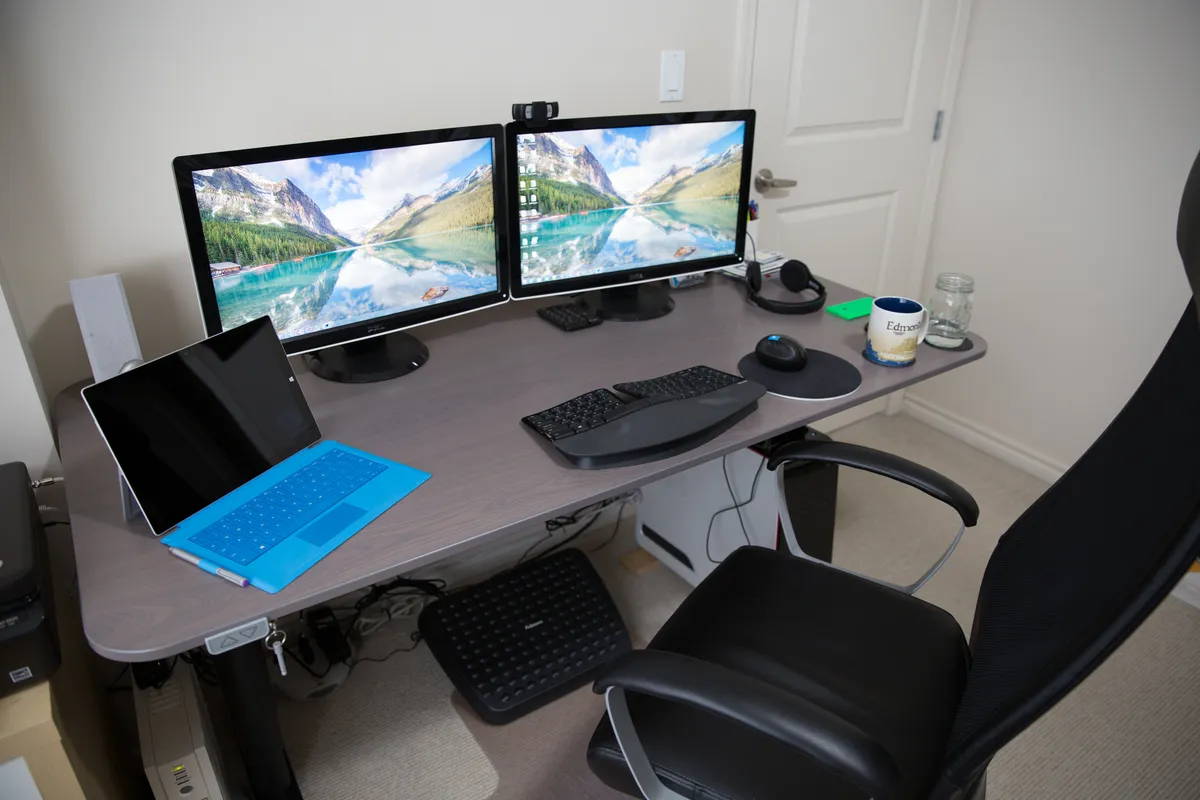
Weight capacity is rated at 355 pounds, which we never came close to testing directly, but it explains why the desk stayed rock-steady even loaded with a dual-monitor arm, a small desktop printer, and a heavier mechanical keyboard and stand-mounted laptop dock all at once. Desk wobble at standing height, a genuine problem with cheaper frames that flex noticeably when typing at full extension, was minimal here — a light amount of sway when typing firmly at maximum height, but nothing that interfered with actually working or made us nervous about the monitor arm mounted on it.
The control panel and programmable presets
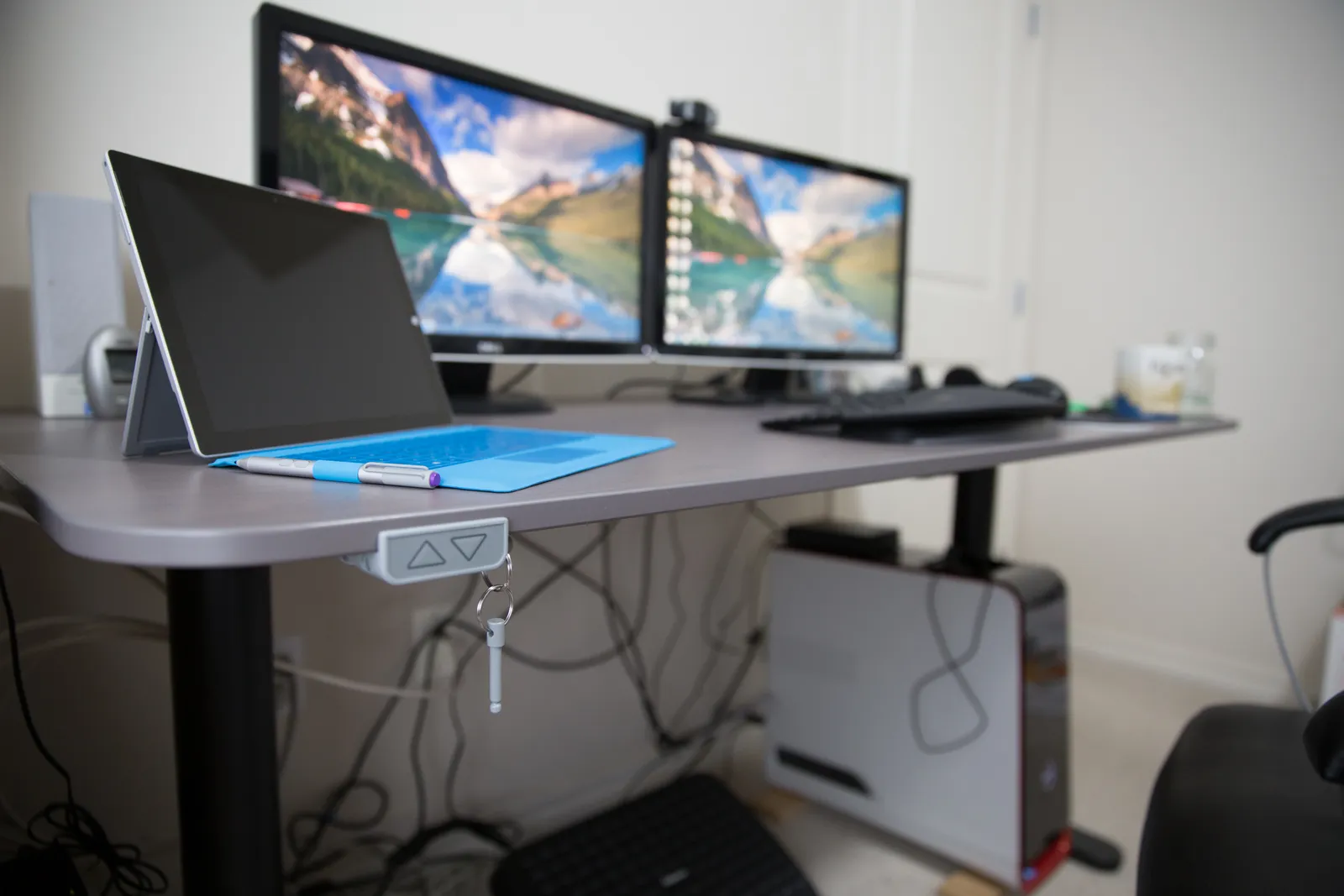
The keypad has four programmable height presets plus up/down buttons, and we set ours to a seated typing height, a standing height, a slightly lower "leaning" height for casual reading, and a maximum height reserved for a rarely-used stretch break position. Being able to hit a single button and walk away while the desk silently adjusts, rather than holding a button and watching a slow single-speed motor crawl to height, removed the last bit of friction that had made us skip standing sessions on our old manual crank desk. An anti-collision safety feature that stops the desk if it senses resistance during movement triggered exactly once, when a desk drawer we'd added underneath caught on a chair arm, and it worked as advertised rather than continuing to force the motion.
Two months of actual sit-stand habits
The honest answer to "does owning a standing desk make you stand more" is: only if you build the habit deliberately. For the first two weeks we used the standing position enthusiastically, then usage dropped off noticeably as work got busier and the seated position became the default again out of sheer momentum. Setting a recurring reminder to switch positions roughly every 90 minutes brought our standing time back up to a sustainable one to two hours a day by the end of the two-month period, which lines up with general ergonomics guidance that alternating positions matters more than standing continuously for long stretches.
Noise level and cable management
Motor noise during height transitions is genuinely quiet, quiet enough that a video call in progress in the same room barely registered it, which matters for anyone working in a shared space or taking calls throughout the day. FlexiSpot sells a separate cable management tray and a fabric sleeve for the power and monitor cables running between the fixed base and the moving desktop, both of which we added after the first week once the mess of cables swinging during height changes became annoying enough to fix. Without those add-ons, cables tend to droop and occasionally catch on the frame's crossbar during a full range lift, a minor but avoidable annoyance.
Ergonomic accessories we ended up adding
Beyond the desk itself, we found a proper monitor arm made a bigger difference to actual posture than the height adjustment alone, since it let us fine-tune eye-level height independently of desk height rather than relying on laptop stands or stacked books. An anti-fatigue mat helped considerably during longer standing stretches, addressing the sore-feet complaint that is the most common reason people abandon standing desk habits within the first month. A keyboard tray was not necessary with this frame's height range, since the desktop itself goes low enough for comfortable seated typing without one, which isn't true of every standing desk we've used previously.
We also underestimated how much floor space clearance matters until we lived with it daily: the crossbar sits low enough that under-desk storage bins needed to be chosen carefully to clear it during the lowest sitting height, and a desk-mounted drawer we initially placed too low triggered the anti-collision stop during transitions until we repositioned it. None of this is a flaw in the desk so much as a reminder that a sit-stand frame changes the usable space underneath it in ways a static desk doesn't.
Comparison to a cheaper single-motor desk
We'd previously used a budget single-motor standing desk at a co-working space for several months, which makes for a useful comparison. The single-motor unit was noticeably slower to adjust, audibly strained under a monitor arm's weight, and had a lower stated weight capacity that made us hesitant to add much beyond a monitor and laptop. The E7's dual motors clearly justify the price difference for anyone planning to load the desk with real equipment or who values quick, quiet transitions enough to actually use them throughout the day rather than treating the lift function as a once-a-day novelty.
Warranty and long-term confidence
FlexiSpot backs the E7 frame with a multi-year warranty considerably longer than what we found on cheaper competing frames during our pre-purchase research, which mattered to us given that a standing desk's motors and lifting mechanism are the parts most likely to fail over years of daily use, not the static steel or the desktop surface. We haven't needed to test the warranty process directly, but the length of coverage on the motor and frame components was one of the deciding factors that pushed us toward the E7 over a cheaper alternative with a shorter one-year window, and it's worth checking that detail carefully across whatever frames you're comparing before buying, since it varies significantly between brands even at similar price points.
Who should actually buy this
The E7 makes the most sense for people who work from a desk most of the day and have some multi-monitor or heavier equipment setup that a flimsier frame would struggle with, and who are realistic about needing to build a standing habit rather than expecting the desk alone to fix a sedentary workday. Casual users with a single laptop and no back or posture concerns might find a cheaper single-motor frame perfectly adequate, and the price premium here is best justified by the load capacity, speed, and quietness rather than by the sit-stand concept alone, which cheaper desks also technically offer.

The verdict
Two months in, the FlexiSpot E7 has become the desk we recommend to anyone asking about upgrading a home office, specifically because the build quality removes the excuses that make cheaper standing desks gather dust in a fixed position. It's quiet, fast, stable under real equipment loads, and the programmable presets make actually alternating positions frictionless rather than a chore. The habit-building is still on you, but the desk itself stops being the obstacle.
Other products we tested

Ecobee Smart Thermostat Premium Review: Two Months of Real HVAC Testing
We installed the Ecobee Smart Thermostat Premium without a C-wire, tracked its temperature accuracy against a separate thermometer, and measured real energy savings over two months of daily HVAC use.

Bose SoundLink Flex Review: Six Weeks of Hiking, Kayaking, and Beach Days
Six weeks of camping, kayaking, and beach trips show the Bose SoundLink Flex's IP67 rating and PositionIQ orientation sensing are genuinely useful, with honest limits on bass and max volume.

Coros Pace 3 Review: Six Weeks Testing the GPS Watch That Barely Needs Charging
A dual-frequency GPS running watch that trades AMOLED shine for weeks of battery life at a fraction of the price of flagship rivals.