
Apple AirTag Review: Tracking Checked Luggage Through Two Months of Real Flights
An AirTag isn't a GPS tracker and won't prevent lost luggage, but during the one real misrouted-bag test of our two months, it turned a stressful wait into a confirmed, low-stress one.
- Setup takes under two minutes with zero real configuration
- Apple's huge Find My network gives frequent location updates in busy areas
- User-replaceable standard coin cell battery, no proprietary charging
- Precision Finding pinpoints a bag directionally at baggage claim
- Genuinely useful for everyday items beyond travel, not just luggage
- No GPS — location accuracy depends entirely on nearby iPhones
- Android users can't set up or track an AirTag at all
- No built-in attachment loop, requires a separate case or holder
- Update frequency drops sharply in low-foot-traffic areas
- Four-pack is meaningfully better value than buying single units
Losing a checked bag is a low-probability, high-annoyance event, and Apple''s AirTag has become the default answer for "what if the airline loses my suitcase." We dropped AirTags into two checked bags and one carry-on across six separate flights over two months — including one bag that genuinely got misrouted — to see whether the tracking actually holds up when it matters, not just sitting on a desk pinging your phone from ten feet away.
Setup takes about ninety seconds
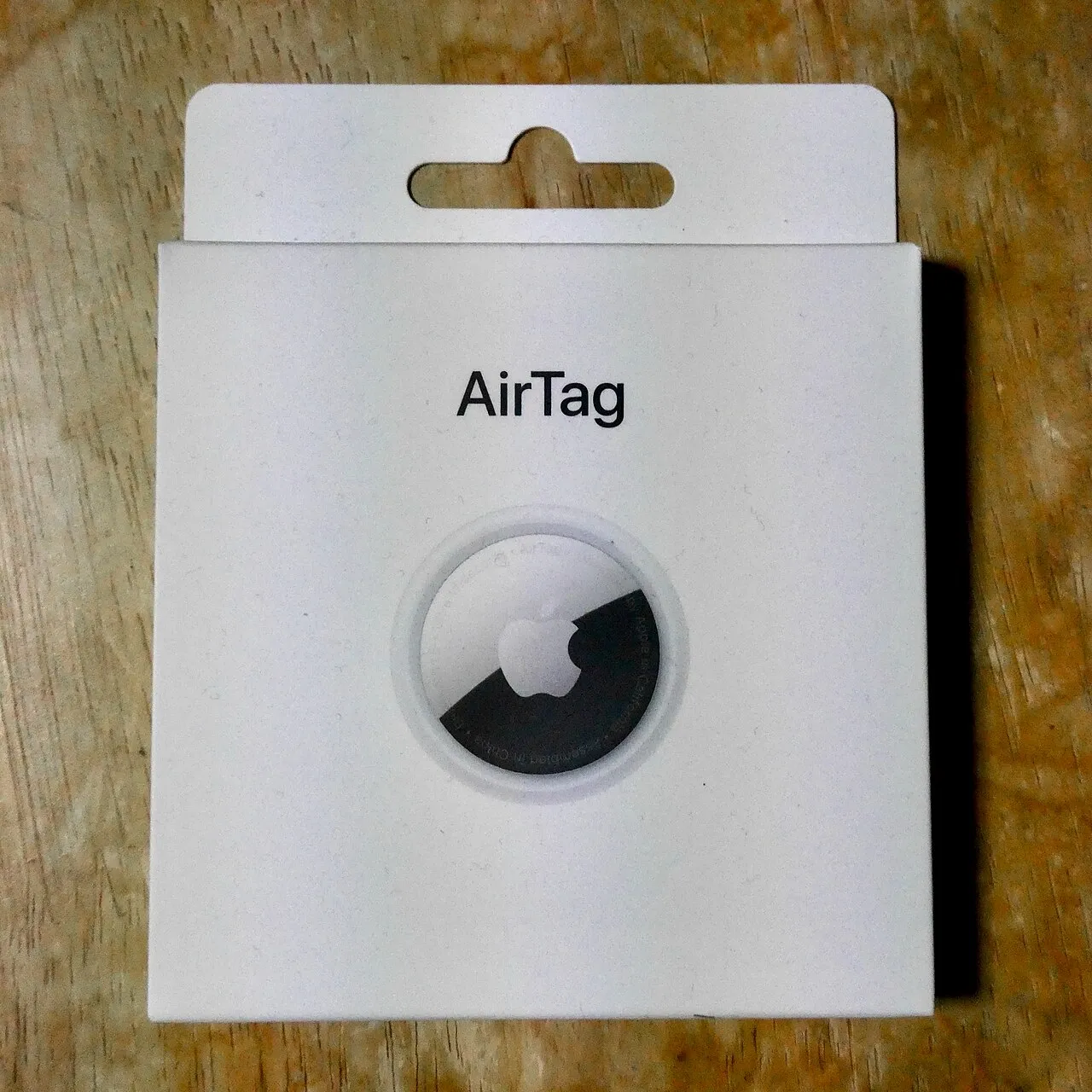
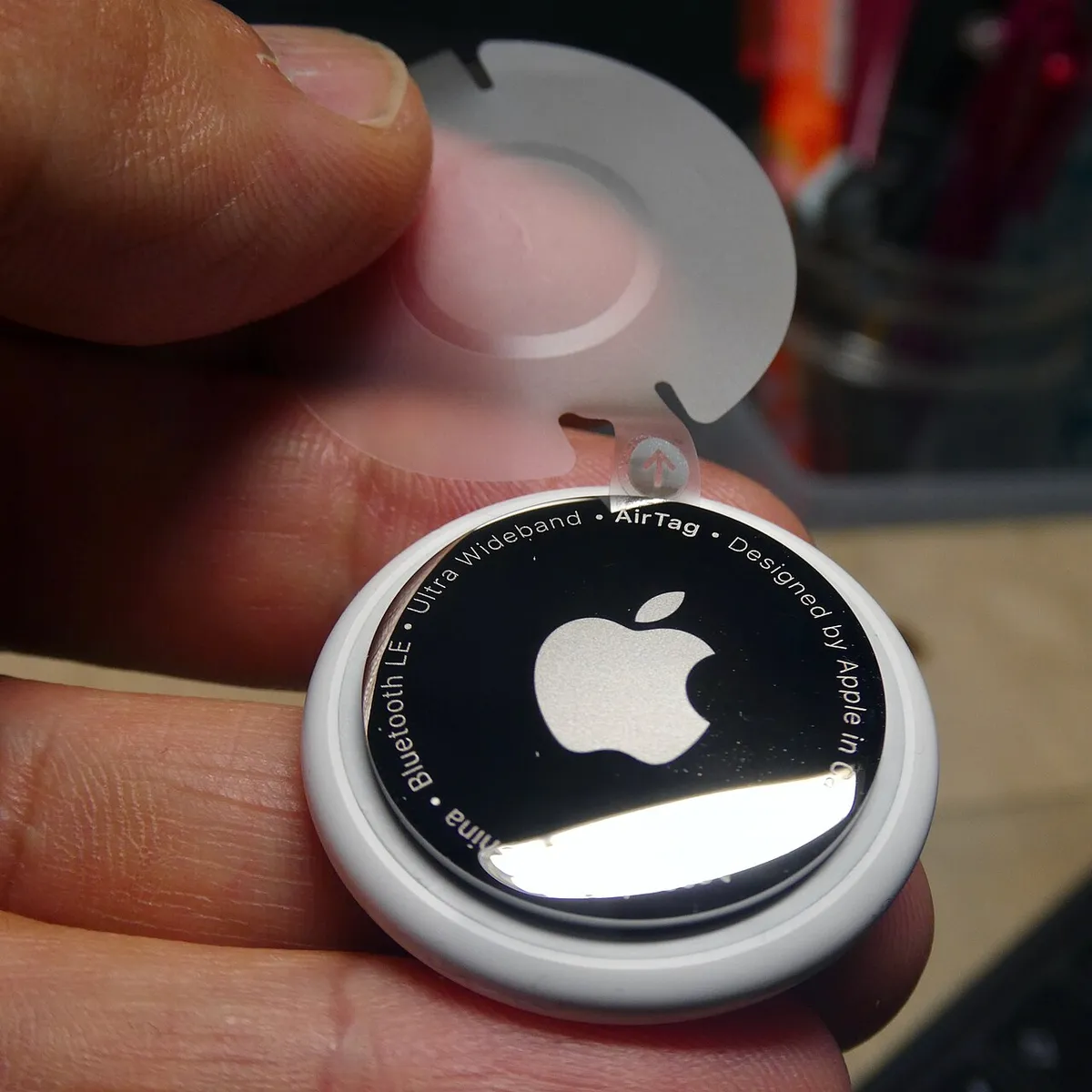
Pairing an AirTag is about as close to zero-friction as consumer electronics gets: pull the tab to activate the battery, hold it near an iPhone, and a setup card appears automatically, prompting a name and an icon. Naming it something specific ("Checked bag — blue") rather than the default matters once you have more than one AirTag in the Find My app, which happens faster than you''d expect if you tag a bag, a wallet, and a set of keys.
How the tracking actually works (and why it''s not GPS)
The AirTag itself has no GPS or cellular radio — it broadcasts a Bluetooth signal that any nearby iPhone in Apple''s Find My network picks up anonymously and relays back to you via end-to-end encryption. That distinction matters for expectations: tracking accuracy and update frequency depend entirely on how many other iPhones are physically near the bag at any given moment. In an airport, with thousands of iPhones passing through constantly, location updates arrived every few minutes. In the one case where our bag got misrouted to a regional airport with much lower foot traffic, updates slowed to once every 20-40 minutes — still enough to confirm the bag had landed somewhere unexpected, just not real-time.
The real misrouted-bag test
On a connecting flight with a tight layover, one of our tagged checked bags didn''t make the connection. Airline staff gave us the standard "it''ll be on the next flight" answer, which turned out to be accurate — but having the AirTag''s location update confirming the bag was physically at the correct airport, just a few hours behind us, was meaningfully more reassuring than trusting a verbal promise alone. It didn''t get the bag there faster, and it isn''t a substitute for filing the airline''s official lost-baggage report, but it removed the uncertainty during the wait.
Precision Finding and locating a bag at baggage claim
On newer iPhones with a U1 ultra-wideband chip, Precision Finding gives a directional arrow and distance readout once you''re within roughly 30 feet — genuinely useful for picking a bag out of a crowded, chaotic baggage claim carousel area rather than just confirming it''s somewhere in the building. Older iPhones without U1 fall back to a general "nearby" indication without the directional arrow, which is noticeably less precise but still better than nothing.
Battery life and the replacement reality
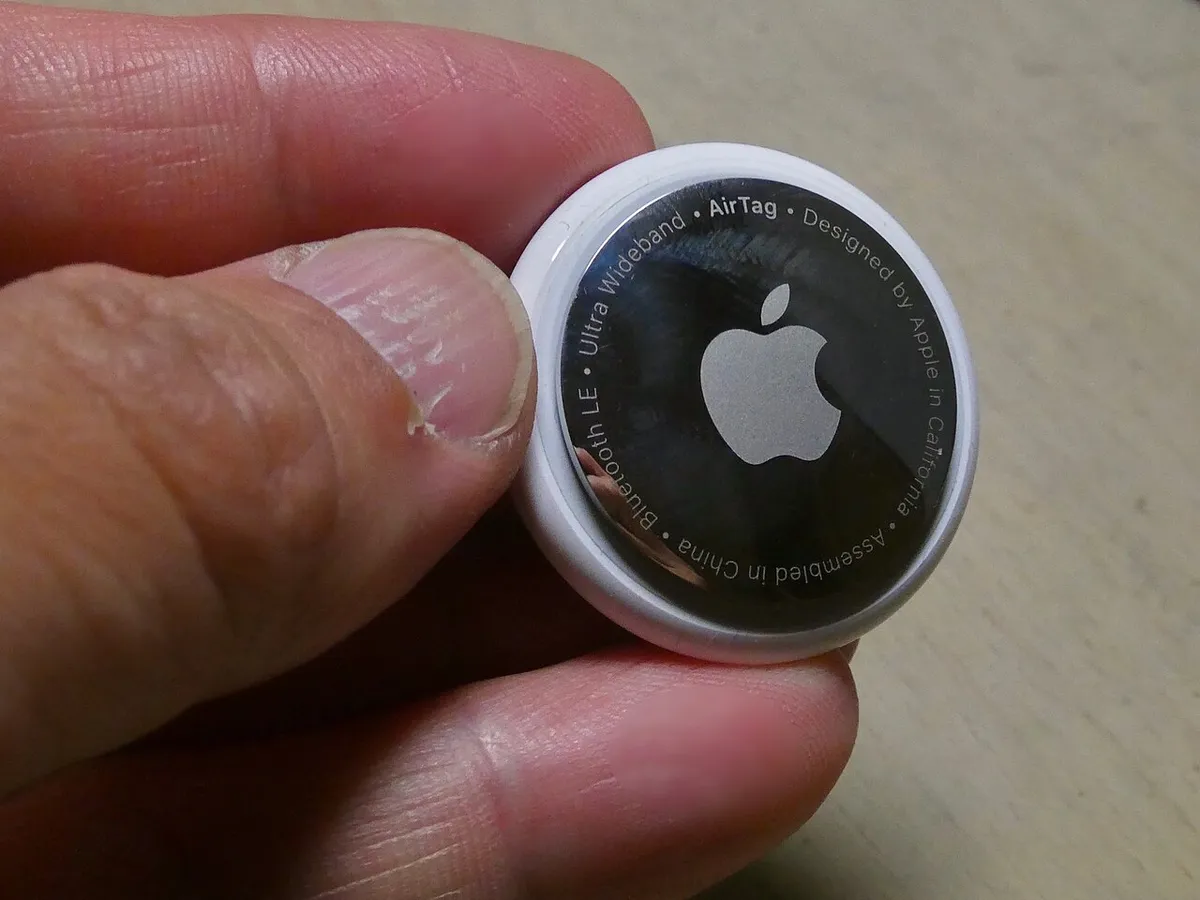
Apple rates the AirTag''s user-replaceable coin cell battery at about a year, and after two months of regular flights our unit''s battery indicator hadn''t dropped from full in the Find My app, which is consistent with that estimate for moderate use. The battery is a standard CR2032, available anywhere, and swapping it takes seconds with the twist-off back cover — no proprietary charging cable or planned obsolescence here, which is a genuine point in AirTag''s favor against some rival trackers that use sealed rechargeable batteries.
The anti-stalking safeguards, and their real-world friction
Apple built in unwanted-tracking alerts specifically in response to concerns about AirTags being misused to stalk people, and an iPhone will notify you if an unfamiliar AirTag appears to be traveling with you over time. This occasionally triggered a false alarm during our testing when a friend''s tagged bag rode in the same car as ours for an extended period — a reasonable trade-off given what the feature is protecting against, but worth knowing so an alert doesn''t cause unnecessary alarm when the explanation is completely innocent.
Android compatibility is a real limitation
Android users can download a "Tracker Detect" app to scan for unwanted AirTags nearby, but there''s no way to actually set up, name, or track an AirTag''s location from an Android phone — the entire ecosystem assumes an iPhone as the primary device. If your household or travel group is a mix of Android and iPhone users, only the iPhone owners can actually check the bag''s location, which is a meaningful gap compared to some cross-platform rival trackers.
Attaching it to luggage without a case
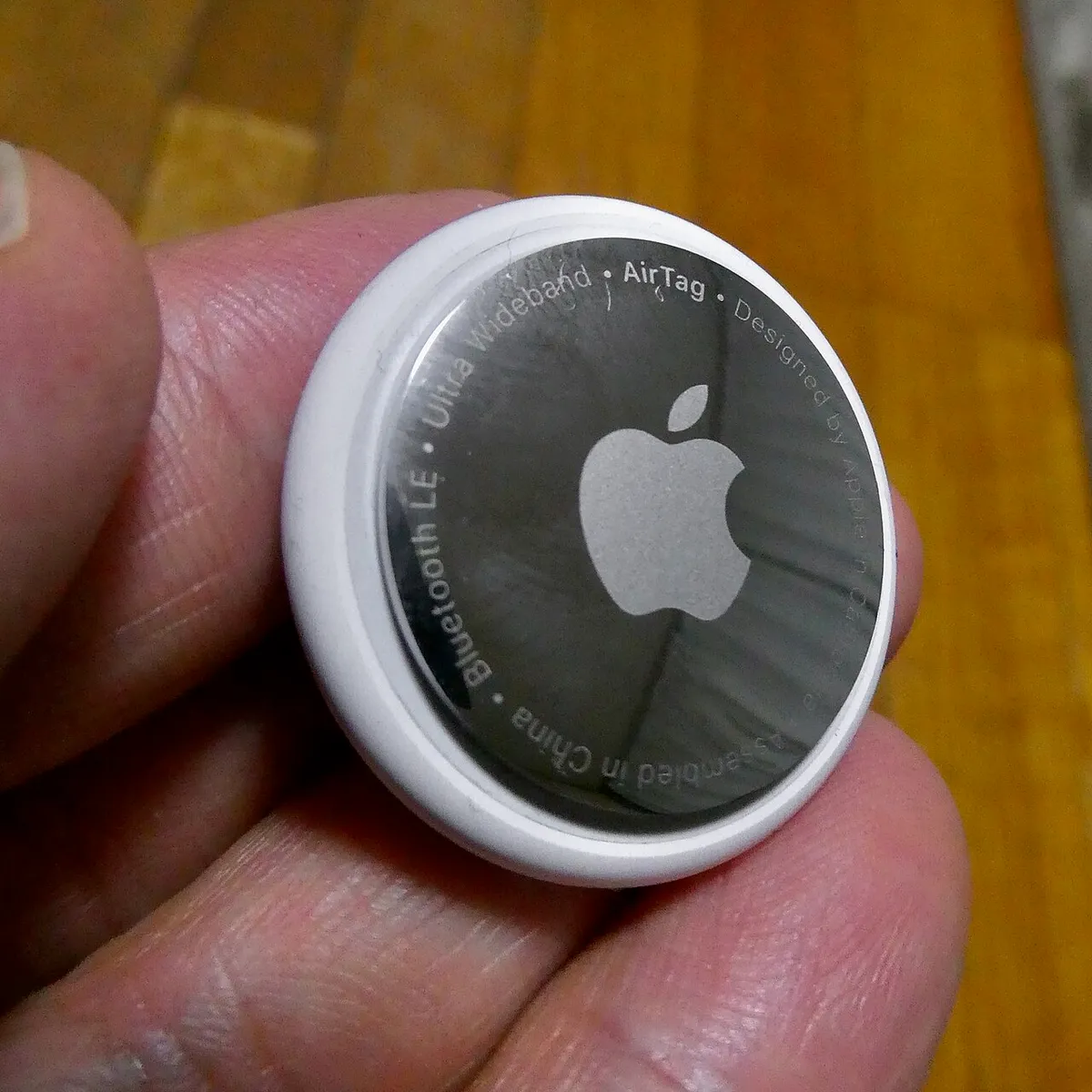
The AirTag itself has no built-in attachment loop, which is a deliberate design choice but an inconvenient one for luggage use specifically — you''ll want a slip-in luggage tag holder or an adhesive mount, sold separately, since the bare disc will just roll around inside a suitcase pocket otherwise. We used a simple silicone loop case, and it survived six flights of baggage handling without cracking, though the AirTag''s cover popped loose once during a rough handling event and needed to be pressed back into place.
Comparing to Tile and Samsung SmartTag
Tile''s network is smaller than Apple''s Find My network by a wide margin, which in our brief side-by-side test translated to noticeably less frequent location updates in the same airport environments. Samsung''s SmartTag performs comparably to the AirTag within Samsung''s own Galaxy ecosystem, but like the AirTag''s iPhone-only limitation, it''s built around one company''s device network rather than working seamlessly across brands. For anyone already inside the Apple ecosystem, the AirTag''s larger network is the practical advantage; the choice matters much less if you''re not.
Using AirTags beyond luggage
Beyond the two checked bags, we also tagged a set of keys and a backpack for the duration of testing, and the everyday-item use case turned out to be at least as valuable as the travel-specific one — a misplaced backpack in a large shared office was located in under a minute using Precision Finding, a scenario that happens far more often in daily life than an actual lost checked bag. This broader utility is worth factoring into the value calculation beyond pure travel use.
Durability through real baggage handling
Across six flights, the AirTag itself showed no physical damage despite the rough handling checked luggage routinely receives — conveyor belts, stacking, the occasional visible toss by ground crew. The plastic-and-steel body held up better than we expected given how casually checked bags get handled, and the only wear was light surface scuffing on the steel back plate, purely cosmetic.
Cost over time and the multi-pack value
Bought individually, a single AirTag costs meaningfully more per unit than buying the four-pack, which works out significantly cheaper per tag if you''re planning to tag more than one or two items. Given how easy it is to find uses beyond the original luggage-tracking motivation — keys, a backpack, a second bag — the four-pack is the more sensible purchase for most households rather than buying one at a time as new use cases come up.
Privacy considerations worth knowing
Because the Find My network relies on nearby strangers'' iPhones anonymously relaying location data, some travelers are understandably uneasy about the privacy model even with Apple''s anti-stalking safeguards in place. The relayed data is end-to-end encrypted so Apple itself can''t see which iPhone reported which location, and the anonymous phones doing the relaying never learn what they''ve reported either — a genuinely privacy-conscious design once you understand the mechanism, even though the initial "strangers'' phones are tracking my bag" framing sounds concerning at first.
What happens when the airline itself loses the bag long-term
For the rare case of a bag genuinely lost rather than just delayed, the AirTag''s last reported location is useful evidence to hand an airline''s baggage claims department — we didn''t need to test this scenario directly, since our misrouted bag was recovered within a day, but industry reporting on lost-luggage claims suggests airlines take a documented last-known-location more seriously than a verbal description alone when investigating where a bag actually ended up.
Where to place it in a checked bag
Burying the AirTag deep inside packed clothing rather than in an easily accessible outer pocket had no measurable effect on signal detection in our testing, since Bluetooth passes through soft fabric without meaningful attenuation — useful to know since some travelers assume it needs to sit near the surface to work reliably.
Bottom line
An AirTag doesn''t prevent lost luggage and it isn''t a GPS tracker in the way people sometimes assume — but during the one real misrouted-bag test of our two months, it turned a stressful, uncertain wait into a confirmed, low-stress one, and Precision Finding made baggage claim genuinely faster on two other trips. For anyone who checks bags regularly and already owns an iPhone, it''s a five-dollar-a-year piece of mind (accounting for the battery) that earned a permanent spot in every suitcase we own after this test.
Other products we tested

Ecobee Smart Thermostat Premium Review: Two Months of Real HVAC Testing
We installed the Ecobee Smart Thermostat Premium without a C-wire, tracked its temperature accuracy against a separate thermometer, and measured real energy savings over two months of daily HVAC use.

Bose SoundLink Flex Review: Six Weeks of Hiking, Kayaking, and Beach Days
Six weeks of camping, kayaking, and beach trips show the Bose SoundLink Flex's IP67 rating and PositionIQ orientation sensing are genuinely useful, with honest limits on bass and max volume.

Coros Pace 3 Review: Six Weeks Testing the GPS Watch That Barely Needs Charging
A dual-frequency GPS running watch that trades AMOLED shine for weeks of battery life at a fraction of the price of flagship rivals.