
How to Choose Wireless Earbuds: What Actually Matters
A no-hype breakdown of which wireless earbud specs actually affect daily listening -- ANC, fit, real-world battery life, codec/latency, IP rating, multipoint, and case charging -- and when a cheaper pair is genuinely the smarter buy.
Wireless earbuds have become one of the most personal tech purchases people make — worn for hours a day, pressed against skin, judged constantly against a spec sheet that rarely tells the whole story. Walk into any electronics aisle or scroll any retailer's earbuds category and you'll see the same marketing language repeated across wildly different price tiers: "industry-leading ANC," "40 hours of battery life," "studio-quality sound." Some of that is true. Much of it is true only under lab conditions nobody actually experiences.
This guide is for anyone who has felt burned by a pair of earbuds that looked great on paper and disappointed in daily use — the ANC that did nothing on a plane, the battery that died in three hours instead of the promised eight, the case that stopped charging after four months. It's also for anyone about to spend money for the first time and would rather understand what actually matters before comparing checkout prices. We're not reviewing one specific product here. Instead, we're breaking down the eight factors that separate a genuinely good pair of earbuds from a good-looking spec sheet, and being honest about where spending more actually buys something and where it just buys a logo.
Quick answer: what actually matters, ranked
If you read nothing else, here's the short version, roughly in order of how much each factor affects daily satisfaction:
- Fit — the single biggest determinant of both comfort and sound quality. No feature fixes a bad fit.
- Real-world battery life — expect 70-80% of the advertised number in the first year, less after.
- ANC quality — matters enormously for commuting/flying, matters much less at a desk.
- Codec and latency — only matters if you game on your phone or watch a lot of video; irrelevant for music-only listening on iPhone.
- IP rating — matters if you run or lift; largely irrelevant if you don't.
- Multipoint pairing — a genuine quality-of-life feature if you switch between laptop and phone constantly; a non-issue if you use one device.
- Case charging speed/wireless charging — a nice-to-have, rarely a dealbreaker.
Below, we go through each of these in enough detail that you can read any product listing and know which numbers to trust and which to ignore.
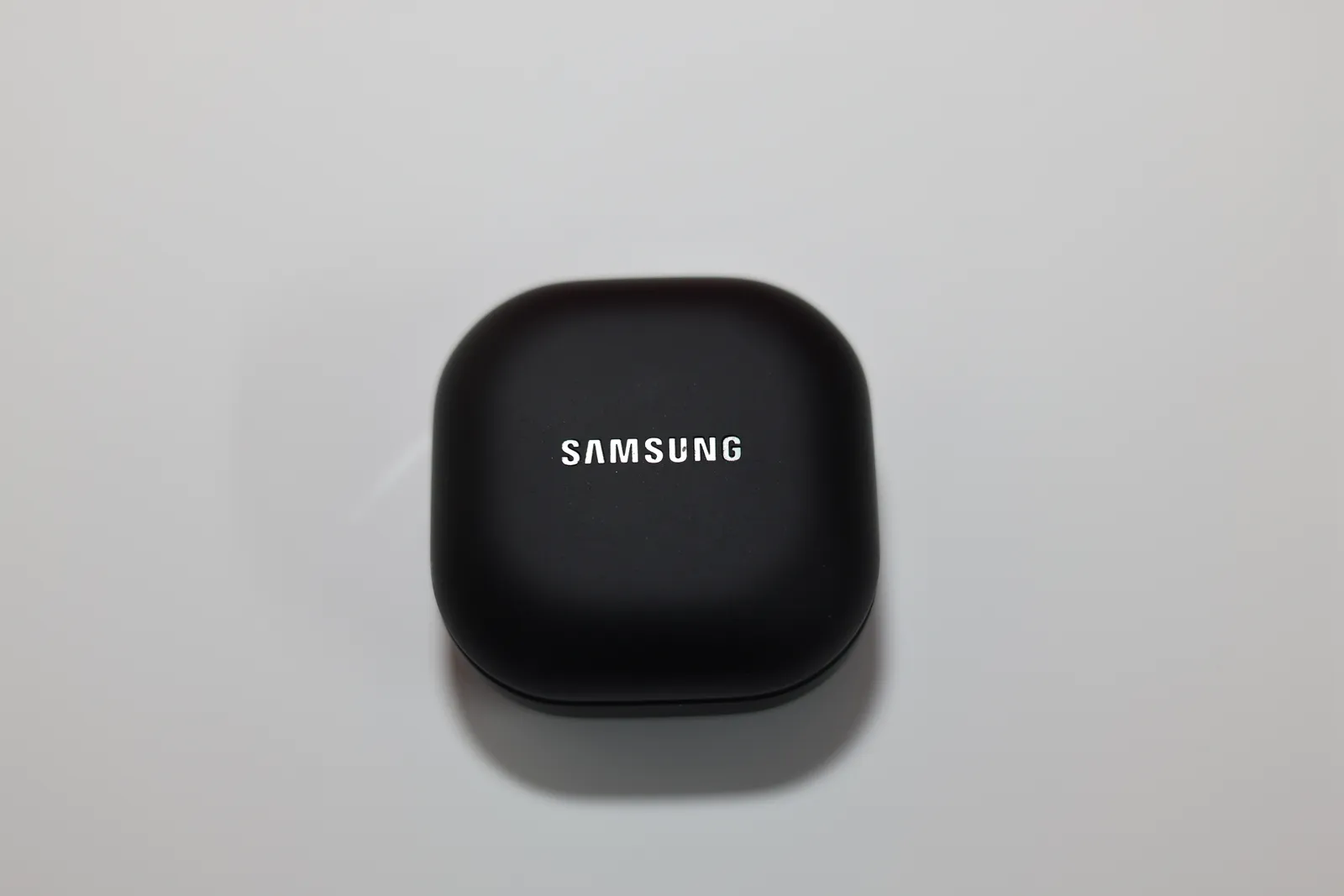
How to evaluate active noise cancellation (ANC)
ANC quality is the feature most exaggerated in marketing copy, because it's genuinely hard to quantify and even harder to compare without hearing both products side by side. A few things are worth knowing before you trust a "best-in-class ANC" claim.
First, ANC works best on low, constant-frequency noise — airplane engine drone, HVAC hum, highway road noise. It works far less well on sudden or high-frequency sound: a baby crying, a dog barking, someone talking nearby, a car horn. If a listing brags about ANC "blocking out the world," read that as marketing for the specific case of steady background rumble, not silence in general. Second, ANC effectiveness is deeply tied to fit. A noise-cancelling earbud that doesn't seal well in your ear canal will underperform badly compared to the same earbud sealed properly, because a huge portion of noise cancellation on in-ear designs comes from passive physical blocking, with the active electronics doing the rest. This is why two people can buy the identical earbuds and have completely different opinions of the ANC — one has ears the stock tips fit, the other doesn't.
Third, transparency/ambient mode (the opposite of ANC, letting outside sound in) is worth testing in-store or during a return window if you'll use it for walking near traffic or having conversations without removing earbuds. Cheap implementations sound tinny, artificial, or introduce a faint hiss; good ones sound close to not wearing earbuds at all. This feature varies by price tier more reliably than ANC strength does.
Fit and ear tips: the most underrated spec
If you take one thing from this guide, take this: fit matters more than every other spec combined. A poorly fitting earbud will have worse ANC, worse bass response (bass depends heavily on an airtight seal), worse call quality, and will physically fall out during exercise — regardless of how good the internals are. Most earbuds ship with 3-4 silicone tip sizes. Try all of them, not just the one pre-installed. The correct fit creates a seal that noticeably dampens outside sound even with ANC off — if you can't get that seal with any included tip, look at aftermarket foam tips (Comply and similar brands make universal replacements) before assuming the earbuds themselves are the problem.
Ear shape varies enough between people that the "best" earbuds according to reviewers can be a poor physical fit for you. Stem-style designs (like most AirPods) sit differently than bean-shaped in-canal designs. If you've historically had one style fall out or feel uncomfortable, don't assume a new model in the same shape will suddenly fit — the physical geometry of your ear canal doesn't change between product generations.
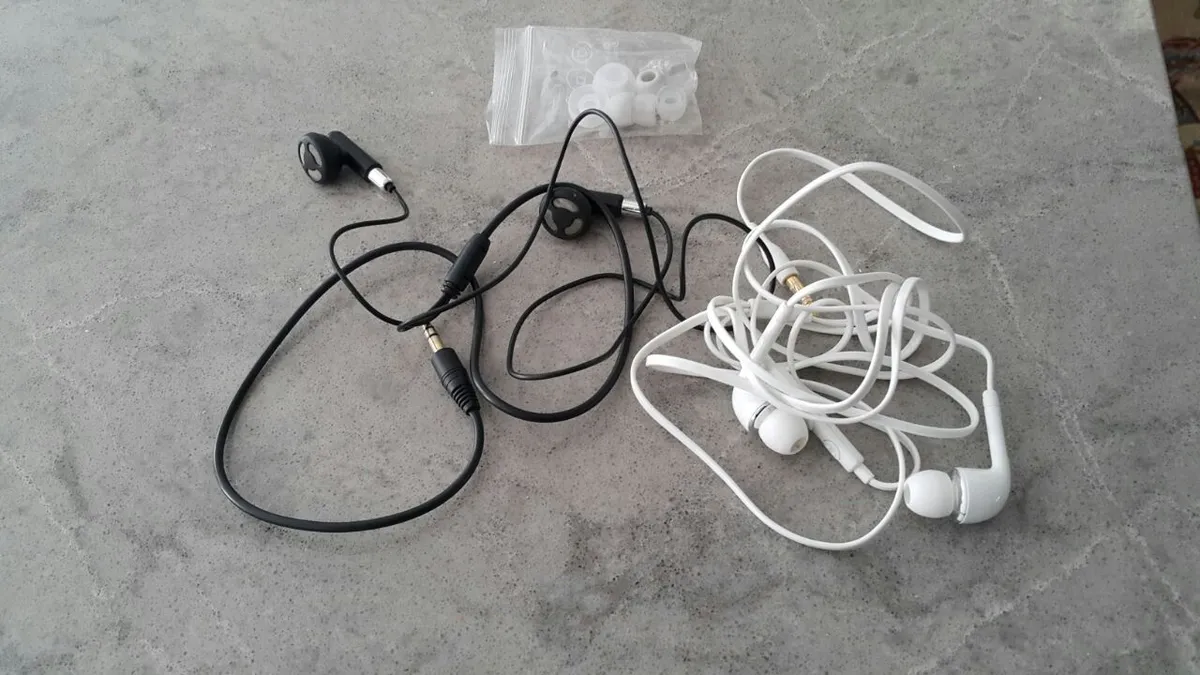
Battery life: marketing numbers vs. real-world numbers
Every earbud listing quotes two numbers: hours per charge on the earbuds themselves, and total hours including the charging case. Both numbers are measured under specific lab conditions — usually 50% volume, ANC off, and a music-only test file — that most people don't replicate in daily use. In practice, expect roughly 15-25% less runtime than advertised once you factor in ANC on, higher volume for commuting or gym environments, and phone calls (which draw more power than music playback on many chipsets). A pair advertised at 8 hours per charge with ANC on will more realistically deliver 6-6.5 hours for most people. That's still usually enough for a full workday of intermittent listening, but it's worth knowing before you plan around the marketing number for something like a long-haul flight.
The bigger real-world issue is battery degradation over time. Lithium-ion batteries in earbuds are small and undergo far more charge cycles than a phone battery (charged fully every time they go in the case, sometimes multiple times a day). It's common for earbuds to lose 20-30% of their original runtime within 12-18 months of regular use. This isn't a defect — it's how the battery chemistry works — but it means a pair that advertises "8 hours" should be evaluated on whether 6 hours after a year of use is still acceptable for how you use them. Manufacturers rarely disclose expected degradation, so treat any battery claim as a best-case, day-one number.
Case battery capacity matters too, separate from earbud battery capacity. A case that only holds one full extra charge is very different from one holding four. If you travel or work away from outlets for full days, the case capacity number matters more than the per-charge number.
Codec and latency: only matters for specific use cases
Bluetooth codec support (SBC, AAC, aptX, aptX Adaptive, LDAC, LC3) gets a lot of attention in enthusiast discussions but affects a small slice of real usage. Here's when it actually matters: If you're on an iPhone, AAC is the codec you'll use regardless of what else the earbuds support — iOS doesn't support aptX or LDAC. AAC is fine for the overwhelming majority of listening. Chasing aptX/LDAC support is pointless for iPhone users. If you're on Android and care about audio fidelity at higher bitrates with lossless-ish streaming services, aptX Adaptive or LDAC support is a genuine (if modest) upgrade — but only noticeable on good source material and only to trained or attentive ears.
Where codec and latency genuinely matter is mobile gaming. Standard Bluetooth audio has 150-220ms of latency depending on codec — enough that you'll visibly notice audio lagging behind on-screen action in a rhythm game or competitive shooter. If mobile gaming is a real use case for you, look specifically for earbuds that advertise a dedicated low-latency/gaming mode (commonly bringing latency down to 45-60ms). This is a genuinely differentiating feature, not marketing fluff — but it's irrelevant if you only listen to music or podcasts, where even 200ms of latency is imperceptible because there's no on-screen action to sync with.
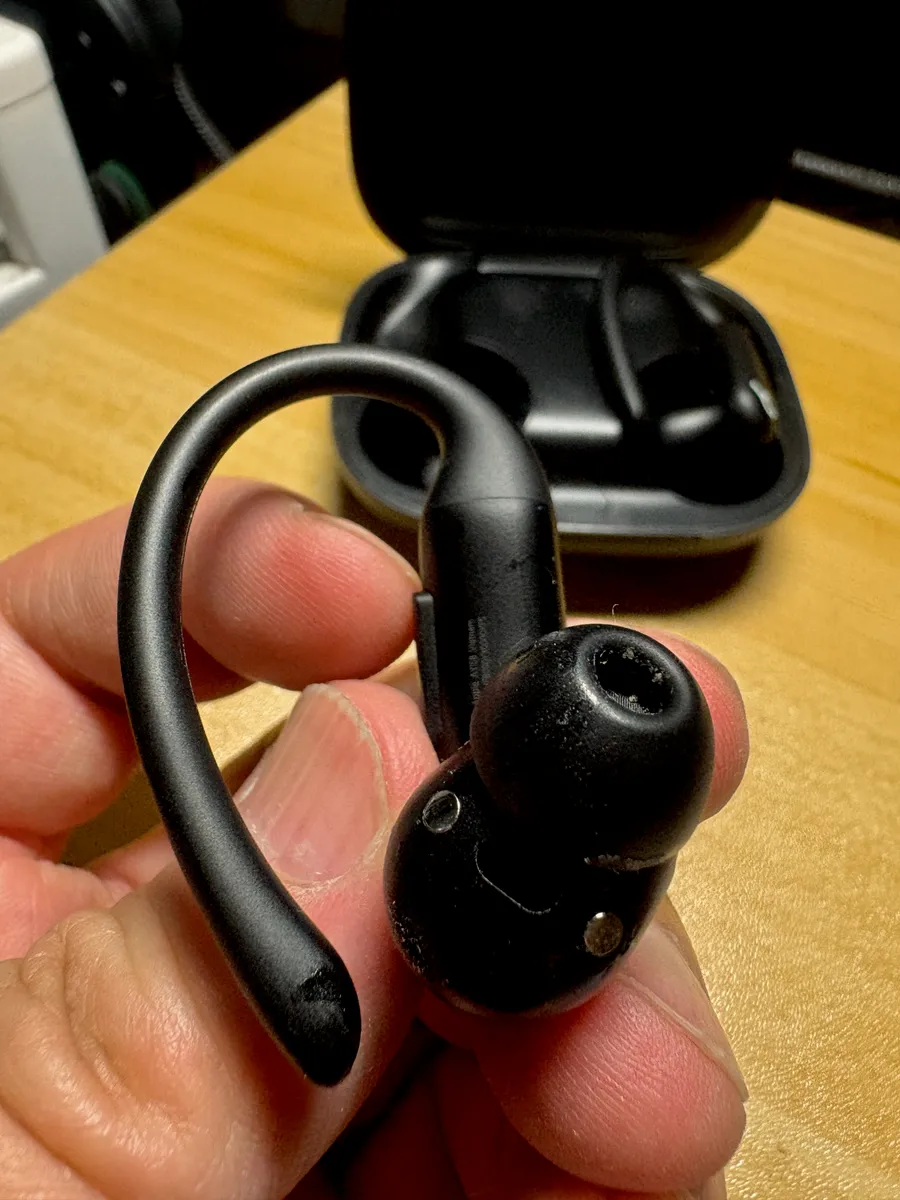
IP rating: what the numbers actually mean for workouts
IP ratings (like IPX4, IP54, IP57) describe resistance to dust and liquid, and the details matter more than the headline number. The "X" in IPX means dust resistance wasn't tested — not that it failed, just not rated. The number after (4, 5, 7, 8) describes water resistance specifically: IPX4 means resistance to splashes from any direction — sweat and light rain, but not submersion. This is sufficient for the overwhelming majority of gym and running use. IPX5/IPX7 add resistance to water jets or brief submersion respectively, useful if you might get caught in heavy rain or accidentally drop them in a puddle, but rarely necessary for indoor workouts.
The honest takeaway: unless you're swimming with them (which requires a specific waterproof rating most earbuds don't have) or training in genuinely wet outdoor conditions regularly, IPX4 is enough. Paying extra for a significantly higher IP rating than your actual use case needs is a common way people overspend without getting a benefit they'll notice.
Multipoint pairing: quality of life, not a gimmick
Multipoint pairing lets earbuds stay connected to two devices simultaneously — commonly a laptop and a phone — and switch audio automatically depending on which is making sound (a call coming in on your phone will interrupt a video playing on your laptop, for example). Without multipoint, switching devices means manually disconnecting from one and reconnecting to the other in Bluetooth settings every single time, which gets old fast if you do video calls on a laptop and take phone calls on your phone throughout the day.
If your daily routine involves one device only — just a phone, say — multipoint is a non-factor and not worth paying extra for. If you regularly move between a work laptop and a personal phone, it's one of the more genuinely useful conveniences on this list, more impactful day-to-day than a marginal ANC or sound quality improvement.
Case charging: wireless charging and battery capacity
Charging case features split into a few categories: USB-C fast charging (now nearly universal and a reasonable baseline to expect), wireless charging (Qi-compatible, convenient if you already have wireless charging pads around but not something to pay a premium for if you don't), and quick-charge claims like "10 minutes of charging = 2 hours of playback" (usually roughly accurate but tested under the same optimistic lab conditions as full battery claims — expect somewhat less in practice).
The case's overall battery capacity is more practically important than how it's charged. A case that only recharges the earbuds once before needing its own recharge behaves very differently on a travel day than one that recharges them four times. Check total combined hours (earbuds + case), not just per-charge hours, if you're evaluating for travel or long days away from outlets.
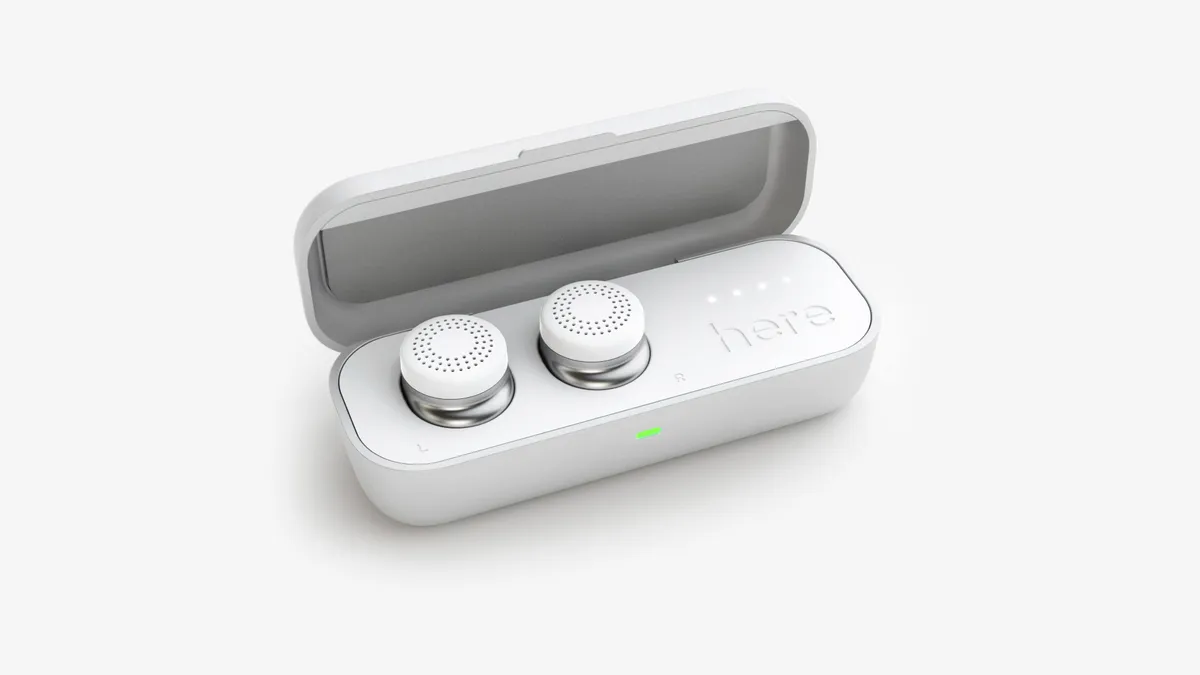
Common buying mistakes
A few patterns show up repeatedly in people who end up disappointed with a purchase: Buying based on ANC marketing alone without considering fit. As covered above, ANC performance is inseparable from how well the tips seal in your ears. The "best ANC in its class" pair reviewed online may perform worse for you than a mid-tier pair that actually fits your ears properly. Paying for a gaming-latency mode you'll never use, or a swim-rated IP rating for gym workouts that never get near a pool. Matching features to actual use case, not to the longest spec sheet, saves real money. Ignoring return policies. Because fit is so individual and can't be judged from a listing, buying from a retailer with an easy return window (rather than a final-sale marketplace listing) is often more valuable than an extra feature on the spec sheet — you can't know if the fit works until you've worn them for a few days. Assuming a much higher price always means much better sound. Above a certain price floor (roughly the point where a brand has decent drivers and a competent tuning), further price increases often buy brand premium, more ANC modes, or app ecosystem lock-in more than they buy audibly better sound to an average listener.
When cheaper earbuds are genuinely the right call
It's worth saying plainly: a lot of people are well served by a budget or mid-range pair, and spending more doesn't automatically improve their experience. If your primary use is podcasts and music at a desk or on a walk, with occasional calls, a well-reviewed pair in the affordable-to-mid tier will likely satisfy you completely — the marginal ANC or sound quality gain from a flagship pair is real but small relative to the price jump, and multipoint or gaming-latency features may be entirely irrelevant to how you use them. Cheaper is the right call when: you don't fly or commute through consistently loud environments (so top-tier ANC buys little), you use one device exclusively (so multipoint doesn't matter), you don't game on mobile (so latency doesn't matter), and you work out only occasionally or indoors (so a high IP rating is unnecessary insurance).
Spending more starts to make sense when: you fly or commute regularly and want genuinely strong ANC and transparency mode, you split time between multiple devices daily, you do serious training in wet or outdoor conditions and want real durability margin, or you're a mobile gamer who needs low-latency mode as a functional requirement rather than a nice-to-have. In each of these cases, the extra spend maps to a feature you'll use constantly, not one you'll notice once and then forget about.
A simple decision framework
Rather than ranking features by importance in the abstract, run through these questions in order and let your actual answers narrow the field: 1. Where will you wear these most? Commuting/flying pushes ANC and transparency mode up in priority. Desk/home use pushes them down. 2. Will you use these for exercise? If yes, prioritize a secure fit style (ear hooks or a snug in-canal design) and at least IPX4. If no, deprioritize IP rating entirely. 3. Do you switch between a laptop and phone during the day? If yes, multipoint pairing is a real quality-of-life feature worth seeking out. If no, ignore it. 4. Do you play games on your phone with audio-critical timing (rhythm games, shooters)? If yes, look specifically for a low-latency gaming mode. If no, ignore codec/latency marketing entirely. 5. What's your return window? Because fit can't be judged from a listing, favor a retailer or model with an easy return policy over one with a marginally better spec sheet. Answering these five questions honestly will usually narrow a huge, confusing market down to two or three realistic options — at which point reading a couple of hands-on reviews of those specific models becomes far more useful than comparing spec sheets across dozens of products. For a closer look at how a well-reviewed noise-cancelling pair performs in real-world testing — including ANC behavior on a commute, actual measured battery life, and fit notes — see our hands-on Anker Soundcore Liberty 4 NC review.
Closing takeaway
The earbuds market is full of specs that sound impressive and matter very little for how most people actually use their earbuds day to day, alongside a smaller set of factors — fit above all, then realistic battery expectations, then ANC quality tied to that fit — that determine almost all of daily satisfaction. Before comparing marketing claims across products, spend a few minutes honestly answering how and where you'll actually use them. That answer will tell you far more about which pair is right for you than any comparison chart, and it might also tell you that the mid-range pair you were about to dismiss is actually the better buy than the flagship one you were eyeing.
More coupon shopping advice

Home Security Camera Buying Guide: Local vs. Cloud Storage
A practical, balanced buying guide to home security cameras that weighs local storage against cloud subscriptions, wired versus battery power, camera placement, night vision, smart detection accuracy, and smart home integration.

Beginner Mirrorless Camera Buying Guide
A practical, honest walkthrough of what actually matters when buying your first mirrorless camera, from sensor size and lens mounts to autofocus, video specs, and the real total cost of a beginner-friendly system.

Air Purifier Buying Guide: CADR, ACH, and Filter Costs Explained
A practical walkthrough of the numbers that actually matter when buying an air purifier — CADR and ACH for sizing, true HEPA versus marketing terms, real three-year filter costs, realistic noise levels, and when a purifier won't help at all.